
Music Tag 2.07
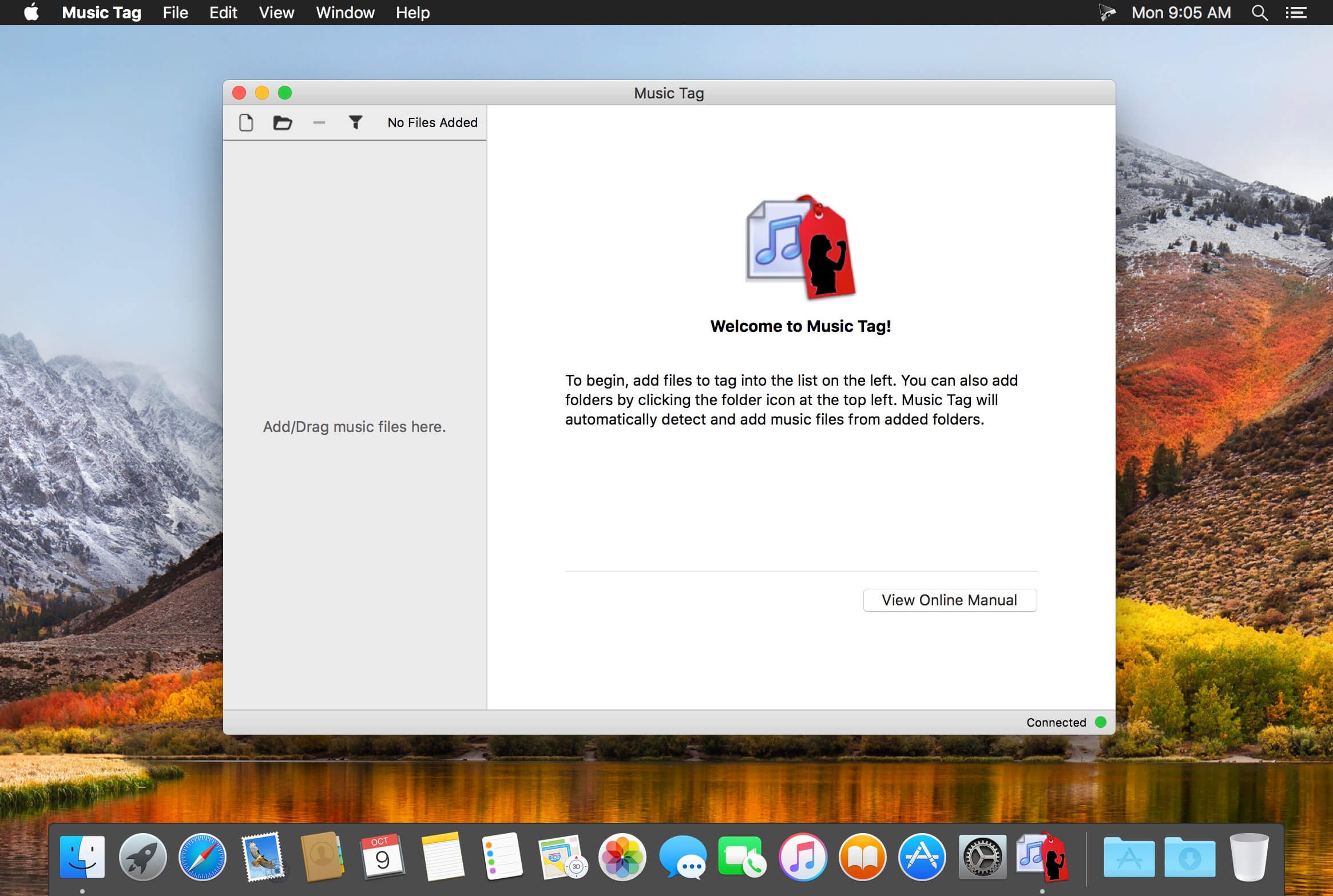
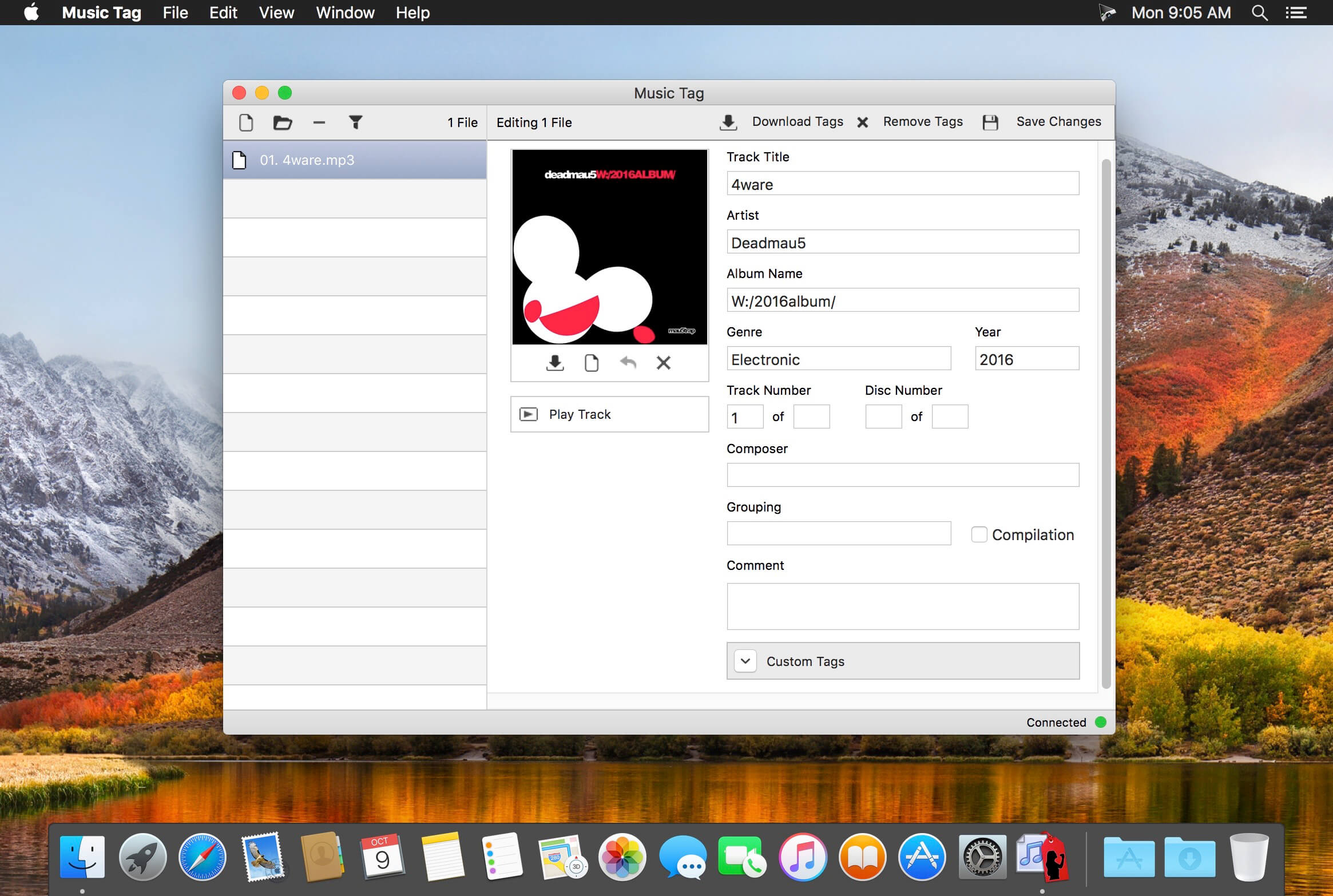
Music Tag analyzes your music library and downloads missing artwork and track data directly to your music files. It is not uncommon to have music files with missing or incomplete tag data. It can often make identifying tracks harder especially as media players use this data to apply sorting and group tracks by artist, album and many other categories. Music Tag resolves this by identifying your music items and downloading the appropriate tag data directly to the file.
Music Tag allows you to specify which folders on your Mac to load your music from. This allows you to download tags for all of your music regardless of which media player you use or whether they are on external storage devices. Once loaded into Music Tag, you can review the tracks and select which tracks to download tag data for. Music Tag uses advanced digital fingerprinting technology to identify your music and then downloads the correct artwork and other data like track Title, Artist, Album and more. If multiple matches are found, Music Tag displays all of the matches allowing you to choose the ones that you prefer.
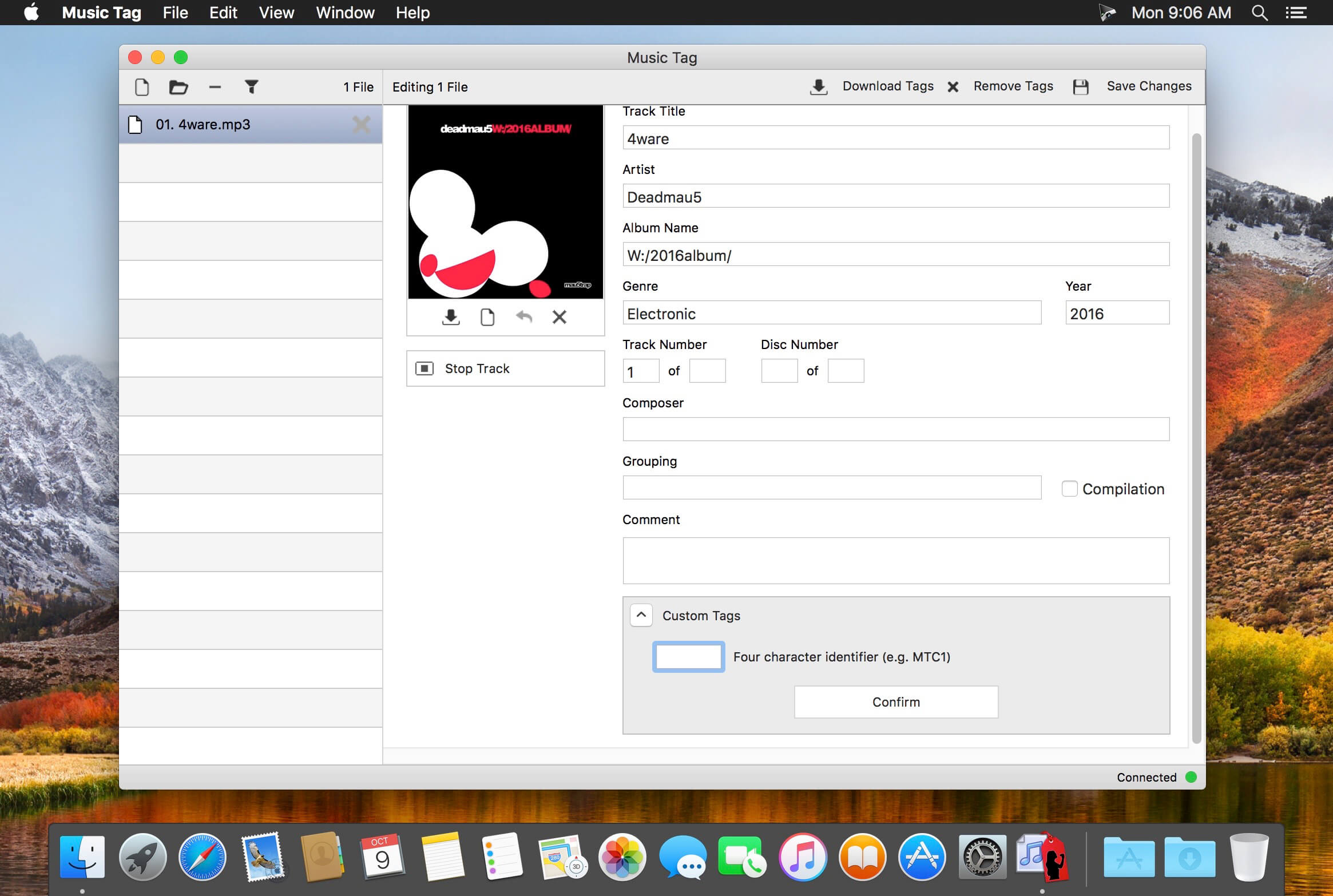
Music Tag also allows you to manually edit tags and set your own artwork. Once you are happy with the results and select to save changes, Music Tag saves this information directly to your music files where it can be accessed by music library software and portable media players.
Version 2.07
- Added ability to create your own custom tags. Numerous usability improvements. Bug fixes.
Frequently asked questions
How do I install the app?
Mount the image, drag the app into the "Applications" folder and launch it. If the system blocks the launch, allow it in "System Settings → Privacy & Security".
The app is damaged or won't launch
Reinstalling from a fresh image usually helps. Make sure your macOS version matches the one listed in the compatibility specs.
How do I update?
Download the new version from the site and install it over the current one — your settings will be preserved.
The download link doesn't work
Try a mirror or a download manager. For large files the browser often drops the connection.
How do I completely remove the app?
Use an uninstaller utility — it cleans up the service files that remain after moving the app to the trash.
VersionMusic Tag 2.07
DeveloperWide Angle
CompatibilitymacOS 10.8 or later, 64-bit processor
LanguageEnglish
IncludesK'ed by TNT





Information
Visitors in the group Guests cannot leave comments on this publication.
Choose a download source
Music Tag 2.07 · 5.58 MB