
PowerPhotos 1.9.12
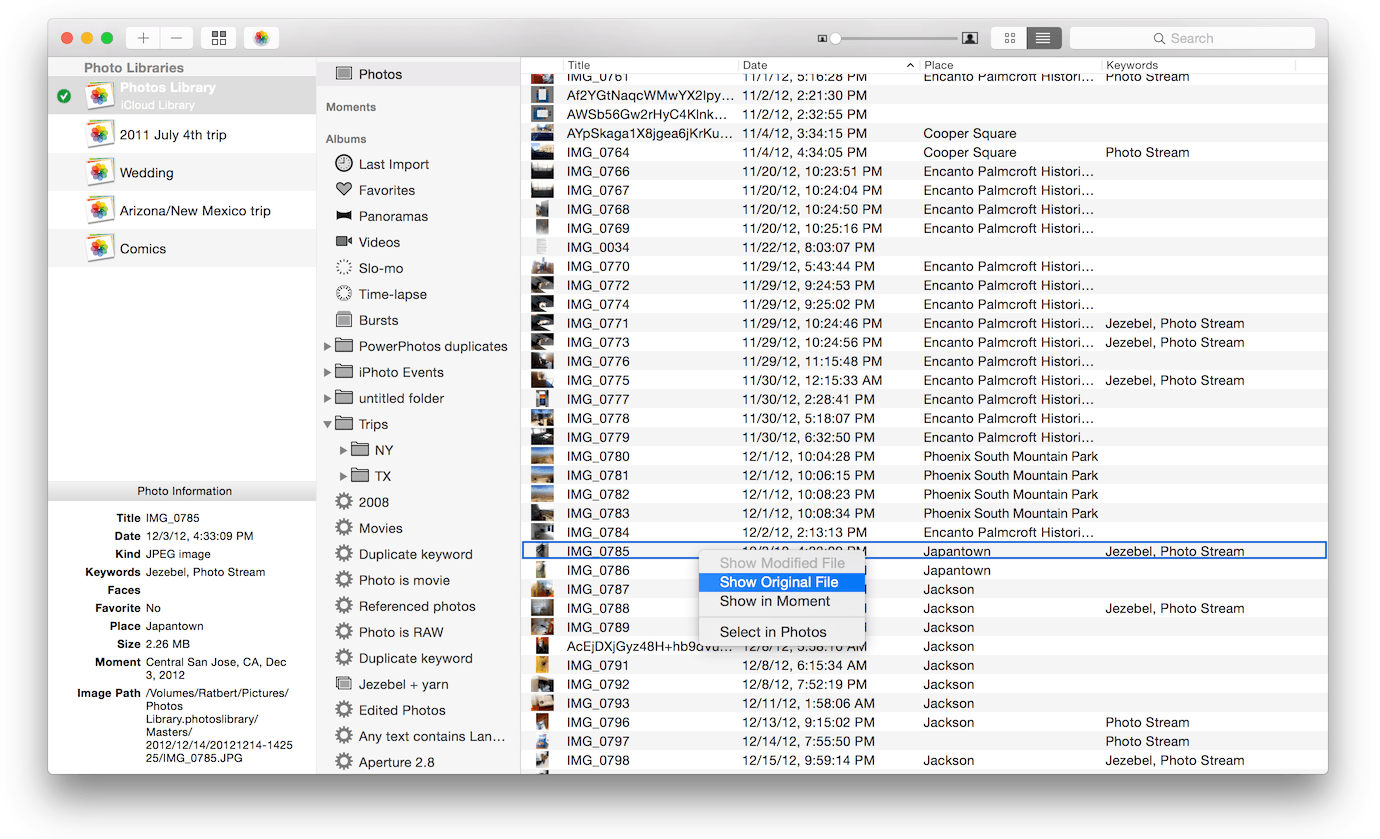
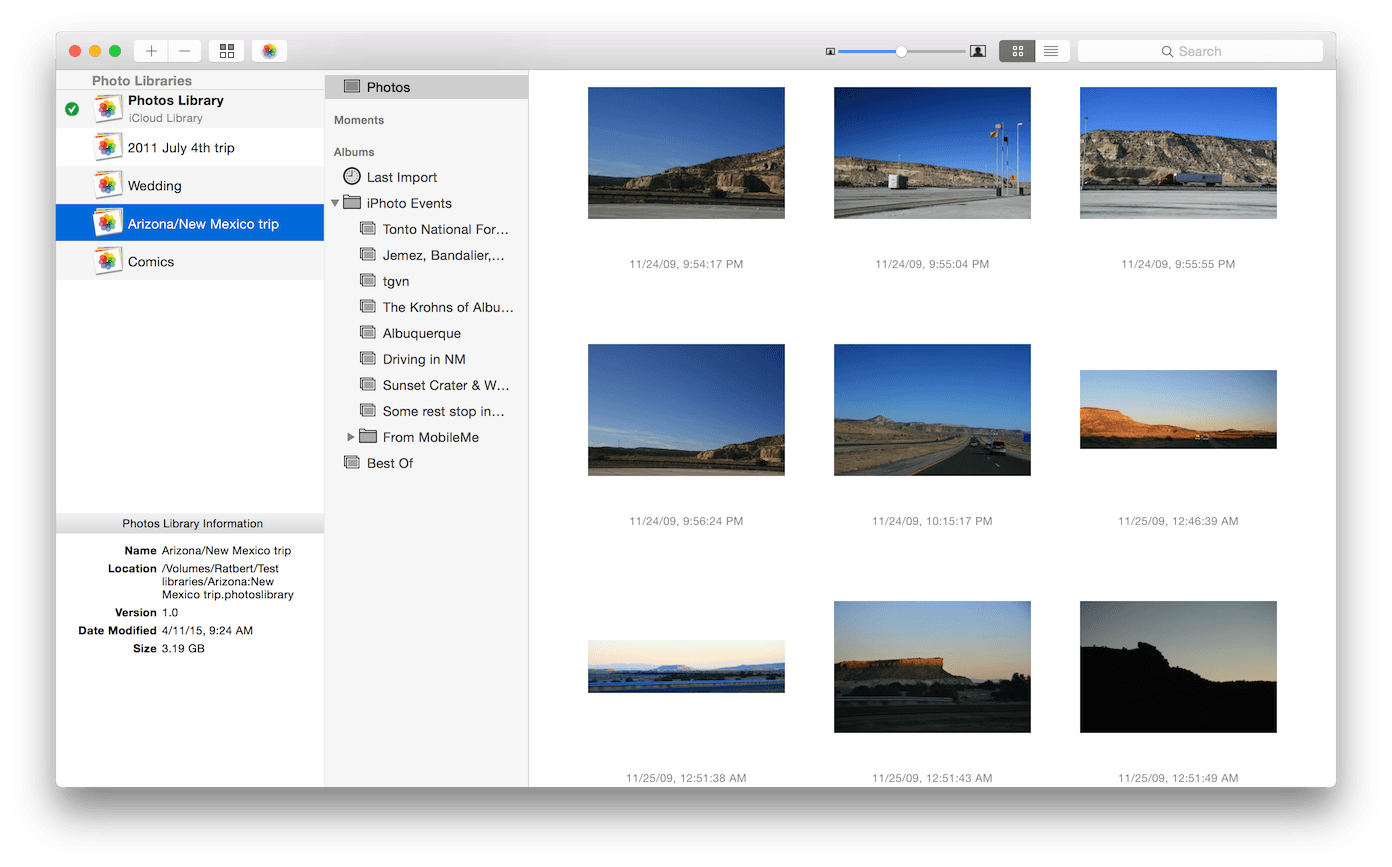
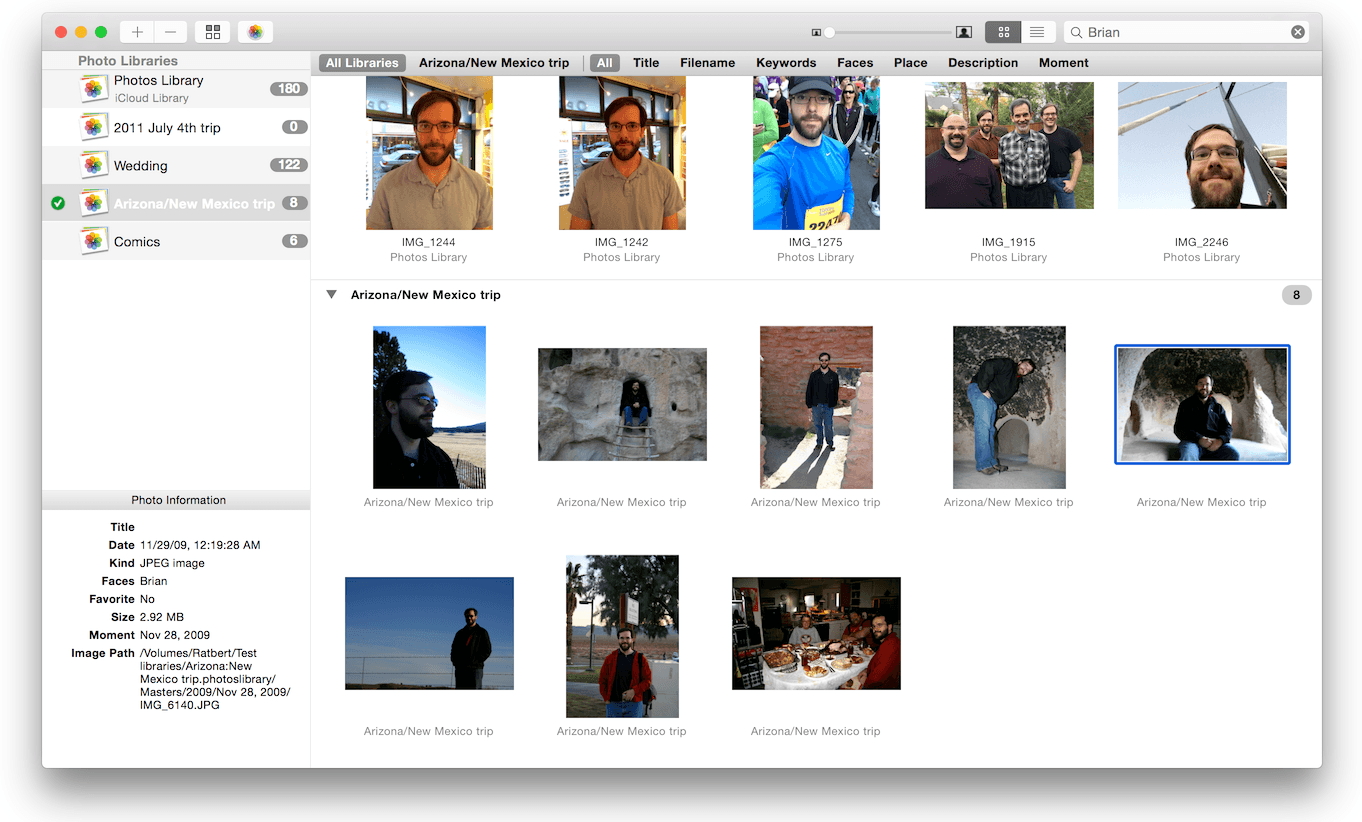
When using the Photos app to organize photos on your Mac, PowerPhotos allows you to break your photos up among multiple Photos libraries, rather than having to store all of your photos in one giant library. You can easily switch between libraries, or just browse the photos in your libraries directly from PowerPhotos, without having to open each library in Photos. PowerPhotos also supports searching across all your libraries at once to help track down a particular photo.
If you use iCloud Photo Library to sync photos with your other devices, splitting up your library can help save on iCloud storage costs. Use a single library to hold a smaller collection that you sync with iCloud, while keeping the bulk of your photos in separate libraries so they don't take up space on iCloud.
PowerPhotos can analyze your libraries for duplicate photos, showing them to you side by side and letting you get rid of extra copies of photos that you no longer need.
Version 1.9.10:
- Fixed a bug where PowerPhotos would think an iPhoto library migration was complete before it had completely finished
- Minor updates for macOS Monterey compatibility
- Fixed a "No asset for photo uuid" error message that could occur when importing photos
- When copying RAW+JPG photos, we no longer copy both photos if the "Copy both" setting isn't selected in the preferences window.
- Fix a bug where PowerPhotos would look for the wrong Photos library name after migrating iPhoto/Aperture libraries containing "iPhoto" or "Aperture" in their name
Frequently asked questions
How do I install the app?
Mount the image, drag the app into the "Applications" folder and launch it. If the system blocks the launch, allow it in "System Settings → Privacy & Security".
The app is damaged or won't launch
Reinstalling from a fresh image usually helps. Make sure your macOS version matches the one listed in the compatibility specs.
How do I update?
Download the new version from the site and install it over the current one — your settings will be preserved.
The download link doesn't work
Try a mirror or a download manager. For large files the browser often drops the connection.
How do I completely remove the app?
Use an uninstaller utility — it cleans up the service files that remain after moving the app to the trash.





Choose a download source
PowerPhotos 1.9.12 · 25.63 MB
Previous versions
PowerPhotos 1.9.12
Previous versions are available to registered users.