
KeepVid Music 8.2.7.1
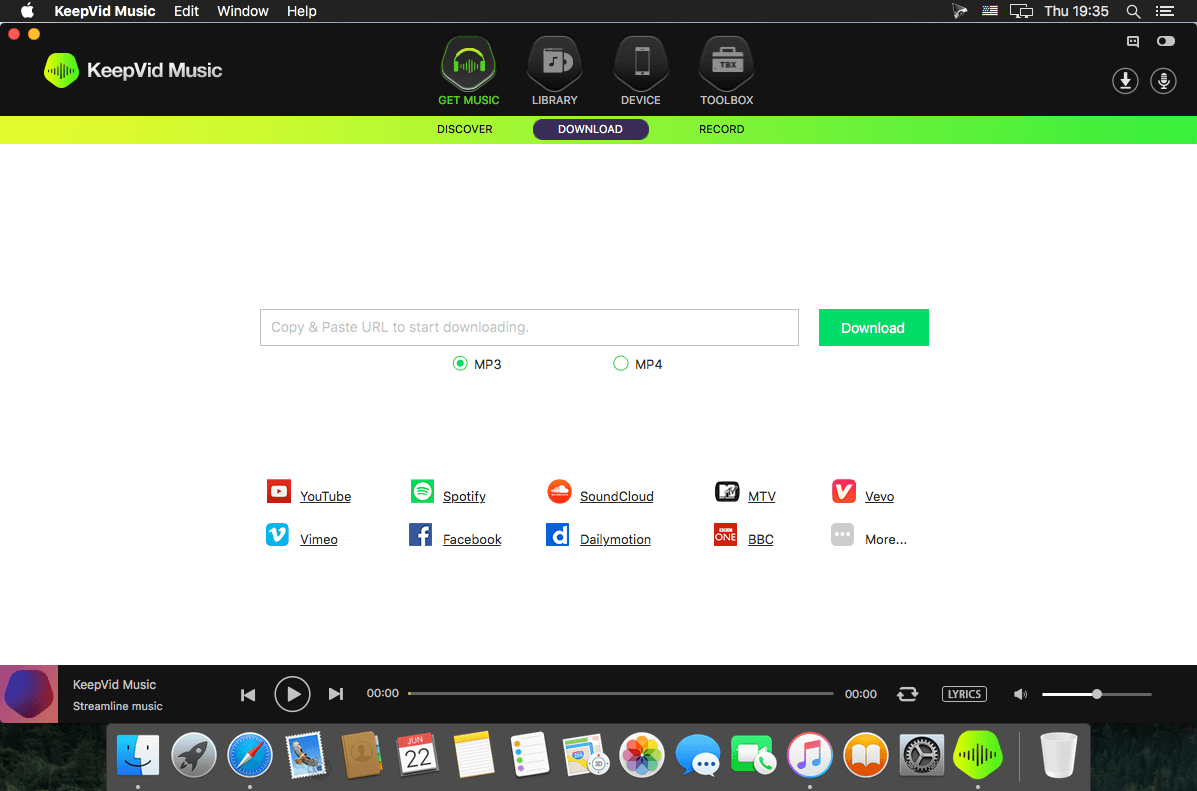
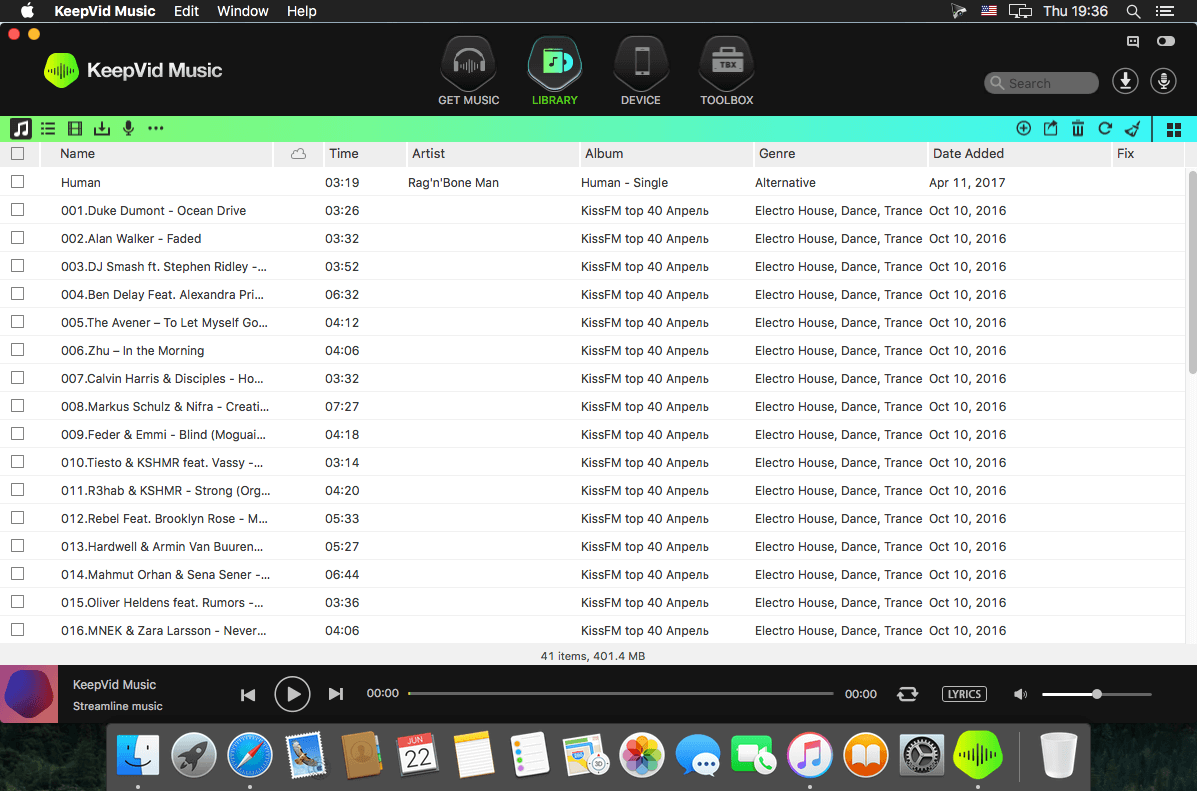
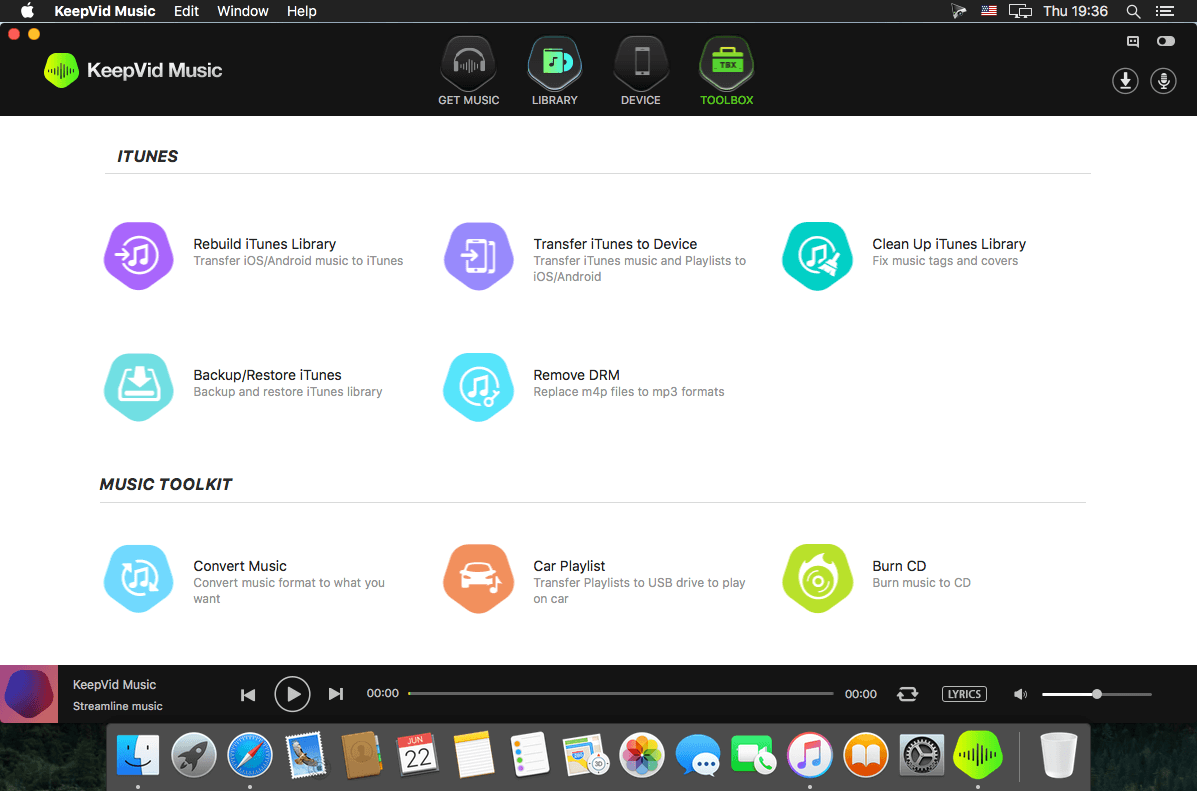
If you are tired of downloading music from various websites or buying them from digital music stores? Then no more KeepVid Music is a free software to download music directly from YouTube website and also for free.
The KeepVid Music can easily download videos from YouTube, apart from downloading it can record, transfer, manage, play and share your music with one click of your mouse. Discovering new music is exciting. Figuring out how to download new music is a headache. That is where KeepVid Music comes in. With KeepVid Music you can easily download, record, transfer, manage, play and share music no matter where you find it. Your music, liberated.
USE ONLINE MUSIC AS YOUR PERSONAL MUSIC SOURCE
Download MP3s directly from YouTube.
Download music from 10,000+ music and video sites! Facebook, Spotify, SoundCloud, MTV, Vevo, Dailymotion, Vimeo, and the list goes on!
RECORD SONGS AND PLAYLISTS
- Capture any song or playlist that you find on the Internet.
- KeepVid Music intelligently filters out any ads and even splits the tracks automatically.
- Play it, hit “RECORD” and it’s yours.
KeepVid Music provides extensive music collections for you to download from
- 300,000+ Songs
- 35,000+ Albums
- Top 100+ Charts
- 1,000+ Refined Playlists
TRANSFER MUSIC WITHOUT DEVICE LIMITATION
Transfer your iTunes media files (Music, Playlists, Movie, Podcasts, TV Shows, iTunes U and more) without limits.
a. iPhone/iPod/iPad ← → iTunes.
b. iPhone/iPod/iPad/Android ← → PC/Mac.
c. Android ← → iTunes.
KeepVid Music automatically converts almost any music file to a format supported by your device and iTunes. Compatibility is never an issue.
ORGANIZE YOUR ENTIRE MUSIC LIBRARY
- KeepVid Music analyzes your music library and…
- Tags your music
- Updates the cover art
- Removes duplicates
- Removes missing or broken tracks.
Version 8.2.7.1:
- Various fixes and improvements
Frequently asked questions
How do I install the app?
Mount the image, drag the app into the "Applications" folder and launch it. If the system blocks the launch, allow it in "System Settings → Privacy & Security".
The app is damaged or won't launch
Reinstalling from a fresh image usually helps. Make sure your macOS version matches the one listed in the compatibility specs.
How do I update?
Download the new version from the site and install it over the current one — your settings will be preserved.
The download link doesn't work
Try a mirror or a download manager. For large files the browser often drops the connection.
How do I completely remove the app?
Use an uninstaller utility — it cleans up the service files that remain after moving the app to the trash.
VersionKeepVid Music 8.2.7.1
DeveloperKeepVid
CompatibilitymacOS 10.8 or later, 64-bit processor
LanguageEnglish
IncludesK'ed by TNT





Information
Visitors in the group Guests cannot leave comments on this publication.
Choose a download source
KeepVid Music 8.2.7.1 · 36.91 MB