News Explorer 1.9.7
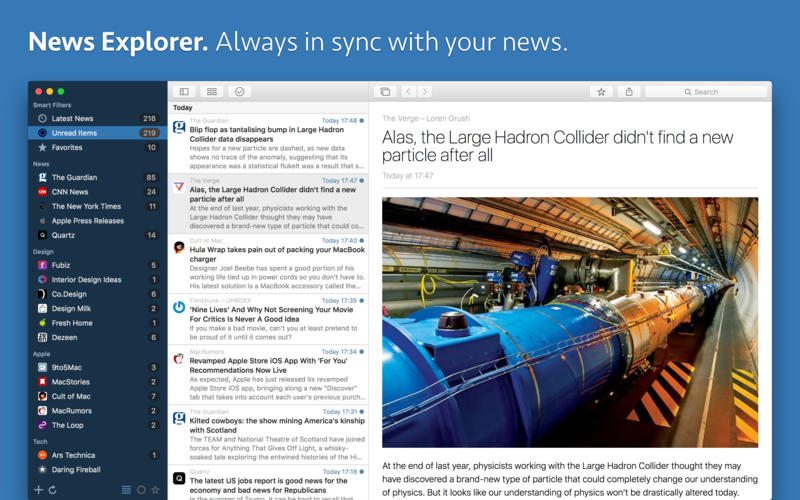
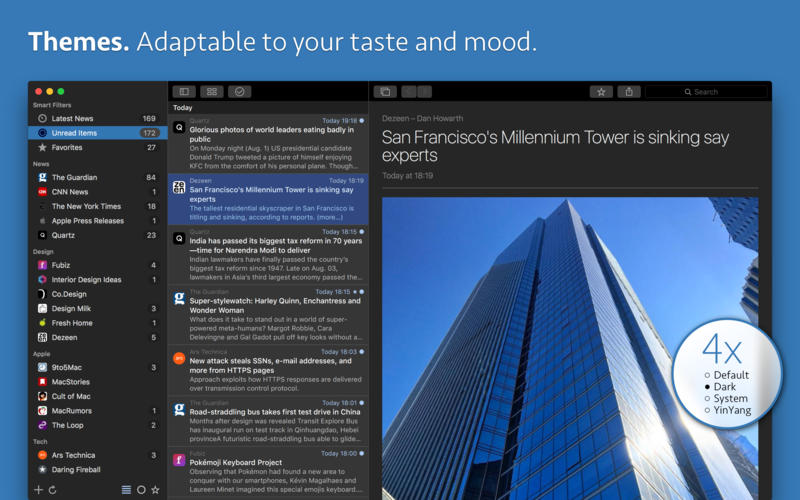
News Explorer is an innovative easy-to-use news reader exclusively built for the Apple's ecosystem, with iCloud based synchronisation between Mac, iPhone, iPad, iPod touch, Apple Watch, and Apple TV.
Full Sync Across All Your Devices
- News Explorer syncs your subscriptions, folder setup, news items, read statuses and favorites across all your Apple devices.
- Synchronisation is based on iCloud, so there is no need to login or to sign up into any other service, it just works out of the box.
- Built-in high speed RSS engine.
- Global filters let you filter all subscriptions and related news on unread items and favorites.
- Support for enhanced arrow key navigation with auto expand and collapse of the sidebar and the built-in browser.
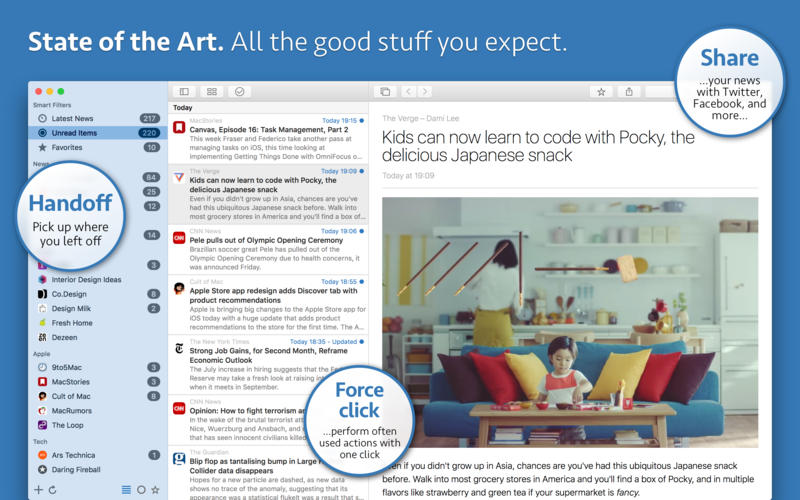
- With Force click, you can easily perform frequently used actions on selected news items.
- Perform quick actions with horizontal swipes in the news items list.
- Pull subscription list to start a sync session.
- App icon badge with unread items count.
Version 1.9
Feed level article view options
Feed level article view options
- You can now set a preferred article view modus for each individual feed.
- For example Mercury Reader view ‘CNN’, Feed Article view for ‘MacRumors’ and Website Article view for ‘Dezeen’.
- Long press the Reader view button to select a primary view.
- The Mercury Reader view engine now works locally.
- The Arc90 Readability performance has been dramatically improved.
- The article list can now be set to ‘Poster’ view, in addition to the existing view options
- Poster view shows a preview image under the header and summary of each article.
- The height of the preview image can be adjusted in the Preferences panel.
- Automatic detection and correct display of RTL languages.
- Timeline view supports now the same article views as the article list.
- Unread and read items can now be stored forever instead of a limited period.
- Long words in the article viewer are now being hyphenated, if the language of the feed is known.
- Countless other small tweaks and fixes.
Frequently asked questions
How do I install the app?
Mount the image, drag the app into the "Applications" folder and launch it. If the system blocks the launch, allow it in "System Settings → Privacy & Security".
The app is damaged or won't launch
Reinstalling from a fresh image usually helps. Make sure your macOS version matches the one listed in the compatibility specs.
How do I update?
Download the new version from the site and install it over the current one — your settings will be preserved.
The download link doesn't work
Try a mirror or a download manager. For large files the browser often drops the connection.
How do I completely remove the app?
Use an uninstaller utility — it cleans up the service files that remain after moving the app to the trash.
VersionNews Explorer 1.9.7
DeveloperRon Elemans
CompatibilitymacOS 10.12.2 or later, 64-bit processor
LanguageEnglish
IncludesK'ed by TNT




Choose a download source
News Explorer 1.9.7 · 11.04 MB
Previous versions
News Explorer 1.9.7
Previous versions are available to registered users.
Comments 1