
Canvas Draw 5.0.2
Canvas Draw is a powerful software specifically designed to make it possible for small business owners, designers, illustrators, and professionals to advertise and communicate with confidence.
Canvas Draw comes loaded with tools and techniques that allow you to easily create marketing or business materials, as well as creative content, printable drawings, and shareable PDFs. Put Canvas Draw to work designing brochures, collages, business cards, school projects, cover pages, handouts, printable advertisments, reports, graphs, metrics, web content, mock-ups, layouts, logos, scale drawings, floor plants, architectural designs, and other drawings best served with measured precision, placement, and the ability to combine text, images, and objects.
Features
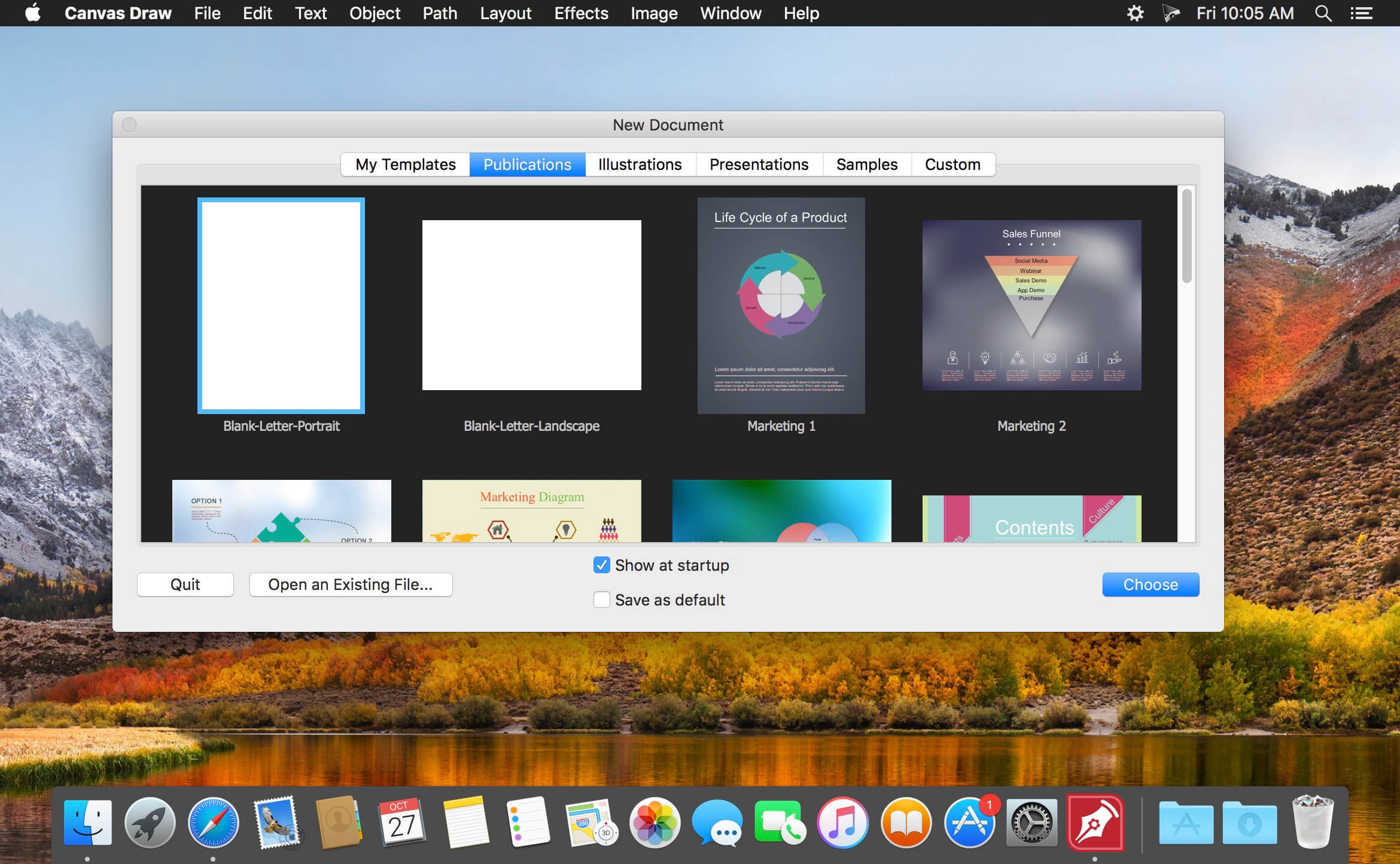
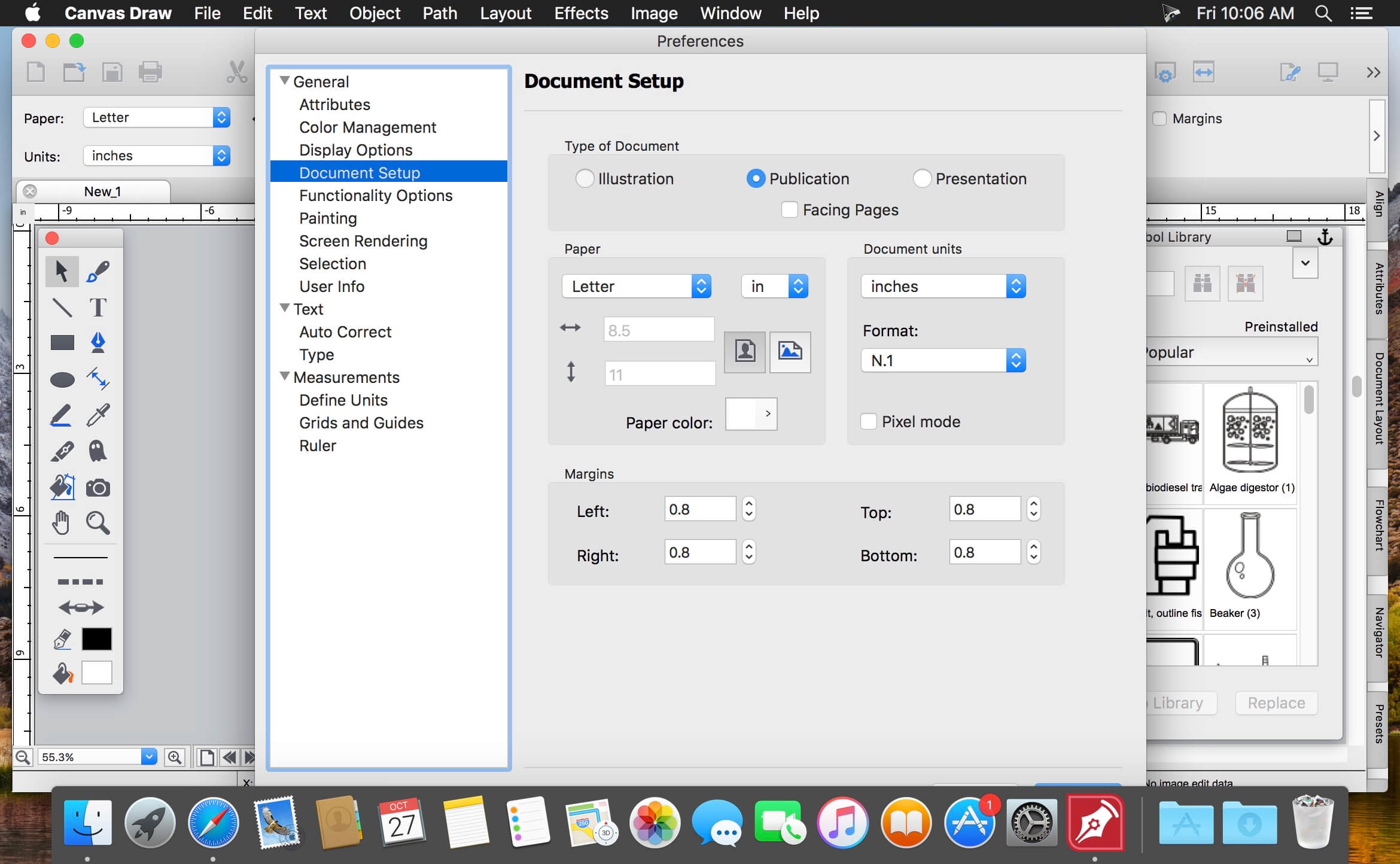
- Off to the Races - From the moment you open Canvas Draw, the new dialog provides instant, one-click access to working document templates, sample document to play with, as well as blank illustration and publication documents with fully customizable options.
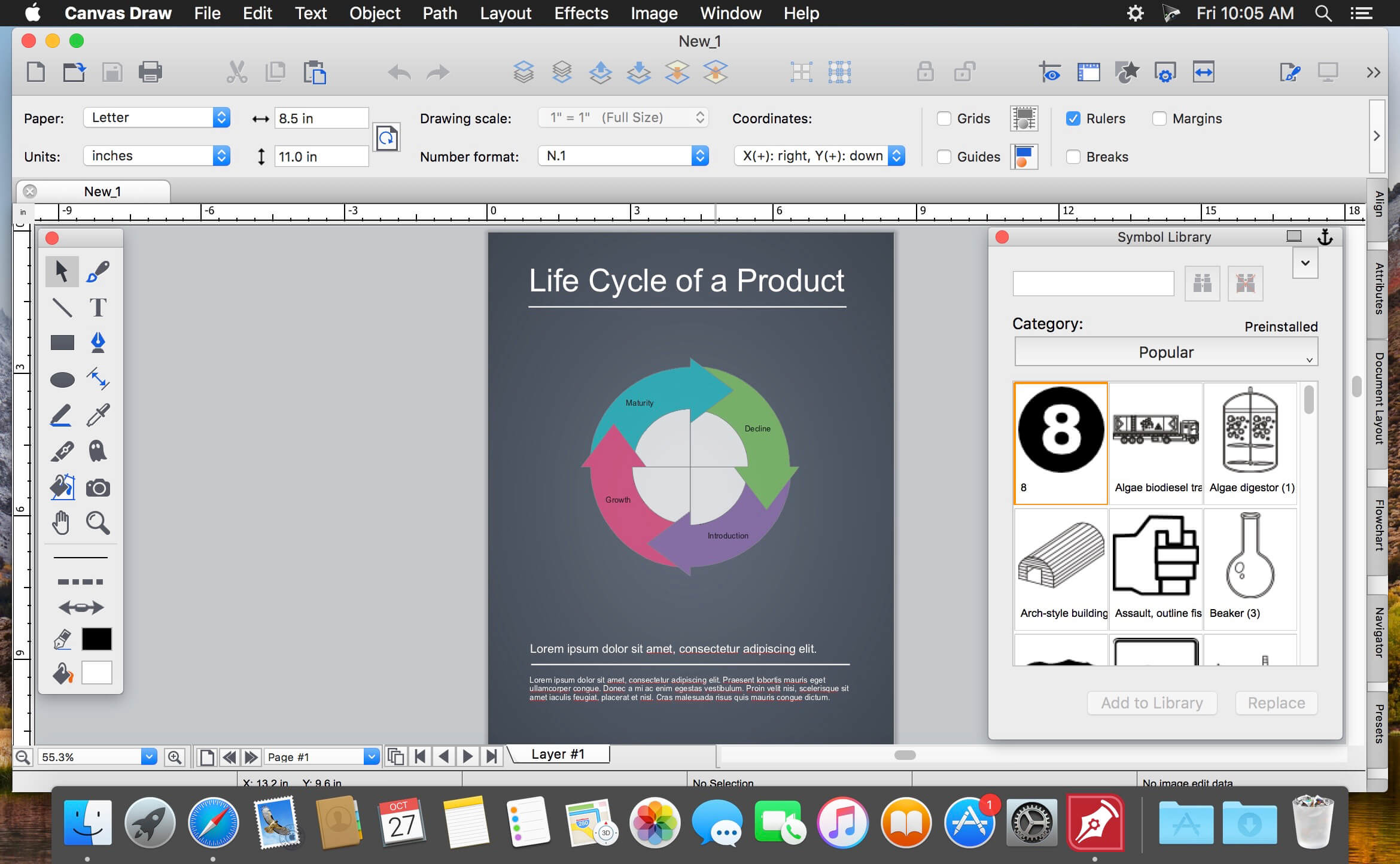
- Perceptibility in a Palette - The Document Layout palette hierarchically lists--and provides easy navigation to-- all the various objects, layers, and pages that are within each project. By using th list, you can easily slect any text, illustration, or image objects. The ability to add new pages and layers to your project and other content management options can easily be accessed at any time.
- A Helping Hand - Never lose your way with context-sensitive help built right into the application. When you select a tool or function, the help immediately responds to you. The Canvas Assistant will guide you through a project as you work, offering information when a tool or feature is being used, as well as describing the current working environment.
Version 5.0.1:
- Visualize your workflow with a diverse content creation tool able to combine adaptable text, image, object, and effect elements in a single document
- Canvas Draw 5 services the creation of mechanical documentation, including assembly, maintenance, and repair instructions
Frequently asked questions
How do I install the app?
Mount the image, drag the app into the "Applications" folder and launch it. If the system blocks the launch, allow it in "System Settings → Privacy & Security".
The app is damaged or won't launch
Reinstalling from a fresh image usually helps. Make sure your macOS version matches the one listed in the compatibility specs.
How do I update?
Download the new version from the site and install it over the current one — your settings will be preserved.
The download link doesn't work
Try a mirror or a download manager. For large files the browser often drops the connection.
How do I completely remove the app?
Use an uninstaller utility — it cleans up the service files that remain after moving the app to the trash.
VersionCanvas Draw 5.0.2
DeveloperACD Systems
CompatibilityOS X 10.10 or later, 64-bit processor
LanguageEnglish
IncludesK'ed by TNT



Information
Visitors in the group Guests cannot leave comments on this publication.
Choose a download source
Canvas Draw 5.0.2 · 203.9 MB
Previous versions
Canvas Draw 5.0.2
Previous versions are available to registered users.