
CrazyTalk Animator 3.31.3514.2
CrazyTalk Animator (CTA) is the world's easiest 2D animation software that enables all levels of users to create professional animations with the least amount of effort. With CTA3, anyone can instantly bring an image, logo, or prop to life by applying bouncy Elastic Motion effects. For the character part, CTA3 is built with 2D character templates, valuable motion libraries, a powerful 2D bone rig editor, facial puppets, and audio lip-syncing tools to give users unparalleled control when animating 2D talking characters for videos, web, games, apps, and presentations.
Movie & Video Creators
A video creator's dream tool for creating cartoon animations with professional real-time features.
Artists & Illustrators
Whether you are a doodler, illustrator, or a storyboard artist, now you can bring your characters to life!
Marketers & Presenters
Create animated videos and presentations to promote your business by visualizing your ideas in seconds.
Web & Game Designers
Enliven video games and web pages with animated characters and eye-catching elements.
Educators & Students
Engage with hands-on technology that sparks classroom creativity with visual computing.
What's New in CrazyTalk Animator 3:
Production Environment- 3D camera system.
- Motion path and timeline editing.
- Motion Curve and Render Style.
- 2D character rigging and bone tools.
- Character templates for humans, animals, and more.
- Create multi-angled 2D characters.
- Animate 2D characters with 3D motions.
- Elastic and bouncy curve editing.
- Facial puppet and audio lip-syncing.
- 2D facial Free Form Deformation.
- Sprite-based Facial System.
- Morph animation from facial images.
- Employ talking heads on any character.
- Give life to props - Elastic Motion.
- Create Interactive Compound Animations.
- Combine props & link SFX.
- Light and shades - Effect Layers
- Immerse your video actor into a 2D animation.
- Supports popular image and video formats.
- Image sequence export for video compositing.
- Import 3D motions for 2D character animations.
- Custom create new character bases.
- Import Photoshop PSD layers for character creations.
- Create unique Elastic Motion libraries.
- Design vector-based content with Multiple Render Styles.
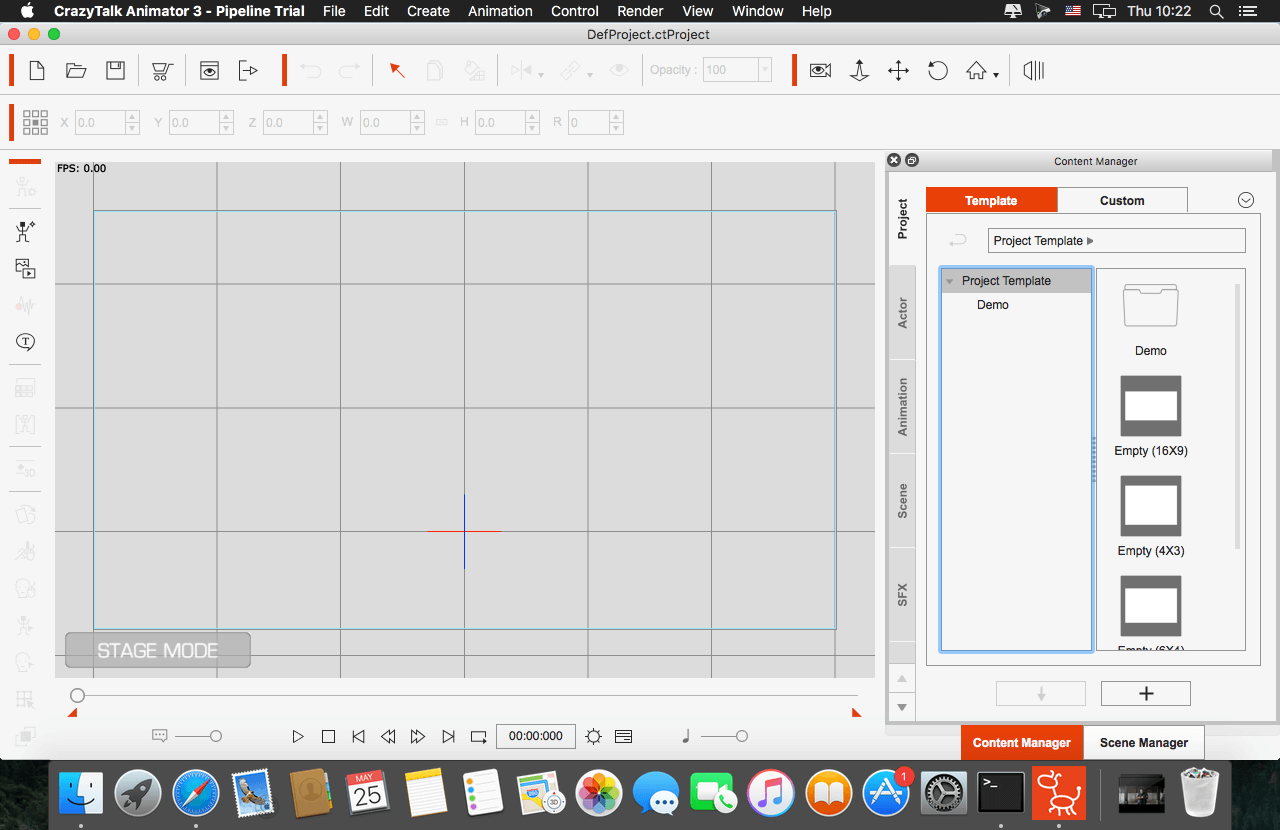
SCREENSHOTS
Frequently asked questions
How do I install the app?
Mount the image, drag the app into the "Applications" folder and launch it. If the system blocks the launch, allow it in "System Settings → Privacy & Security".
The app is damaged or won't launch
Reinstalling from a fresh image usually helps. Make sure your macOS version matches the one listed in the compatibility specs.
How do I update?
Download the new version from the site and install it over the current one — your settings will be preserved.
The download link doesn't work
Try a mirror or a download manager. For large files the browser often drops the connection.
How do I completely remove the app?
Use an uninstaller utility — it cleans up the service files that remain after moving the app to the trash.
VersionCrazyTalk Animator 3.31.3514.2 Pipeline
DeveloperReallusion
CompatibilityMacOS 10.11.5 or later
LanguageEnglish
IncludesK




Information
Visitors in the group Guests cannot leave comments on this publication.
Choose a download source
CrazyTalk Animator 3.31.3514.2 · 519.07 MB
Previous versions
CrazyTalk Animator 3.31.3514.2
Previous versions are available to registered users.