Face4Pass 1.18
Face4Pass is an application that allows you to easily create photos for your documents (i.e passport).
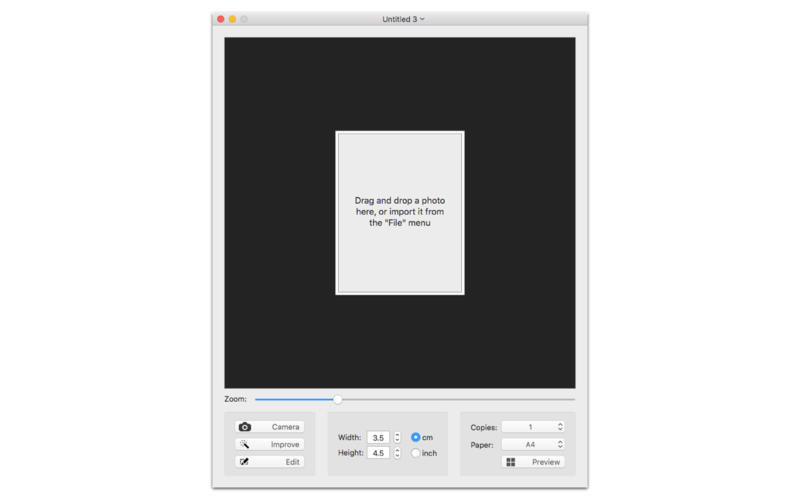
- Drag and drop or import an existing photo.
- Take a photo with the built-in iSight camera.
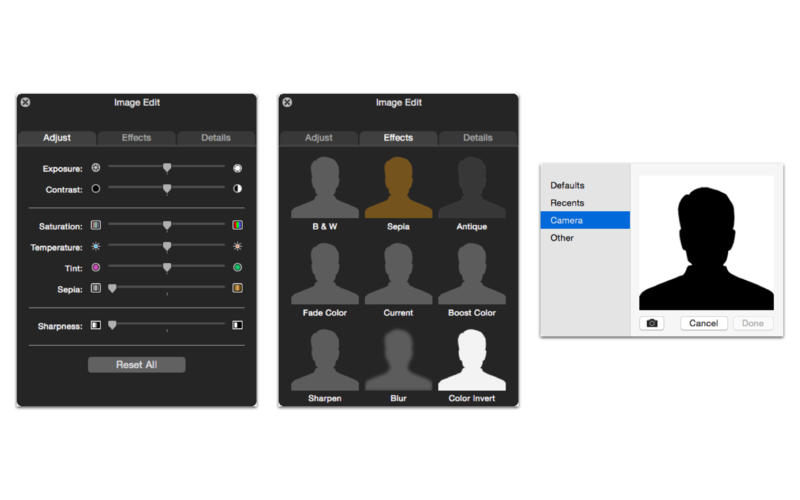
- Automatically improve the quality of the image.
- Edit many parameters of the image (exposure, contrast, saturation, temperature, tint, sharpness).
- For optimum sizing of the photo, you can use the zoom in/out function.
- Set your custom photo size (cm/inches).
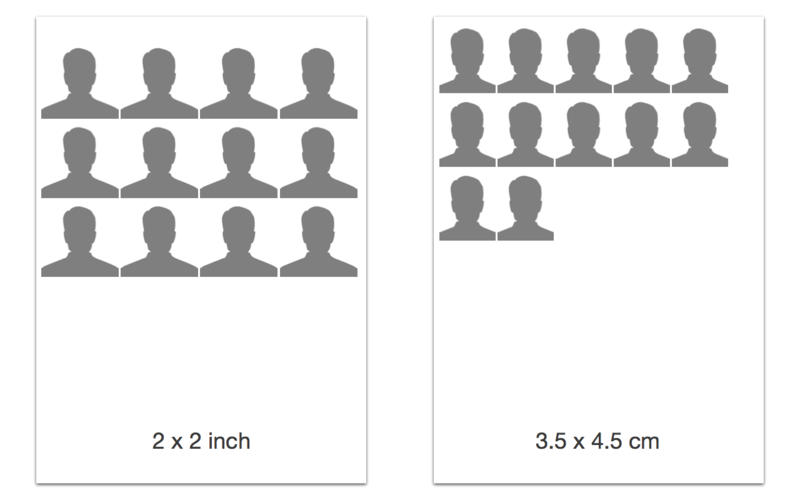
- Generate a preview in pdf format and print from 1 to 12 copies (single/multiple page).
- Print in A4, A5, A6, US Letter, US Legal, 4 x 6 in, 5 x 7 in, 6 x 8 in, 8 x 10 in paper size.
- Export the photo as PDF/PNG/TIFF/JPEG/JP2/BMP/GIF format.
WHAT’S NEW
Version 1.18
- Fixed the issue with zoom/pan on macOS 10.12 (Sierra)
SCREENSHOTS
Frequently asked questions
How do I install the app?
Mount the image, drag the app into the "Applications" folder and launch it. If the system blocks the launch, allow it in "System Settings → Privacy & Security".
The app is damaged or won't launch
Reinstalling from a fresh image usually helps. Make sure your macOS version matches the one listed in the compatibility specs.
How do I update?
Download the new version from the site and install it over the current one — your settings will be preserved.
The download link doesn't work
Try a mirror or a download manager. For large files the browser often drops the connection.
How do I completely remove the app?
Use an uninstaller utility — it cleans up the service files that remain after moving the app to the trash.
VersionFace4Pass 1.18
DeveloperGiuseppe Cigala
CompatibilityOS X 10.11 or later, 64-bit processor
LanguageEnglish
IncludesPre-K'ed


Information
Visitors in the group Guests cannot leave comments on this publication.
Choose a download source
Face4Pass 1.18 · 2.42 MB