
DxO ViewPoint 2.5.17
DxO ViewPoint is the indispensable companion to your wide-angle lens, correcting perspectives and easily restoring the natural shapes of the subjects located along image edges. As both a standalone application and as a plugin, it offers simple visual tools for making spectacular corrections, along with advanced controls for unrivaled precision.
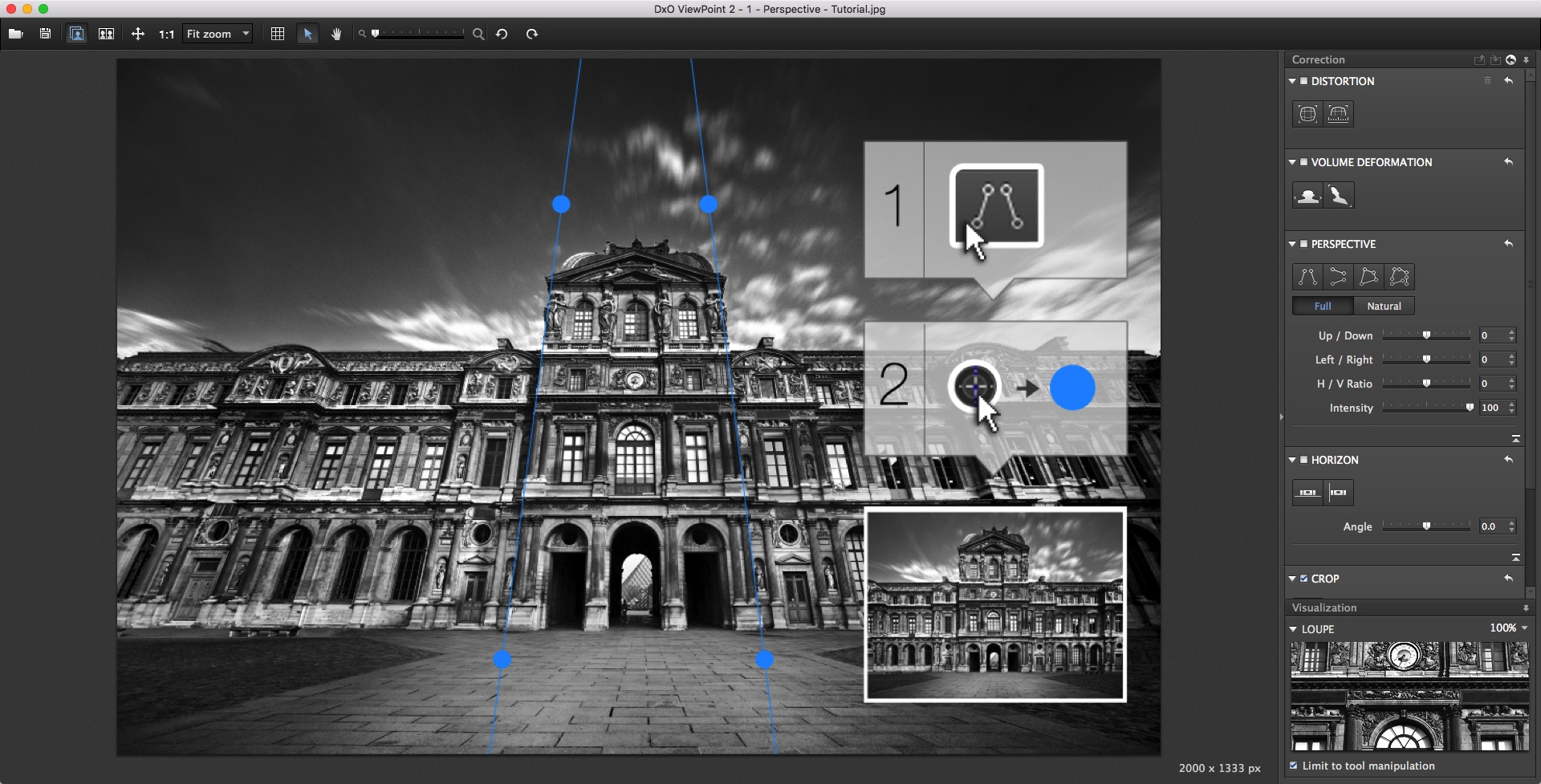
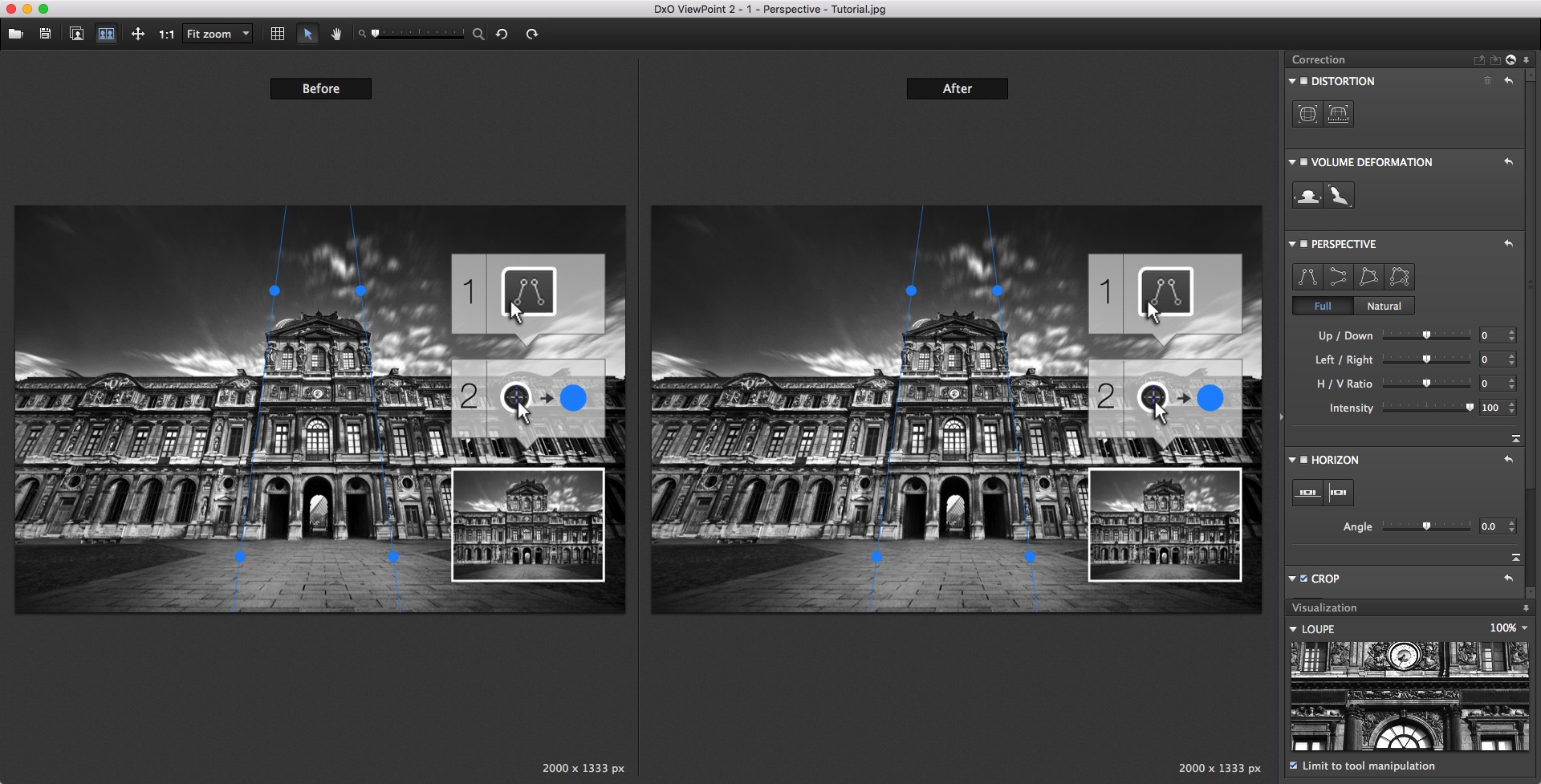
RESOLVES EVEN THE MOST COMPLEX PERSPECTIVE PROBLEMS
Place the anchor points along the lines you want to fix, and then apply the correction: DxO ViewPoint corrects every kind of perspective problem.
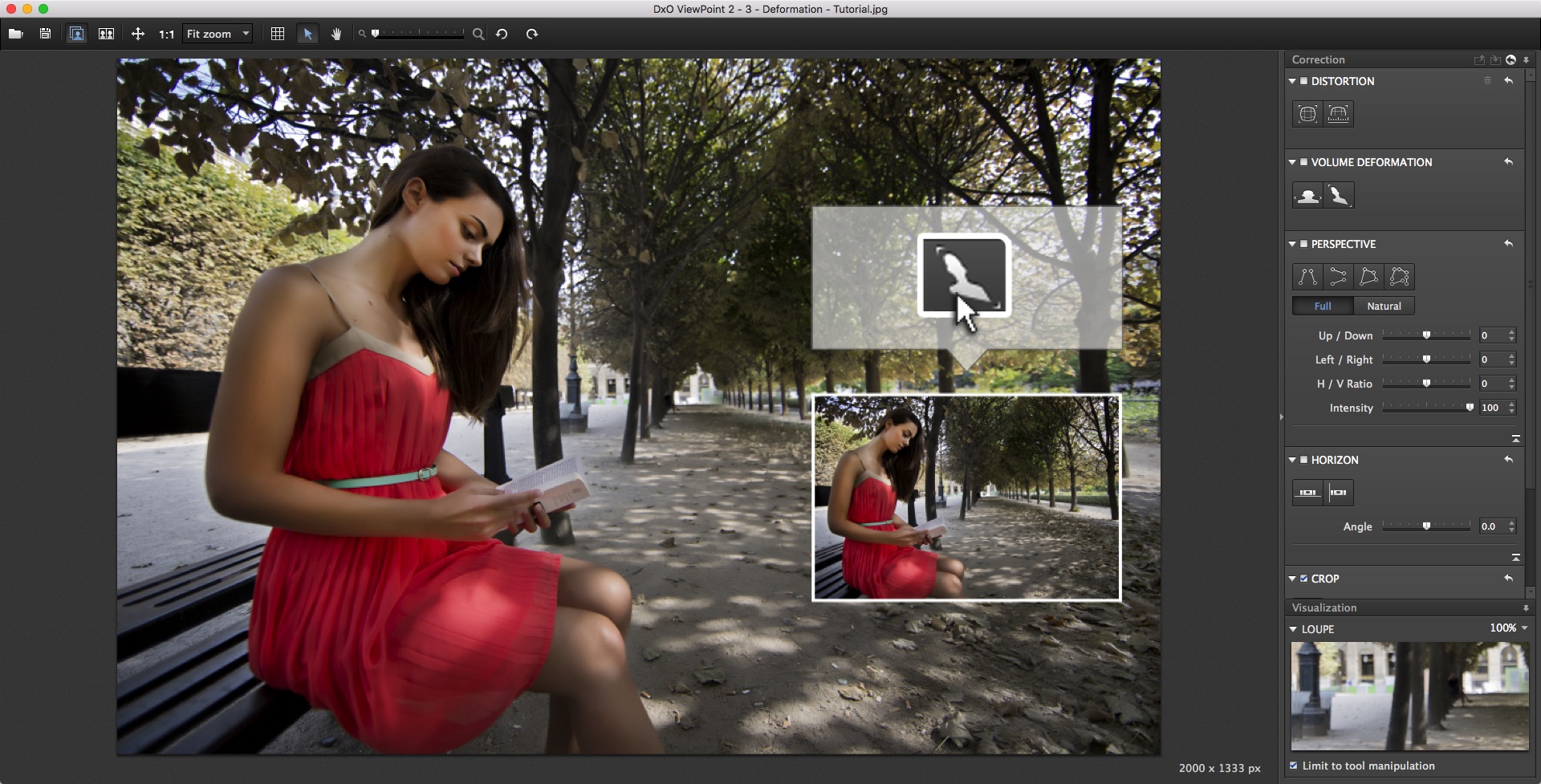
CORRECTION OF VOLUME DEFORMATION
In just one click, restore the natural proportions to deformed subjects by applying corrections that are perfectly adapted to your equipment.
DISTORTION CORRECTION
Correct the different types of distortion affecting your lens. Whether barrel, pincushion, or fisheye, no flaw will remain uncorrected!
PLUGIN AND STANDALONE APPLICATION
Take advantage of the standalone application and any of the plugins for DxO OpticsPro, Adobe Photoshop, Lightroom, Elements, and Apple Aperture at the same time.
Technical specifications:
DxO ViewPoint is available in English, French, German, and Japanese.
WHAT’S NEW
Version 2.5 (2.5.16):
Note: Although Finder indicates that this is version 2.5, the developer states that this is (and the app's About dialog indicates that it is) version 2.5.16.
- Support for Adobe Photoshop CC 2015.5
Screenshots
Frequently asked questions
How do I install the app?
Mount the image, drag the app into the "Applications" folder and launch it. If the system blocks the launch, allow it in "System Settings → Privacy & Security".
The app is damaged or won't launch
Reinstalling from a fresh image usually helps. Make sure your macOS version matches the one listed in the compatibility specs.
How do I update?
Download the new version from the site and install it over the current one — your settings will be preserved.
The download link doesn't work
Try a mirror or a download manager. For large files the browser often drops the connection.
How do I completely remove the app?
Use an uninstaller utility — it cleans up the service files that remain after moving the app to the trash.
VersionDxO ViewPoint 2.5.17
DeveloperDxO Labs
CompatibilityOS X 10.8 or later, 64-bit processor
LanguageEnglish
IncludesK




Information
Visitors in the group Guests cannot leave comments on this publication.
Choose a download source
DxO ViewPoint 2.5.17 · 135.74 MB