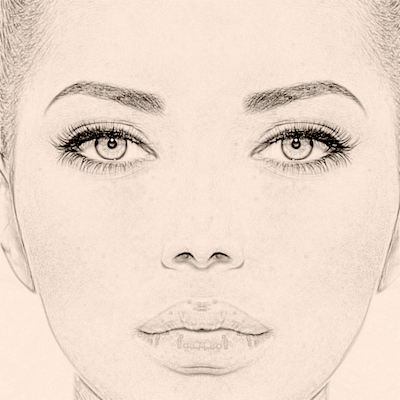
Sketch It Photo App 1.0
Sketch It Photo App is easy to use and powerful photo sketching software that turns your images into works of art. Just import your photo into the app and it will be turned into an artistic pencil sketch.
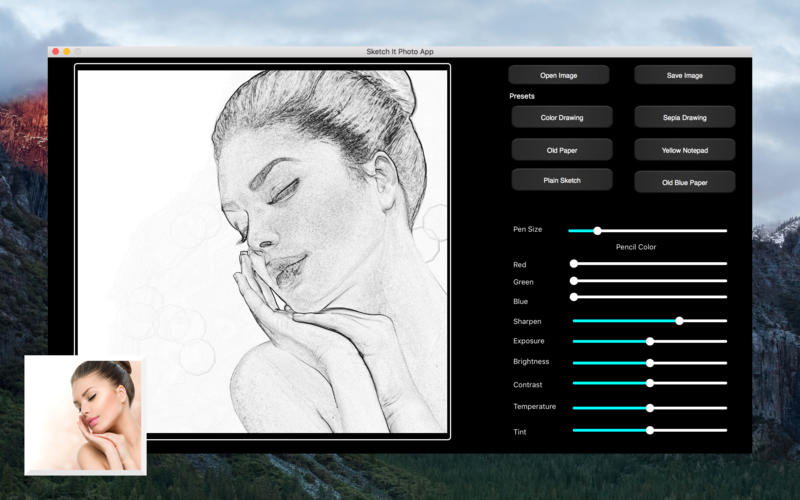
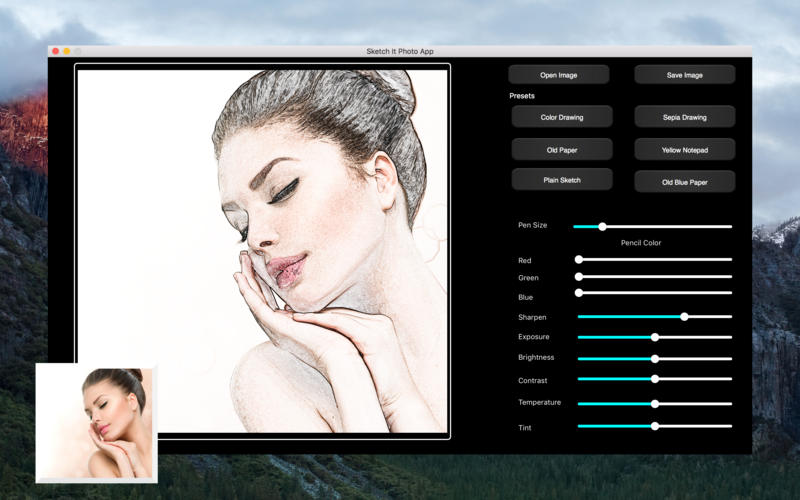
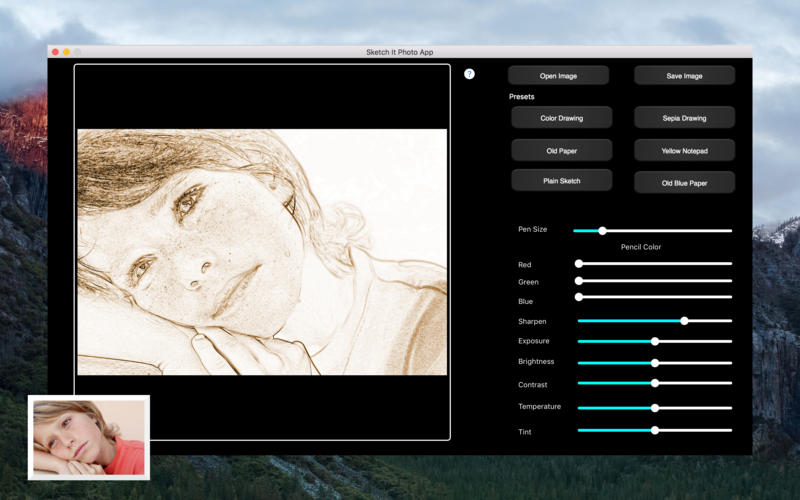
- Customize with black pencil drawing or any combination of red, green, and blue pencil
- Change pen size for different looks
- Generate a color sketch with one button click
- Create Sepia colored drawings
- Adjust tint, temperature, brightness, contrast, and exposure to get different looks
- Apply backgrounds including old paper, blue paper, and yellow notepad or just plain white
Endless possibilities await your creativity.
- Wow family and friends by turning favorite photos into artistic sketches
- Preserve memories in unique and fun ways
- Save time with easy to use interface
Screenshots
Frequently asked questions
How do I install the app?
Mount the image, drag the app into the "Applications" folder and launch it. If the system blocks the launch, allow it in "System Settings → Privacy & Security".
The app is damaged or won't launch
Reinstalling from a fresh image usually helps. Make sure your macOS version matches the one listed in the compatibility specs.
How do I update?
Download the new version from the site and install it over the current one — your settings will be preserved.
The download link doesn't work
Try a mirror or a download manager. For large files the browser often drops the connection.
How do I completely remove the app?
Use an uninstaller utility — it cleans up the service files that remain after moving the app to the trash.
VersionSketch It Photo App 1.0
DeveloperKRYSTSINA VASILYEVA
CompatibilityOS X 10.8 or later, 64-bit processor
LanguageEnglish
IncludesPre-K'ed

Information
Visitors in the group Guests cannot leave comments on this publication.
Choose a download source
Sketch It Photo App 1.0 · 49.58 MB