
RAW-Editor 2.0
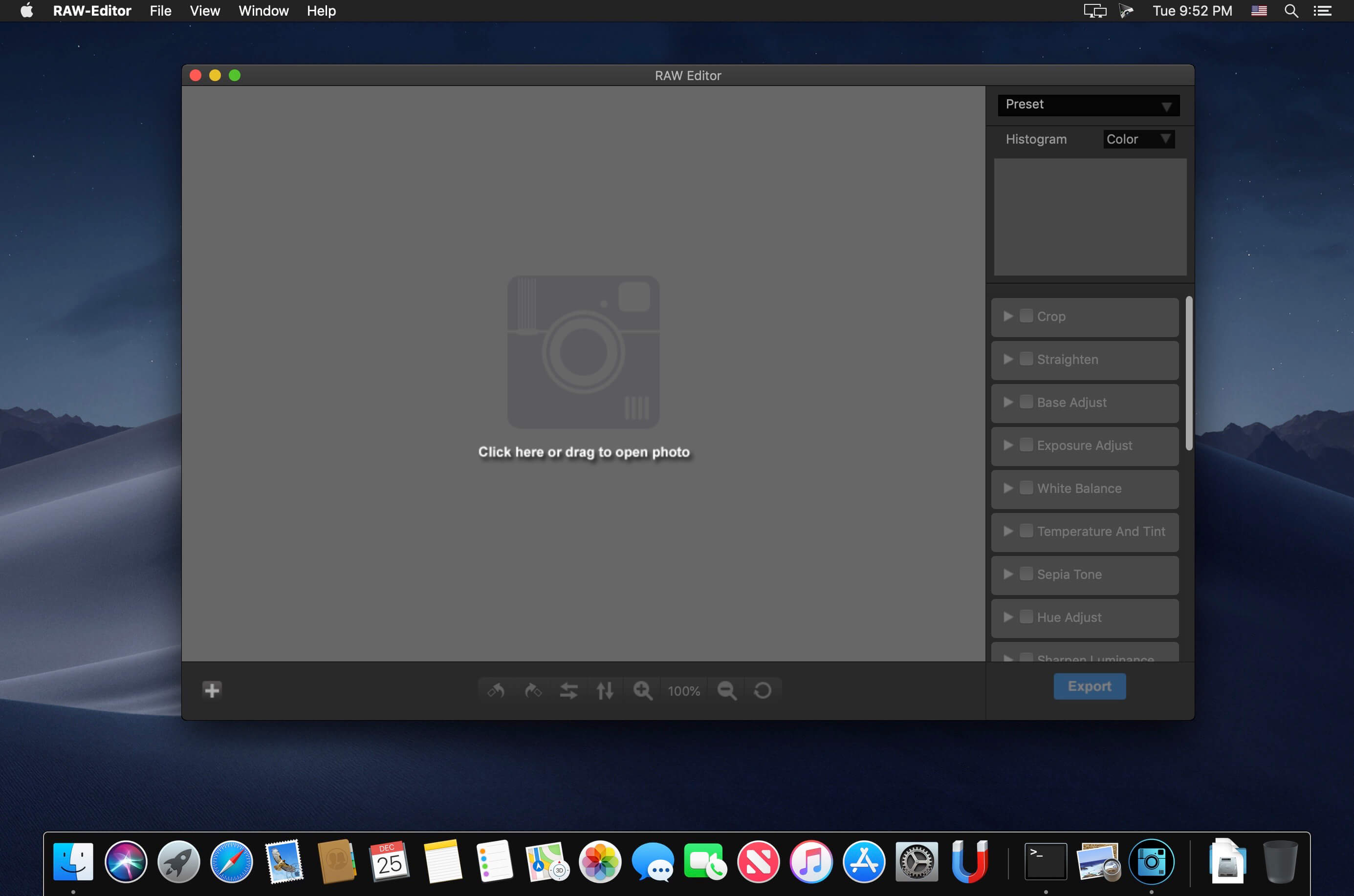
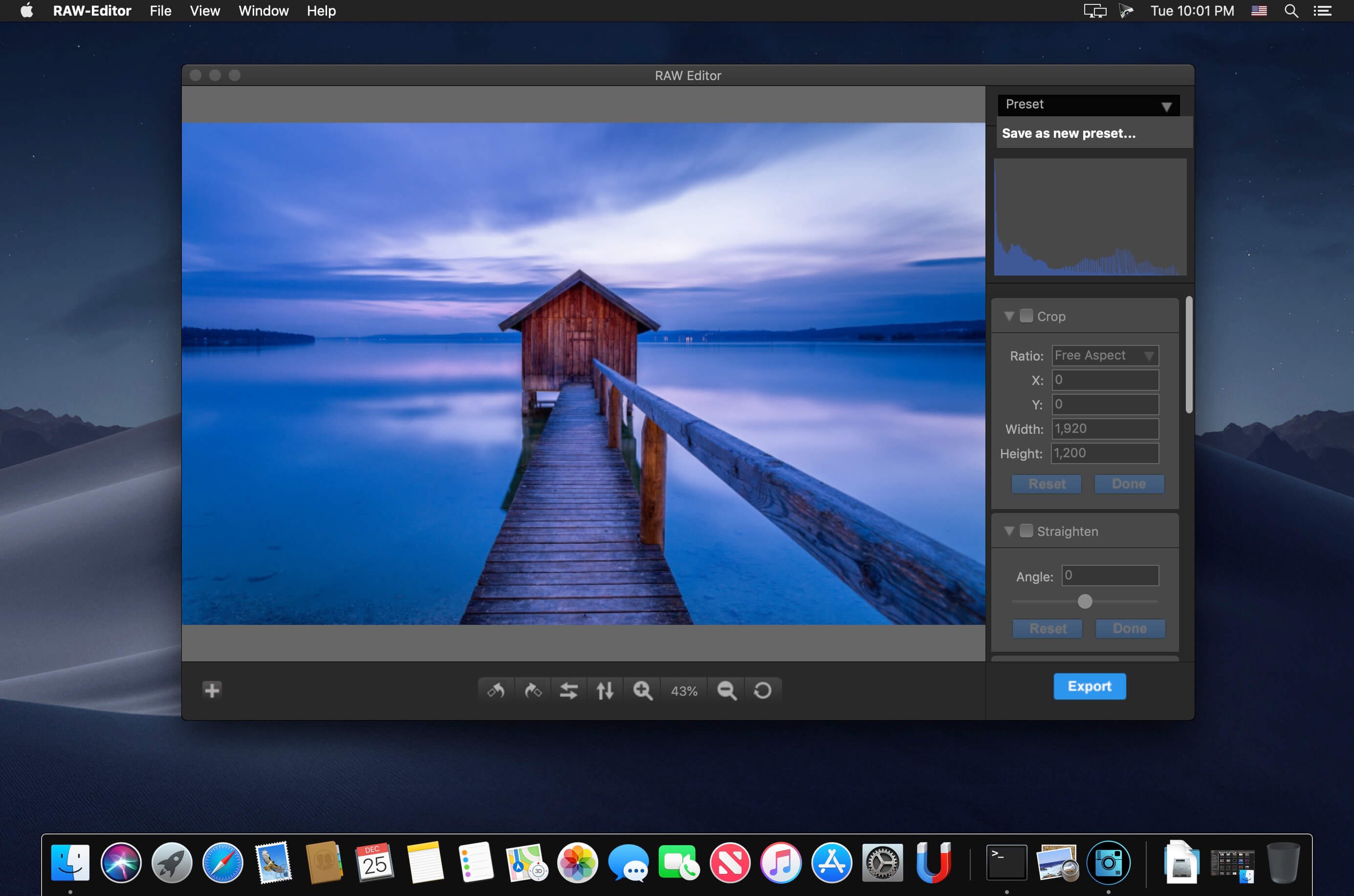
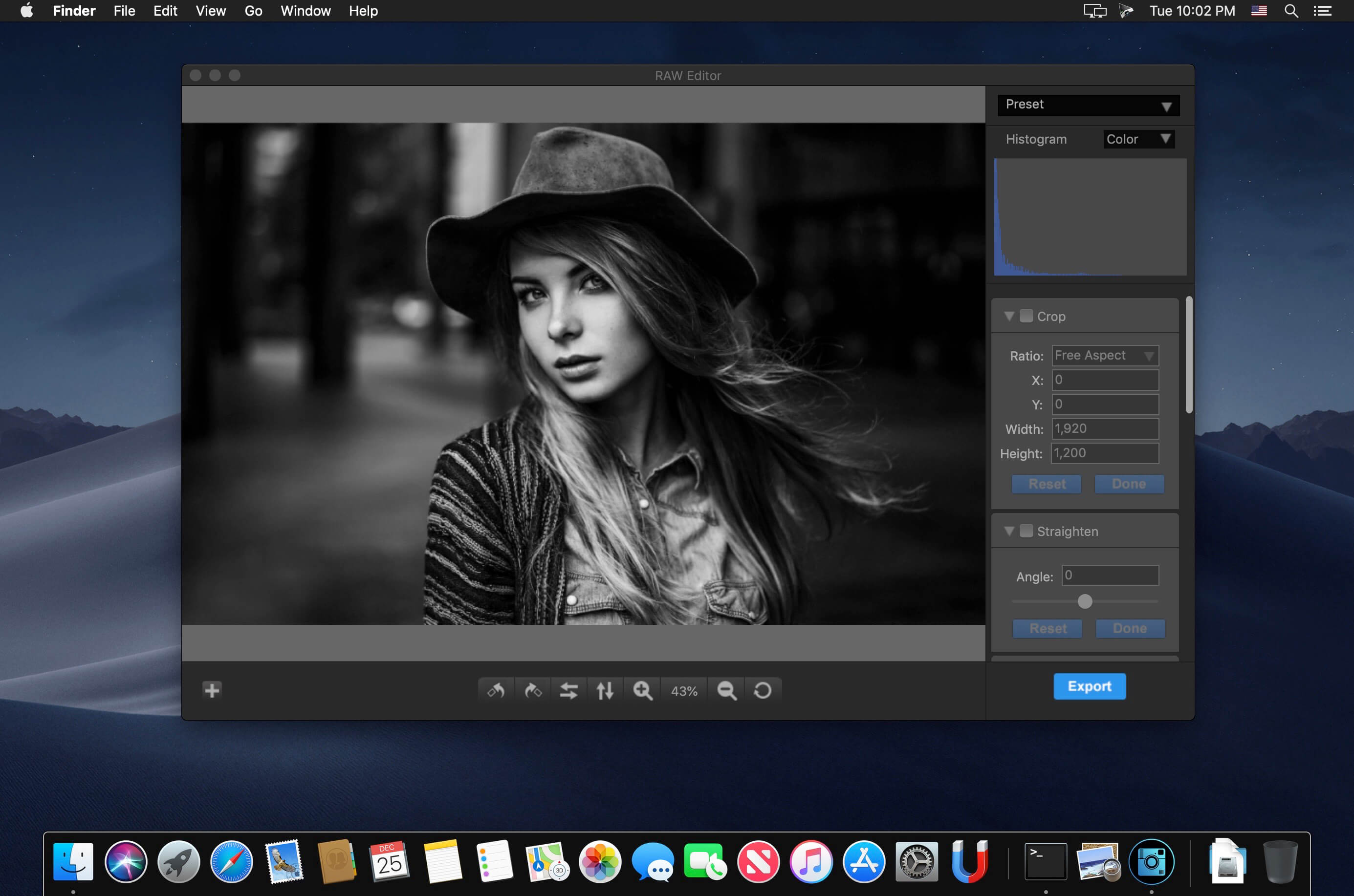
RAW Editor is the integrated photo processing solution which specially optimized for RAW format processing for mac. It supports almost popular cameras, rotate, crop, adjust white balance and so on. This version has been supported some fantasy photo effect, such as photo fade, photo mono etc. With new feature named preset, you can save the effect parameters for future. And don’t worry forget which value has been set. Many new features have been supported in this version, you can browse the key features section.
Key features
- Supported almost popular cameras(supported cameras section).
- Supported many fantasy photo effects(supported photo effects section).
- Supported rotate, flip, crop photo.
- Supported preset edit.
- The redesigned user interface is more beautiful and efficient.
- Easy to use without professional skills.
- Improved performance.
Straighten, Saturation, Contrast, Brightness, Exposure adjust, White Balance, Temperature and Tint
Sepia Tone, Hue Adjust, Sharpen, Noise Reduction, Vibrance, Vignette, Photo Chrome,
Photo Fade, Photo Instant, Photo Mono, Photo Noir, Photo Process, Photo Tonal, Photo Transfer.
Supported input formats:
- JPEG,JPEG-2000, PNG,TIFF,BMP,GIF
- JPEG,JPEG-2000,PNG,TIFF,BMP,GIF
Version 2.0:
- Release notes were unavailable when this listing was updated.
Frequently asked questions
How do I install the app?
Mount the image, drag the app into the "Applications" folder and launch it. If the system blocks the launch, allow it in "System Settings → Privacy & Security".
The app is damaged or won't launch
Reinstalling from a fresh image usually helps. Make sure your macOS version matches the one listed in the compatibility specs.
How do I update?
Download the new version from the site and install it over the current one — your settings will be preserved.
The download link doesn't work
Try a mirror or a download manager. For large files the browser often drops the connection.
How do I completely remove the app?
Use an uninstaller utility — it cleans up the service files that remain after moving the app to the trash.
VersionRAW-Editor 2.0
DeveloperSeasoft
CompatibilityOS X 10.10 or later, 64-bit processor
LanguageEnglish
IncludesK'ed by TNT (register with any data)



Information
Visitors in the group Guests cannot leave comments on this publication.
Choose a download source
RAW-Editor 2.0 · 6 MB