
DetectX 2.91

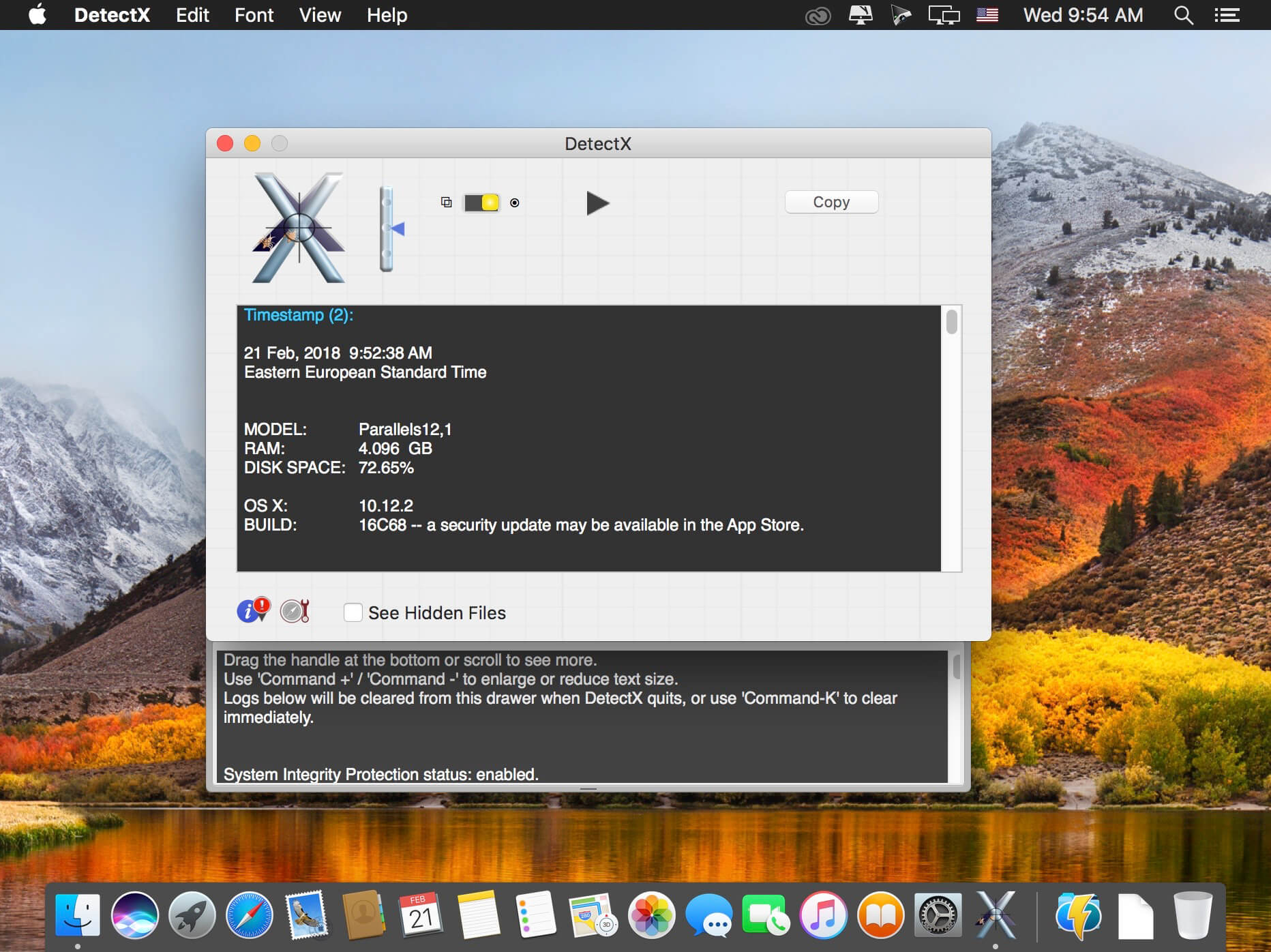
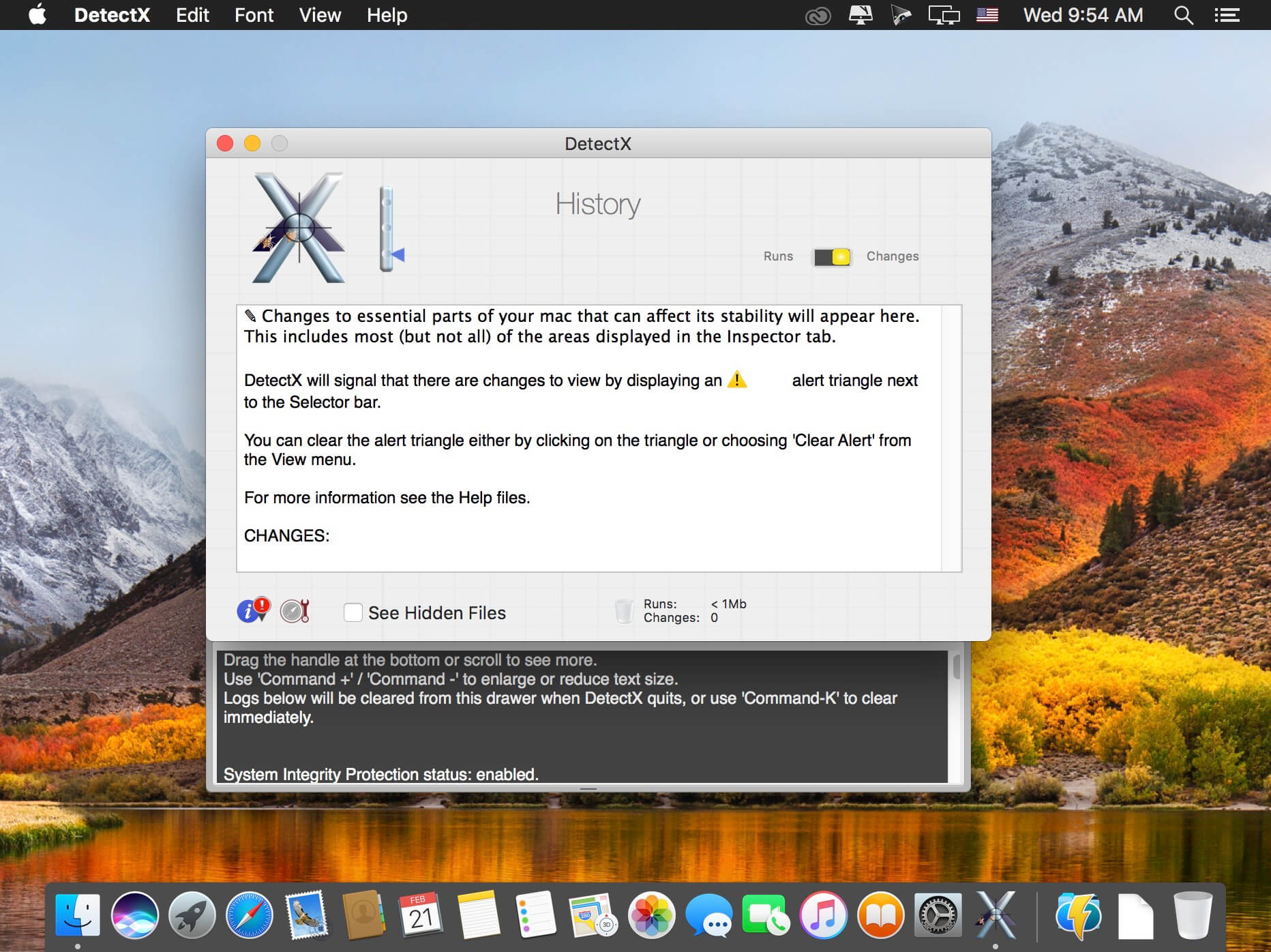
DetectX is the troubleshooting tool for your Mac. The only troubleshooting app that runs on every version of OS X from 2011 to present and that allows you to:
- Fix problems: - Use the Detector View to find and trash the hidden and not-so-hidden files belonging to apps and processes that can be responsible for performance problems. There are generally three categories of things the Detector searches for: commercial apps with hidden executables, adware and keyloggers.
- Stay Informed: - DetectX warns you when 3rd party applications, processes or files are added or removed to crucial areas of your mac that may impact performance. The Inspector runs automatically on launch and whenever you manually use the ‘Record’ function in the Inspector View.
- Analyse and Diagnose: - The History View keeps logs of all the Inspector’s runs and allows you or a technical adviser to analyse and diagnose what changes occurred on your mac. For convenience, you can review all logs, individual logs or just a list of changes.
Version 2.91:
Improved:
Improved:
- Detector definitions have been updated
Frequently asked questions
How do I install the app?
Mount the image, drag the app into the "Applications" folder and launch it. If the system blocks the launch, allow it in "System Settings → Privacy & Security".
The app is damaged or won't launch
Reinstalling from a fresh image usually helps. Make sure your macOS version matches the one listed in the compatibility specs.
How do I update?
Download the new version from the site and install it over the current one — your settings will be preserved.
The download link doesn't work
Try a mirror or a download manager. For large files the browser often drops the connection.
How do I completely remove the app?
Use an uninstaller utility — it cleans up the service files that remain after moving the app to the trash.
VersionDetectX 2.91
DeveloperApplehelpwriter
CompatibilityOS X 10.7 or later, 64-bit processor
LanguageEnglish
IncludesK'ed by TNT





Information
Visitors in the group Guests cannot leave comments on this publication.
Choose a download source
DetectX 2.91 · 6.79 MB