FastTasks 2.53

FastTasks 2.53

FastTasks 2.53

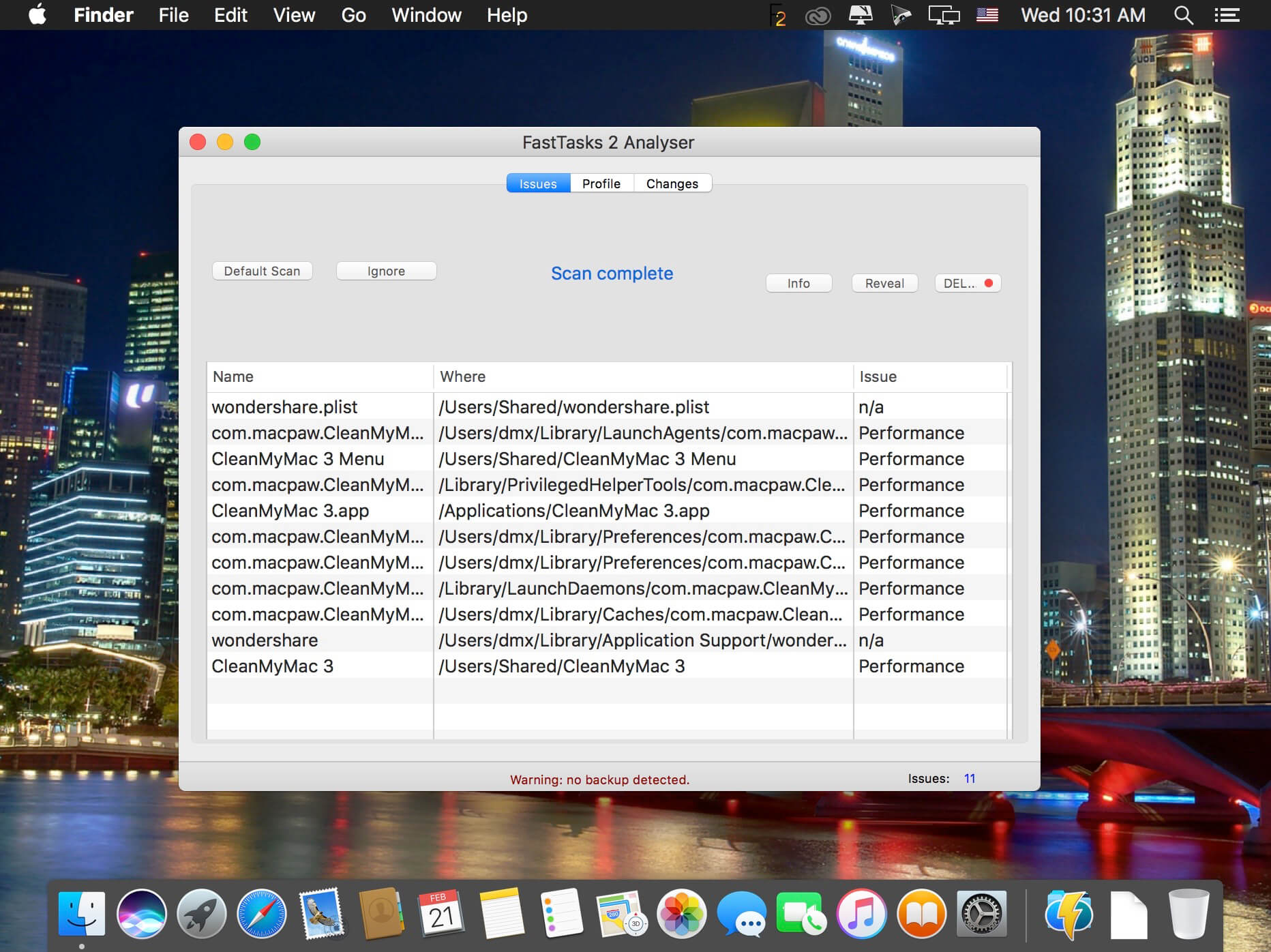
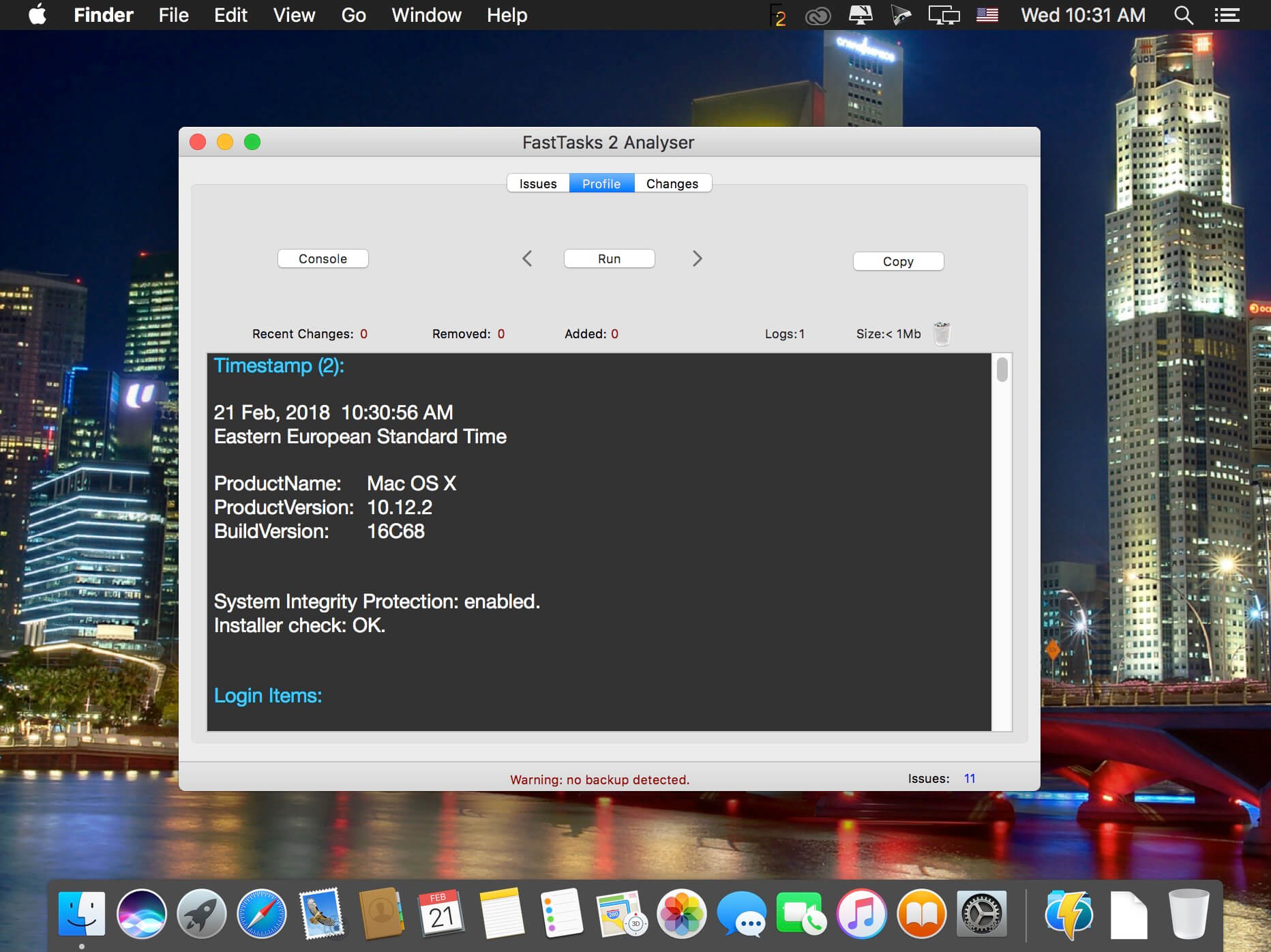
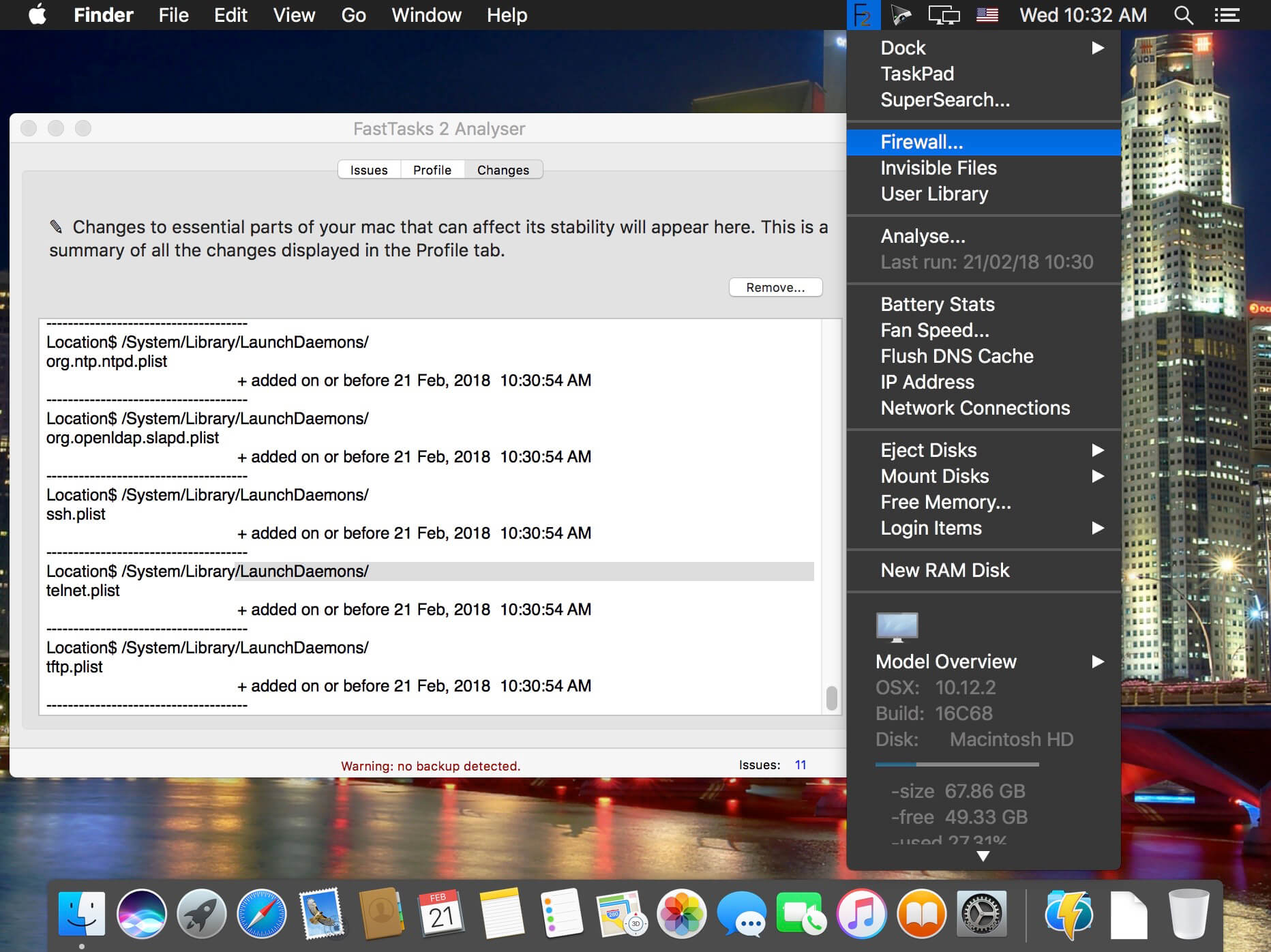
FastTasks 2 provides a number of useful functions, including at-a-glance display of key system info, fast toggle of invisible files, free memory, automatic removal of login items, and scanning for troublesome apps and files.

FastTasks 2 allows you to keep logs of your system profile over time so you can easily see what changes were made to your system and when--a vital aid when things stop working as expected and you need to troubleshoot your Mac.
Version 2.53
  • Improved: Analyser definitions updated
2 331 views 0 comments

Frequently asked questions

How do I install the app?

Mount the image, drag the app into the "Applications" folder and launch it. If the system blocks the launch, allow it in "System Settings → Privacy & Security".

The app is damaged or won't launch

Reinstalling from a fresh image usually helps. Make sure your macOS version matches the one listed in the compatibility specs.

How do I update?

Download the new version from the site and install it over the current one — your settings will be preserved.

The download link doesn't work

Try a mirror or a download manager. For large files the browser often drops the connection.

How do I completely remove the app?

Use an uninstaller utility — it cleans up the service files that remain after moving the app to the trash.

Information
Users of Guests are not allowed to comment this publication.
FastTasks 2.53