
SparkFX 1.0.0b7
Screenshots
Click to enlarge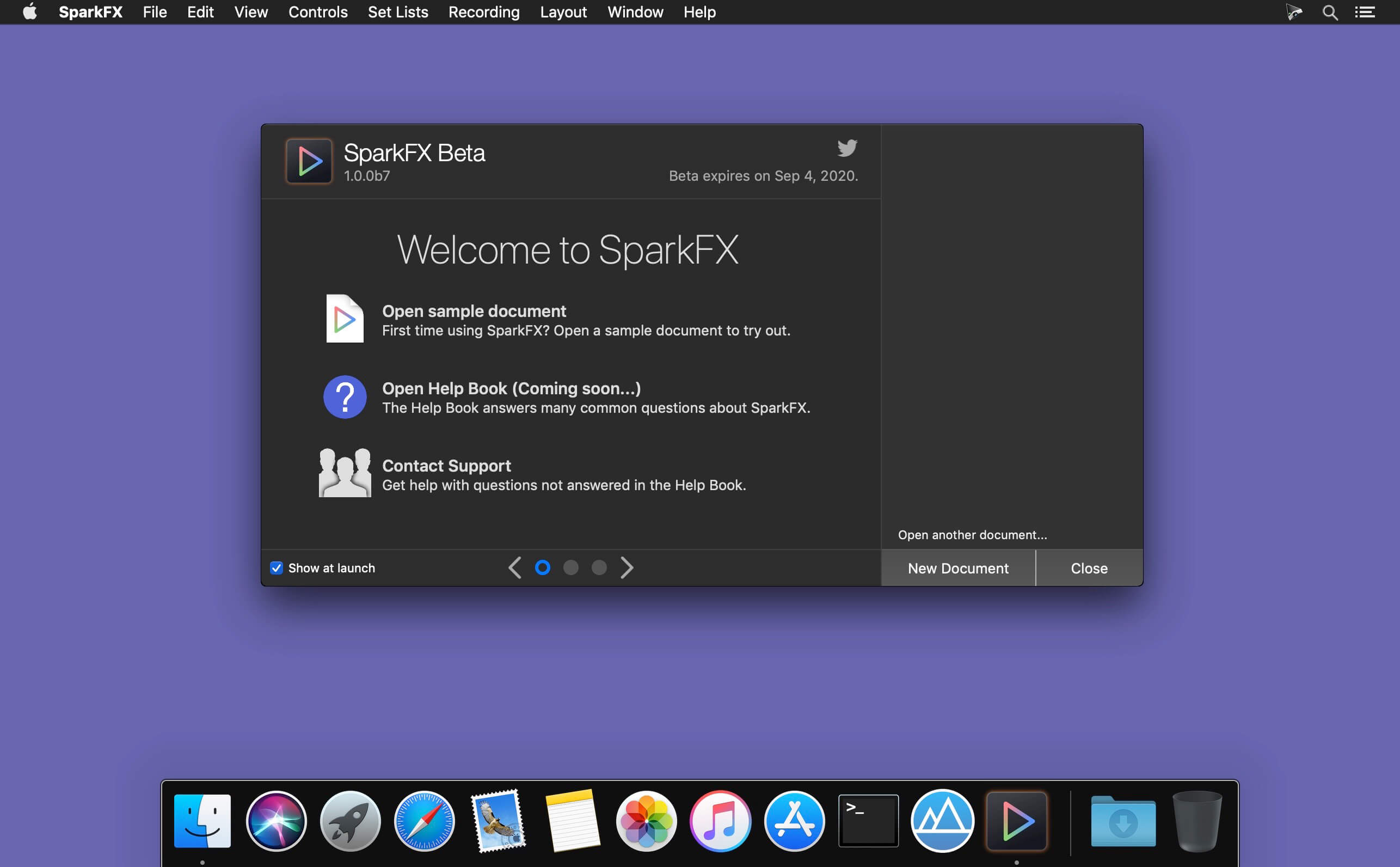
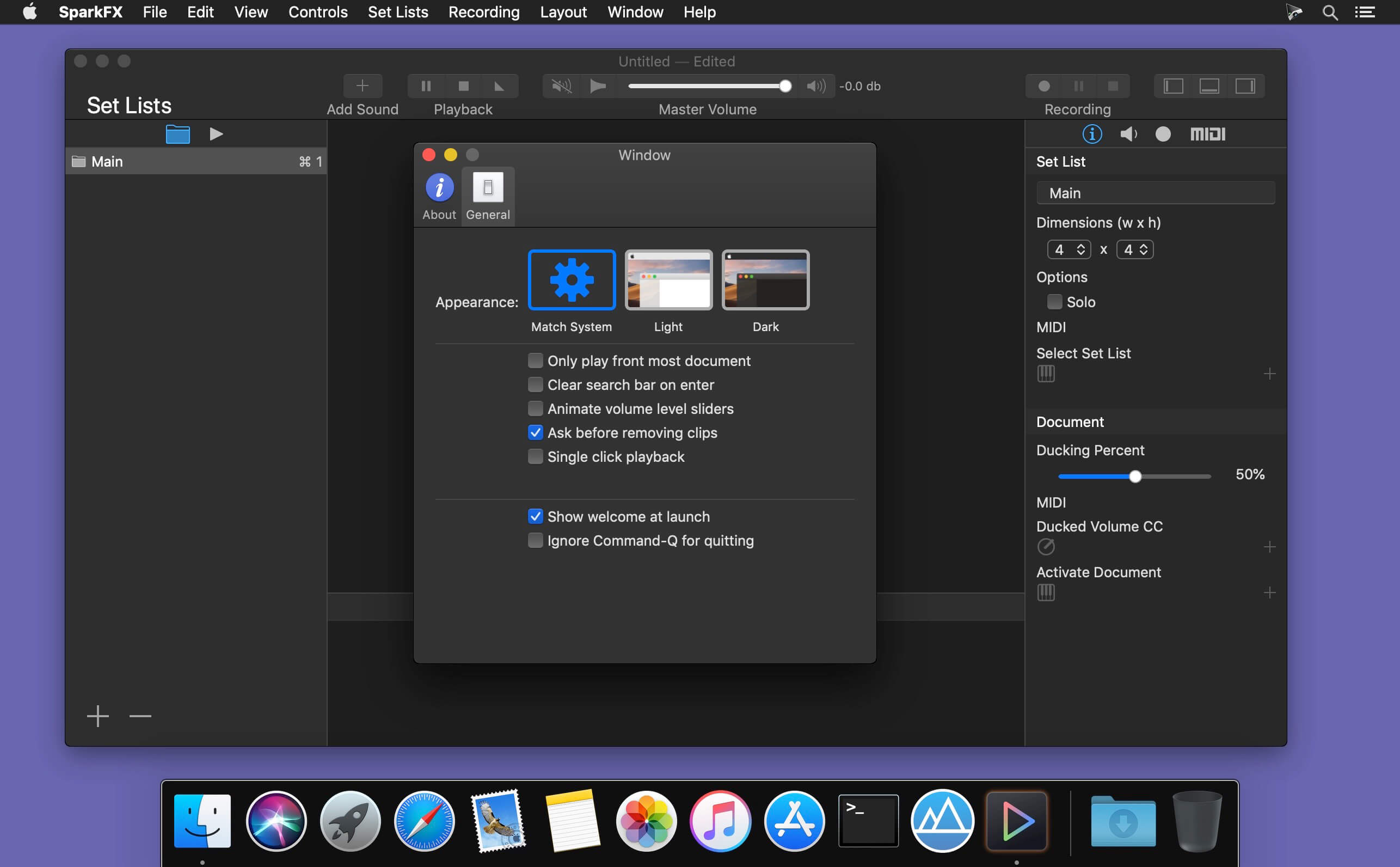
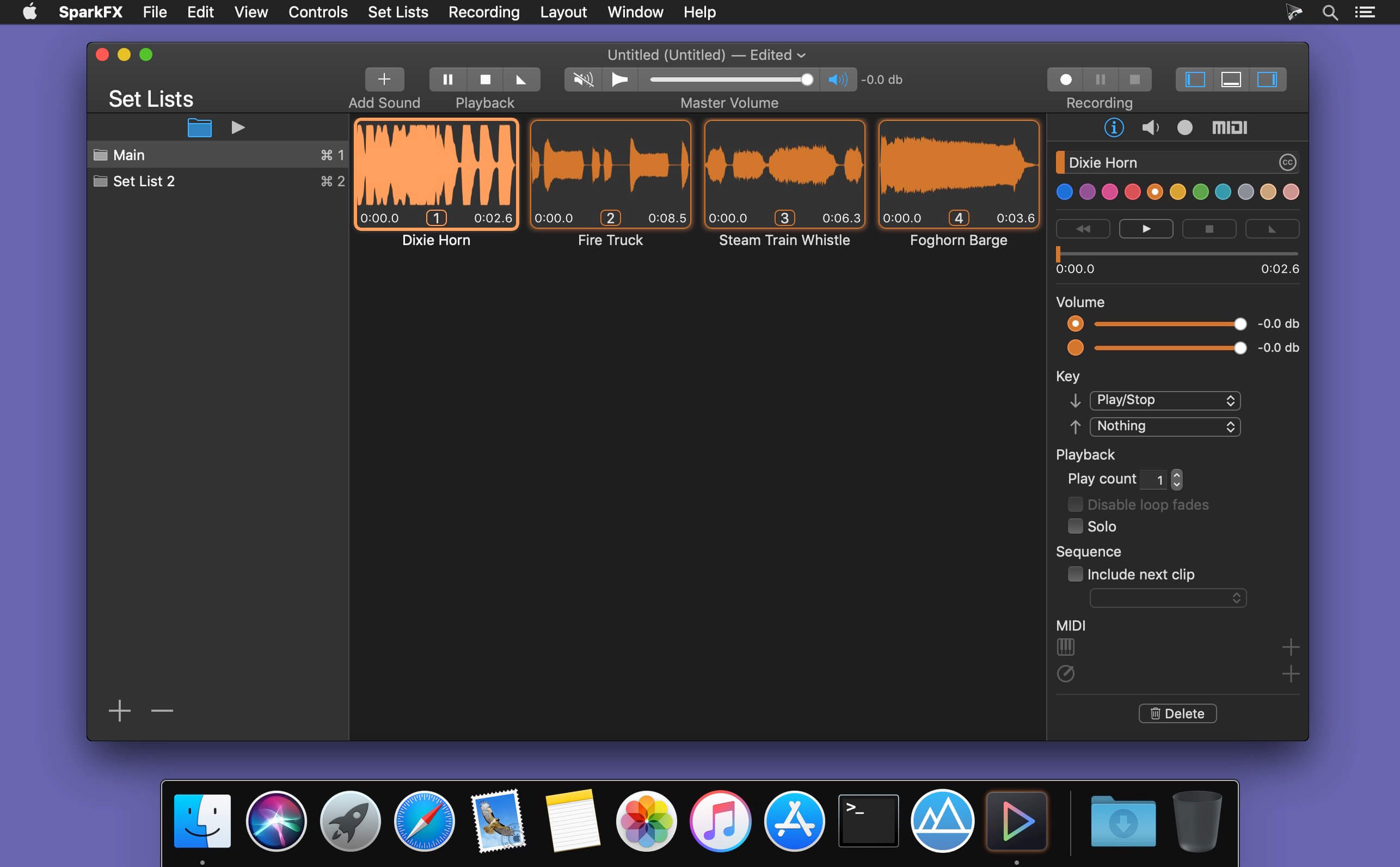
The simple grid based UI makes SparkFX easy to use by letting you focus on your performance.The Navigator and Inspector side bars can be hidden so they don’t distract you during your performance. See only the controls you need to, when you need to.
Use Set Lists to keep your sound clips organized into different groups.
Use color to highlight and organize your sound clips. There are eleven different colors to choose from.
Now Playing provide a central place to control all of the currently playing clips, regardless of which Set List they are in.
The Search Bar lets you quickly find and play clips.
SparkFX is a document based app. Use different documents for your different performance needs.
Version 1.0.0b7:
- Release notes were unavailable when this listing was updated.
Comments
No comments yet. Be the first.
Information
Visitors in the group Guests cannot leave comments on this publication.