

Graphic Inspector 2.6.8
Screenshots
Click to enlarge
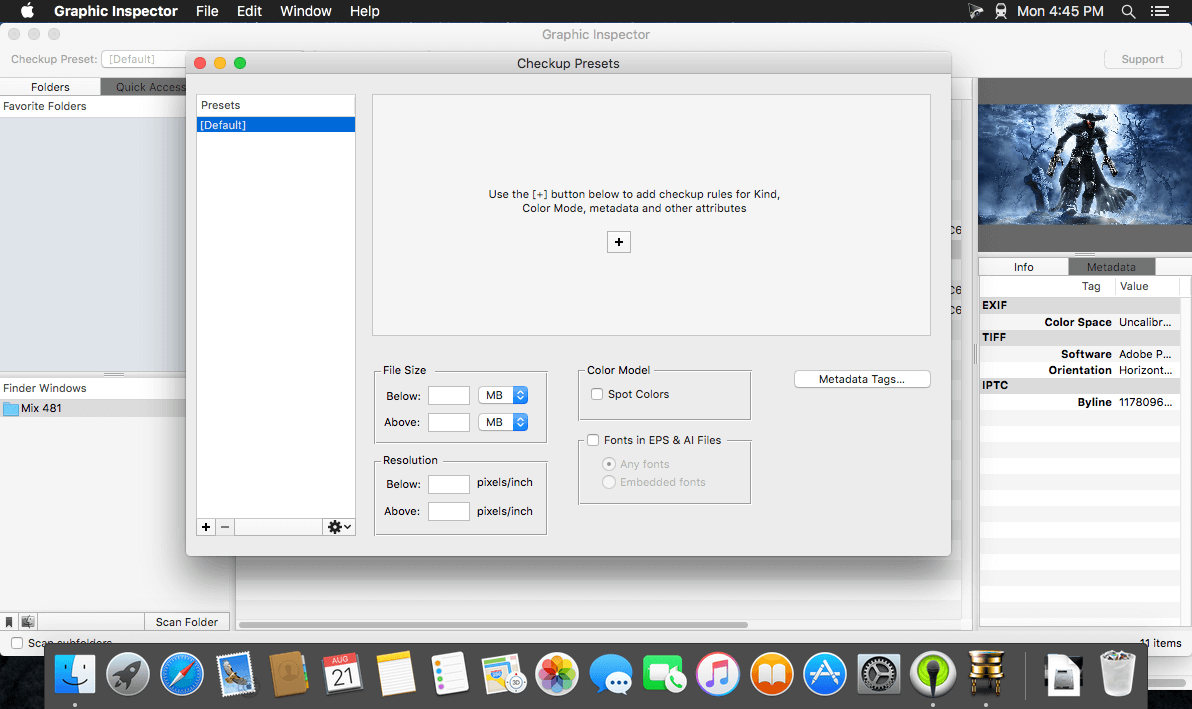
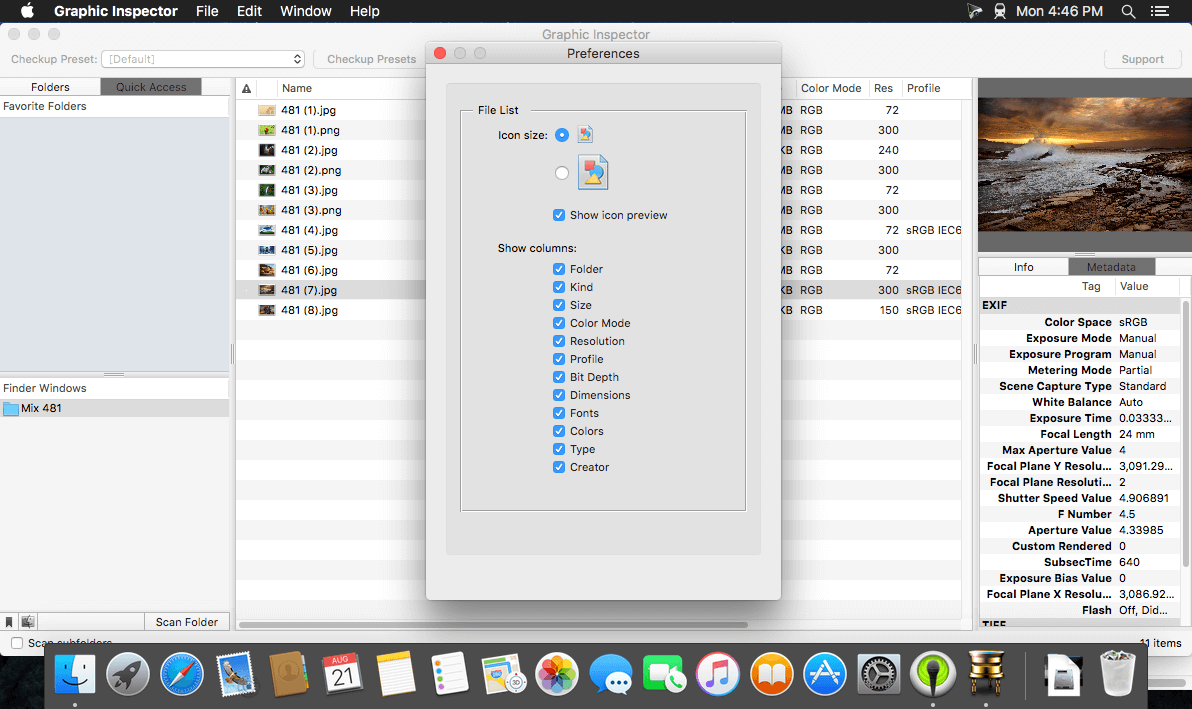
Graphic Inspector provides extensive info on entire folders of images and vector graphic files and helps locate potential problems according to user-defined rules. Graphic Inspector is a professional checkup tool designed to help users of any trade, whether it's print, web design, photography or publishing on mobile devices.
The program will go through batches of files, display extensive info on their attributes and flag files with specific properties:
- kind, size, and dimensions
- resolution
- color mode (including Photoshop mode variations)
- ICC profile
- spot colors in images and vector graphics files (Illustrator, EPS etc.)
- TIFF / EPS compression
- fonts in Illustrator files
- complete image metadata (including EXIF, IPTC and GPS)
Powerful Checkup presets will let you quickly spot files with specific attributes, saving hours of manual checking and dealing with consequences of costly mistakes. For example, Graphic Inspector can warn you about all files whose color mode is RGB, format is JPEG, resolution is below 200 dpi, ICC profile doesn't contain "US Web Coated", etc.
Version 2.6.0:
- New: Image width and height in pixels now appear in two separate columns that can be sorted individually. These columns replace the old dimensions column in the WxH format.
- New: Width/Height (px) attributes added to checkup presets. Images can now be evaluated for their pixel dimensions and flagged accordingly.
- New: Date Created in the Info tab.
- Improved modified date representation.
- Improved alert dialogs (instead of the ugly ones introduced by Apple on macOS Big Sur.)
- Minor UI fixes.
Comments
No comments yet. Be the first.