
Kingpin Private Browser 2.1.2
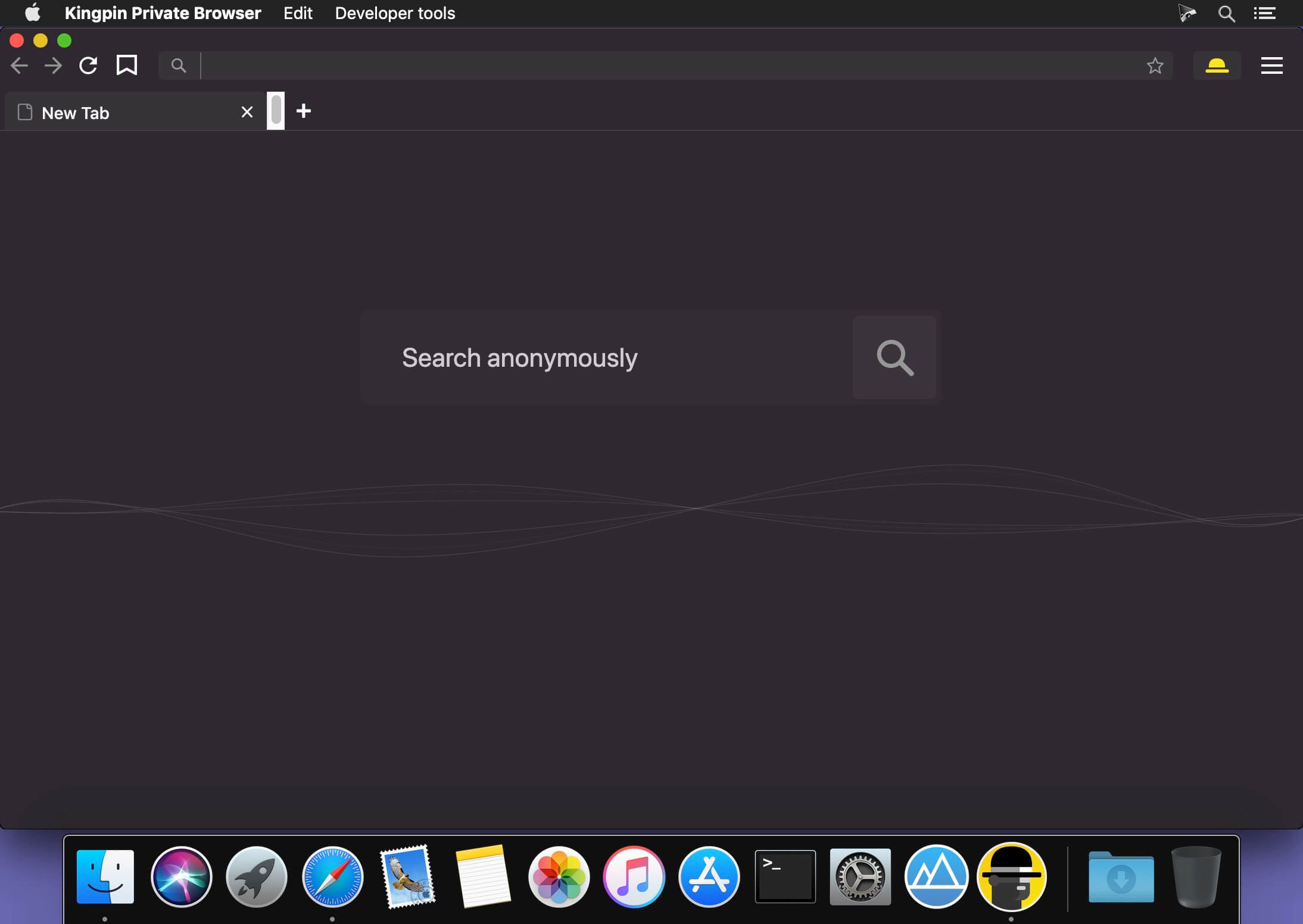
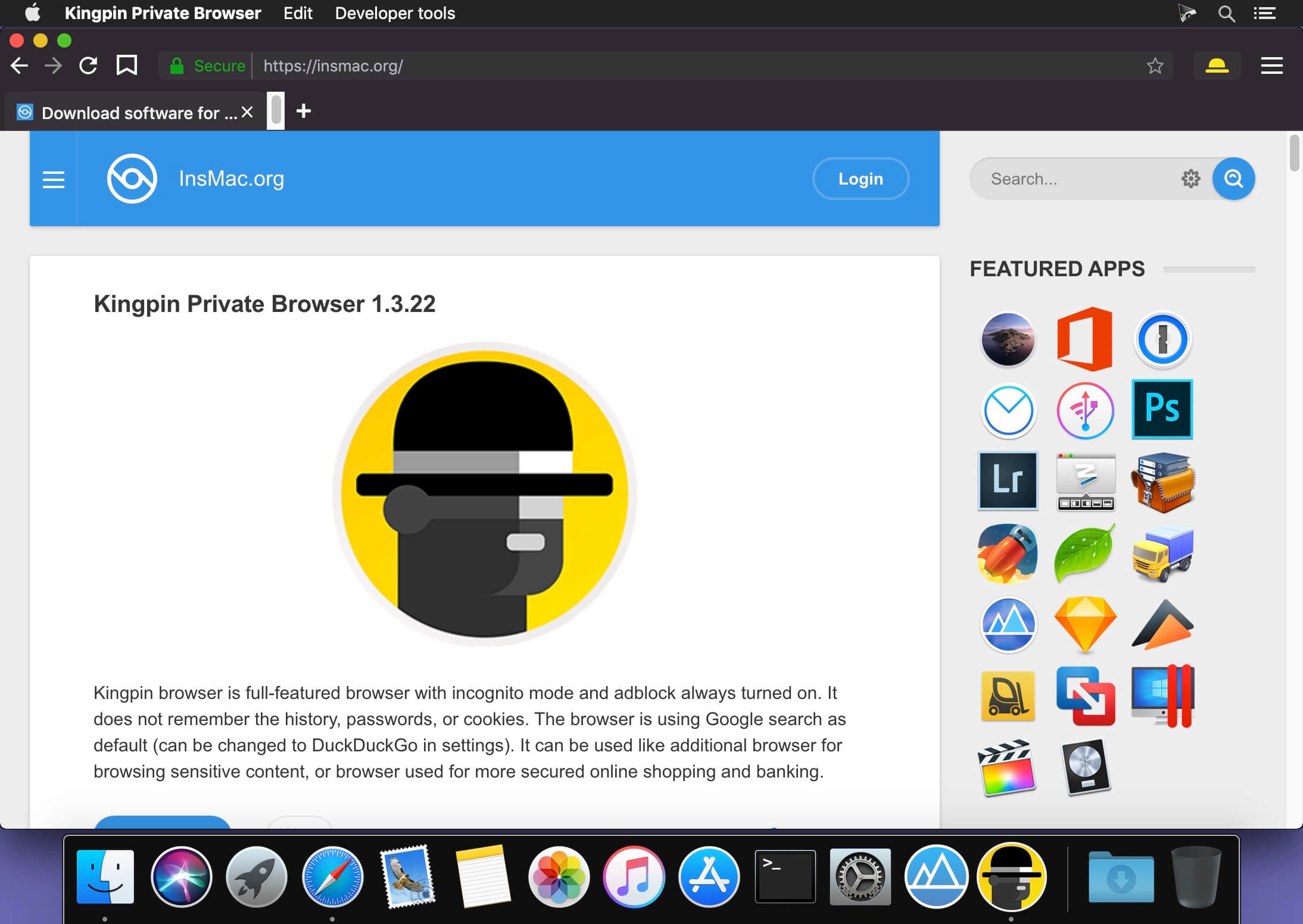
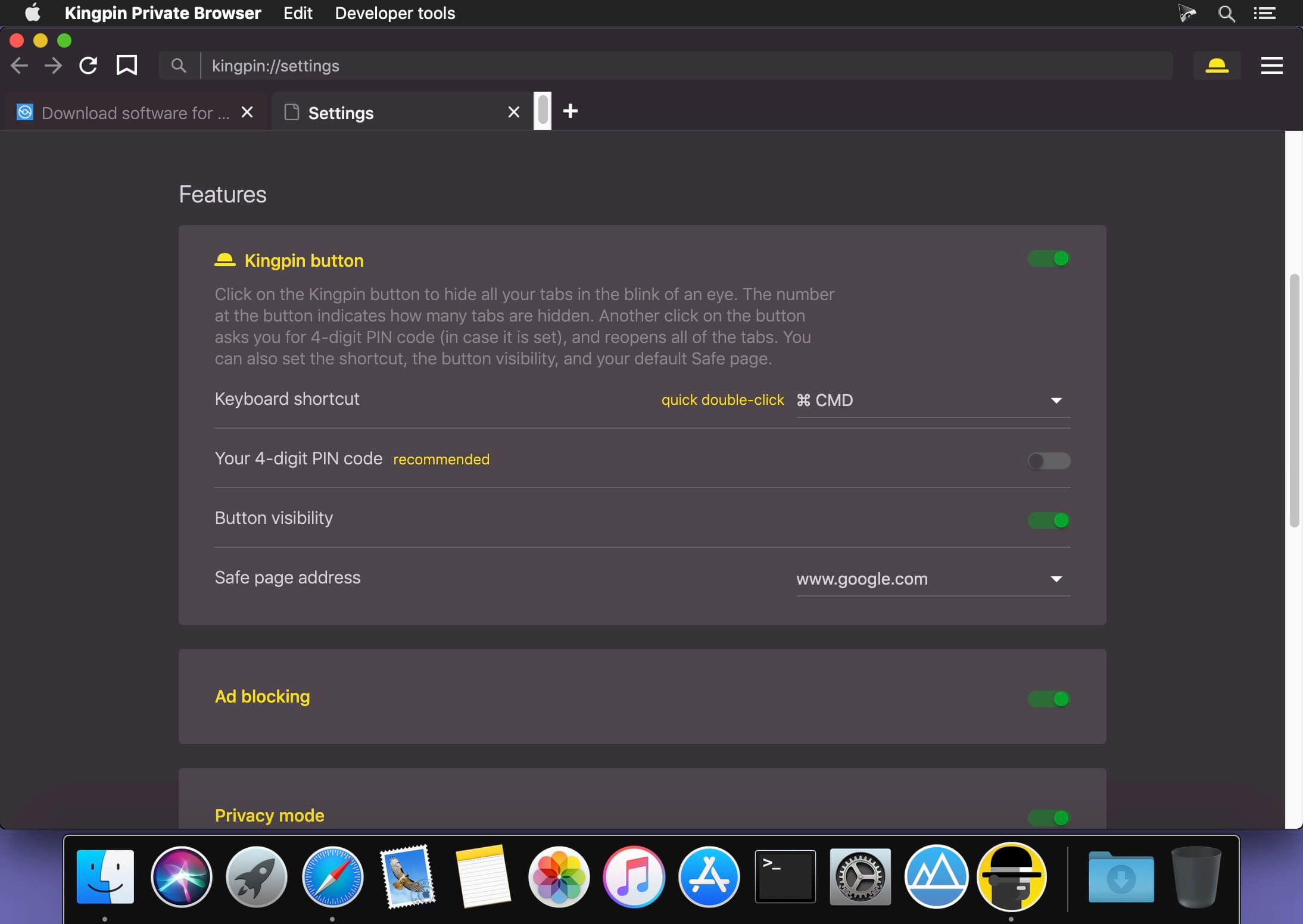
Kingpin browser is full-featured browser with incognito mode and adblock always turned on. It does not remember the history, passwords, or cookies. The browser is using Google search as default (can be changed to DuckDuckGo in settings). It can be used like additional browser for browsing sensitive content, or browser used for more secured online shopping and banking.
Why you should give Kingpin browser a try:
PRIVACY
- Does not store browsing history, passwords, credentials, or cookies.
- Always stay private while browsing sensitive content: dating sites, adult content, health issues, or gifts shopping.
- No auto-completion of the URLs, do not worry if someone looks over your shoulder.
- You can use Kingpin browser while using a computer that is not yours to protect your privacy.
SECURITY
- Hide all your tabs in the blink of an eye with Kingpin button. You can reopen them with a single click, or your 4-digit PIN code.
- All financial operations are safer to do in an incognito mode which you do not need to think of – it is turned on by default.
AD BLOCKING
- Reading without ads is much more fun. The ads are blocked on your favorite news websites.
- No tracking, you will not be followed with ads/recommendations (i.e. Amazon or Youtube recommendations).
Version 2.1.2
- Bug fixes
Frequently asked questions
How do I install the app?
Mount the image, drag the app into the "Applications" folder and launch it. If the system blocks the launch, allow it in "System Settings → Privacy & Security".
The app is damaged or won't launch
Reinstalling from a fresh image usually helps. Make sure your macOS version matches the one listed in the compatibility specs.
How do I update?
Download the new version from the site and install it over the current one — your settings will be preserved.
The download link doesn't work
Try a mirror or a download manager. For large files the browser often drops the connection.
How do I completely remove the app?
Use an uninstaller utility — it cleans up the service files that remain after moving the app to the trash.





Choose a download source
Kingpin Private Browser 2.1.2 · 85.43 MB
Previous versions
Kingpin Private Browser 2.1.2
Previous versions are available to registered users.