
System Monitor 2.7
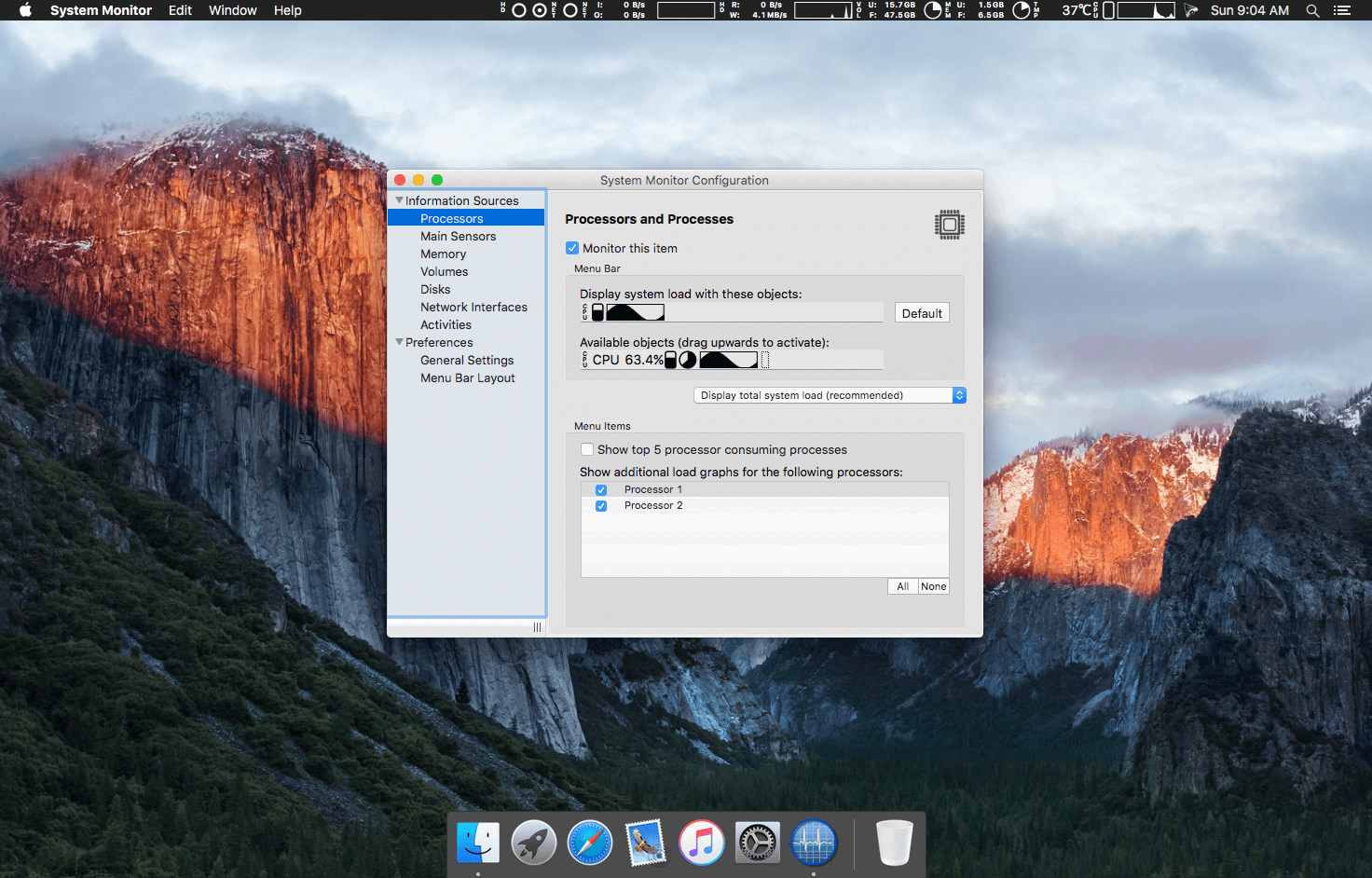
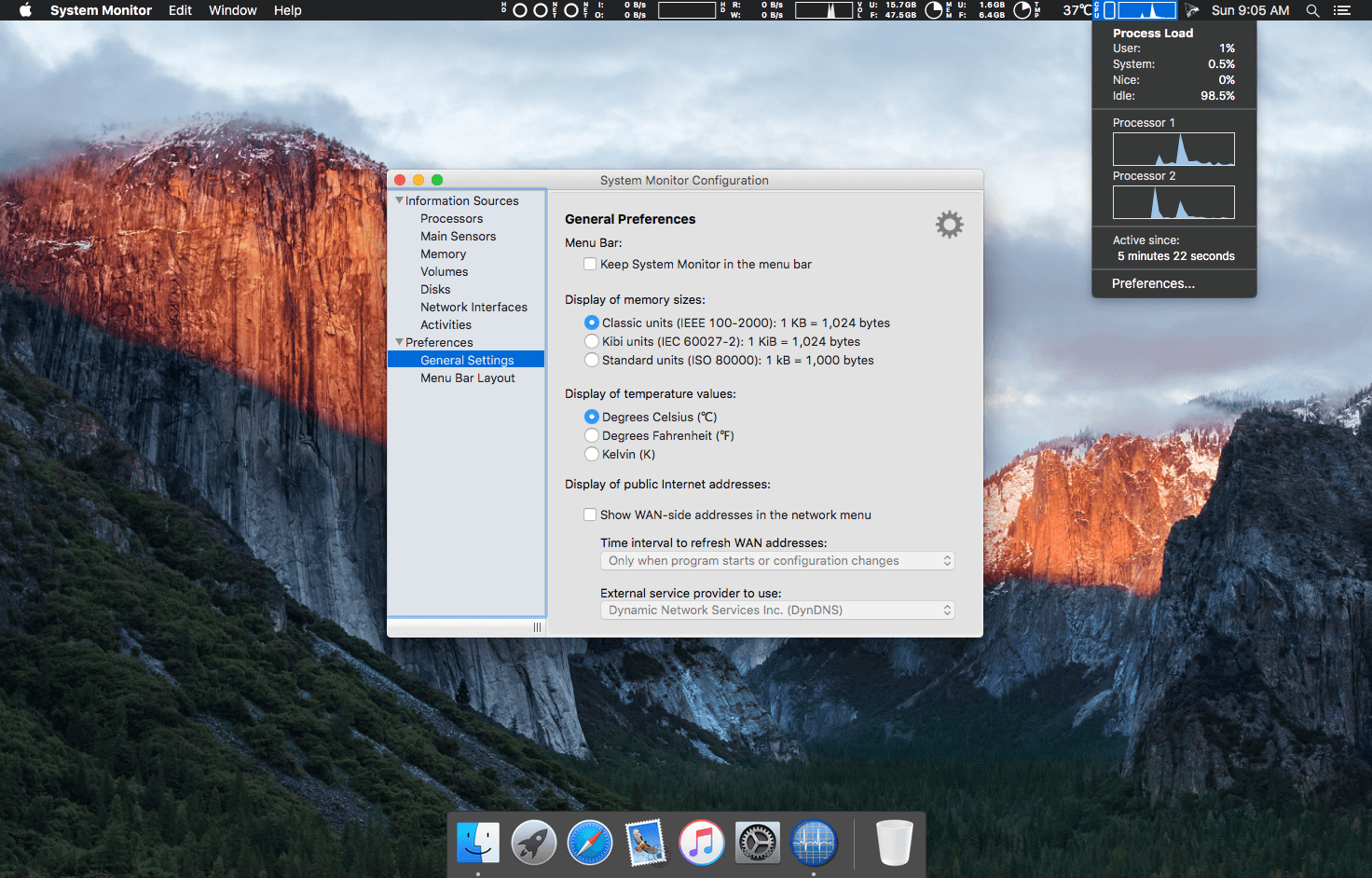
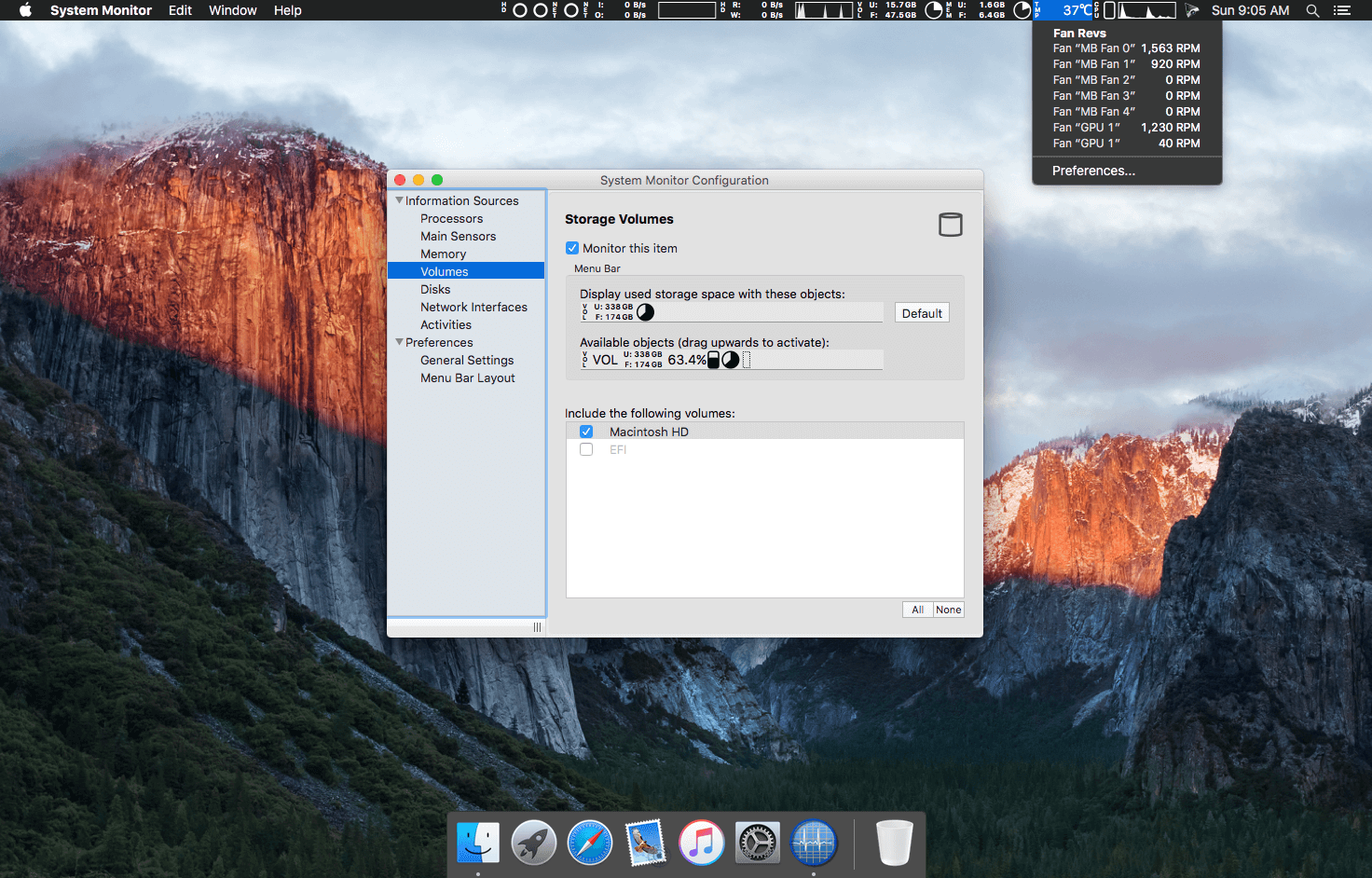
System Monitor is an application for the menu bar of OS X, designed to inform you unobtrusively about the activity of your computer. You can retrieve up-to-date technical data any time, like process load, main memory consumption, storage space, disk activity, communication on network interfaces, etc. By positioning the app in the menu bar, minimum screen real estate is wasted. The program monitors your system continuously and is readily available when you need it.
If desired, System Monitor can also simulate the flickering activity lights of hard drives or network sockets in the menu bar. This is possible either in color or, perfectly integrated into the design of OS X, in inconspicuous black-and-white. PC switchers who miss this feature on Mac computers can easily retrofit this function with System Monitor.
Version 2.7:
- This version fixes an issue where the contents of the APFS overview window might not have updated automatically when the user modified the APFS configuration while the window was open.
Frequently asked questions
How do I install the app?
Mount the image, drag the app into the "Applications" folder and launch it. If the system blocks the launch, allow it in "System Settings → Privacy & Security".
The app is damaged or won't launch
Reinstalling from a fresh image usually helps. Make sure your macOS version matches the one listed in the compatibility specs.
How do I update?
Download the new version from the site and install it over the current one — your settings will be preserved.
The download link doesn't work
Try a mirror or a download manager. For large files the browser often drops the connection.
How do I completely remove the app?
Use an uninstaller utility — it cleans up the service files that remain after moving the app to the trash.
VersionSystem Monitor 2.7
DeveloperMarcel Bresink
CompatibilityOS X 10.6.8 or later
LanguageEnglish
IncludesK'ed by The Shark



Information
Visitors in the group Guests cannot leave comments on this publication.
Choose a download source
System Monitor 2.7 · 10.98 MB
Previous versions
System Monitor 2.7
Previous versions are available to registered users.