
Direct Mail 5.7.1
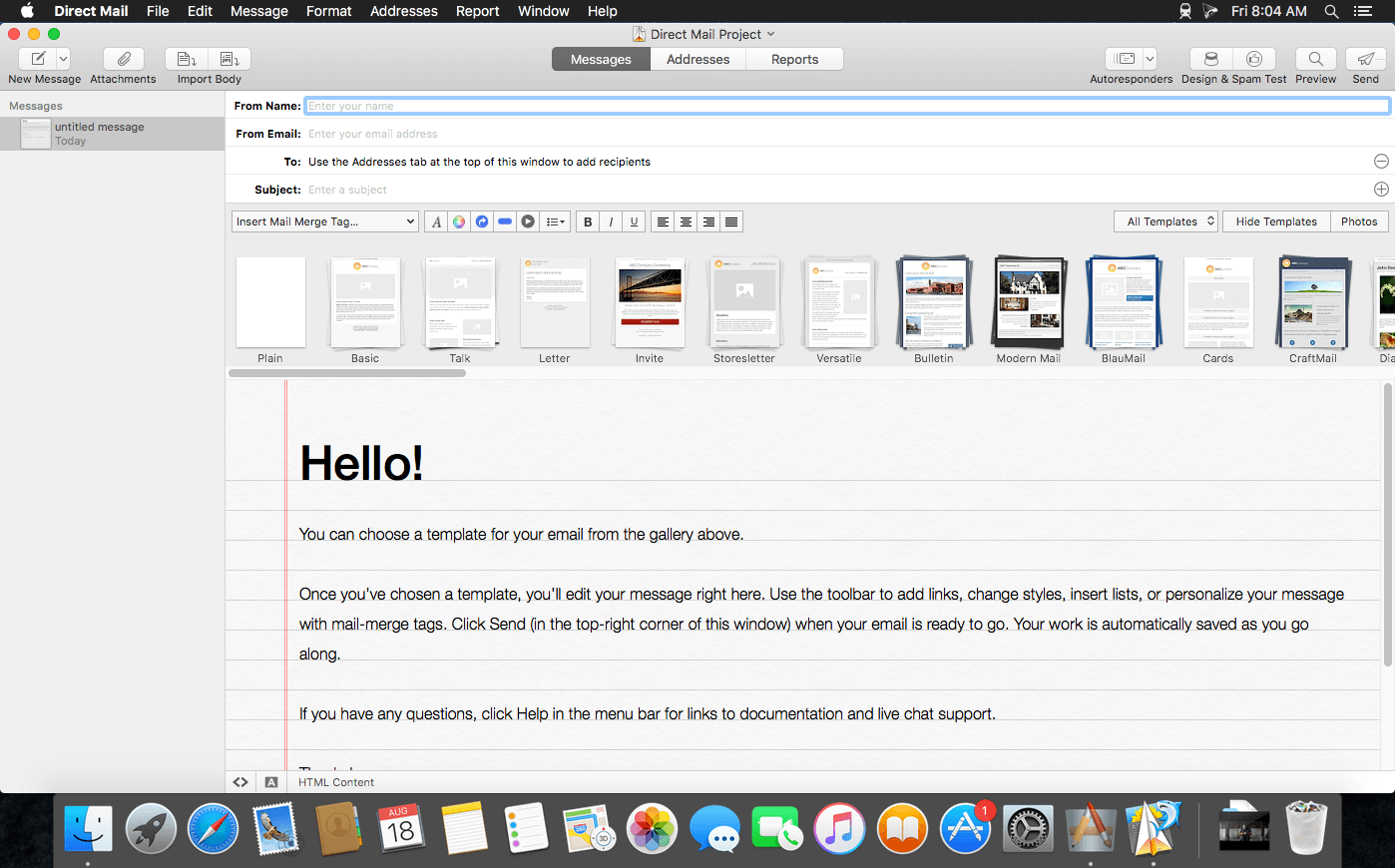
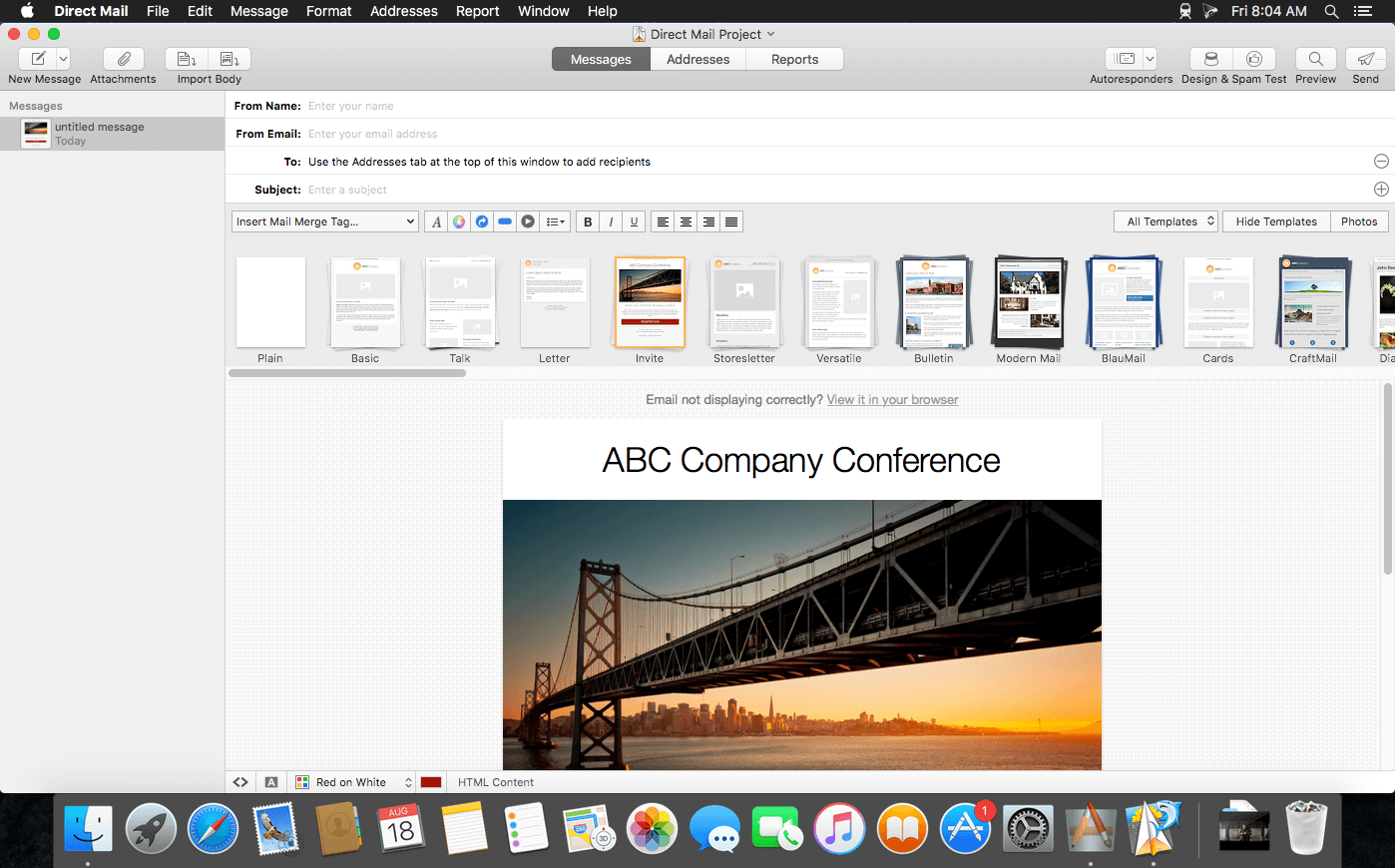
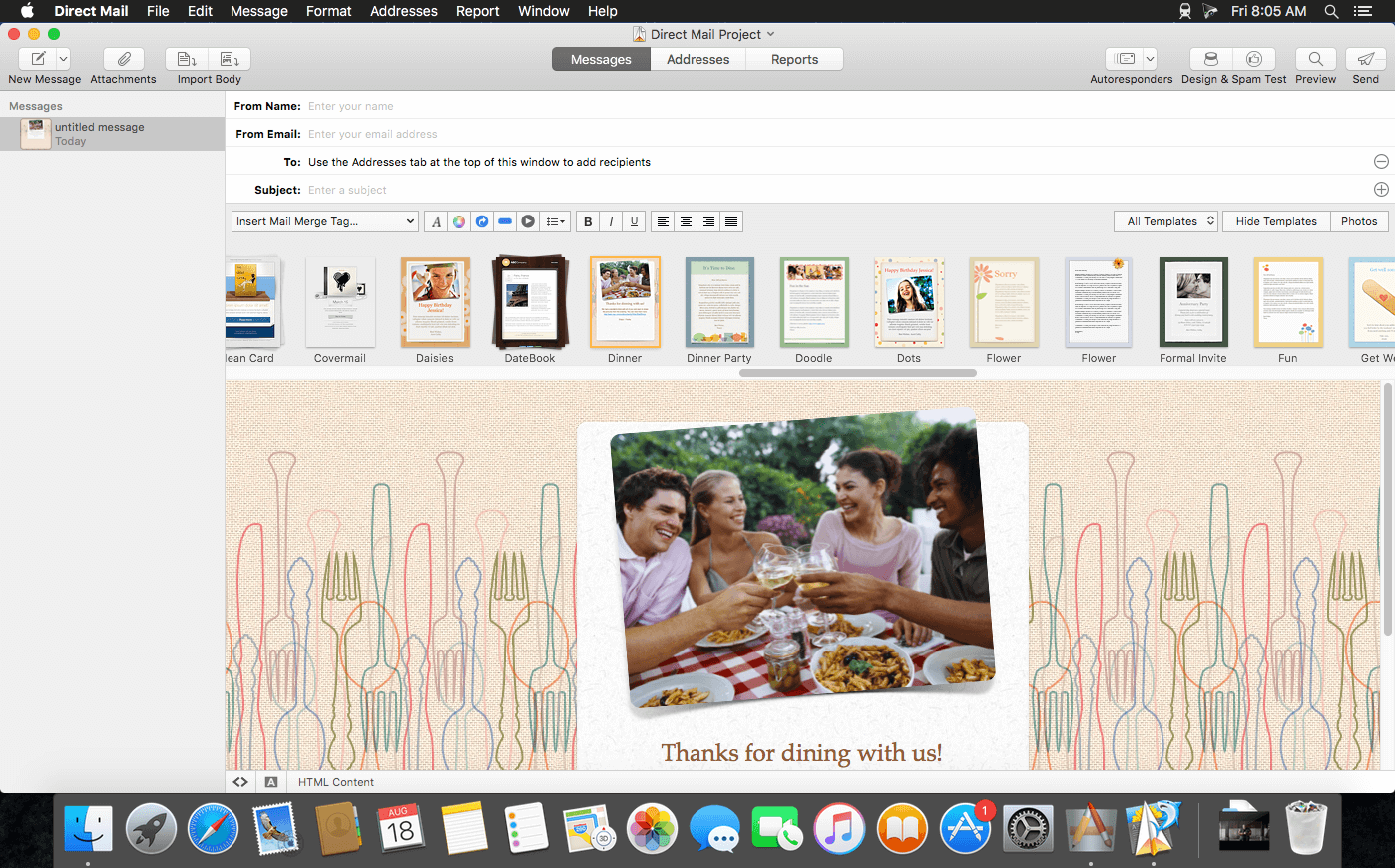
Direct Mail--an easy-to-use, fully-featured email marketing app purpose-built for OS X--lets you create and send great looking email campaigns. Start your newsletter by selecting from a gallery of professionally-designed templates, then customize to your heart’s content. Design Tests let you see how your email looks in a wide variety of email clients, including live mobile previews sent to your iPhone or iPad.
You’ll love not having to hassle with a slow, clunky, web-based editor. When you’re ready to send, rely on Direct Mail’s built-in email service (Only if you pay for it) to deliver your message in a flash. Campaign reports show you a clear summary of opens, clicks, and more. Grow your mailing list by creating customizable subscribe forms and publish them to your website or Facebook.
Version 5.7.1:
- Fixed a bug that could cause a crash when duplicating message folders
- Fixed a bug that could result in incorrect social website URLs
- Restored the ability to customize touch bar controls on macOS 10.15.1 and newer
- Additional bug fixes and improvements
Frequently asked questions
How do I install the app?
Mount the image, drag the app into the "Applications" folder and launch it. If the system blocks the launch, allow it in "System Settings → Privacy & Security".
The app is damaged or won't launch
Reinstalling from a fresh image usually helps. Make sure your macOS version matches the one listed in the compatibility specs.
How do I update?
Download the new version from the site and install it over the current one — your settings will be preserved.
The download link doesn't work
Try a mirror or a download manager. For large files the browser often drops the connection.
How do I completely remove the app?
Use an uninstaller utility — it cleans up the service files that remain after moving the app to the trash.
VersionDirect Mail 5.7.1
Developere3 Software
CompatibilityOS X 10.11 or later, 64-bit processor
LanguageEnglish
IncludesK'ed by The Shark





Information
Visitors in the group Guests cannot leave comments on this publication.
Choose a download source
Direct Mail 5.7.1 · 51.44 MB
Previous versions
Direct Mail 5.7.1
Previous versions are available to registered users.