
iStat Menus 5.32
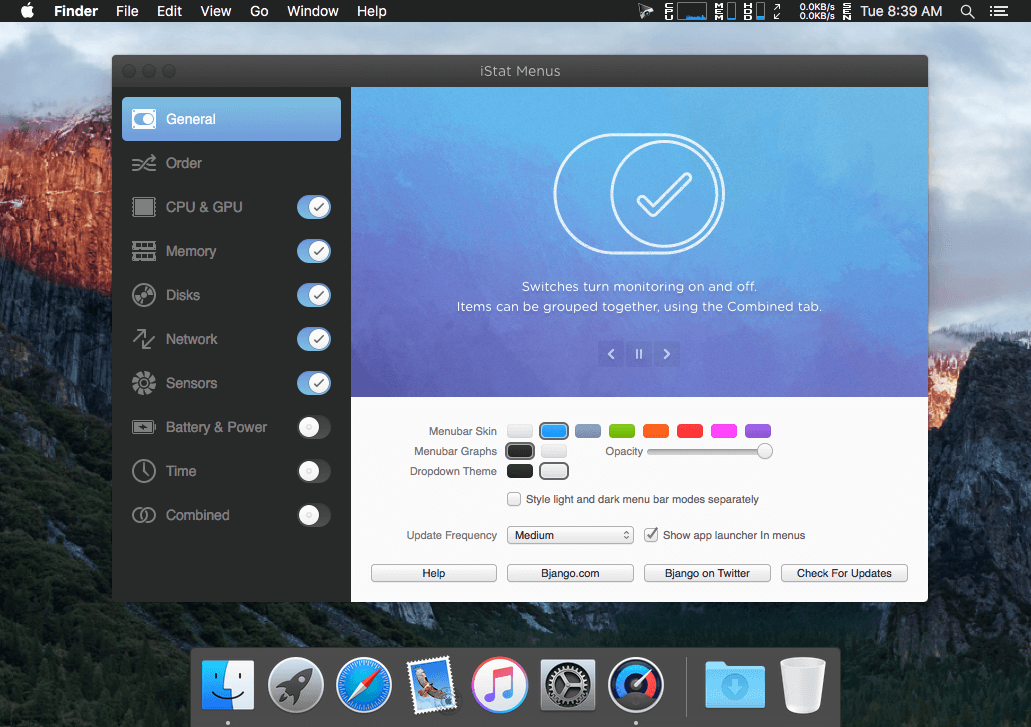
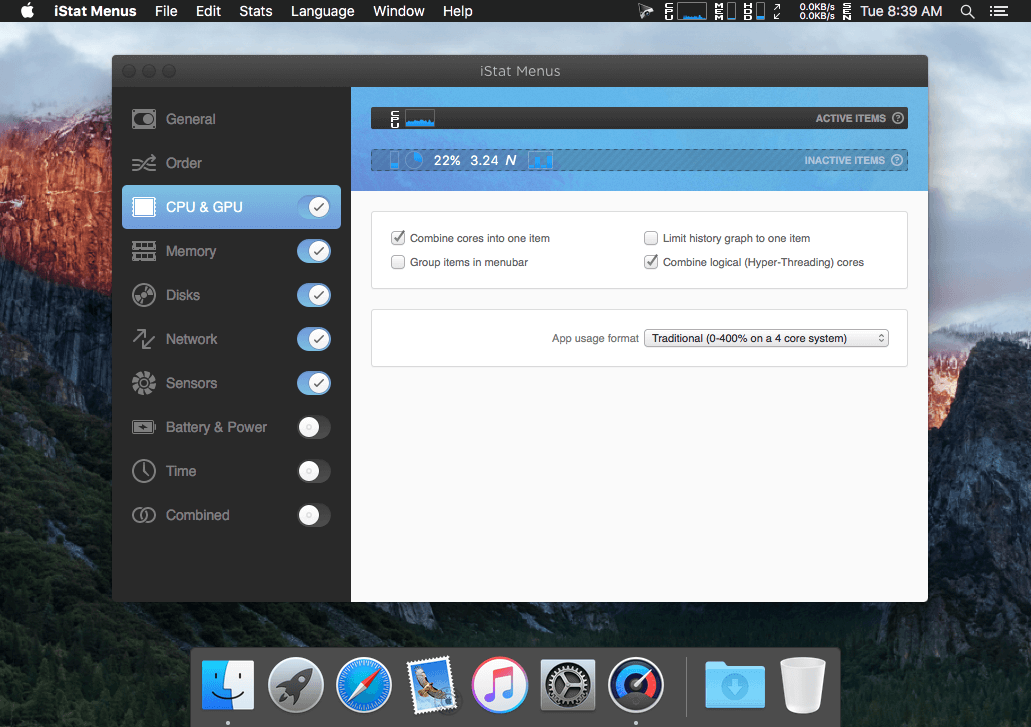
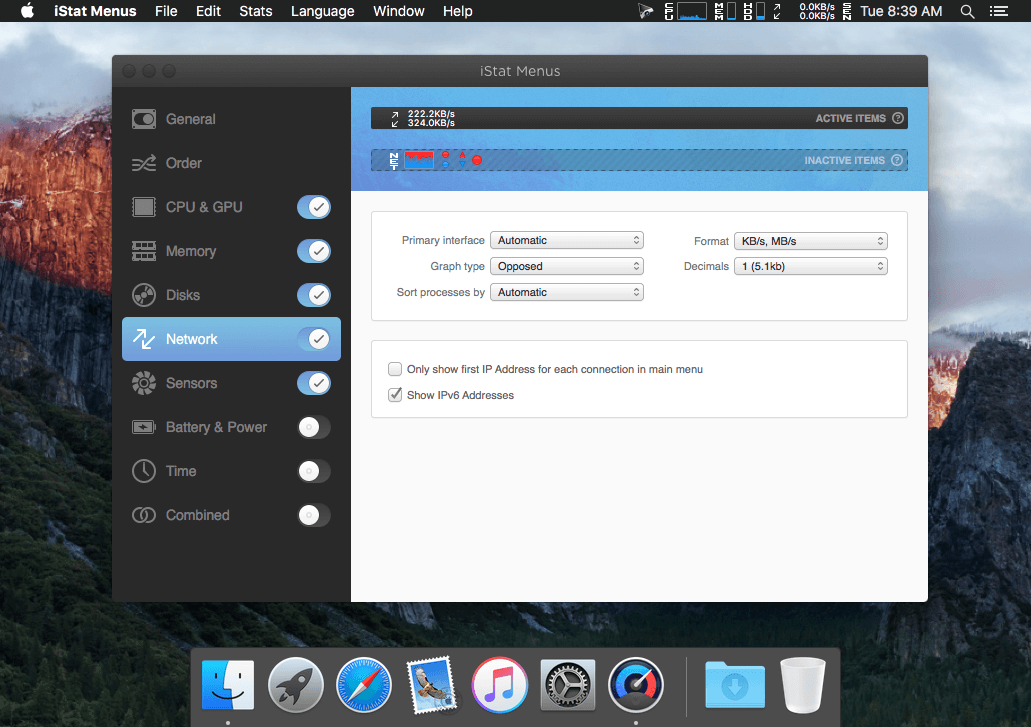
iStat Menus lets you monitor your system right from the menubar. Included are 8 menu extras that let you monitor every aspect of your system.
Some features:
CPU -- Monitor cpu usage. 7 display modes, multiple core support.
Memory -- Monitor memory usage. 4 display modes, page ins/outs and swap usage display.
Disks -- Monitor disk usage and activity. 6 display modes, ability to hide disks you dont want to see.
Network -- Monitor current and total bandwidth, peak bandwidth, IP addresses, and the ability to hide network connections you don't want to see.
Temps -- Monitor the temperature of your Mac. 2 display modes, ability to hide sensors you don't want to see.
Fans -- Monitor the fan speeds in your Mac. 2 display modes, ability to hide sensors you don't want to see.
Bluetooth -- Control bluetooth status plus monitor the battery level of your Apple wireless keyboard or mouse.
Date & Time -- Date and time in your menubar. World clock display lets you see the time in multiple locations around the world.
Version 5.32:
- Improved support for 2017 MacBook Pros.
- Improved support for 2017 MacBooks.
- Improved support for 2017 iMacs.
- Improved per process network monitoring.
- Improved per process memory monitoring in macOS 10.11 and 10.12.
- Improved support for macOS 10.13.
- Improved bluetooth battery monitoring.
- Improved disk monitoring performance.
- Fixed an issue with the sun position in light map.
Frequently asked questions
How do I install the app?
Mount the image, drag the app into the "Applications" folder and launch it. If the system blocks the launch, allow it in "System Settings → Privacy & Security".
The app is damaged or won't launch
Reinstalling from a fresh image usually helps. Make sure your macOS version matches the one listed in the compatibility specs.
How do I update?
Download the new version from the site and install it over the current one — your settings will be preserved.
The download link doesn't work
Try a mirror or a download manager. For large files the browser often drops the connection.
How do I completely remove the app?
Use an uninstaller utility — it cleans up the service files that remain after moving the app to the trash.




Choose a download source
iStat Menus 5.32 · 30.32 MB