
FilePane 1.10.7
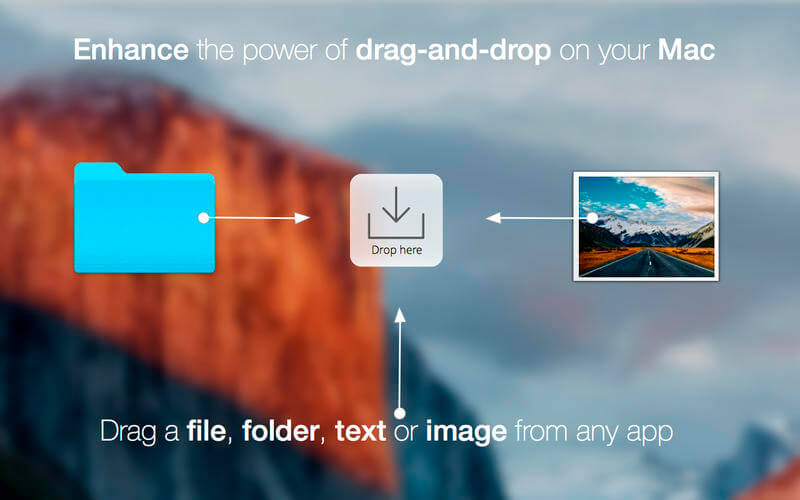
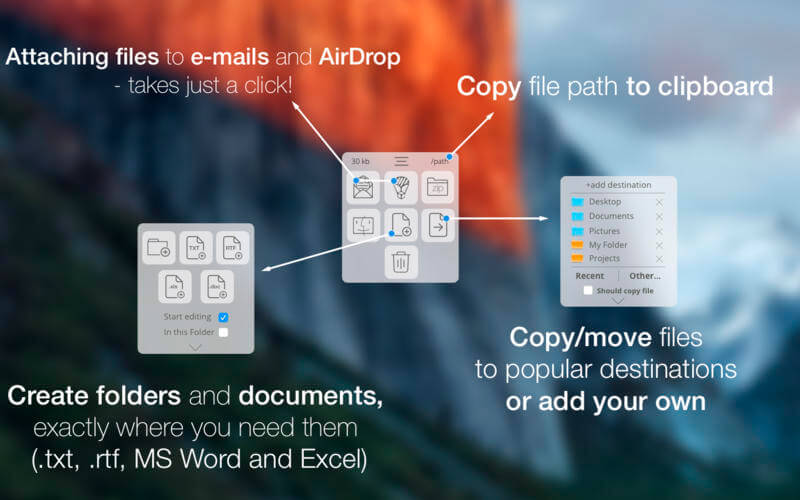
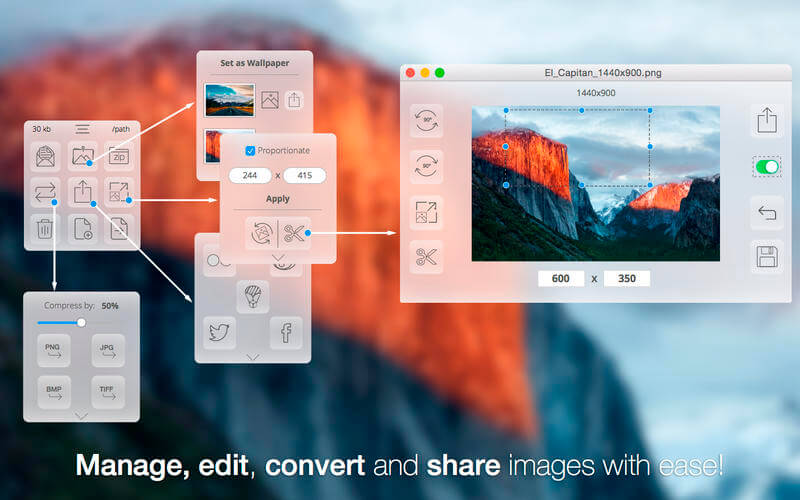
FilePane is a lightweight, versatile multi-tool for quick file management. It works with almost any selectable and draggable content from any app on your system. You can easily copy/move/create files and folders, edit/share/convert images and a lot more…
Just start dragging a file or text and drop it into "Drop Here" panel, showing near your cursor.
FilePane detects the file type and offers some quick actions for it.
With FilePane you can easily:
- crop, rotate, resize, convert, compress images on the fly;
- free hand drawing on your images and screenshots;
- share content (e-mail, Twitter, Facebook, Airdrop);
- set, store desktop pictures;
- quickly copy/move files to your custom popular destinations;
- copy file size or path to clipboard;
- see word and glyph count and various other handy options for highlighted text;
- converting Text documents to PDF;
- create new Folders, RTF, TXT, Excel and Word files, where you need them
Version 1.10.7:
- Release notes were unavailable when this listing was updated.
Frequently asked questions
How do I install the app?
Mount the image, drag the app into the "Applications" folder and launch it. If the system blocks the launch, allow it in "System Settings → Privacy & Security".
The app is damaged or won't launch
Reinstalling from a fresh image usually helps. Make sure your macOS version matches the one listed in the compatibility specs.
How do I update?
Download the new version from the site and install it over the current one — your settings will be preserved.
The download link doesn't work
Try a mirror or a download manager. For large files the browser often drops the connection.
How do I completely remove the app?
Use an uninstaller utility — it cleans up the service files that remain after moving the app to the trash.
VersionFilePane 1.10.7
Developer© mymixapps
CompatibilityOS X 10.10 or later, 64-bit processor
LanguageEnglish, Dutch, French, German, Italian, Simplified Chinese
IncludesK'ed by TNT




Information
Visitors in the group Guests cannot leave comments on this publication.
Choose a download source
FilePane 1.10.7 · 13.15 MB
Previous versions
FilePane 1.10.7
Previous versions are available to registered users.