

MediaTrans 2.0
Screenshots
Click to enlarge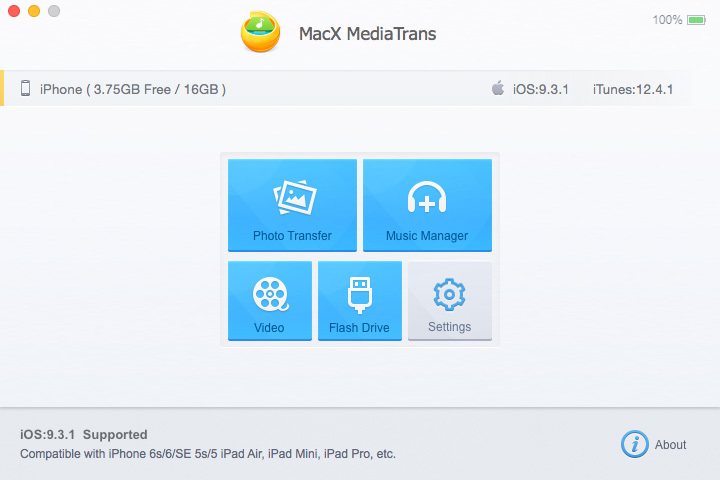
MediaTrans - Easy, high-speed transfer between Macs and iDevices.
MacX MediaTrans is an excellent iPhone content manager for the transfer of photos, music, videos, TV shows, movies, etc., between iPhone, iPad, iPod, and Mac. You can also use an iPhone as a USB drive for file backup from Word or Excel to PDF, apps, etc. It provides an easy and hassle-free way to create/delete/edit playlists, and to manage music tracks, albums and genres in batch. The embedded video conversion mode can handle auto-video-conversion to fit iPhone or iPad while preserving high quality. In addition, with cutting-edge tech, MacX MediaTrans can transfer 100 4k photos in merely 8 seconds.
Version 2.0:
- Release notes were unavailable when this listing was updated.
Requirements
- Intel, 64-bit processor
- OS X 10.7 or later
- iOS 7 or later
- iTunes 11.2 or later
Comments
No comments yet. Be the first.
Information
Visitors in the group Guests cannot leave comments on this publication.