iExplorer 3.9.14.0
iExplorer (was iPhone Explorer) is an iPhone browser for Mac lets you view the files on your iOS device. By using a drag and drop interface, you can quickly copy files and folders between your Mac and your iPhone or iTouch. It works with both jailbreaked and non-jailbreaked iPhones and works quickly with a standard USB cable.
Feature Highlights:
- All the best technology from Phone to Mac, Phone Disk, and iExplorer 2, and then some
- One-click recover of music and videos straight to iTunes
- Explore and export photos and videos (even from older iPods)
- Mount any folder or category, including playlists and photo albums, then browse in Finder and open with other apps
- Browse iTunes backups. Export: Messages (including attachments), calendars, voicemail, call history, contacts, notes...
- Works with all types of iPods, iTouch, iPhones, iPads
WHAT’S NEW
Version 3.9.14.0:
- Various improvements
Screenshots
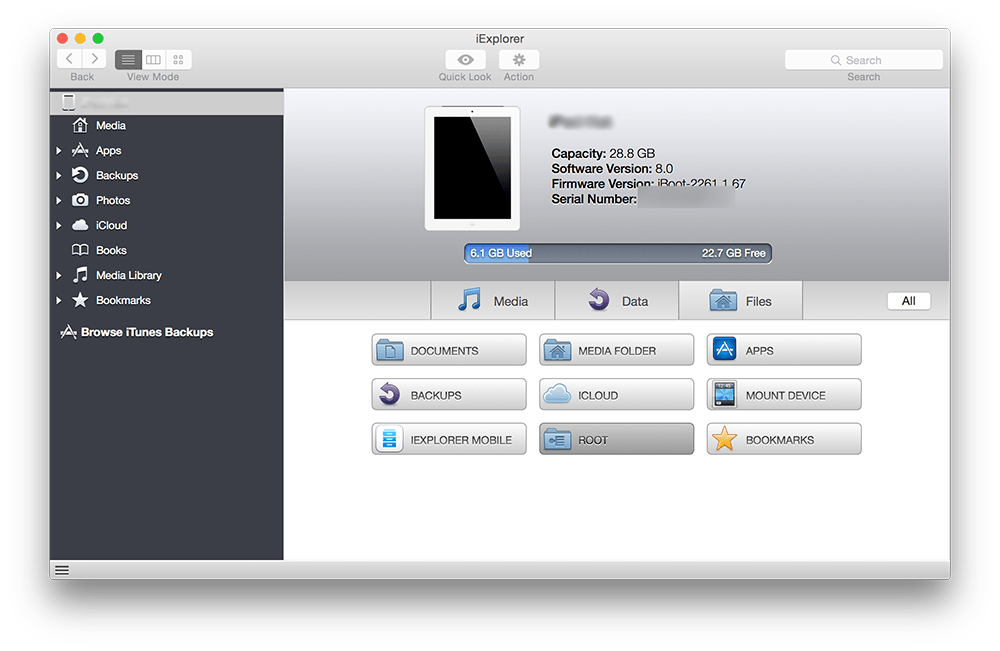
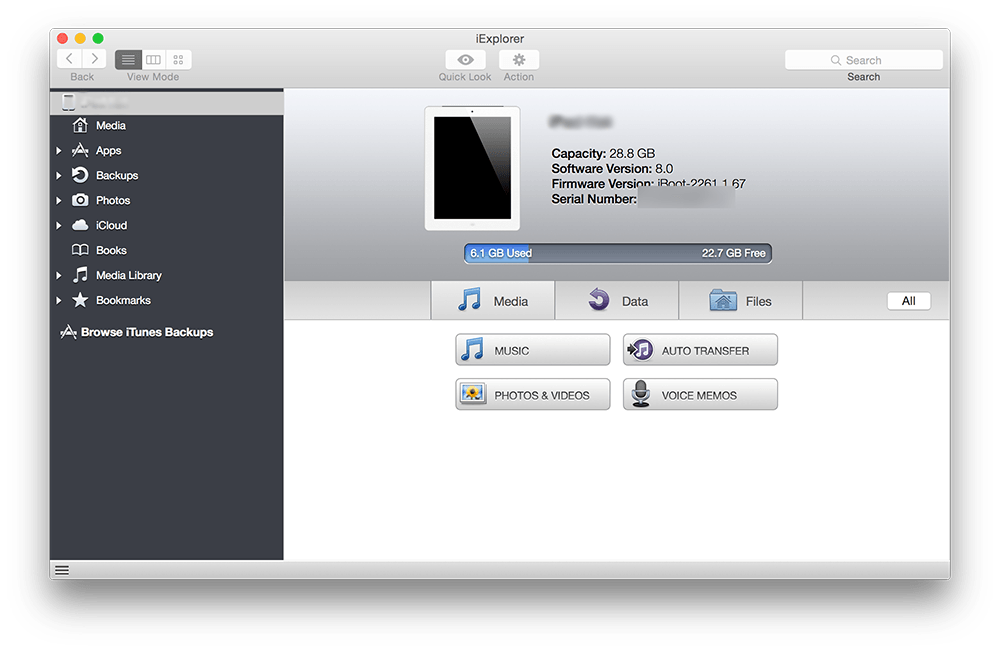
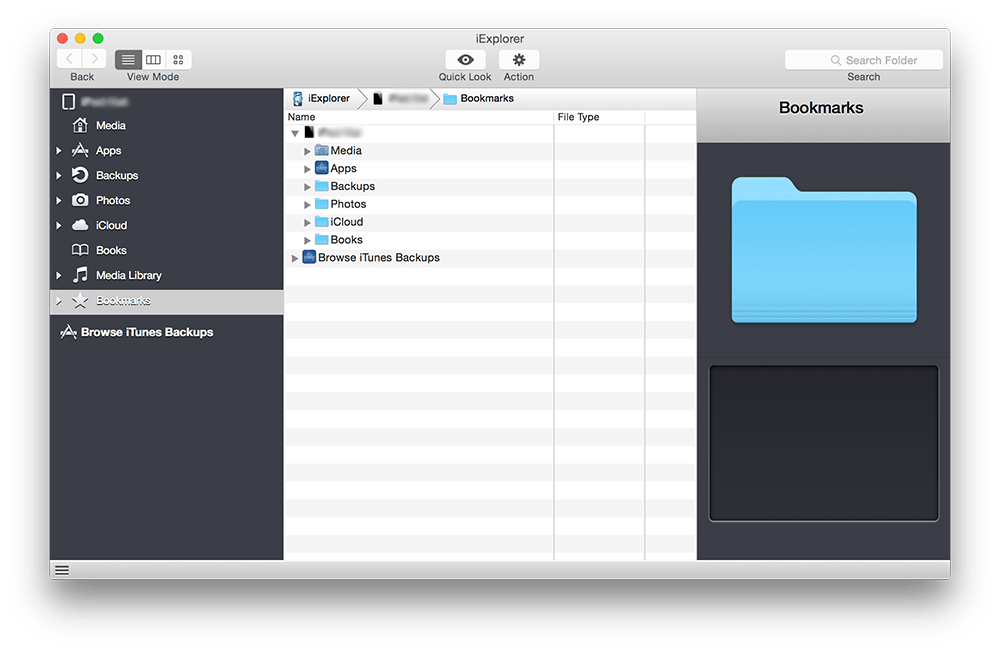
Frequently asked questions
How do I install the app?
Mount the image, drag the app into the "Applications" folder and launch it. If the system blocks the launch, allow it in "System Settings → Privacy & Security".
The app is damaged or won't launch
Reinstalling from a fresh image usually helps. Make sure your macOS version matches the one listed in the compatibility specs.
How do I update?
Download the new version from the site and install it over the current one — your settings will be preserved.
The download link doesn't work
Try a mirror or a download manager. For large files the browser often drops the connection.
How do I completely remove the app?
Use an uninstaller utility — it cleans up the service files that remain after moving the app to the trash.
VersioniExplorer 3.9.14.0
DeveloperMacroplant
CompatibilityOS X 10.6 or later
LanguageEnglish
IncludesSerial




Information
Visitors in the group Guests cannot leave comments on this publication.
Choose a download source
iExplorer 3.9.14.0 · 18.26 MB