NCH ClickCharts Pro 9.15
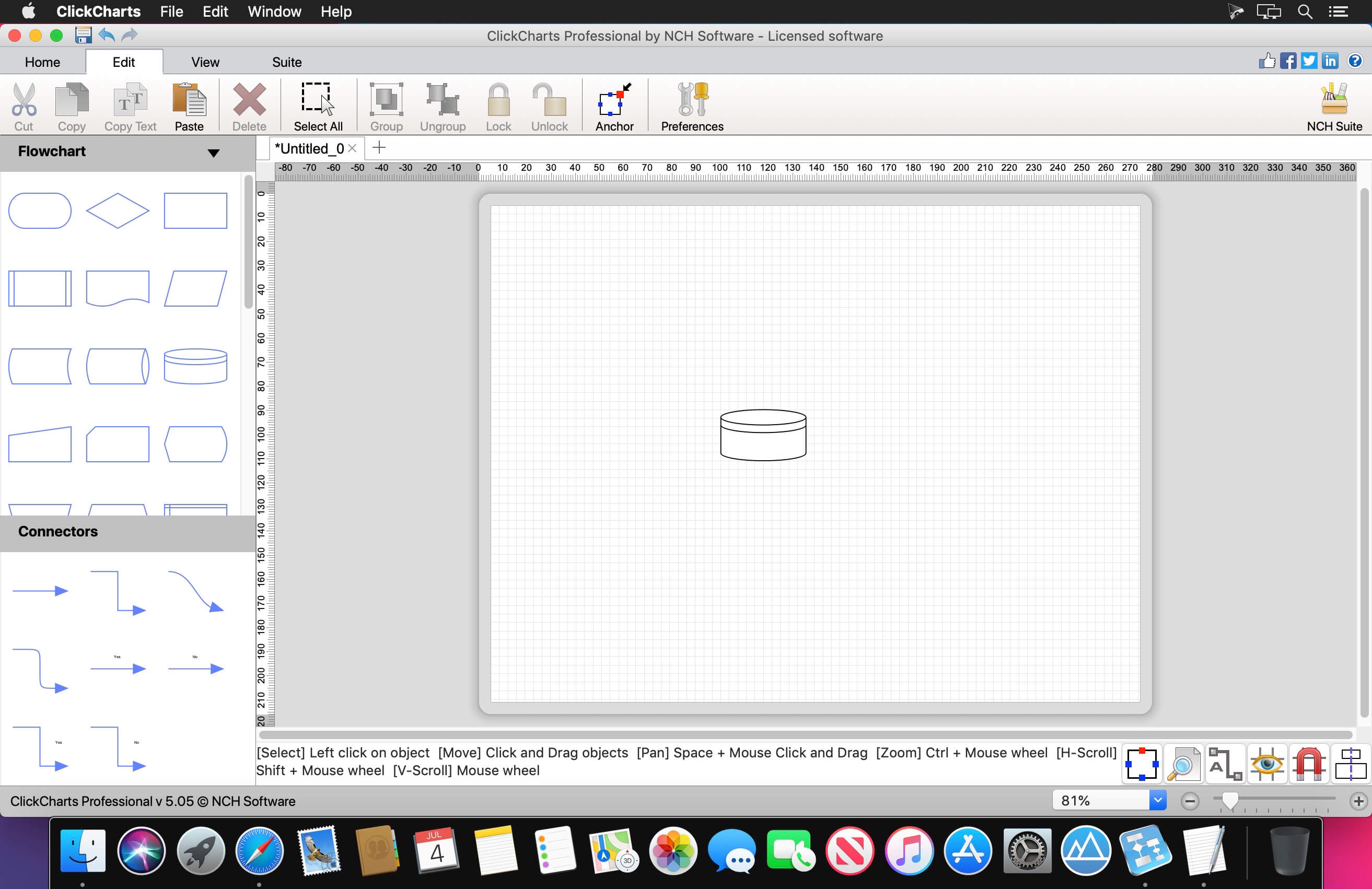
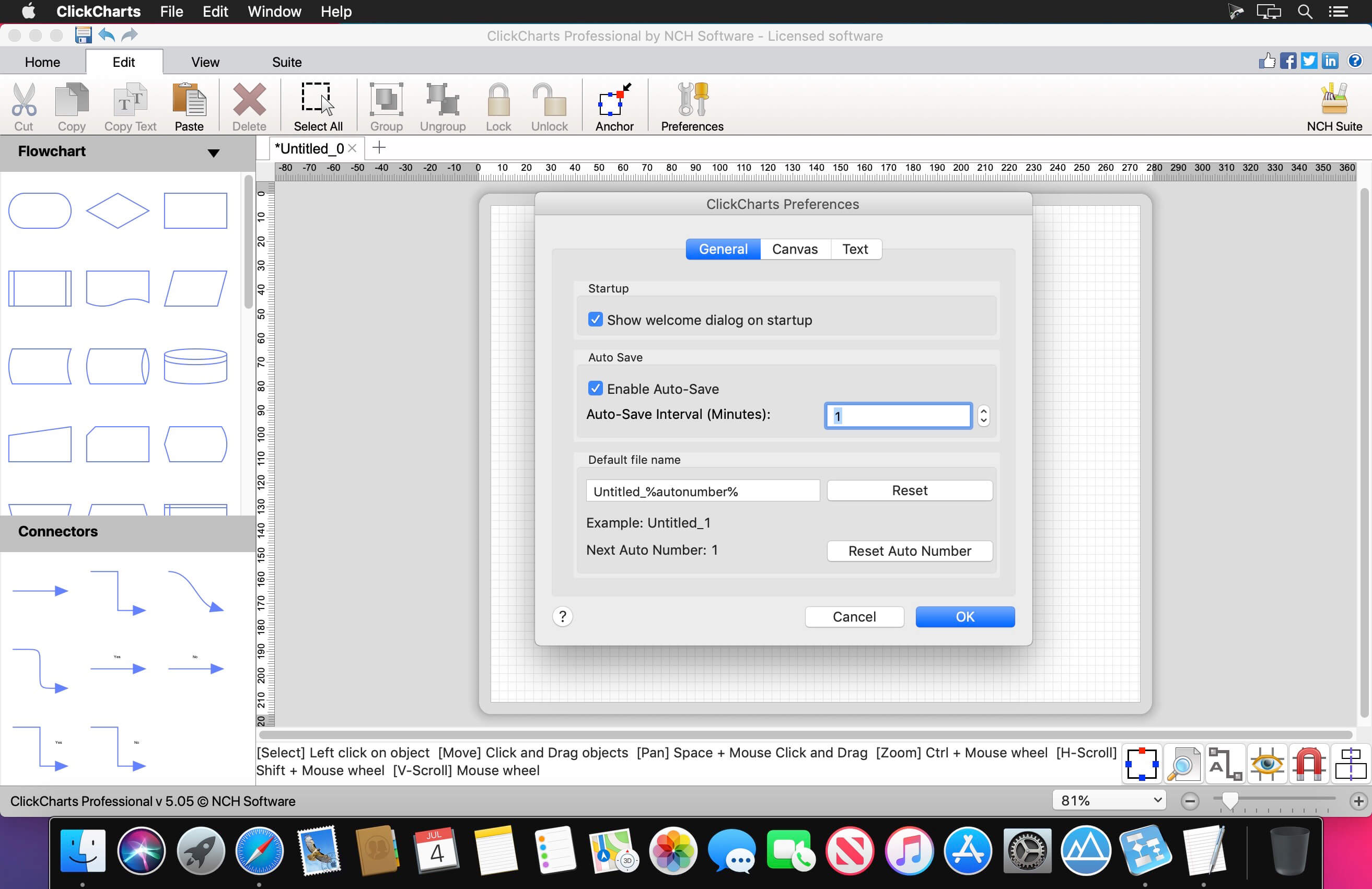

Easily create a visual representation of a process, organization, mind map or other diagram. Flowcharts provide a unique way of organizing and displaying data so that even highly detailed and complex processes are easier to understand. This makes our flow chart software an ideal method to visualize your data, troubleshoot and optimize processes, and share information.
- Visualize complex processes and organizations
- Create value stream and data flow diagrams
- Identify bottlenecks and find opportunities to optimize processes
Flowchart Making Features
- Includes more than 40 chart templates to get you started
- Choose from a variety of symbols and line connector styles
- Create UML (Unified Modeling Language) standard visual modeling diagrams
- Edit and customize fonts, colors, fills and strokes
- Simple editing functions include copy, paste, undo and more
- Create and print large diagrams utilizing seamless sheet overlapping
- Open and edit multiple charts and diagrams simultaneously
- Detail control for artistic styles for filling and lining
- Export flow charts as JPG, GIF, PNG or other image file formats to share or use in other applications. View all file formats
- Auto-connect lets you easily indicate relationships
You can export a ClickCharts file to the following formats:
- Adobe Photoshop Document (*.psd)
- Avid TARGA (*.tga)
- Graphics Interchange Format (*.gif)
- JPEG 2000 (*.jp2)
- Joint Photographic Experts Group (*.jpg;*.jpeg)
- Microsoft Bitmap (*.bmp)
- Personal Computer Exchange (*.pcx)
- Portable Anymap (*.pnm;*.pbm;*.pgm;*.ppm)
- Portable Network Graphics (*.png)
- Progressive Graphics File (*.pgf)
- PDF File (*.pdf)
- Sun Raster (*.ras)
- Tagged Image File Format (*.tif;*.tiff)
- Wireless Bitmap (*.wbmp)
Version 9.15:
- Release notes were unavailable when this listing was updated.
Frequently asked questions
How do I install the app?
Mount the image, drag the app into the "Applications" folder and launch it. If the system blocks the launch, allow it in "System Settings → Privacy & Security".
The app is damaged or won't launch
Reinstalling from a fresh image usually helps. Make sure your macOS version matches the one listed in the compatibility specs.
How do I update?
Download the new version from the site and install it over the current one — your settings will be preserved.
The download link doesn't work
Try a mirror or a download manager. For large files the browser often drops the connection.
How do I completely remove the app?
Use an uninstaller utility — it cleans up the service files that remain after moving the app to the trash.




Choose a download source
NCH ClickCharts Pro 9.15 · 7.6 MB
Previous versions
NCH ClickCharts Pro 9.15
Previous versions are available to registered users.