Screen Recorder by Omi 1.3.25
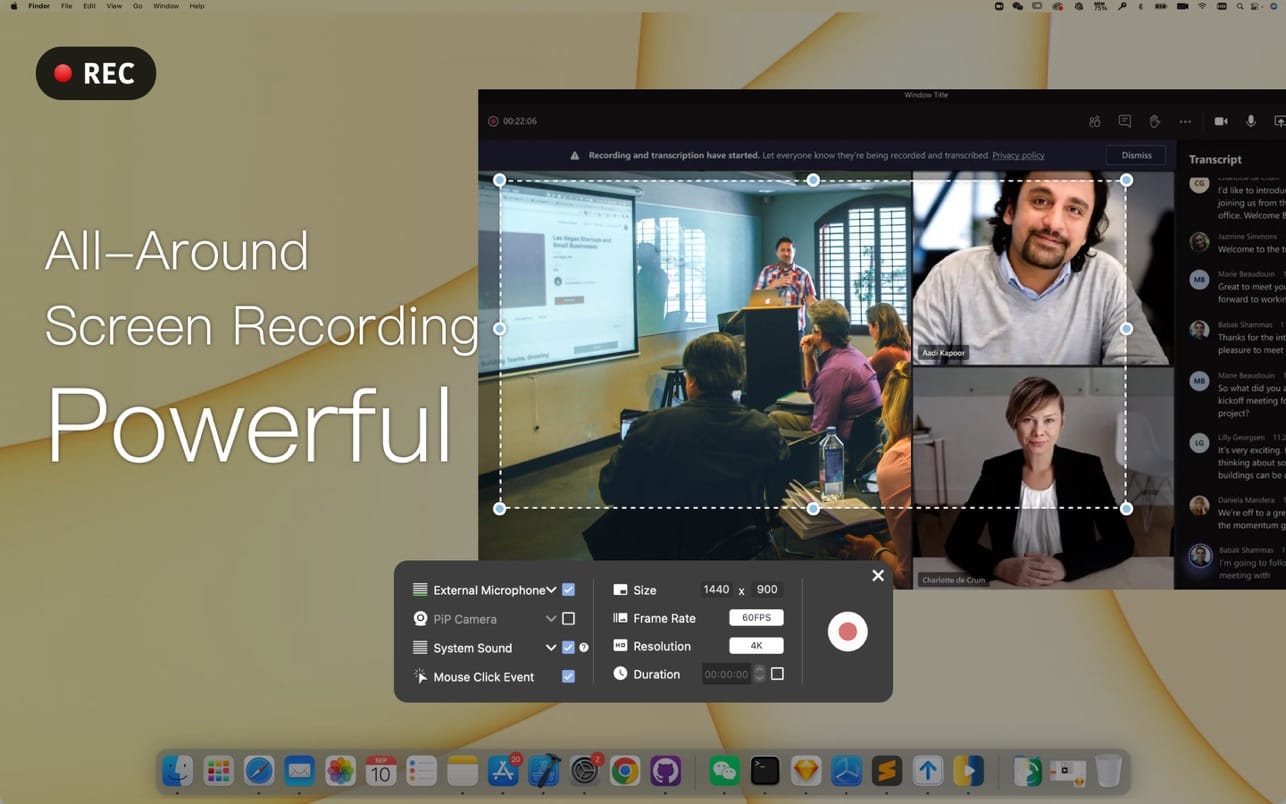
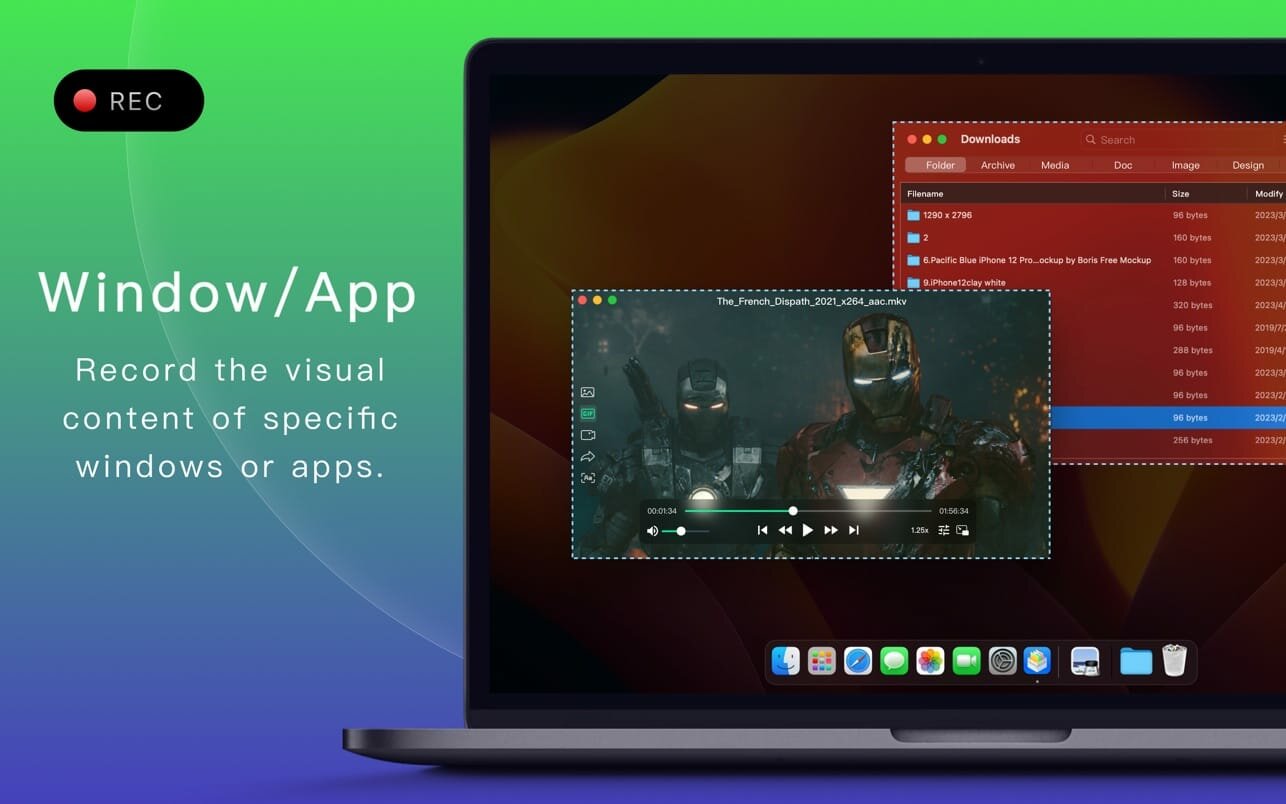

Screen Recorder for Mac is a powerful tool that allows you to quickly and easily capture your computer screen in high-quality video format. With just one click, you can record the full screen, a designated area, or footage from your camera. Your recordings will be saved in MP4 format, making it easy to share with others.
Key Features:
- Full Screen Recording
- Area Recording
- Camera Recording
- Window Recording
- App Recording
- Voice Recording
- Camera Picture-in-Picture
- Camera Virtual Background (for macOS 12.0 and above)
- System Sound Recording (with separate sound driver plugin download and installation required)
- Mouse Click Event Recording
- Customizable Recording Screen Size
- Selectable Frame Rate
- Adjustable Recording Resolution
- Specified Recording Duration
- Built-In Video Editor
- Customizable Shortcut Keys
Version 1.3.24
- Fixed several compatibility issues with the 26 system
Frequently asked questions
How do I install the app?
Mount the image, drag the app into the "Applications" folder and launch it. If the system blocks the launch, allow it in "System Settings → Privacy & Security".
The app is damaged or won't launch
Reinstalling from a fresh image usually helps. Make sure your macOS version matches the one listed in the compatibility specs.
How do I update?
Download the new version from the site and install it over the current one — your settings will be preserved.
The download link doesn't work
Try a mirror or a download manager. For large files the browser often drops the connection.
How do I completely remove the app?
Use an uninstaller utility — it cleans up the service files that remain after moving the app to the trash.
Choose a download source
Screen Recorder by Omi 1.3.25 · 22.12 MB