Any RecScreen 2.0.71
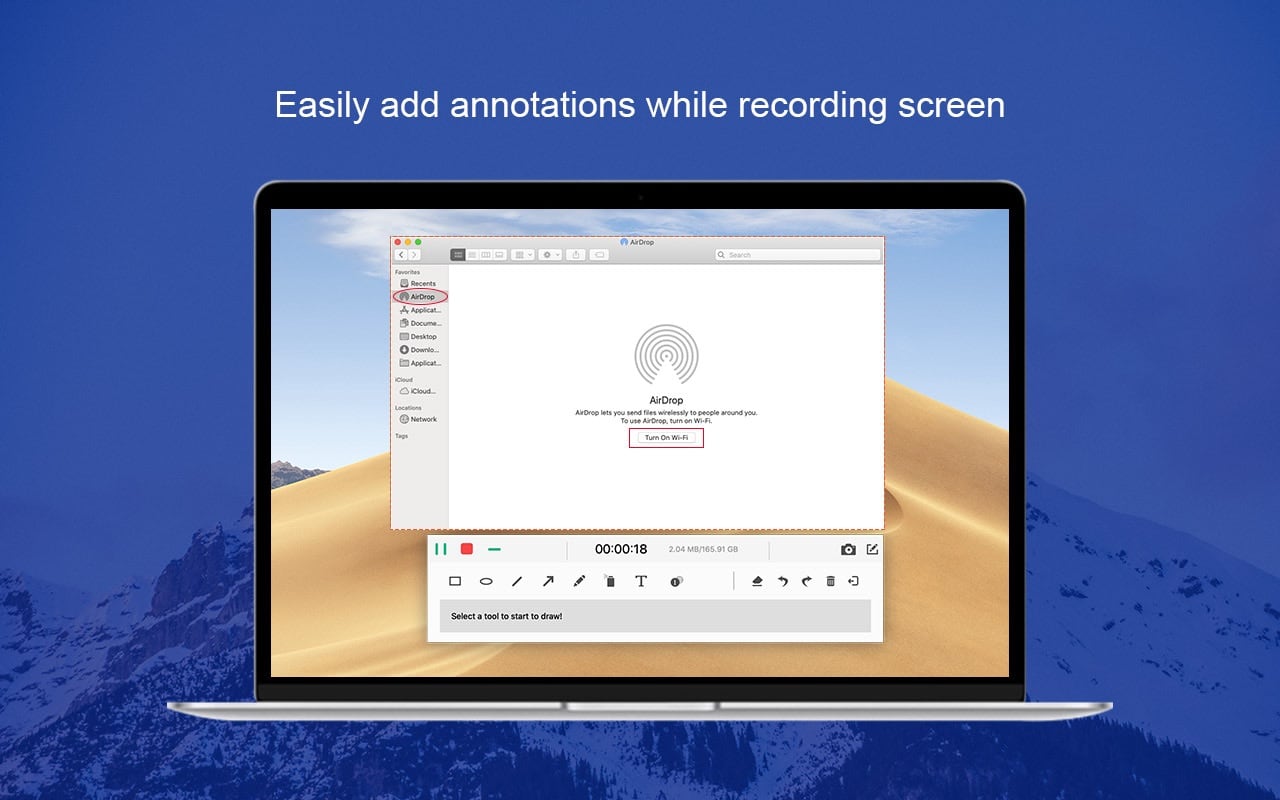
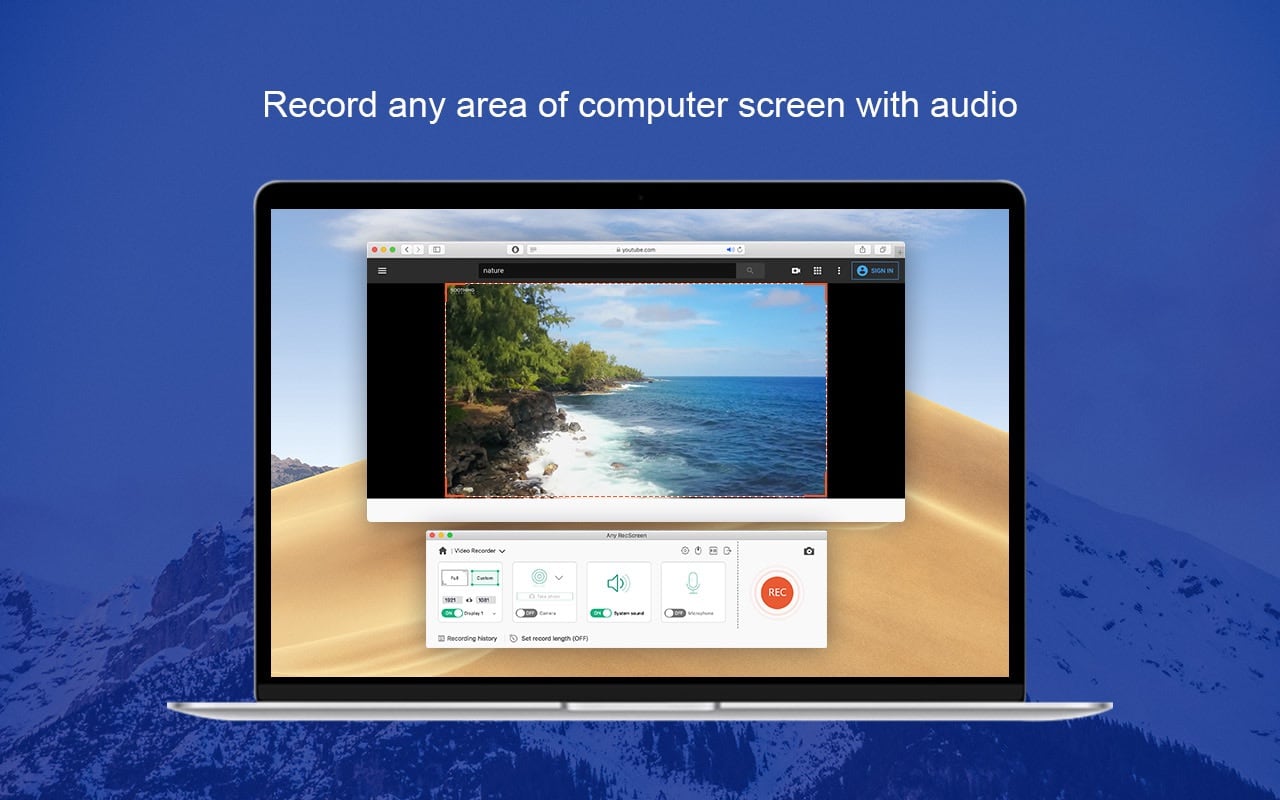
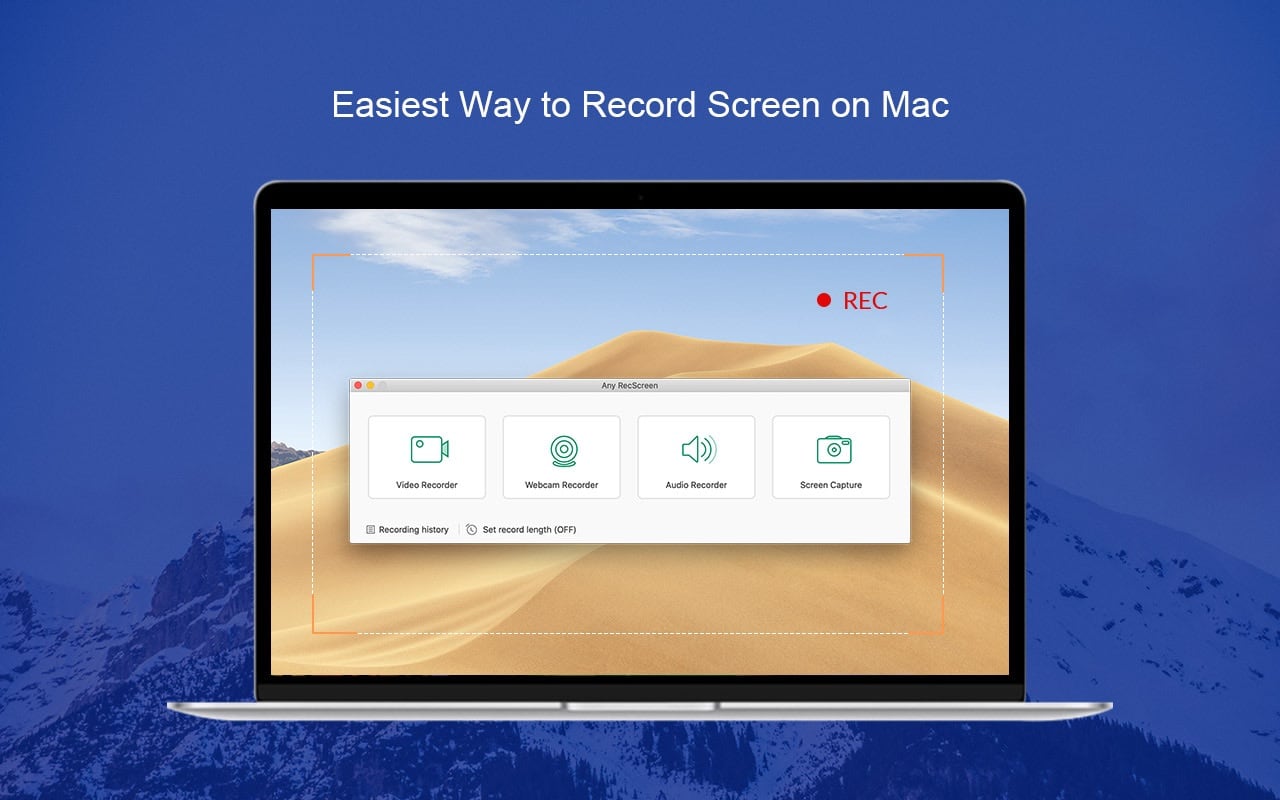
Any RecScreen is an easy-to-use screen recorder for Mac that enables you to record computer screen in full screen or a customized area. You can record webcam to create picture-in-picture video through adding webcam in recording area. The audio in your videos from either a microphone or your computer’s system audio can be also captured.
Key features of Any RecScreen
- Record desktop screen on macOS
- Record system audio and microphone
- Record videos from webcam
- Take screenshots and add annotations
- Provide real-time editing during recording
- Set recording length before start
Any RecScreen gives you everything you need to record your Mac.
To create high quality screencasts, just follow these four simple steps
- Set recording area and audio input.
- Capture your screencast.
- Preview and trim the recording.
- Save it in the desired format.
Version 2.0.71
- Added hints for a blank path when opening a folder.
- Fixed bugs and improve the app.
- Update the copyright.
Frequently asked questions
How do I install the app?
Mount the image, drag the app into the "Applications" folder and launch it. If the system blocks the launch, allow it in "System Settings → Privacy & Security".
The app is damaged or won't launch
Reinstalling from a fresh image usually helps. Make sure your macOS version matches the one listed in the compatibility specs.
How do I update?
Download the new version from the site and install it over the current one — your settings will be preserved.
The download link doesn't work
Try a mirror or a download manager. For large files the browser often drops the connection.
How do I completely remove the app?
Use an uninstaller utility — it cleans up the service files that remain after moving the app to the trash.




Choose a download source
Any RecScreen 2.0.71 · 24.28 MB