

HitPaw Screen Recorder 1.0.5
Screenshots
Click to enlarge
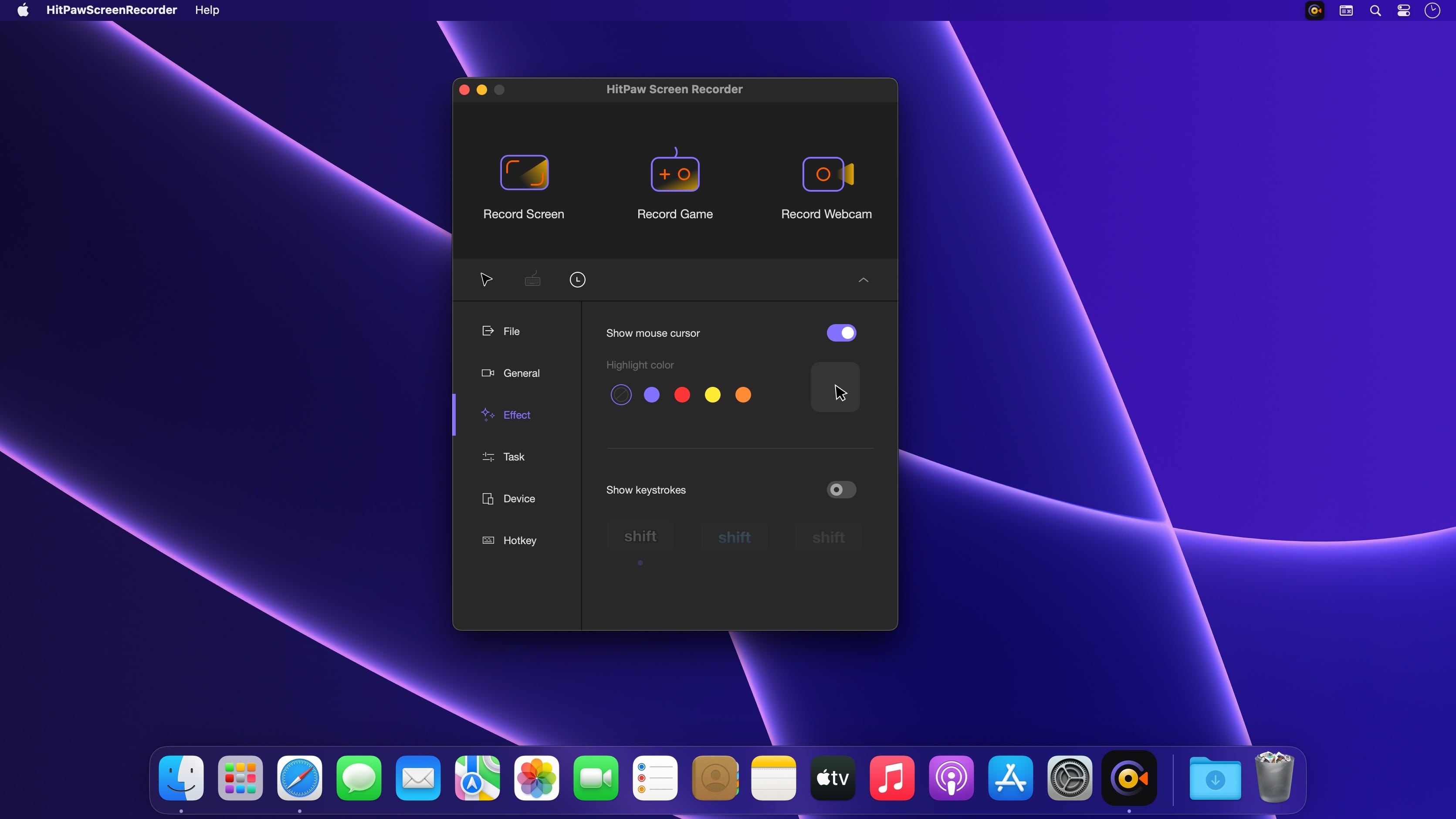
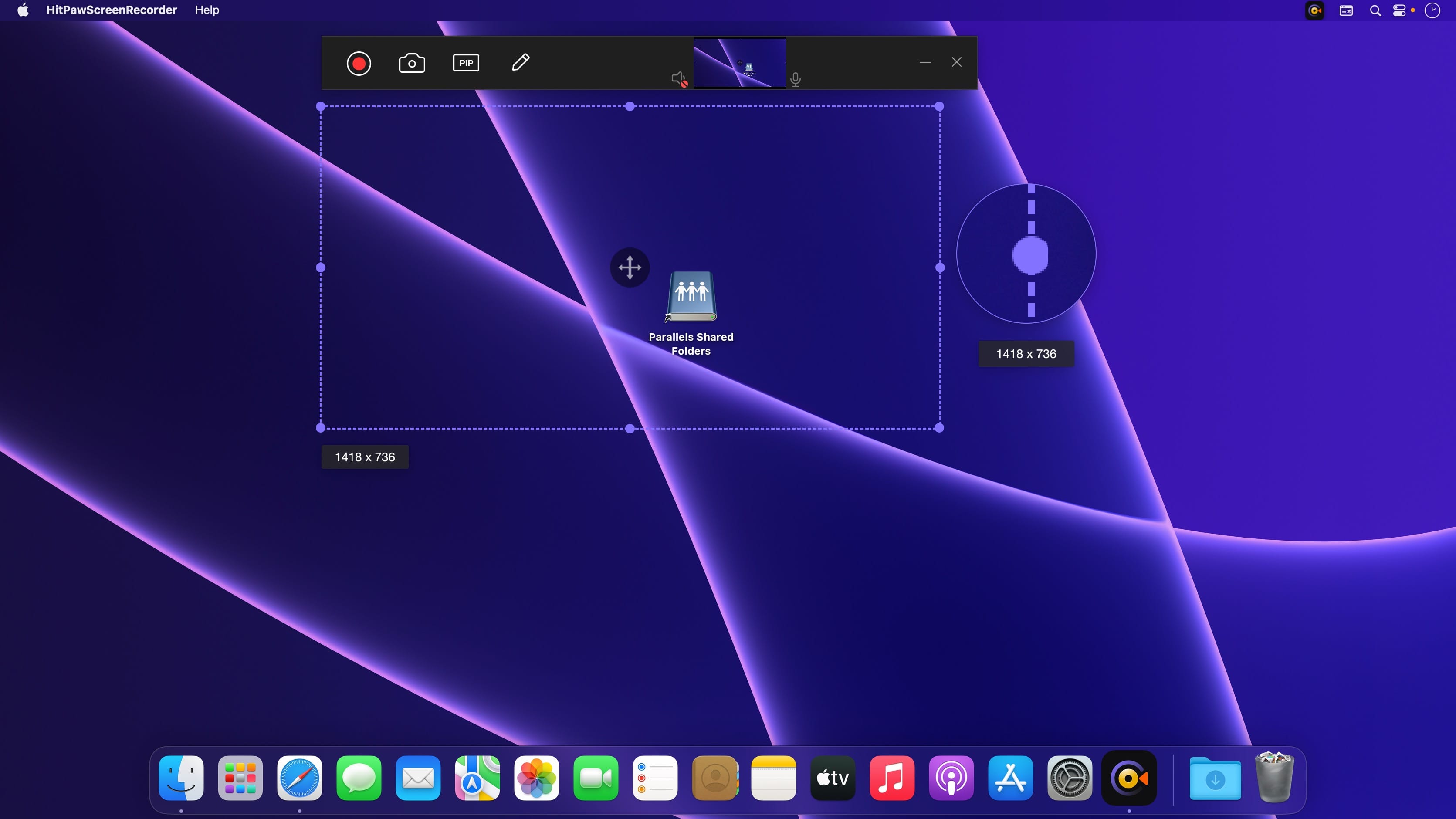
Three simple modes to help every user record screen, webcam and picture in picture videos in simple steps.
- Picture in Picture Recording
- 4 options to choose, make record charming
- Big screen and small camera for presentation
- Big camera recording and small screen for meetings
- Quick switch to webcam recording
- One-click to enter screen recording mode
- Record Screen/Webcam
- Record with or without audio as you like
- Record full/selected screen with zoom feature
- Record webcam and easily change resolution
- Record screen with audio for special use
- Capture screenshot while recording anything
Version 1.0.2:
- Release notes were unavailable when this listing was updated.
Comments
No comments yet. Be the first.
Information
Visitors in the group Guests cannot leave comments on this publication.