
Adobe InCopy 2026 v21
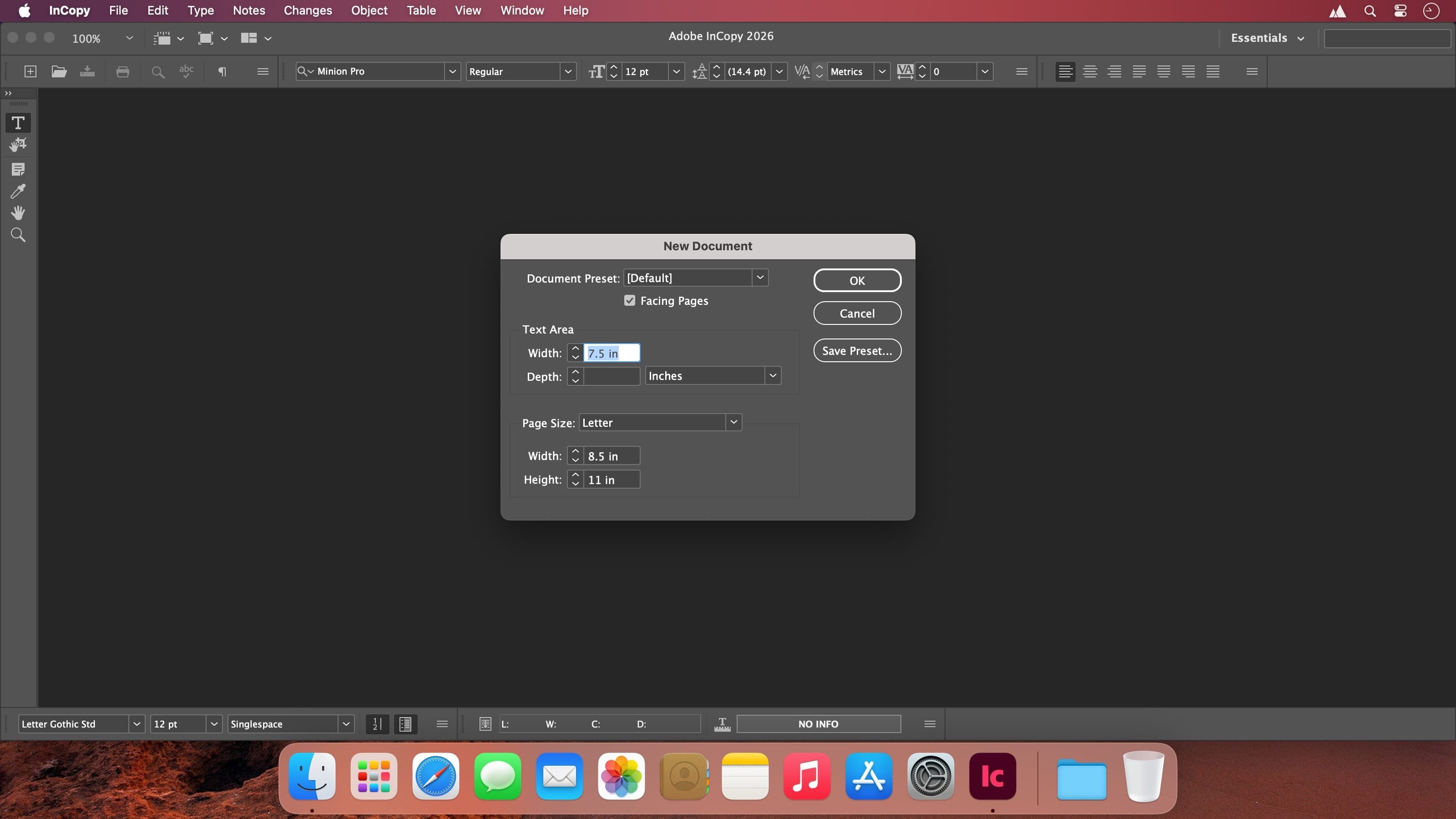
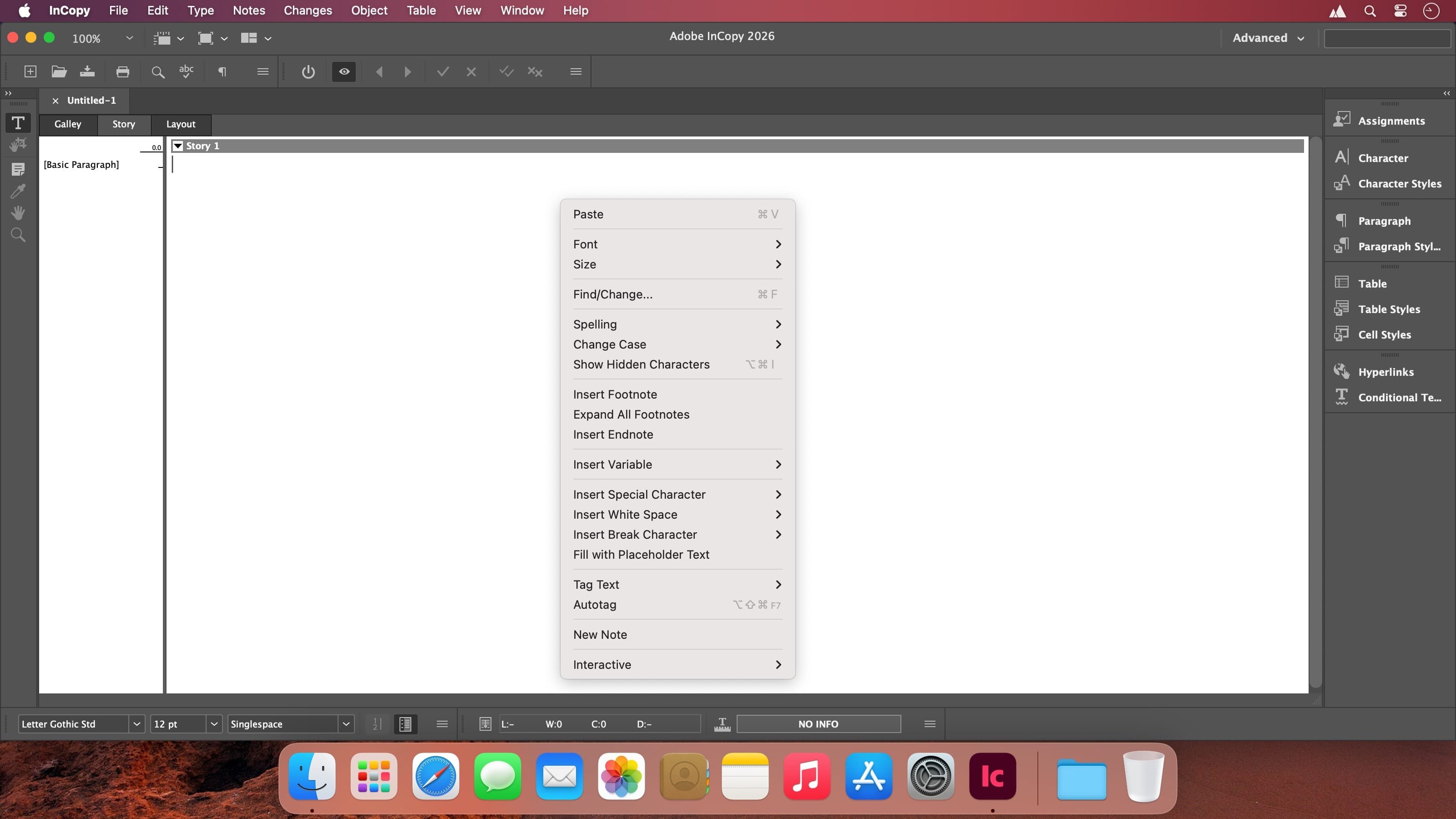
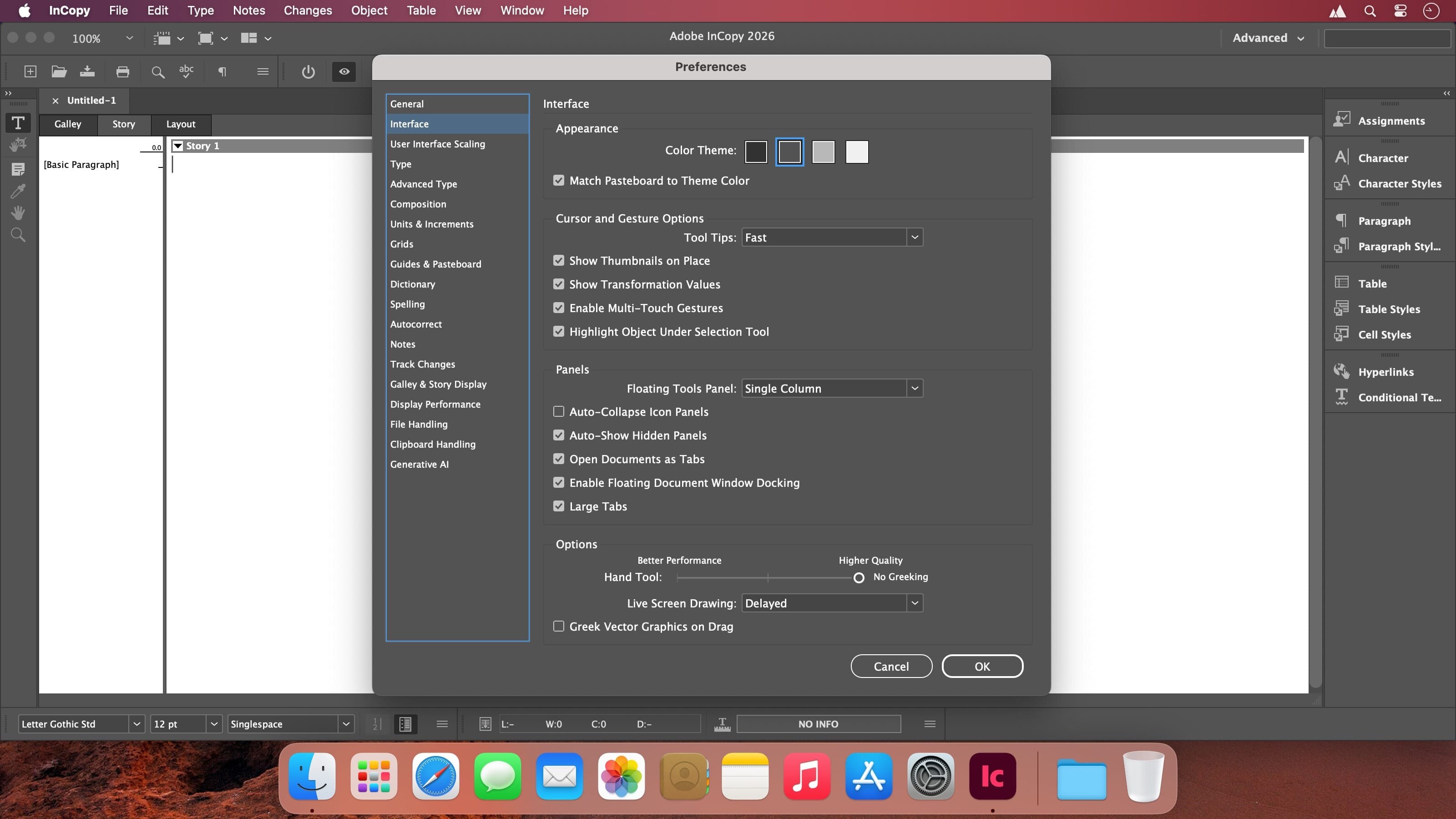
Adobe InCopy is a specialized professional word processing and collaborative editing tool developed by Adobe, designed to work hand-in-hand with Adobe InDesign.
It serves as the editorial counterpart to InDesign's layout-focused capabilities, allowing writers, copywriters, and editors to work directly on text content within the context of an InDesign document's actual design — without disrupting or overwriting the visual layout created by designers.
Core Purpose and Workflow
InCopy enables real-time, simultaneous collaboration in publishing environments (such as newspapers, magazines, books, marketing materials, or digital publications). While a designer works on layout, typography, images, and overall page structure in InDesign, editors can:
- Write and revise copy
- Apply text formatting and styling
- Track changes
- Make limited layout adjustments (e.g., resizing text frames or simple repositioning)
All changes stay synchronized across the team — edits made in InCopy appear instantly in InDesign (and vice versa) without conflicts or overwriting each other's work.
Key Features
- Multiple viewing modes for different editing needs:
- Layout mode — Shows the full visual page design exactly as it appears in InDesign (WYSIWYG for editors)
- Galley mode — Continuous text view with line numbers and approximate line endings
- Story mode — Pure text editing (like a traditional word processor, ignoring layout)
- Standard professional writing tools: spell check, thesaurus, find/replace, word count, footnotes, conditional text, etc.
- Track Changes with author attribution for review cycles
- Advanced typography controls: kerning, leading, hyphenation, copyfitting, character/paragraph styles (synced from InDesign)
- Non-destructive editing — editors focus on content while design elements (images, colors, master pages) remain protected
- Integration with Adobe Creative Cloud (including font library access and cloud-based workflows)
As of 2026, InCopy also includes a web-based editing beta (InCopy on the web), allowing browser-based text editing for even faster collaboration without needing the desktop app installed.
Who Uses It?
InCopy is particularly valuable in medium-to-large editorial teams where content and design must evolve in parallel:
- Magazine & newspaper publishers
- Book publishers
- Corporate marketing & branding departments
- Agencies producing catalogs, brochures, or annual reports
It is not a general-purpose word processor (like Microsoft Word or Google Docs) — its strength lies in being layout-aware and deeply integrated with InDesign workflows.
InCopy is available standalone via Creative Cloud subscription (often one of the lower-priced single-app plans) or as part of a full Creative Cloud All Apps membership.
Version 2026 v21:
Frequently asked questions
How do I install the app?
Mount the image, drag the app into the "Applications" folder and launch it. If the system blocks the launch, allow it in "System Settings → Privacy & Security".
The app is damaged or won't launch
Reinstalling from a fresh image usually helps. Make sure your macOS version matches the one listed in the compatibility specs.
How do I update?
Download the new version from the site and install it over the current one — your settings will be preserved.
The download link doesn't work
Try a mirror or a download manager. For large files the browser often drops the connection.
How do I completely remove the app?
Use an uninstaller utility — it cleans up the service files that remain after moving the app to the trash.





Choose a download source
Adobe InCopy 2026 v21 · 1.29 GB