
Microsoft Outlook v16.113.4
Outlook email and calendar app for efficient work
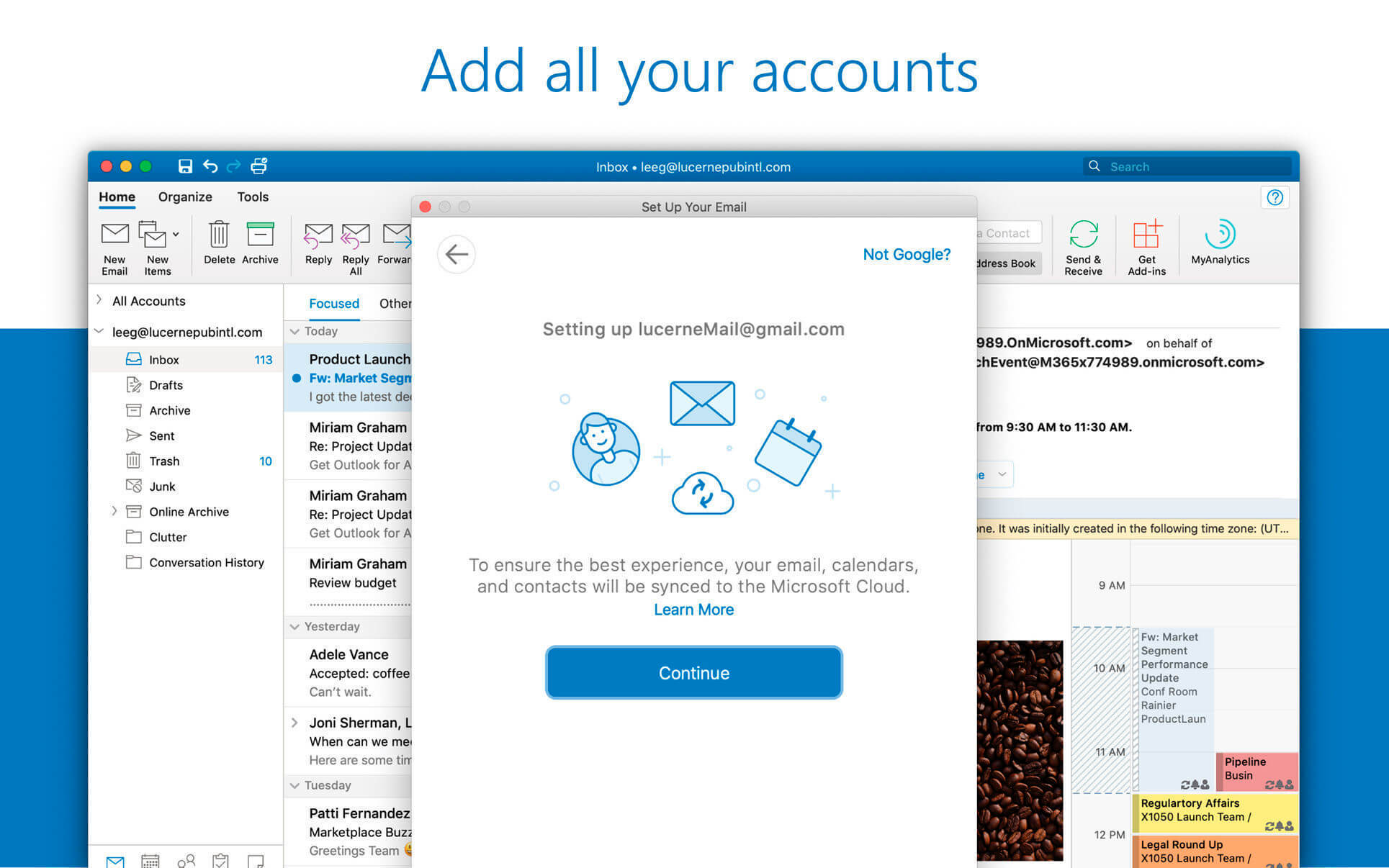

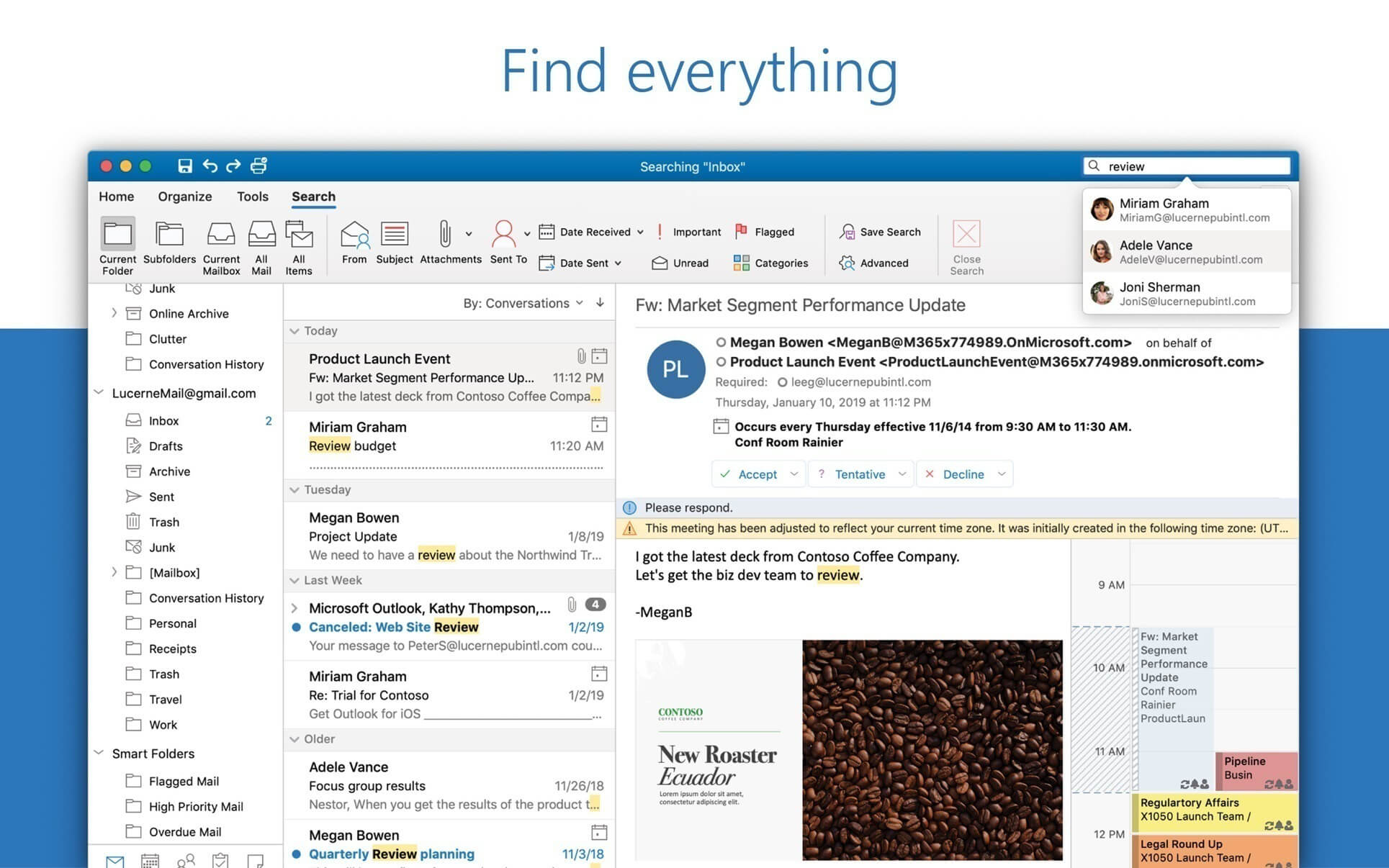
Outlook brings your email, calendar, and contacts together so you can stay organised and get more done. Built-in Office integration lets you share attachments straight from OneDrive, find contacts instantly, and view LinkedIn profiles without leaving your inbox.
Designed for Mac
- Fully optimised for macOS Golden Gate 27, so Outlook looks and feels right at home on the latest Mac.
- Full Touch Bar support on MacBook Pro: switch between Mail and Calendar with a tap, and tap again to create a new meeting invite.
- Dark Mode support keeps you focused on your inbox and calendar in low-light settings.
Connect and share quickly
- Keep your key contacts front and centre so you're always in touch.
- See organisation charts and who people work with to get things done faster.
- @mention colleagues to pull them into the conversation instantly.
Security you can trust
- Enterprise-grade security, trusted by many of the world's largest organisations.
- Outlook protects your confidential information around the clock, without getting in your way.
Intelligence that works for you
- Travel plans and bill payments are added to your calendar automatically.
- Smart reminders help keep you on track.
- Powerful search finds what you need in seconds.
Works with your email provider
- Use Outlook with Microsoft Exchange, Office 365, Outlook.com (including Hotmail and MSN), Gmail, Yahoo Mail, and iCloud.
Outlook: your inbox, your day, under control.
Version 16.113.4:
- Quality and performance improvements.
Frequently asked questions
How do I install the app?
Mount the image, drag the app into the "Applications" folder and launch it. If the system blocks the launch, allow it in "System Settings → Privacy & Security".
The app is damaged or won't launch
Reinstalling from a fresh image usually helps. Make sure your macOS version matches the one listed in the compatibility specs.
How do I update?
Download the new version from the site and install it over the current one — your settings will be preserved.
The download link doesn't work
Try a mirror or a download manager. For large files the browser often drops the connection.
How do I completely remove the app?
Use an uninstaller utility — it cleans up the service files that remain after moving the app to the trash.

Choose a download source
Microsoft Outlook v16.113.4 · 1.14 GB
Previous versions
Microsoft Outlook v16.113.4
Previous versions are available to registered users.