
Numbers: Make Spreadsheets 15.3.1
Numbers — spreadsheet app with pivot tables and charts
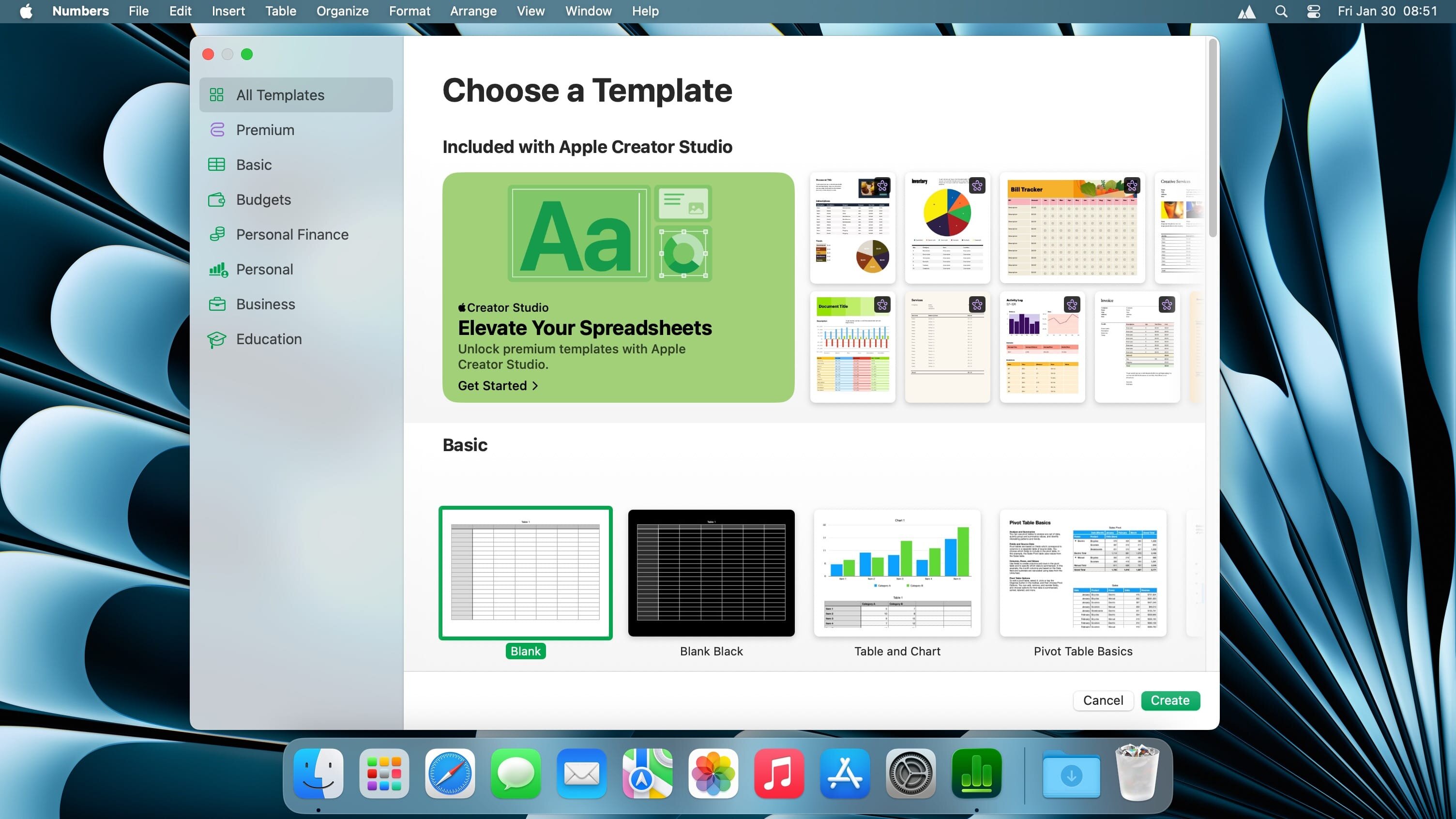
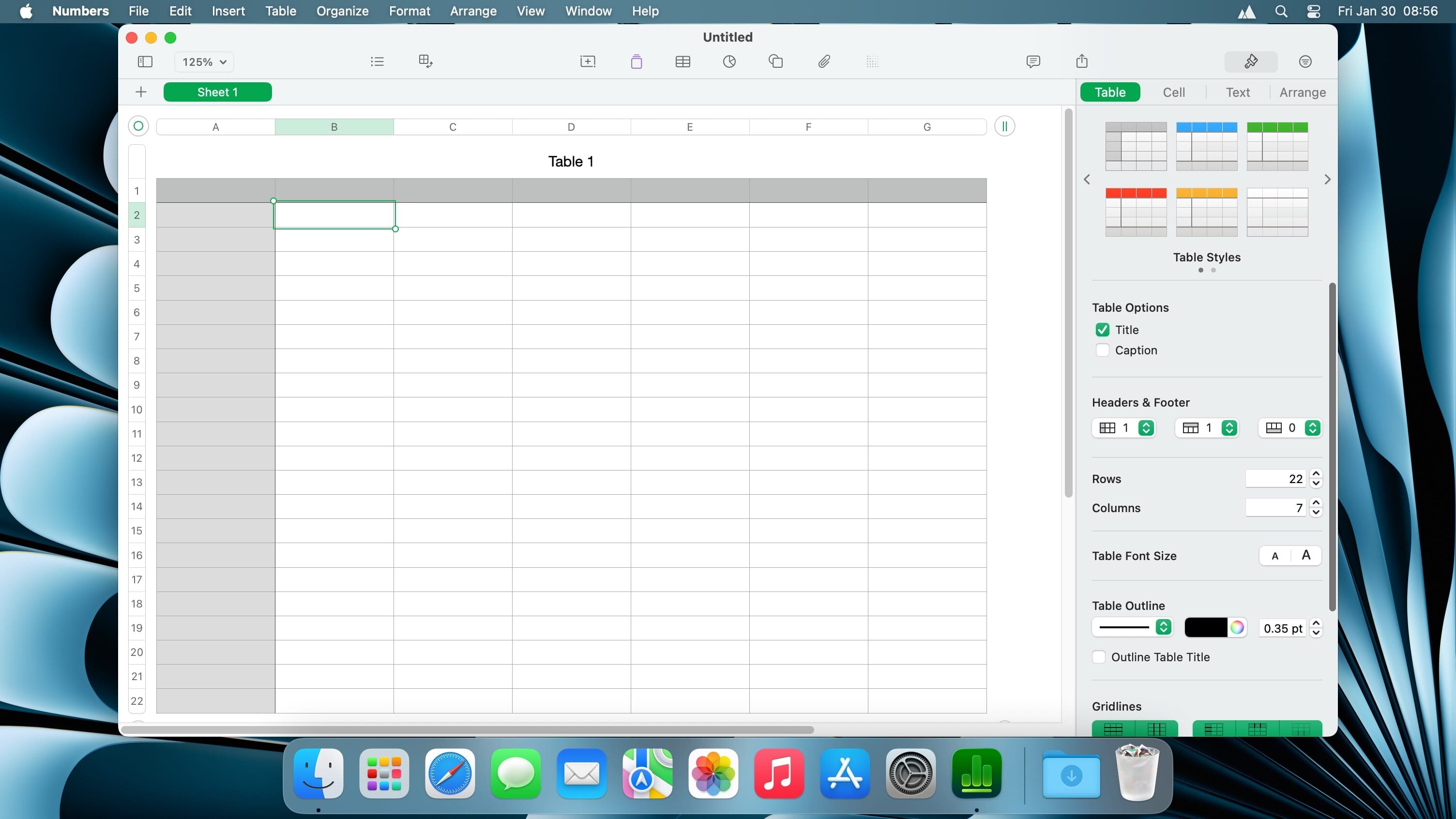
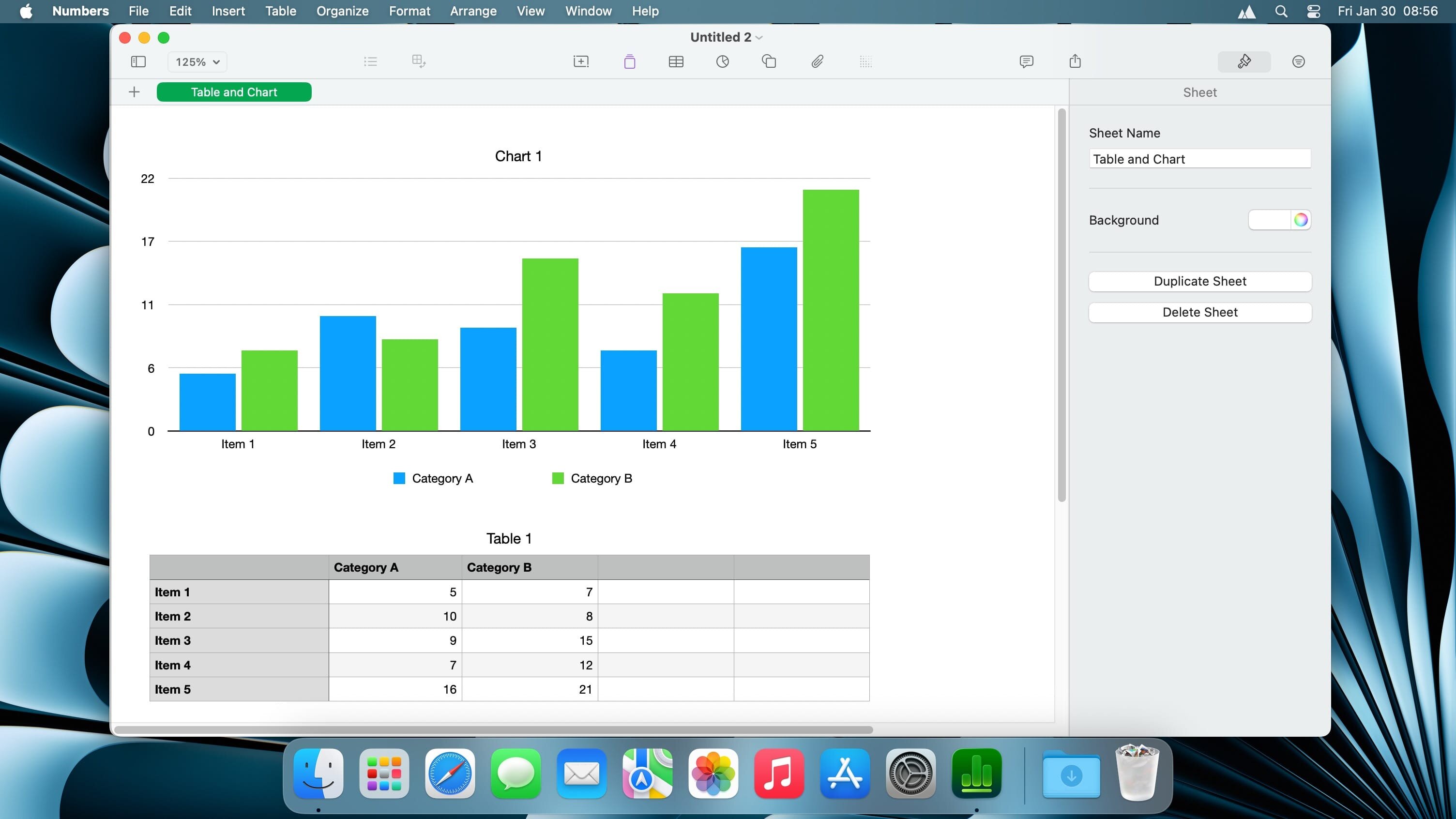
Create gorgeous spreadsheets with Numbers on iPhone, iPad and Mac. Get started with Apple-designed templates for everything from a home budget to an invoice. Add tables, charts, text, and images anywhere on the flexible canvas. Animate your data with interactive charts, find patterns with pivot tables, and use hundreds of powerful functions.
Get Started Quickly
- Work from iPhone, iPad, Mac, or even a PC with iCloud.com
- Select from a wide variety of Apple-designed templates
- Add from a library of shapes, tables, and charts with pre-defined styles
- Import and edit Microsoft Excel and CSV files
Create Beautiful Spreadsheets
- Place tables, charts, text, and images anywhere on the flexible canvas
- Create a form on iPhone or iPad to quickly enter data on the go
- Draw or write with Apple Pencil on iPad
Formulas for Everyone
- Choose from hundreds of powerful functions, including XLOOKUP and RegEx
- Search the integrated function browser for built-in help and sample formulas
- Easily add stock information to spreadsheets
- See results from a single formula across multiple cells using spilling arrays
Everything Adds Up Beautifully
- Use pivot tables and categories to see your data in a whole new way
- Quickly organize and summarize tables to gain new insights
- Insert gorgeous 2D and 3D charts, including bar, column, line, area, pie, donut, and radar charts
- Animate data with interactive column, bar, scatter, and bubble charts
- Easily filter through large tables for specific values, text, or duplicate entries
- Change values in cells using sliders, steppers, checkboxes, pop-ups, and star ratings
Share with Anyone
- Share your spreadsheet publicly or collaborate with specific people using iCloud or Box
- Make changes from any device and see a list of changes from others in real-time
- Export your spreadsheet in CSV, TSV, PDF, and Microsoft Excel
Apple Intelligence
- Use Writing Tools to proofread, rewrite, summarize, and compose text
- Create your own fun images with Image Playground based on a description
Version 15.3:
For Apple Creator Studio Subscribers:
- Open an image from Numbers directly in Pixelmator Pro and see the edited version in your spreadsheet
- Generate custom, editable shapes from a text description to illustrate your spreadsheet
For Everyone:
- Hide or show individual sheets for quick navigation
- Add colors to sheet tabs
- More easily replace images in your spreadsheet from the Content Hub
Frequently asked questions
How do I install the app?
Mount the image, drag the app into the "Applications" folder and launch it. If the system blocks the launch, allow it in "System Settings → Privacy & Security".
The app is damaged or won't launch
Reinstalling from a fresh image usually helps. Make sure your macOS version matches the one listed in the compatibility specs.
How do I update?
Download the new version from the site and install it over the current one — your settings will be preserved.
The download link doesn't work
Try a mirror or a download manager. For large files the browser often drops the connection.
How do I completely remove the app?
Use an uninstaller utility — it cleans up the service files that remain after moving the app to the trash.




Choose a download source
Numbers: Make Spreadsheets 15.3.1 · 305 MB