Microsoft Excel for Mac 16.112
Microsoft Excel spreadsheet app for formulas, charts, and collaboration
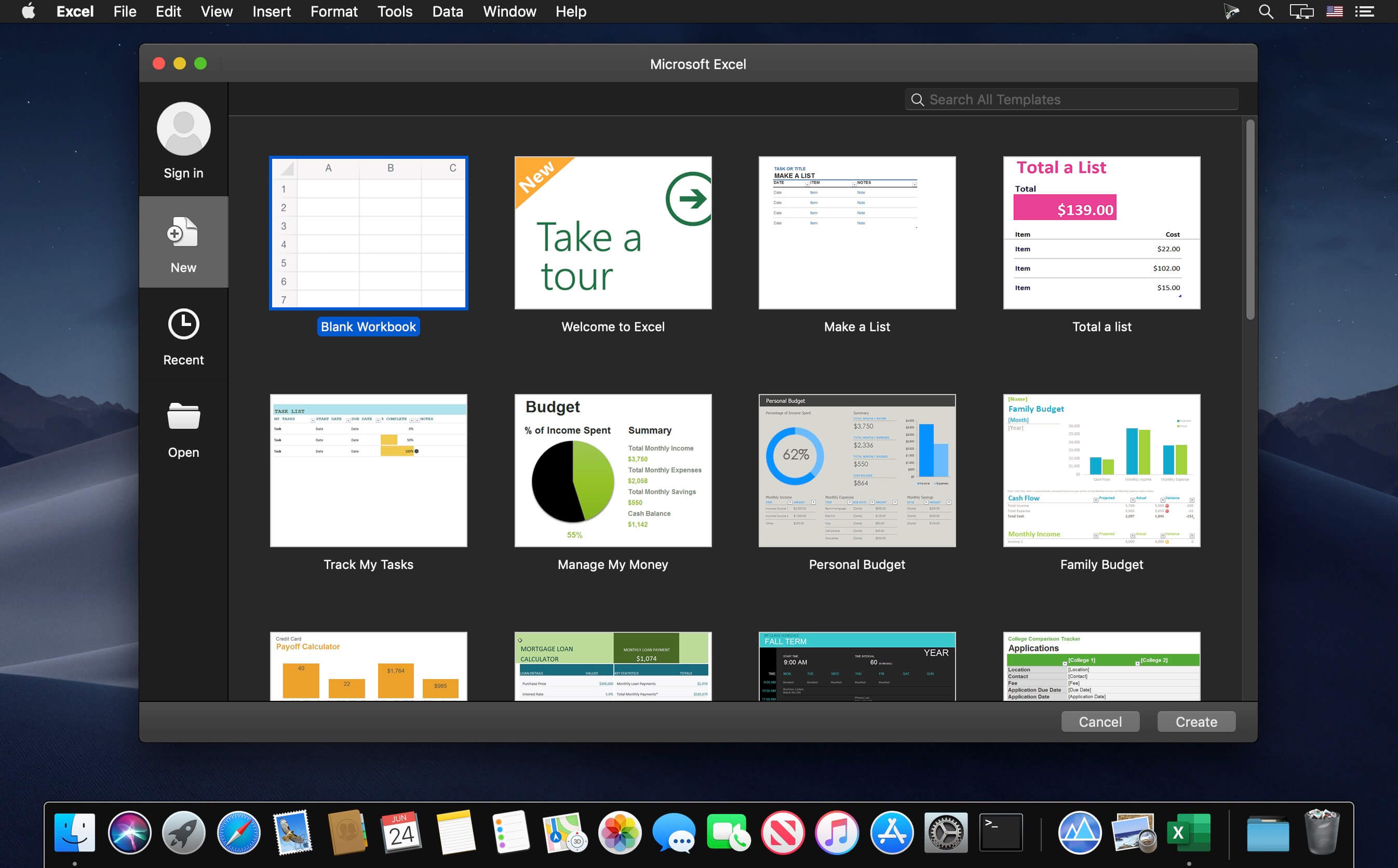
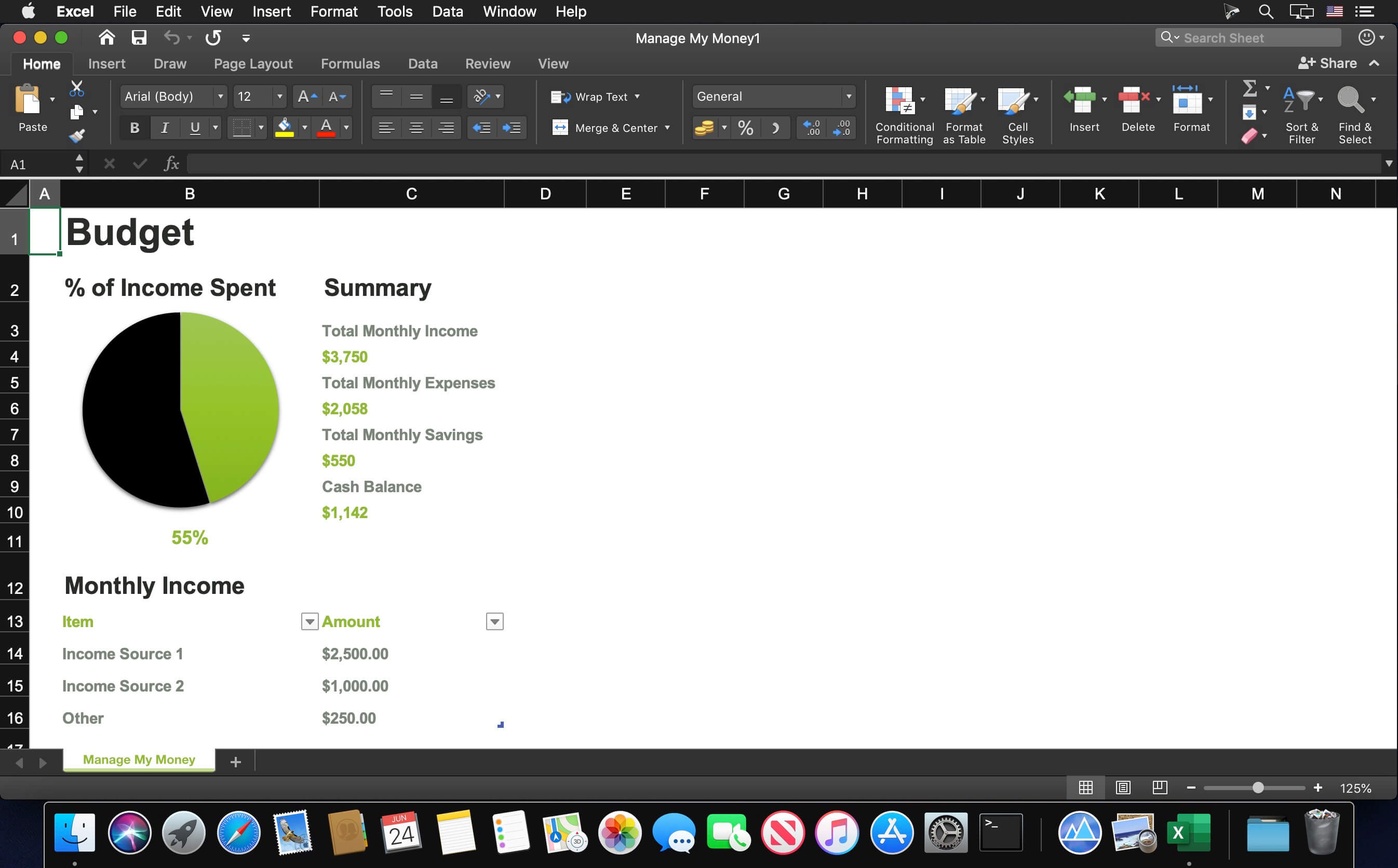
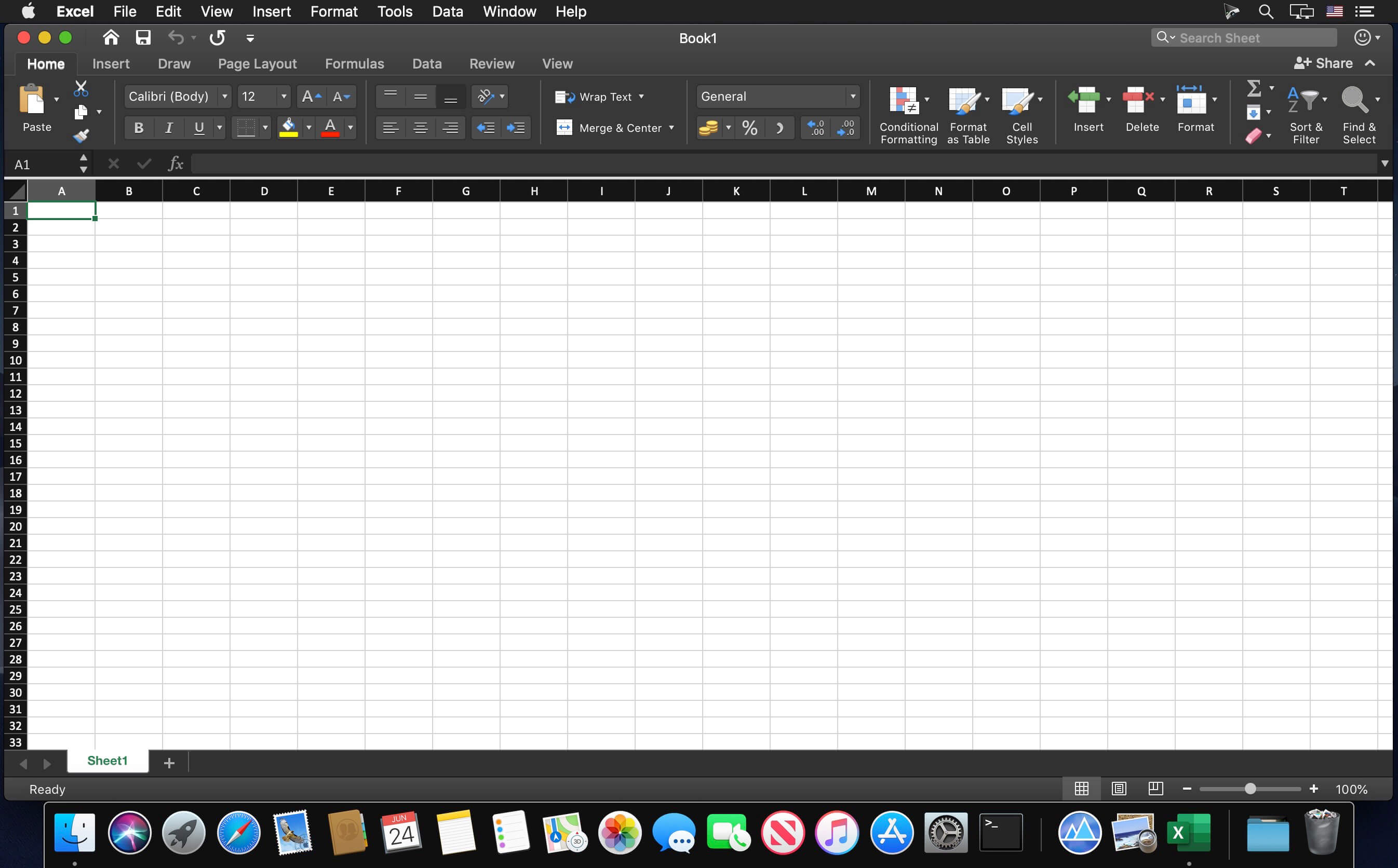
Microsoft Excel spreadsheet app lets you create, view, edit and share your files with others quickly and easily. It also lets you view and edit workbooks attached to email messages. Work in accounting, auditing, finance or other fields, with anyone, anywhere, with confidence. With Excel, your Office moves with you and can implement the most complex formulas, with amazing features.
Highlights:
- Unmistakably Office, designed for Mac - MacBook Pro Touch Bar is fully supported by Microsoft Excel. If you type an equals sign into a cell, Excel will immediately pull up the most recently used functions in the Touch Bar. Go easy on your eyes with Dark Mode. Excel makes it easier to view your spreadsheets in low-light environments by supporting Dark Mode for macOS Mojave
- Create, calculate and analyse with confidence - jump-start your budget, task list, accounting or financial analysis with Excel’s modern templates. Use familiar formulas to run calculations and analyse your data. Rich features and formatting options make your workbook easier to read and use. All spreadsheet features, formats and formulas operate the same way - whatever device you use.
- Get a better picture of your data - new charts and graphs help you present your data in compelling ways, with formatting, sparklines and tables to better understand your data. Easily create forecasts with just a click to predict trends
- Turn data into insights - enhanced by intelligence, Excel learns your patterns, organising your data to save you time. Create spreadsheets with ease from templates or on your own and perform calculations with modern formulas
- Work better together - share your workbook with others and always work on the latest version for real-time collaboration to help get work done faster. With Office 365, work within an Excel file from mobile, desktop and web.
Version 16.112:
- Quality and performance improvements.
Frequently asked questions
How do I install the app?
Mount the image, drag the app into the "Applications" folder and launch it. If the system blocks the launch, allow it in "System Settings → Privacy & Security".
The app is damaged or won't launch
Reinstalling from a fresh image usually helps. Make sure your macOS version matches the one listed in the compatibility specs.
How do I update?
Download the new version from the site and install it over the current one — your settings will be preserved.
The download link doesn't work
Try a mirror or a download manager. For large files the browser often drops the connection.
How do I completely remove the app?
Use an uninstaller utility — it cleans up the service files that remain after moving the app to the trash.



Choose a download source
Microsoft Excel for Mac 16.112 · 1.08 GB
Previous versions
Microsoft Excel for Mac 16.112
Previous versions are available to registered users.
Comments 1