
BatchPhoto Pro 5.1.1

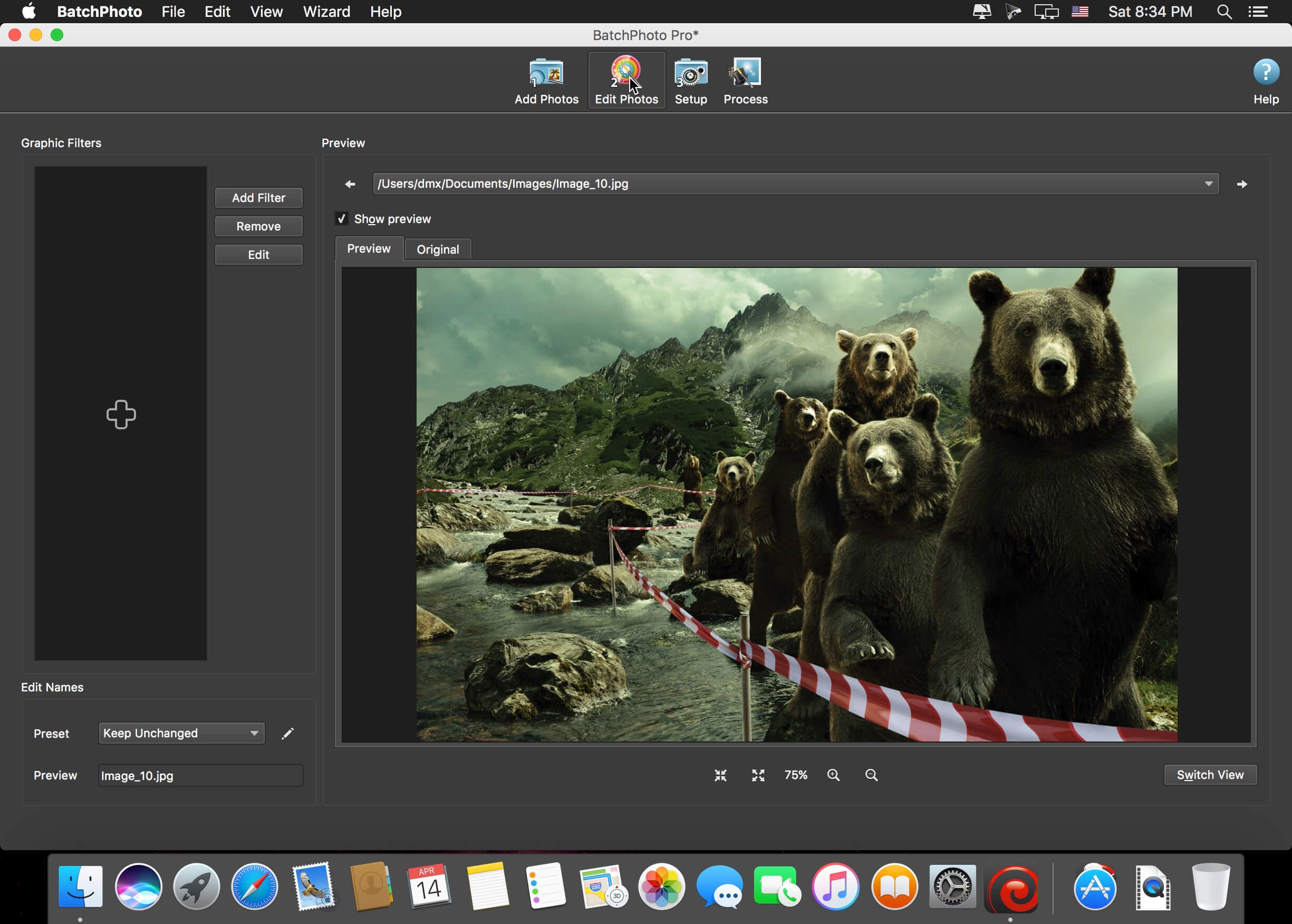
BatchPhoto is a powerful all-in-one photo manipulation program for Mac that lets photographers, Web designers, business people, and families enhance photos quickly and efficiently.
Features
- Transform and Adjust
- Resize hundreds of photos in one step for easy sharing or to save space
- Automatically Rotate dozens of digital photos to portrait or landscape, based on the embedded metadata
- Easily adjust the DPI and the document size in inches
- Replace any color in the image, with another color or with the alpha channel
- Crop a rectangular section from multiple images at once
Convert and Rename
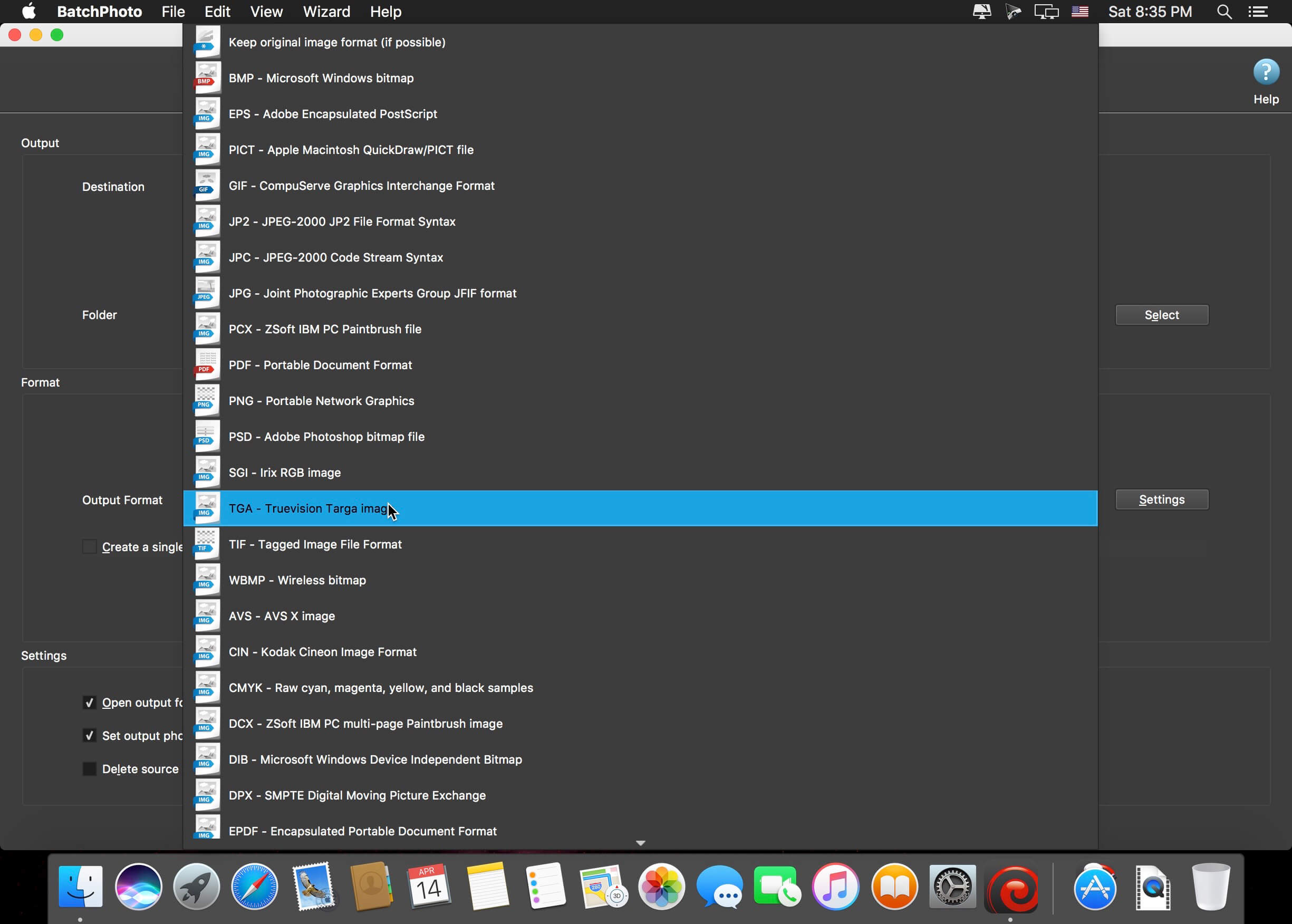
- Convert to and from 170 image formats, including JPEG, PDF, TIFF, GIF, PNG, and more
- Create PDF albums from multiple digital photos for easy sharing
- Support for RAW image formats (digital negatives) from DSLR digital cameras
- Change the cryptic names generated by digital cameras to meaningful names
Annotate and Decorate
- Automatically stamp the original Date/Time (as recorded by the digital camera) on photos
- Protect photos with text and logo Watermarks
- Add single or multi-line Text Comments to pictures in bulk
- Decorate photos with beautifully designed graphical frames like Grunge, Vintage, Picture or Shape
Special Effects and Touch-Ups
- Apply special effects like: Sepia, Black and White, Oil Paint, Charcoal Sketch, and more
- Touch-up photos by adjusting the Brightness, Sharpness, Contrast, and more
- Use the Auto Contrast filter to simply adjust the contrast for multiple pictures
Additional Functionality
- Take advantage of multi-core CPUs to edit and convert thousands of images in one session
- Upload images to Flickr, FTP, or send via email in the same session
- Use predefined or custom defined profiles to improve productivity
- Use scripts to automate tasks and run the app from the command-line
Version 5.1:
Functionality (Win & Mac)
- Introducing a new Light app theme!
- Automatically set the app theme based on OS preferences
- New minimalist toolbar icons for a modern look and feel
- Option to 'Keep original image format' when uploading to SFTP/FTP
Image Formats (Win & Mac)
- WEBP - New option to create a lossless image, and to create a multi-page image
- HEIF, AVIF - New option to create a lossless image
- New option to choice the file extension for each format (ex. JPG or JPEG)
Frequently asked questions
How do I install the app?
Mount the image, drag the app into the "Applications" folder and launch it. If the system blocks the launch, allow it in "System Settings → Privacy & Security".
The app is damaged or won't launch
Reinstalling from a fresh image usually helps. Make sure your macOS version matches the one listed in the compatibility specs.
How do I update?
Download the new version from the site and install it over the current one — your settings will be preserved.
The download link doesn't work
Try a mirror or a download manager. For large files the browser often drops the connection.
How do I completely remove the app?
Use an uninstaller utility — it cleans up the service files that remain after moving the app to the trash.
Choose a download source
BatchPhoto Pro 5.1.1 · 132.51 MB
Previous versions
BatchPhoto Pro 5.1.1
Previous versions are available to registered users.