
ACDSee Photo Studio 26.0.3

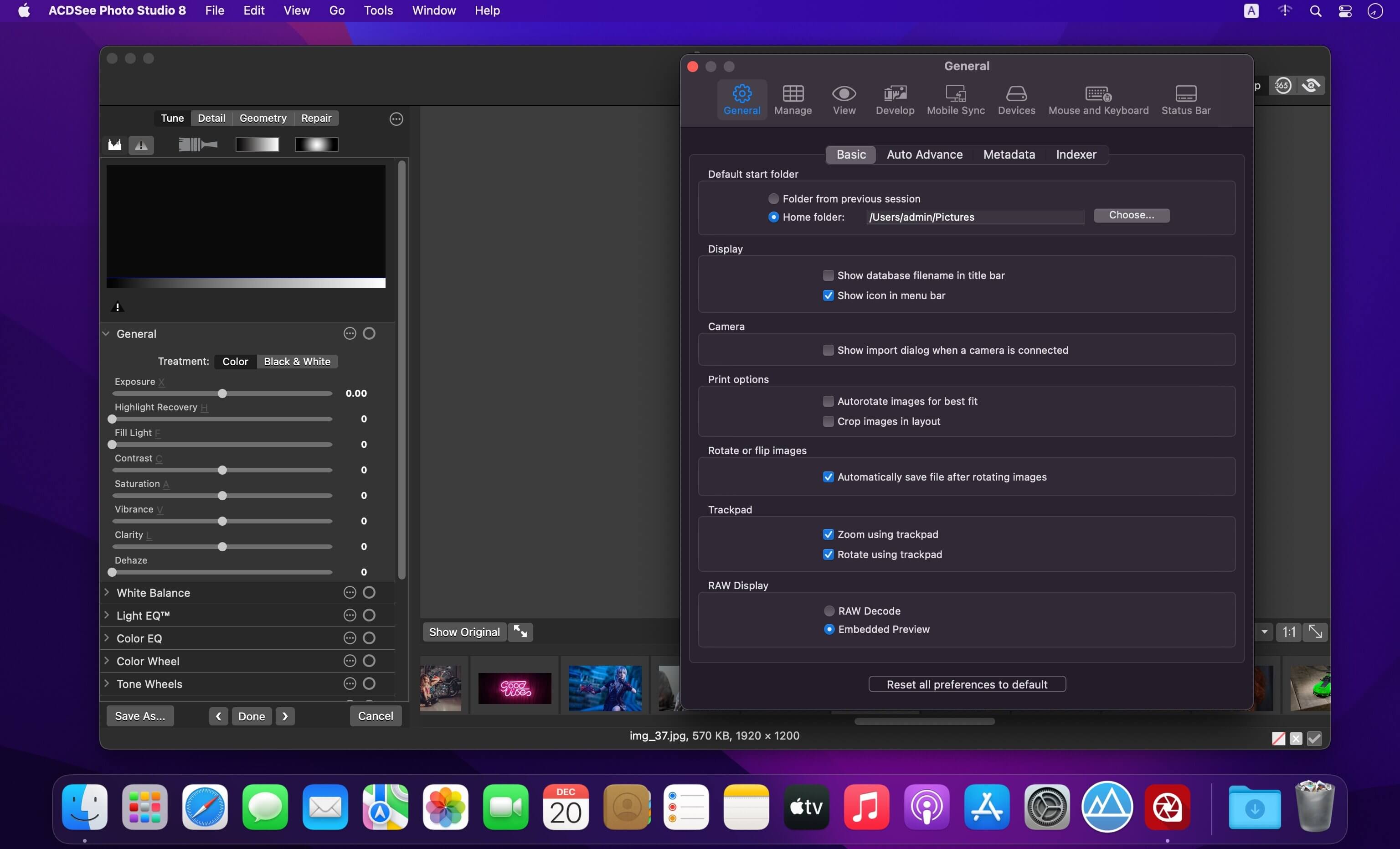
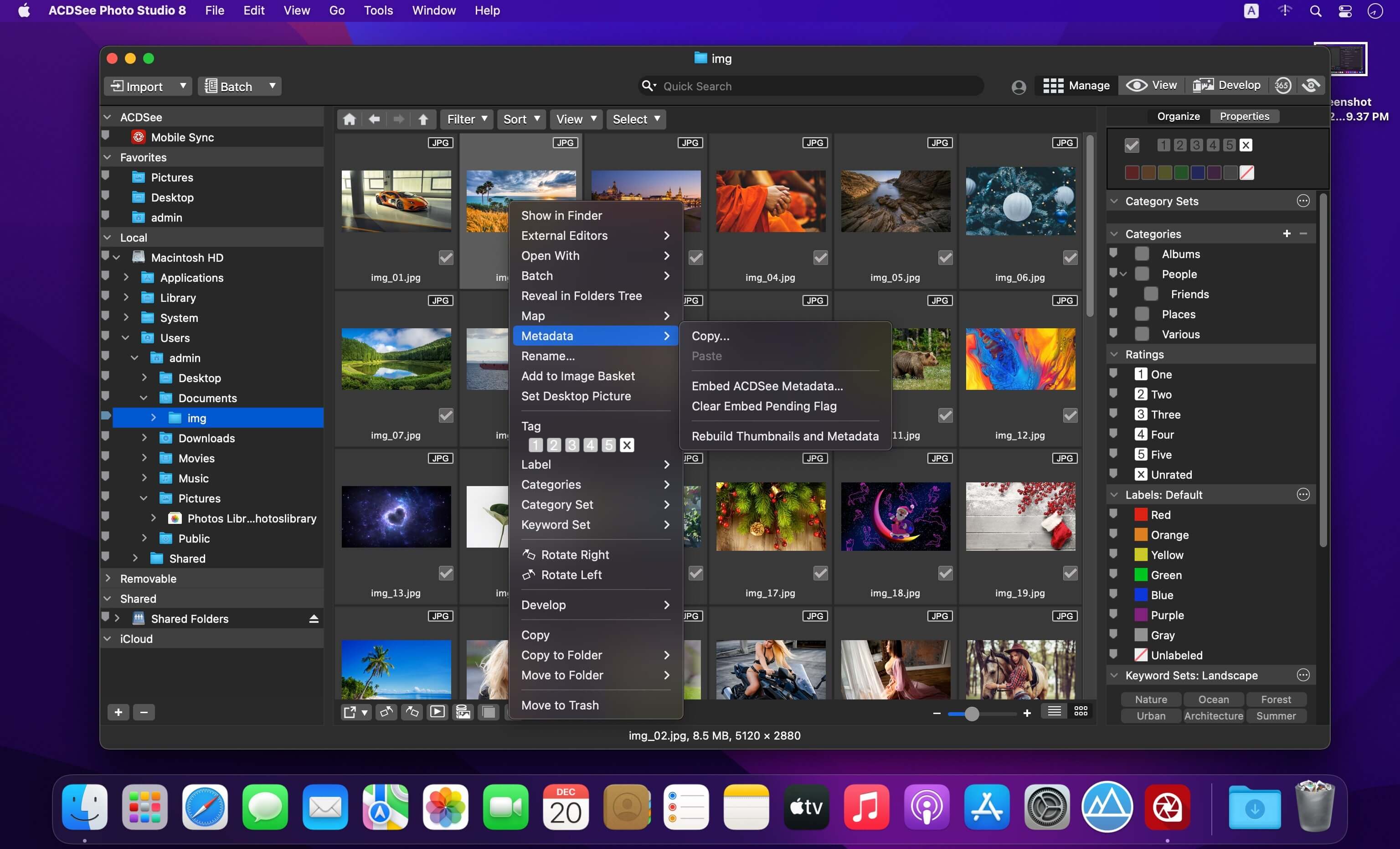
Harness the beauty of your images with one of the speediest digital asset managers and RAW processors on the platform, ACDSee Photo Studio for Mac . Take control of your collection with one-click searches, drag and drop searching, and saved searches, all with the convenience of import-free access to your images. Faster launching, browsing, scrolling, and searching, sleek organizational tools, customizable batch operations, RAW support for over 550 camera models, and a full toolkit of non-destructive adjustments make ACDSee Photo Studio for Mac your go-to digital photography resource.
- More Ways to Control Your Collection
- Improved Browser History Support – Hold down the Back button to view a list of your Recently Browsed Folders.
- Easy-Select Tabs – Select or deselect multiple folders and subfolders using the Easy-Select Tabs along your file tree.
- Direct Access to iCloud Drive – Easily backup and share files on your iCloud drive directly through ACDSee.
- Improved Keyword Management – Frequently-used keyword sets come pre-loaded in the latest version, and established keyword lists can be imported and exported.
- Saved Searches – Create searches based on criteria you choose, and access those results with a single click at any time.
Version 26.0.3:
- Release notes were unavailable when this listing was updated.
Frequently asked questions
How do I install the app?
Mount the image, drag the app into the "Applications" folder and launch it. If the system blocks the launch, allow it in "System Settings → Privacy & Security".
The app is damaged or won't launch
Reinstalling from a fresh image usually helps. Make sure your macOS version matches the one listed in the compatibility specs.
How do I update?
Download the new version from the site and install it over the current one — your settings will be preserved.
The download link doesn't work
Try a mirror or a download manager. For large files the browser often drops the connection.
How do I completely remove the app?
Use an uninstaller utility — it cleans up the service files that remain after moving the app to the trash.





Choose a download source
ACDSee Photo Studio 26.0.3 · 441.34 MB
Previous versions
ACDSee Photo Studio 26.0.3
Previous versions are available to registered users.