PhotoPad Professional 9.89
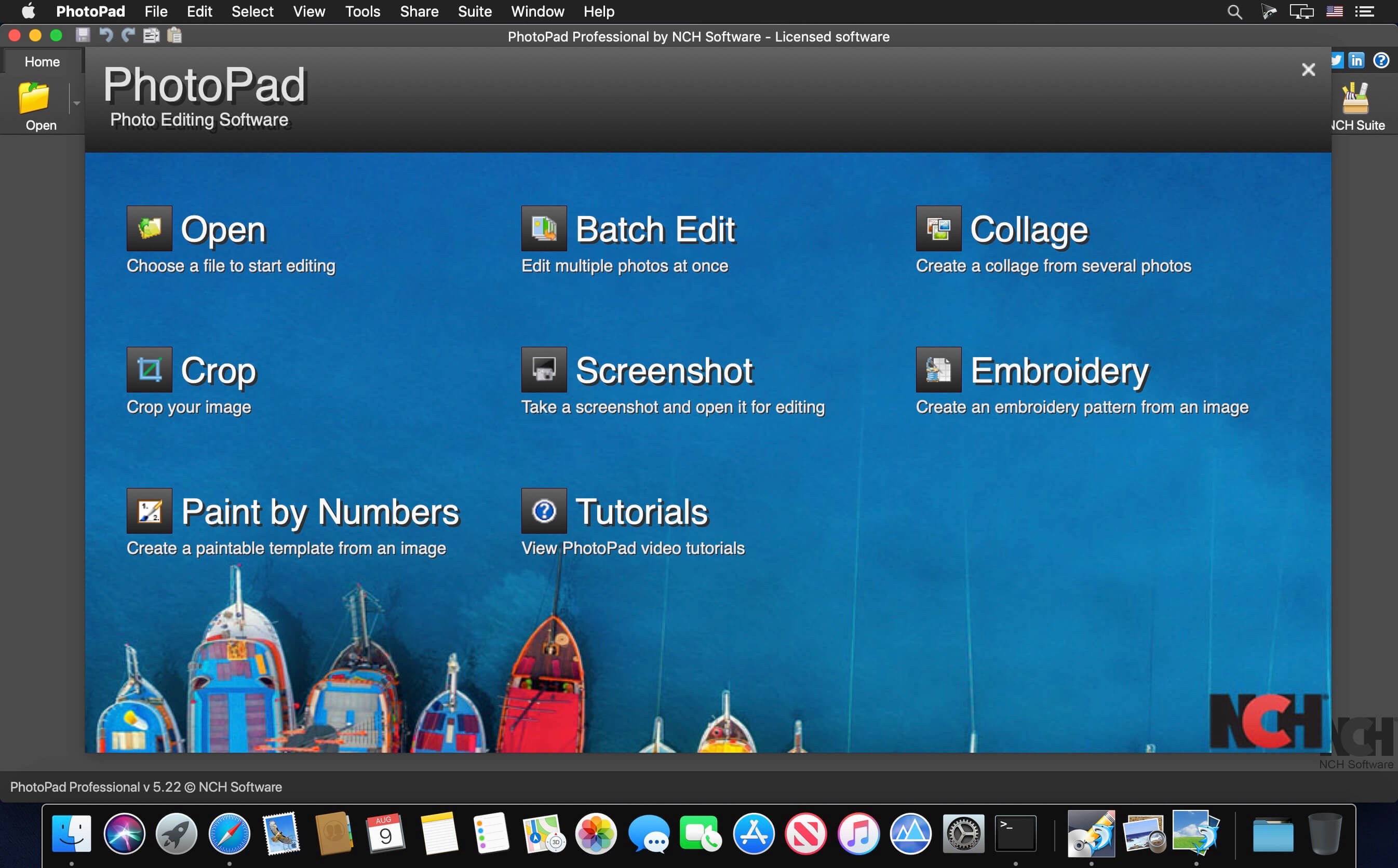
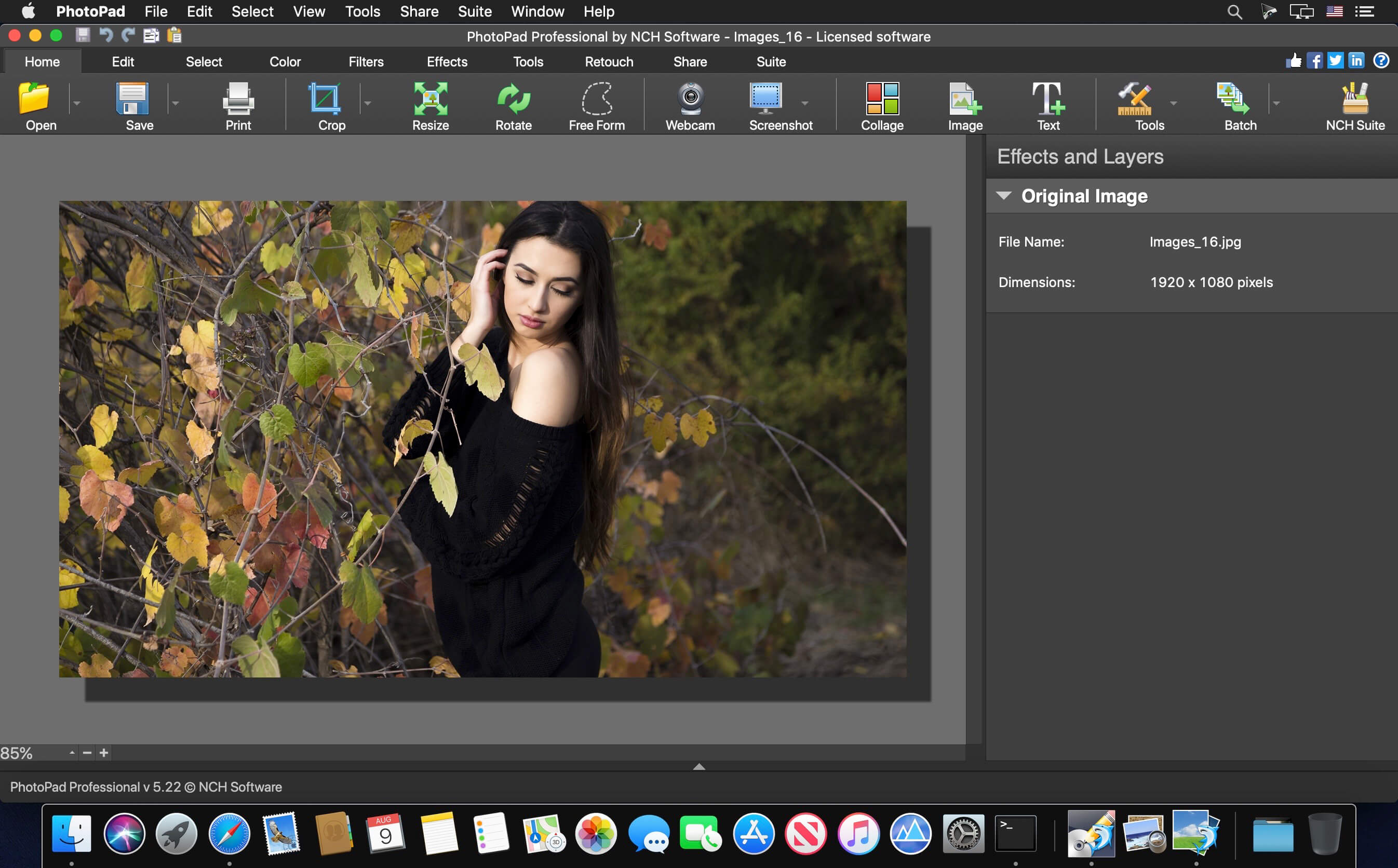
PhotoPad is designed to be ready to open and edit your photos quickly. Whether you’re a professional photographer or just want to edit your personal photos, PhotoPad offers the powerful tools and features you need to improve your digital images.
PhotoPad picture editor is the fastest and most fun way to edit your digital photos.
PhotoPad picture editor is the fastest and most fun way to edit your digital photos.
- Easily edit digital photos and other pictures
- Supports all popular image formats
- Crop, rotate, resize and flip photos fast
Photo Editing Features
- Crop, rotate, resize and flip pictures
- Touch up photos to remove red-eye and blemishes
- Improve photo quality and focus with blur, sharpening and noise reduction tools
- Adjust the color balance, exposure, levels, brightness, contrast and more
- Merge multiple exposures to create stunning HDR photographs
- Load jpg, gif, png and other popular image formats
- Change the aspect ratio of an image without distorting key features using the liquid resize effect
- Easily undo, re-order and edit existing effects on the layers list using non-destructive editing
Get Creative with Photo Editing
- Apply photo effects, including oil paint, cartoon, vignette, sepia and many more
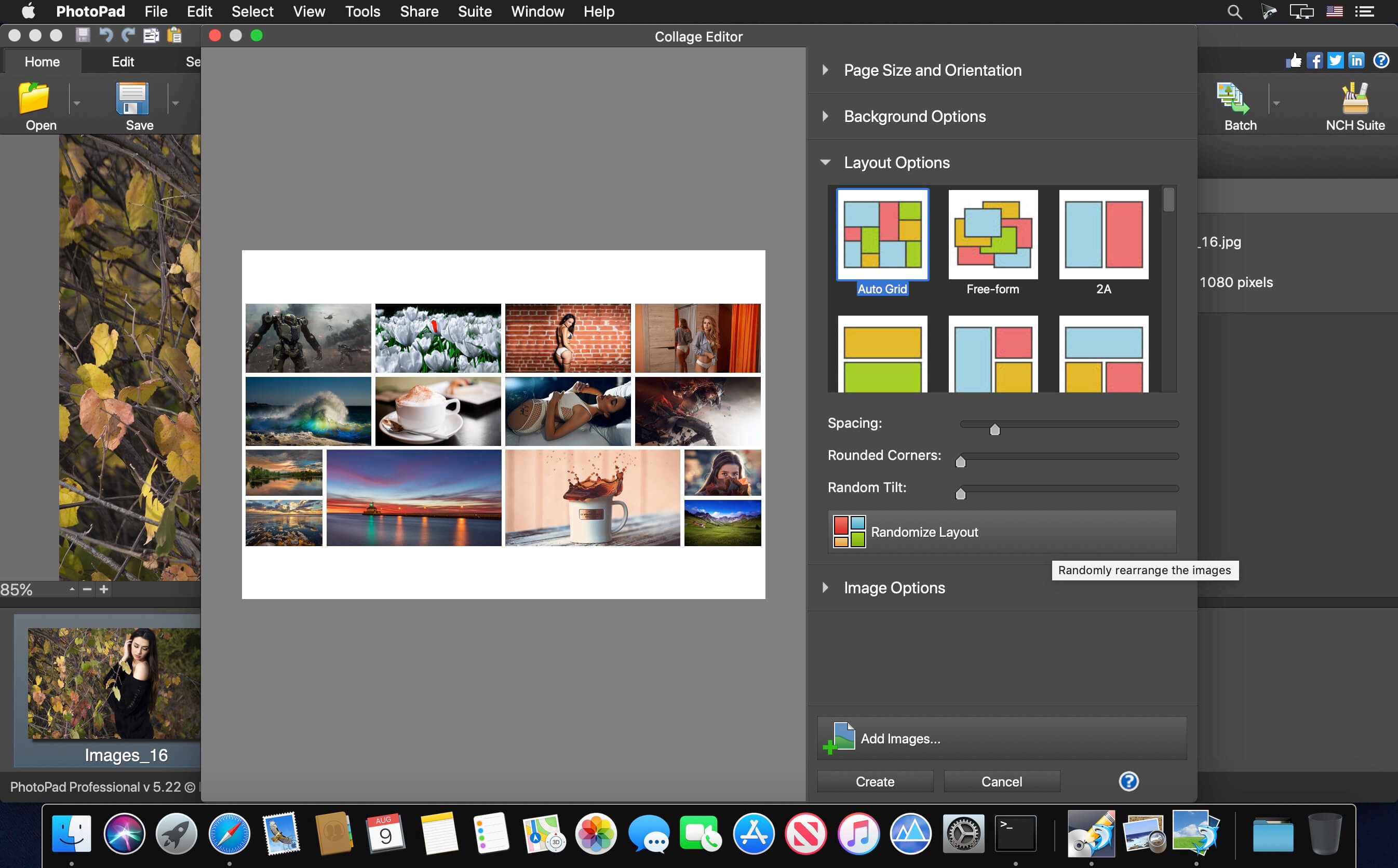
- Create collages and photo mosaics with your photographs
- Use preset filters to easily enhance your photosConvert your photo to cross stitch patterns, paint by numbers or add an oil painting effect
- Add text and captions to photos to post online, add to photo books or to create a new viral meme
- Insert clipart from the included clipart library
- Add frames and borders around your photographs
- Upload edited pictures directly to Facebook or Flickr
Resize and Crop
- Use the crop tool to make a rectangular photo square or to focus on one portion of your photograph. It's also easy to resize your photo for the web or for print using the resize tool.
Regional Effects
- Regional Effects is a powerful tool which gives you the ability to apply effects and filters to selected portions of your photo. Select a part of your image and apply an effect or use the paint brush to paint an effect onto part of your picture.
Version 9.89:
- Release notes were unavailable when this listing was updated.
Frequently asked questions
How do I install the app?
Mount the image, drag the app into the "Applications" folder and launch it. If the system blocks the launch, allow it in "System Settings → Privacy & Security".
The app is damaged or won't launch
Reinstalling from a fresh image usually helps. Make sure your macOS version matches the one listed in the compatibility specs.
How do I update?
Download the new version from the site and install it over the current one — your settings will be preserved.
The download link doesn't work
Try a mirror or a download manager. For large files the browser often drops the connection.
How do I completely remove the app?
Use an uninstaller utility — it cleans up the service files that remain after moving the app to the trash.



Choose a download source
PhotoPad Professional 9.89 · 8.15 MB
Previous versions
PhotoPad Professional 9.89
Previous versions are available to registered users.