
PhotoMarks 4.1
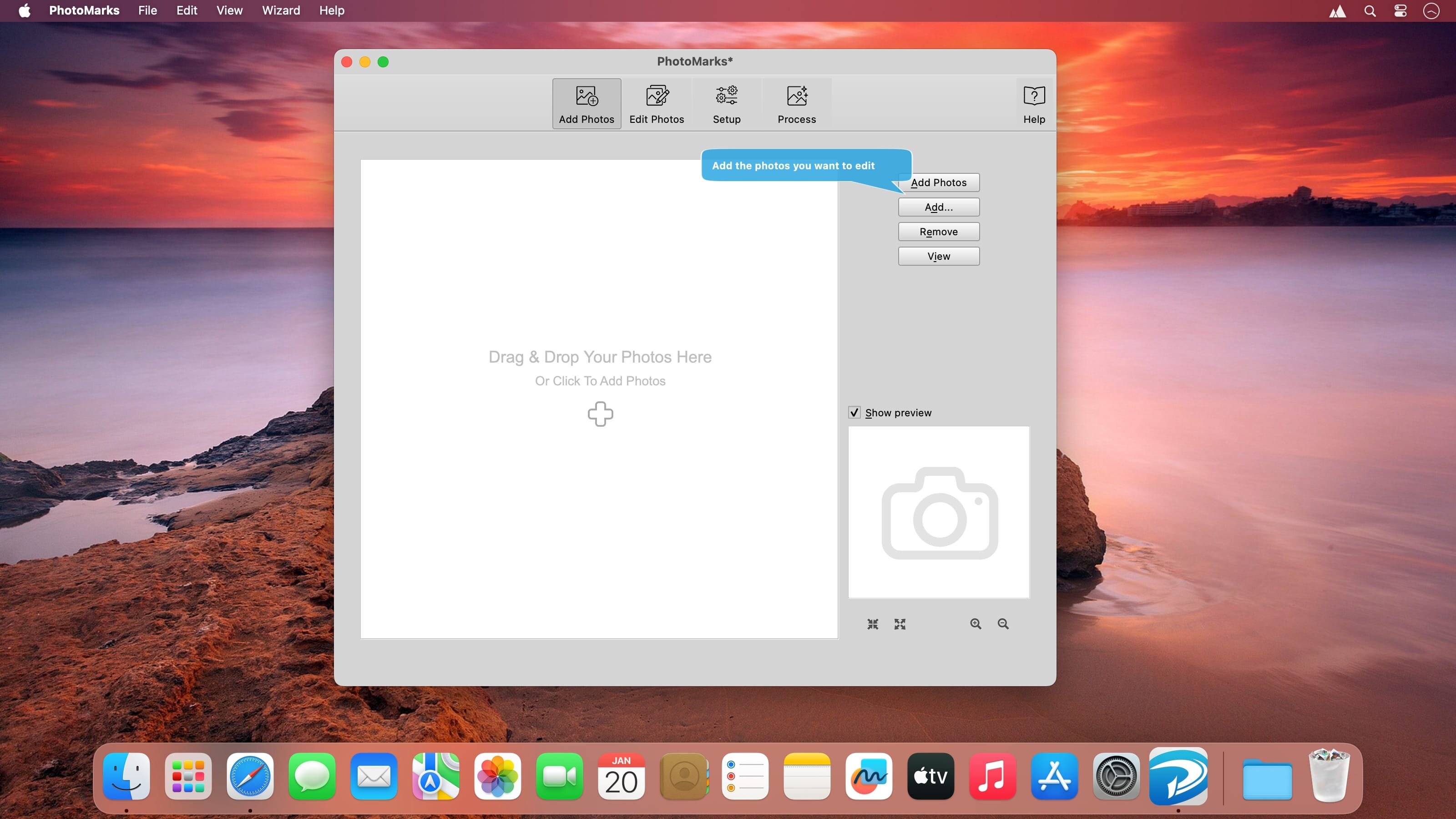
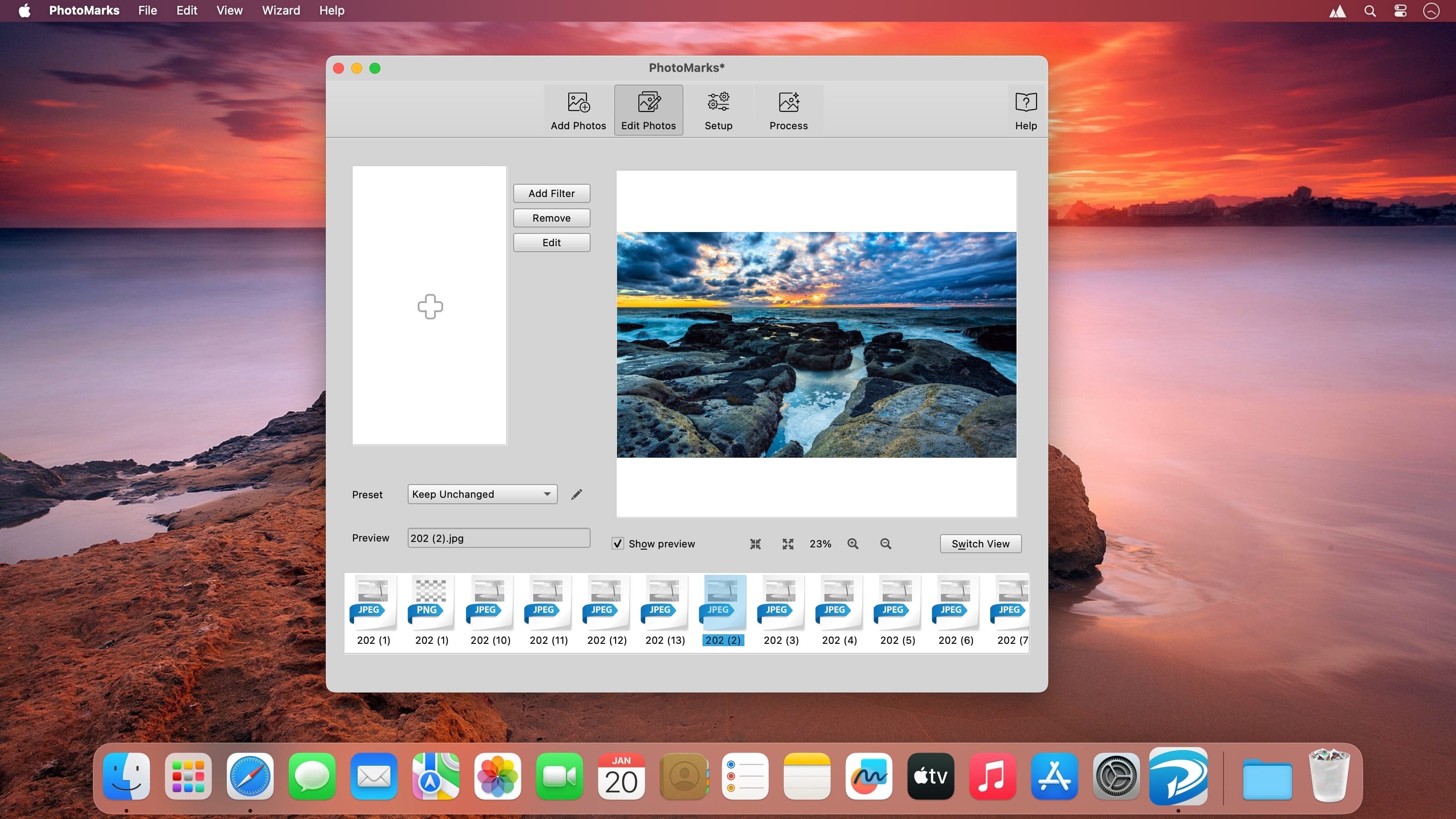
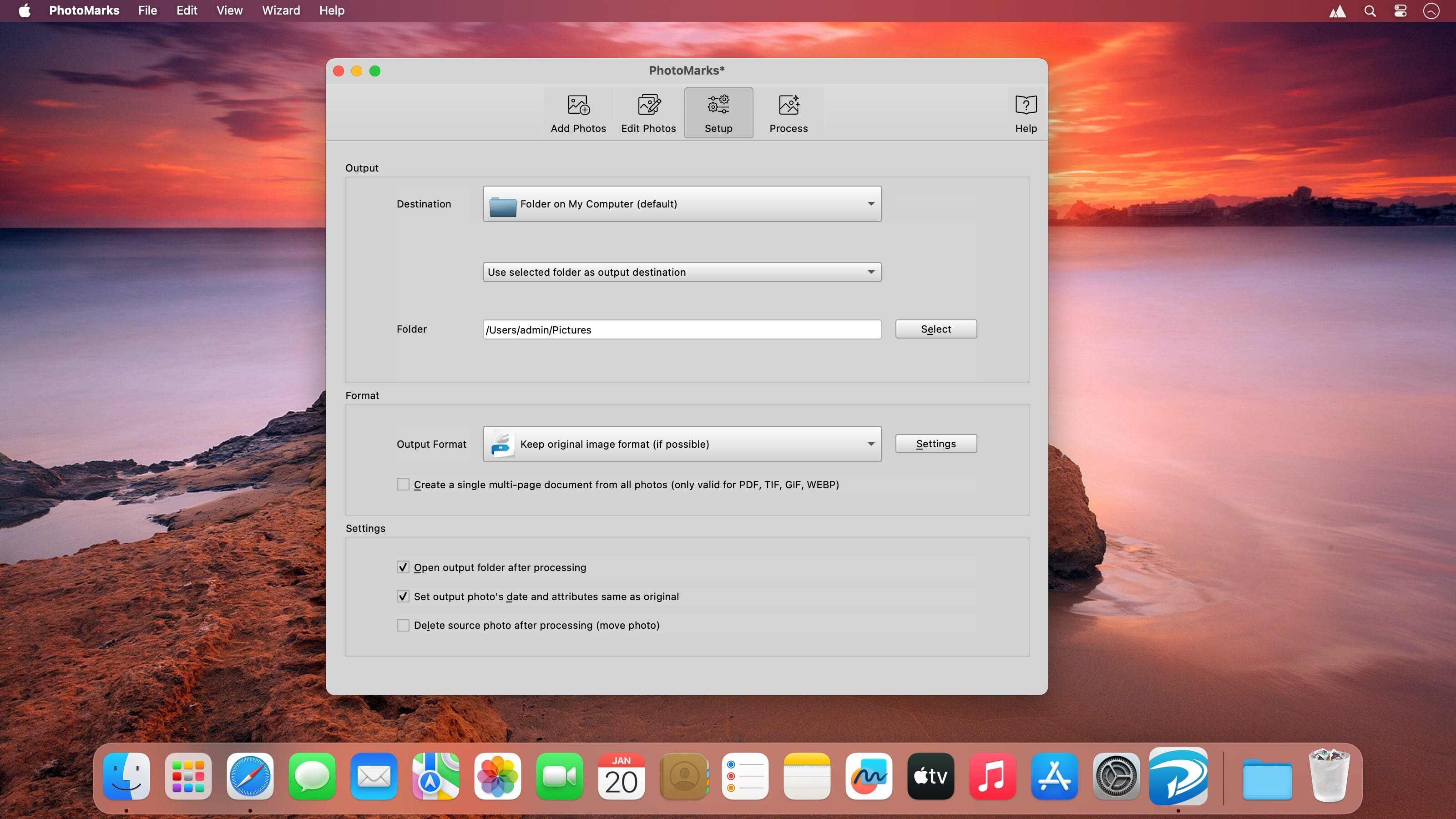
With PhotoMarks for Mac you can completely customize the appearance of your text and logo watermarks, as well as perform additional edits like Resize, Rename, Auto Rotate, or add Graphical Frames to your photos in the same session. It works by editing photos in batch mode and takes advantage of multi-core processors for speeding up the process. You can also save your settings as profiles to easily reuse them later.
Features
- Batch processing with support for multi-core processors;
- Completely customizable Text Watermarks with pixel-perfect positioning, tile mode, rotation, multiline text, custom & textured fonts, shadow, stroke, bounding-box, and more;
- Completely customizable Logo Watermarks with pixel-perfect positioning, tile mode, rotation, scaling, stroke, shadow, and more;
- Smart Resize filter that makes the difference between landscape and portrait photos, for automatically reducing image size in pixels;
- Auto Rotate filter for automatically rotating photos to the right orientation or just use a predefined rotation;
- Graphically decorate photos with beautifully designed Grunge, Vintage, Picture, and Shape Frames, add a Shadow Effect, or a Simple Border;
- Completely customizable Rename filter with keywords and search & replace features;
- Upload directly to FTP or send via email;
- Upload to Flickr;
- Easy to use user interface with previews for every step of the process;
- Support for more than 50 image formats, including RAW formats from DSLR digital cameras;
- Save settings as profiles and easily reuse them later.
Version 4.1
- Introducing a new Dark app theme!
- Automatically set the app theme based on OS preferences
- New minimalist toolbar icons for a modern look and feel
- Option to 'Keep original image format' when uploading to SFTP/FTP
Image Formats (Win & Mac)
- WEBP - New option to create a lossless image and a multi-page image
- HEIF, AVIF — New option to create a lossless image
- New option to choose the file extension for each format (e.g., JPG or JPEG)
Frequently asked questions
How do I install the app?
Mount the image, drag the app into the "Applications" folder and launch it. If the system blocks the launch, allow it in "System Settings → Privacy & Security".
The app is damaged or won't launch
Reinstalling from a fresh image usually helps. Make sure your macOS version matches the one listed in the compatibility specs.
How do I update?
Download the new version from the site and install it over the current one — your settings will be preserved.
The download link doesn't work
Try a mirror or a download manager. For large files the browser often drops the connection.
How do I completely remove the app?
Use an uninstaller utility — it cleans up the service files that remain after moving the app to the trash.


Choose a download source
PhotoMarks 4.1 · 31.18 MB