
Mellel 6.8.1
Word processor for academic writing, built for Mac
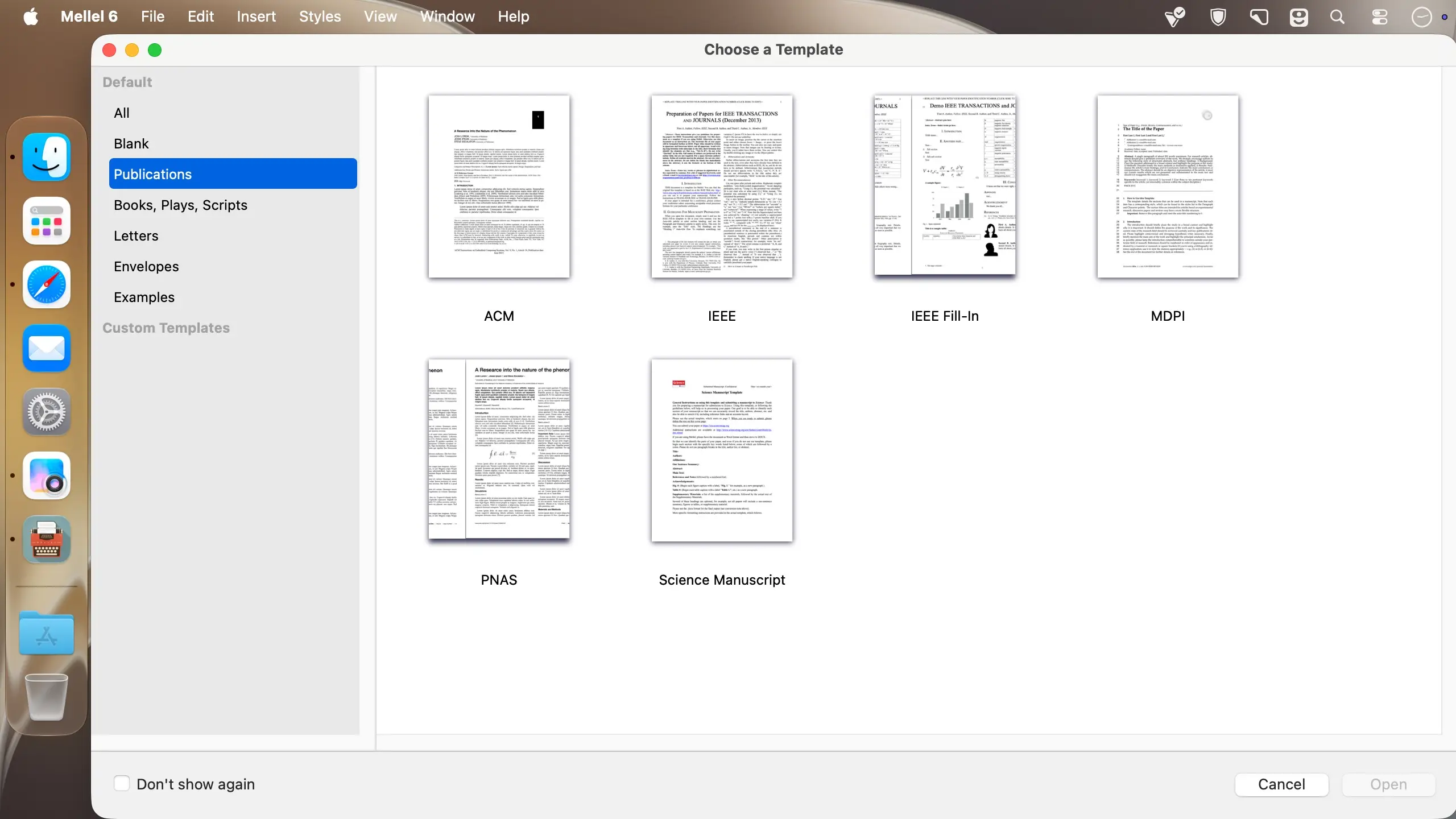
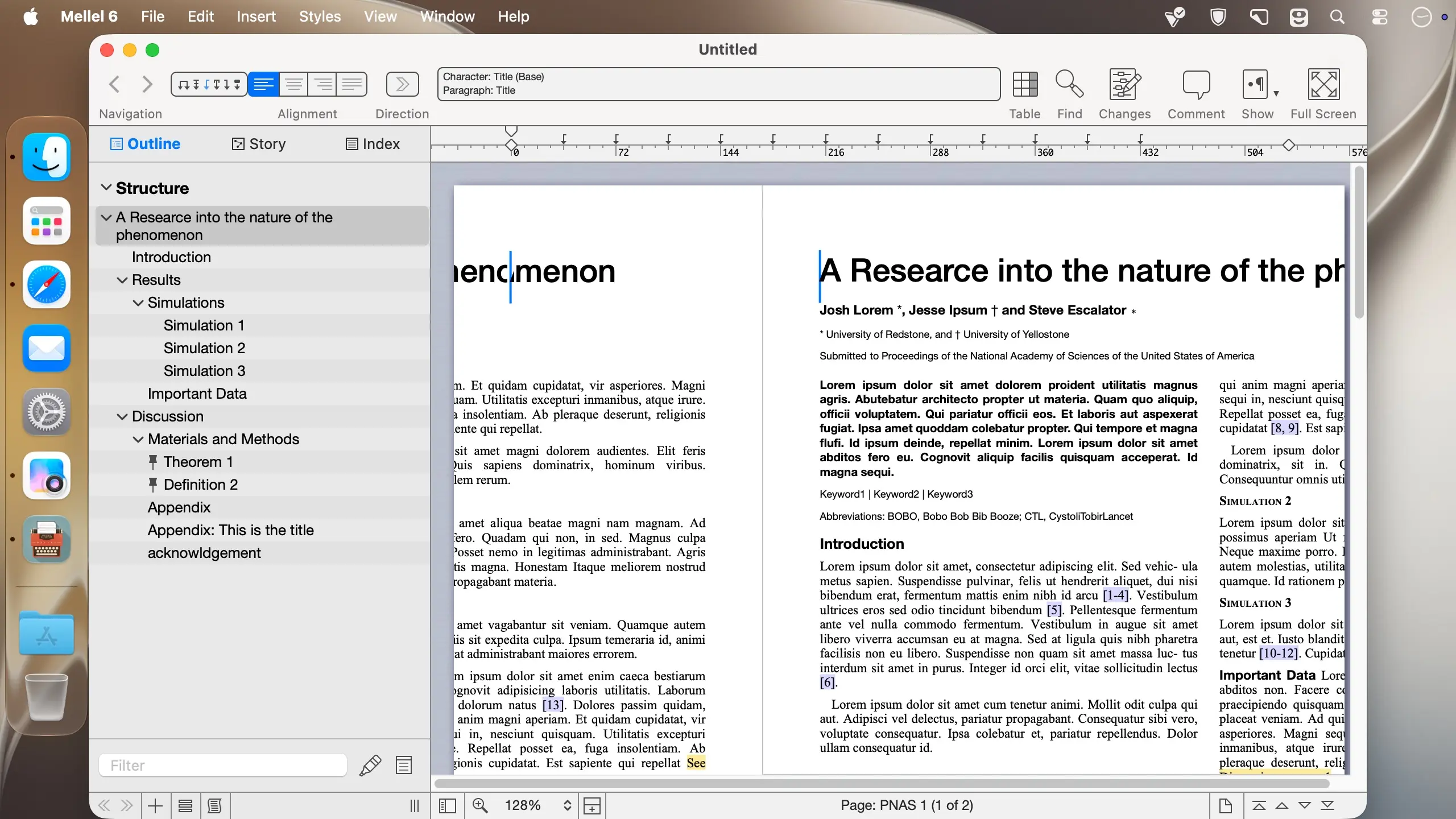
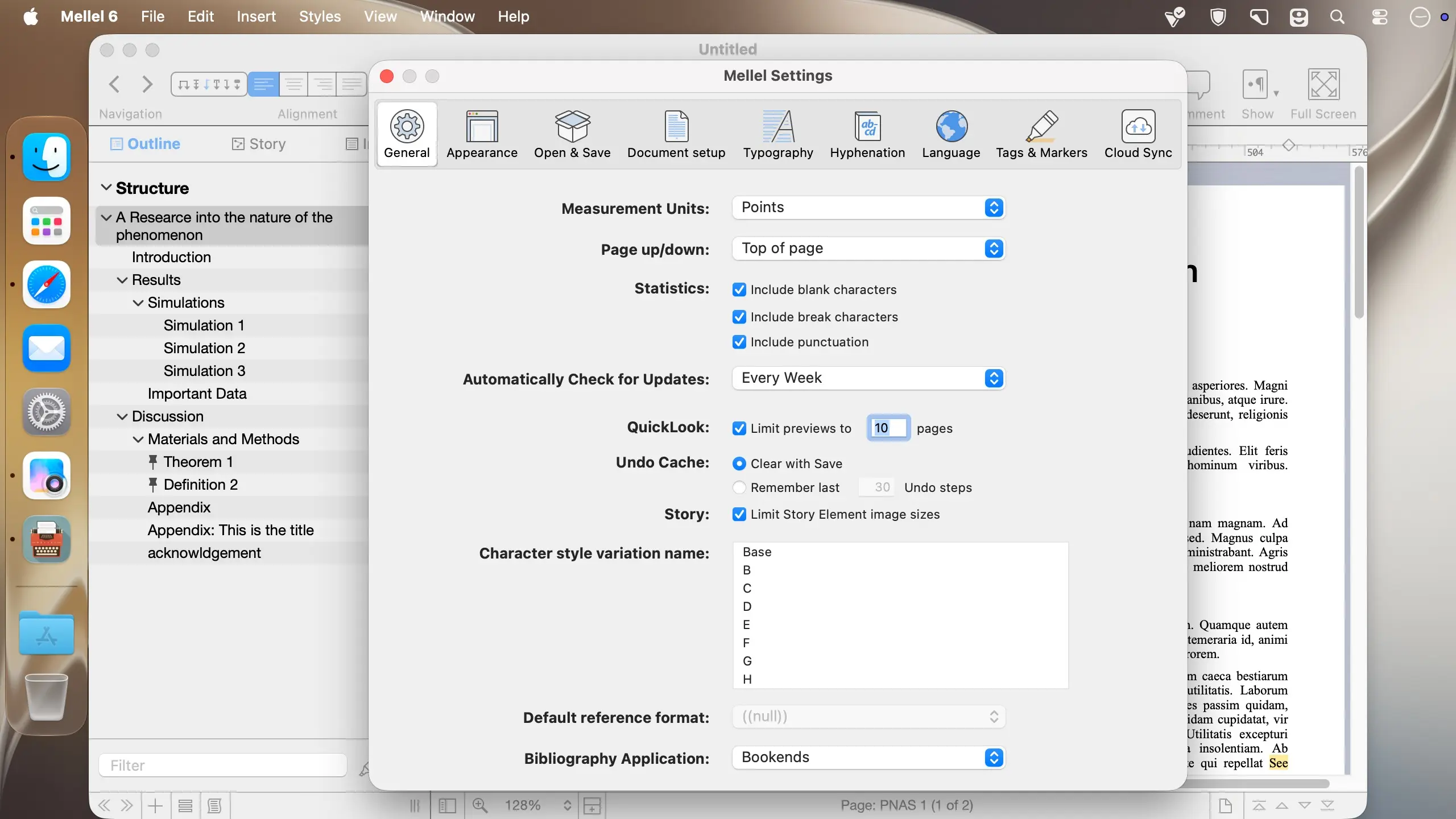
Mellel is a word processor for academic writing on Mac, built for theses, journal articles, and books with many chapters, notes, and references. It runs natively on Apple Silicon and Intel Macs and copes with long, complex documents. The interface stays uncluttered and never interrupts with suggestions.
Structure and styles
Auto-titles number chapters and headings, and caption images and tables on multiple levels. The outline shows the whole document at a glance, and sections can be dragged to a new position. Styles reach beyond text: page layout, notes, sections, and tables each get their own, and style sets carry them from one document to the next.
Notes, citations, and references
- Footnotes and endnotes: any number of note streams, with endnotes placed at the end of the document, a chapter, or a section.
- Bookends integration: citations and the bibliography update automatically, as one bibliography or one per chapter.
- Cross-references: links to auto-titles, images, and bookmarks keep their number and title current.
- Table of contents: inserted with one command, with control over which items appear and how they look.
- Index: built while writing with Quick Index, or after the draft is done.
- Equations: LaTeX math notation renders as a vector image, and frequently used ones go into a custom library.
Languages, typography, and formats
Several languages, scripts, and writing directions can share a document, a paragraph, or even a sentence, with right-to-left support for Arabic, Hebrew, and Syriac. Typography options include OpenType features, a secondary font, and tracking. Mellel opens DOCX, RTF, OPML, and plain text files, and exports to PDF, DOCX, RTF, OPML, and ePUB.
Typical projects
A doctoral student keeps a separate bibliography for each chapter while the thesis stays in one file. A linguist mixes English, Hebrew, and Arabic examples in a single paragraph. An author applies a style set to a finished manuscript and exports it straight to ePUB.
Mellel alternatives for Mac
- Scrivener: organizes a long project as a binder of separate documents, with a corkboard view and compile options for different outputs.
- LibreOffice Writer: a free word processor with open source code that is also available on Windows and Linux.
- Microsoft Word: a cross-platform word processor for Mac, Windows, and the web, with real-time collaborative editing.
Version 6.8.1:
Bug Fixes
- Fixed an issue where the color panel had no effect when editing character, section, and other styles.
- Fixed a crash that could occur when clicking the color panel under certain rare conditions.
- Fixed the color widget for character attributes in the line numbering panel, which didn’t work when editing a section style.
Misc
- Updated the Russian localization.
Frequently asked questions
How do I install the app?
Mount the image, drag the app into the "Applications" folder and launch it. If the system blocks the launch, allow it in "System Settings → Privacy & Security".
The app is damaged or won't launch
Reinstalling from a fresh image usually helps. Make sure your macOS version matches the one listed in the compatibility specs.
How do I update?
Download the new version from the site and install it over the current one — your settings will be preserved.
The download link doesn't work
Try a mirror or a download manager. For large files the browser often drops the connection.
How do I completely remove the app?
Use an uninstaller utility — it cleans up the service files that remain after moving the app to the trash.





Choose a download source
Mellel 6.8.1 · 104.59 MB
Previous versions
Mellel 6.8.1
Previous versions are available to registered users.