LookAway 2.5.0
A break reminder for Mac that respects your focus
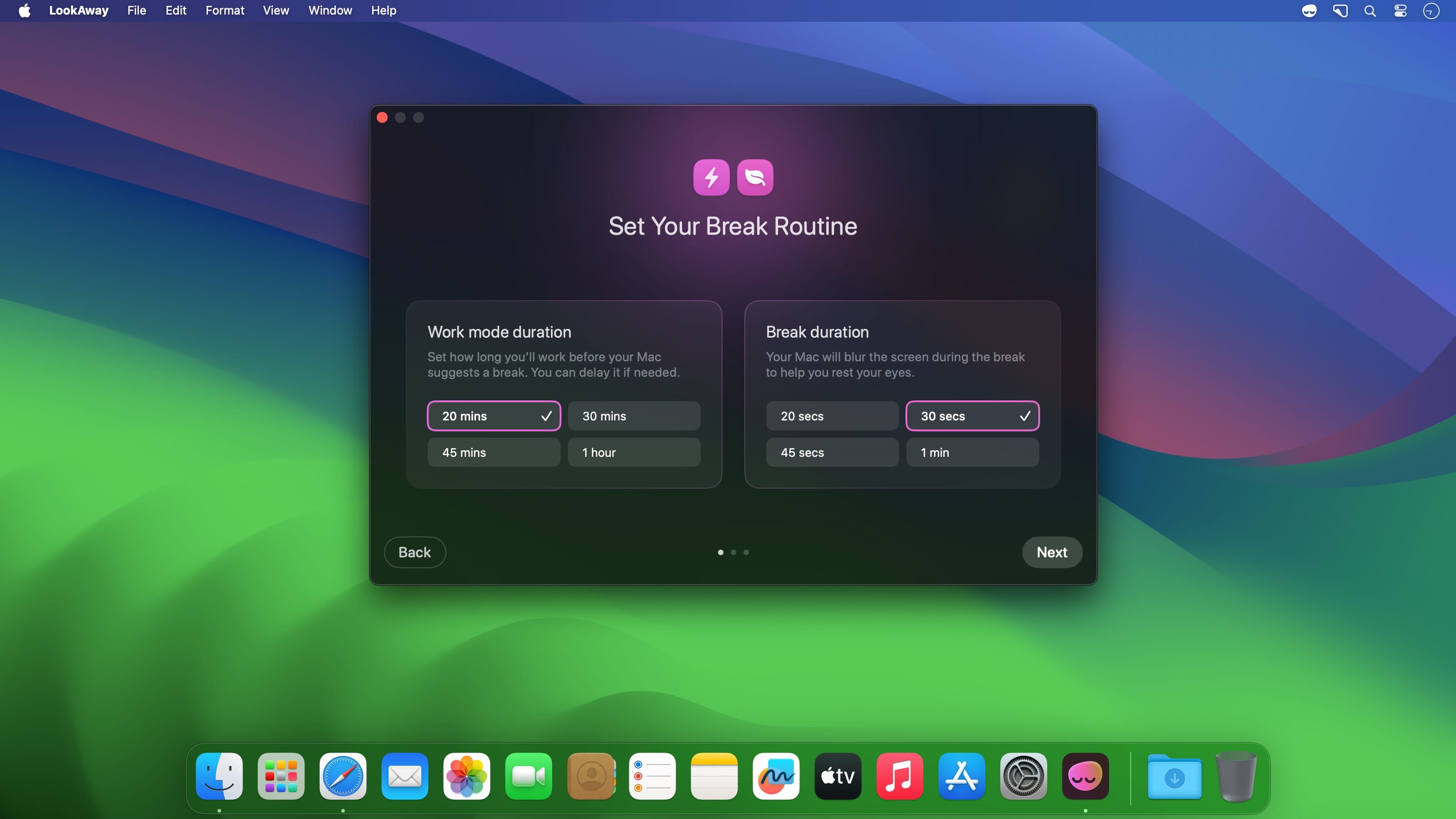
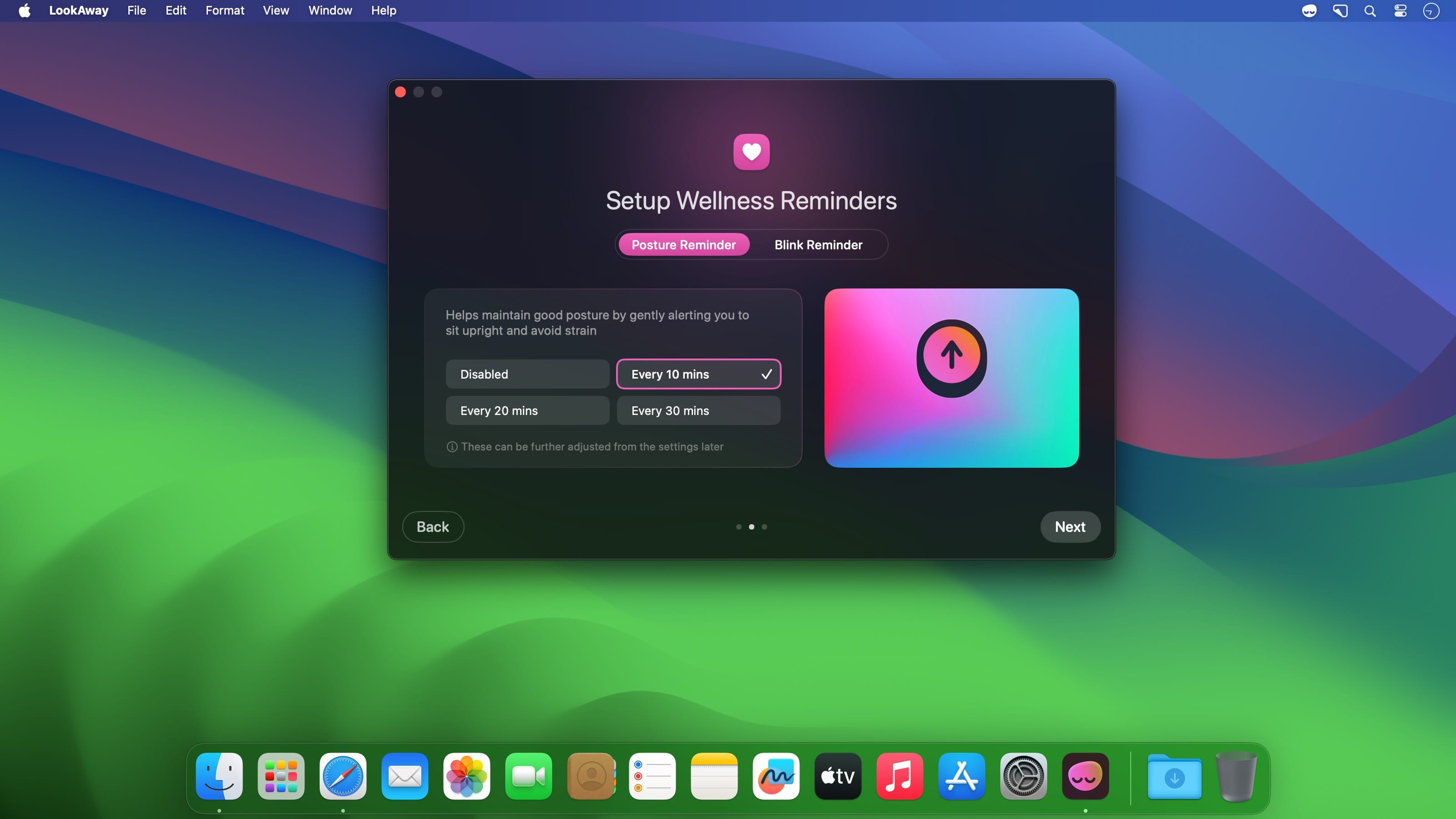
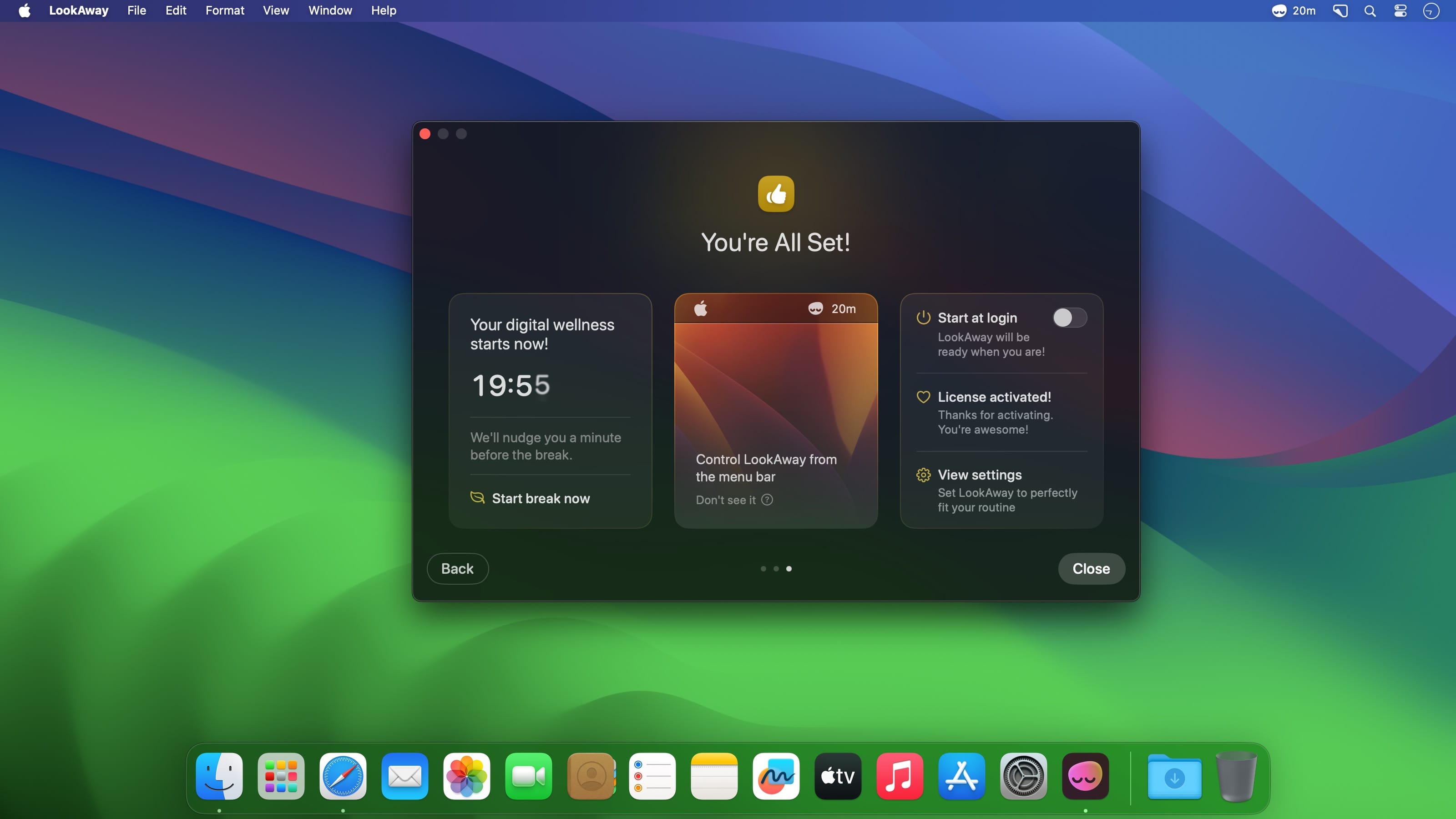
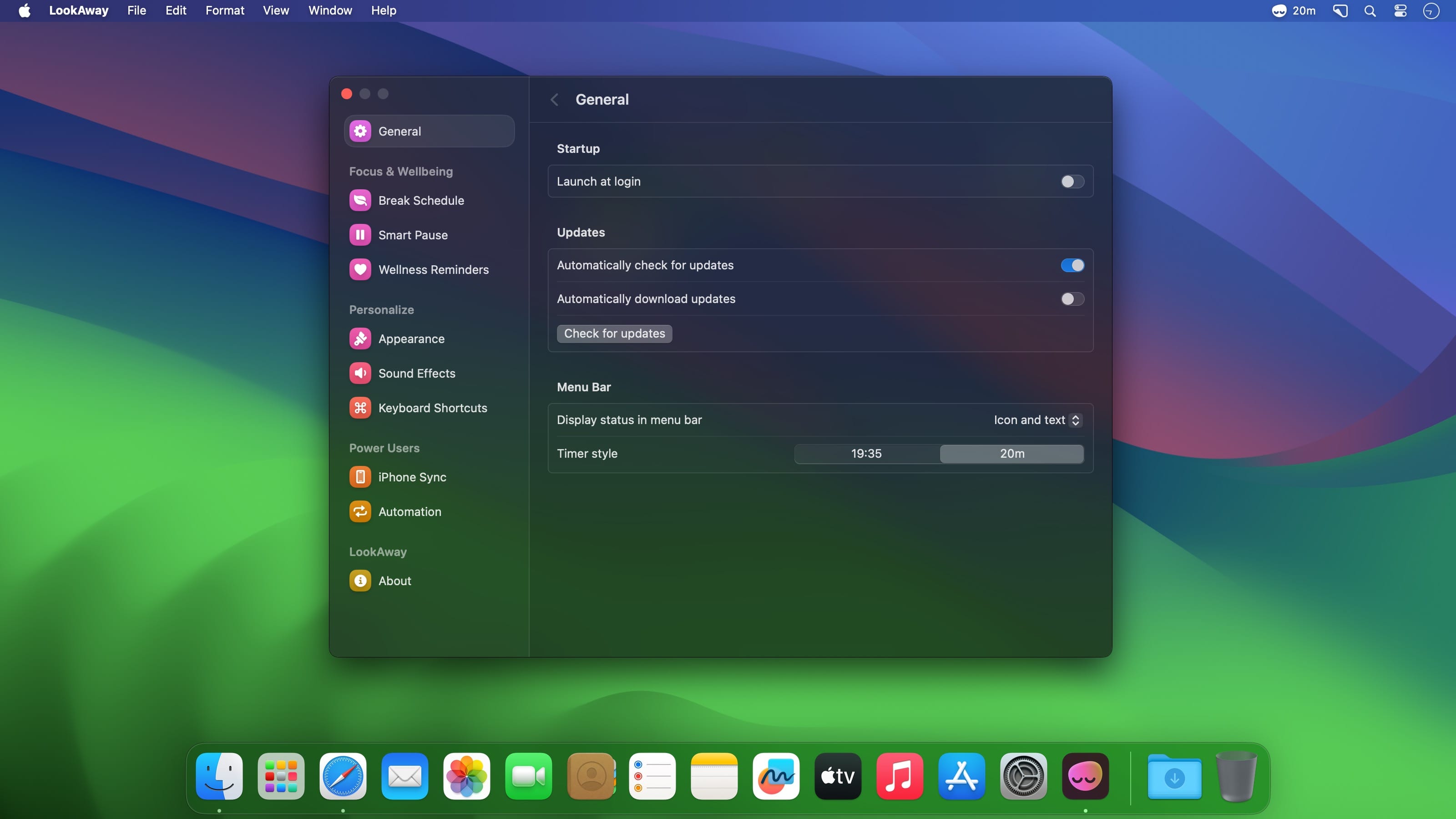
LookAway is a break reminder app for Mac that watches your focus time and asks you to look away from the screen before your eyes get tired. You set the length of your focus and break periods once, and the app then runs from the menu bar without needing attention.
How breaks work
When a break is due, a message covers the desktop and prompts you to rest your eyes. You can skip it if you are in the middle of something. An optional heads-up notification arrives before the break starts, so you have time to finish a sentence or save a file. A soft chime marks the end of the break, which helps when you have stepped away from your desk.
Pauses that follow your day
The timer pauses when you are idle for more than one minute and resets after five minutes away, so a new focus period starts when you return. During meetings and calls the app pauses completely, so a break never interrupts a conversation.
Settings you can adjust
- Focus and break lengths: set at first launch and change them any time from the menu bar
- Break skipping: dismiss a break when the timing is wrong
- Advance notification: get a warning before a break appears
- End-of-break chime: hear when it is time to get back to work
- Idle detection: automatic pause and reset when you leave the keyboard
- Meeting detection: no breaks while you are on a call
Who it suits
Developers and writers who forget the clock for hours get a nudge without losing their train of thought. People on long video calls can rely on the automatic pause. Anyone who has abandoned stricter reminders for being too pushy can set a softer rhythm and keep it.
LookAway 2.5.0
- You can now create your own wellness reminders, in your own words: to drink some water, stretch, or take a deep breath. Each one has its own title, icon, size and interval, and one of ten new sounds, or none at all. Open Wellness Reminders and choose Create New under Custom Reminders. You can have up to five.
- A custom reminder can also stay on screen until you tick it off with its button. If other reminders fall due meanwhile, it folds into a small orb at the top of the screen and waits for you there.
- New break style: Split the screen. Instead of covering your screen, a break slides your live desktop apart, top and bottom, and appears on a texture in between: Linen, Cutting Mat, Leather or Brushed Metal, with a choice of colors for the mat and the leather. Pick Split the screen under Break style. Requires macOS Tahoe or later.
- Wellness reminders have a new look on macOS Tahoe and later: a glass orb that ripples the screen as it appears. If the ripple isn't for you, turn off "Ripple the screen when reminders appear".
- Wellness reminders now keep counting through breaks instead of starting over after each one, so a reminder set for every 30 minutes actually gets its turn. If you prefer the old way, turn on "Reset timers after break".
- New "Combine reminders due at the same time" option: reminders that fall due together appear at once, with one sound, instead of one after another.
- Three new animated break backgrounds: Vortex, Nebula and Galaxy.
- LookAway now works with Shortcuts, Siri and Spotlight: take a break, snooze or skip the next one, pause and resume, start and stop, or check your status and stats. Build a shortcut, or just say "Pause LookAway".
- Custom breaks now always offer End Break, and skipping one picks your countdown up where it left off instead of starting it over.
- Planned breaks have more icons to choose from, and Settings now asks to save or discard if you leave a new one unfinished.
- Fixed LookAway staying idle after a quick nudge of the mouse, a click or a keypress, and after unlocking with Touch ID.
- Fixed a long pause being counted twice when a Focus, meeting or calendar event ended during it, which could push the next break hours away.
- Fixed a break arriving with only a few seconds' warning after you paused and resumed LookAway shortly before it.
- Fixed LookAway's menu freezing for a moment every few seconds while it was open.
- Fixed LookAway's menu bar item staying bright on an inactive display instead of dimming like the others.
- Fixed LookAway reading far more from disk than it needed to when your stats go back a long way.
- Fixed alerts sometimes springing in from the top left corner.
Frequently asked questions
How do I install the app?
Mount the image, drag the app into the "Applications" folder and launch it. If the system blocks the launch, allow it in "System Settings → Privacy & Security".
The app is damaged or won't launch
Reinstalling from a fresh image usually helps. Make sure your macOS version matches the one listed in the compatibility specs.
How do I update?
Download the new version from the site and install it over the current one — your settings will be preserved.
The download link doesn't work
Try a mirror or a download manager. For large files the browser often drops the connection.
How do I completely remove the app?
Use an uninstaller utility — it cleans up the service files that remain after moving the app to the trash.

Choose a download source
LookAway 2.5.0 · 56.43 MB
Previous versions
LookAway 2.5.0
Previous versions are available to registered users.
Comments 1