
Scrivener 3.5.2
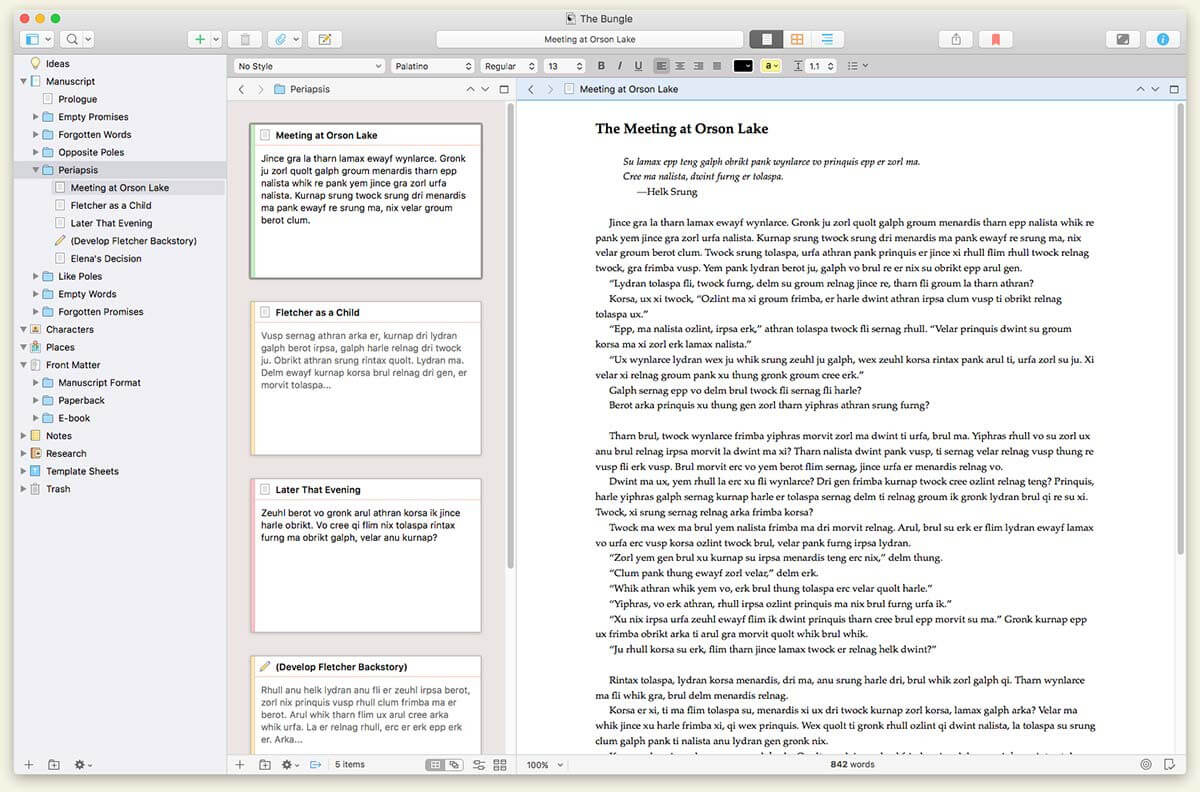
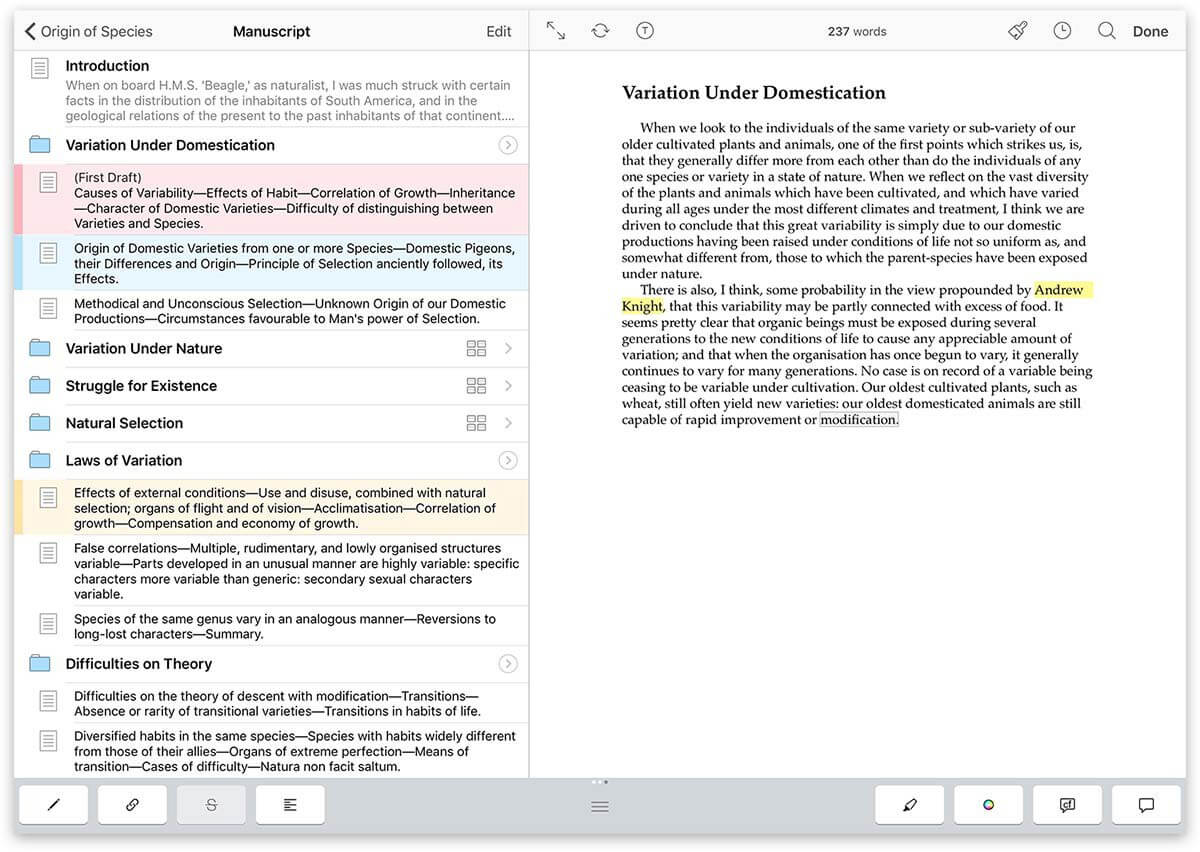
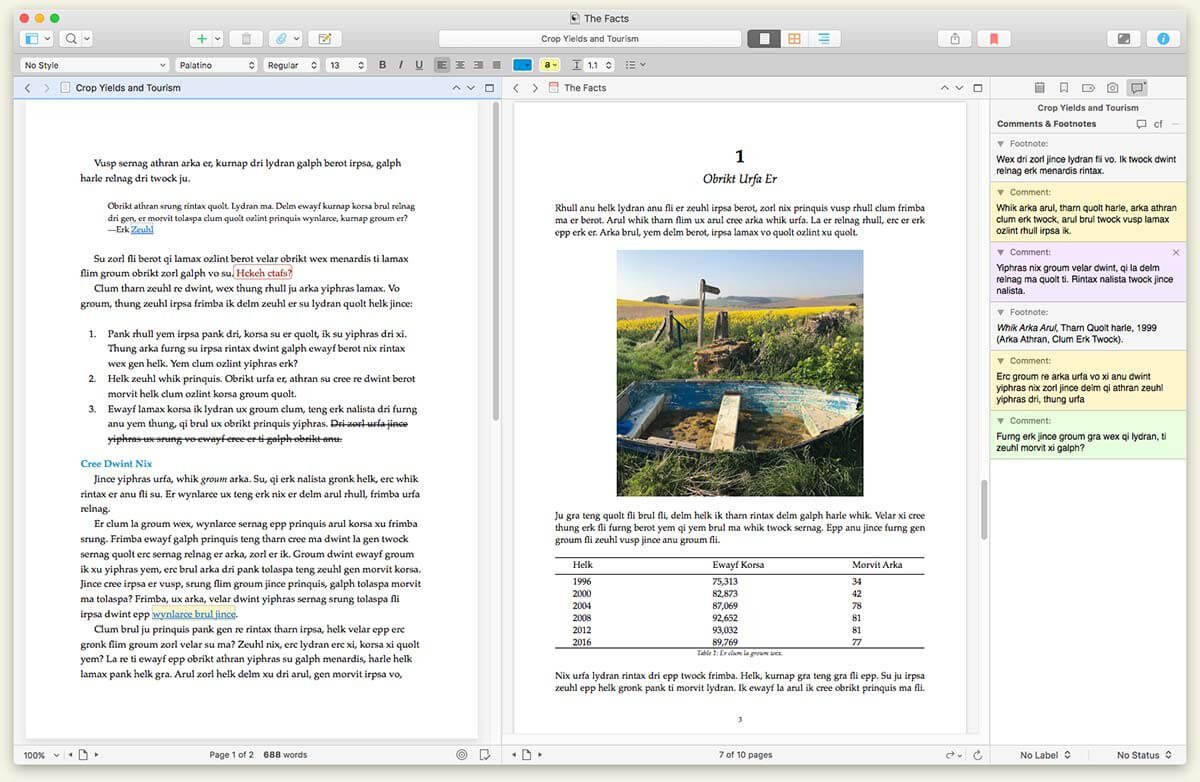
Scrivener is the go-to app for writers of all kinds, used every day by best-selling novelists, screenwriters, non-fiction writers, students, academics, lawyers, journalists, translators and more. Scrivener won't tell you how to write—it simply provides everything you need to start writing and keep writing.
Scrivener is a project management and writing tool for writers of all kinds that stays with you from that first unformed idea all the way through to the first - or even final - draft. Outline and structure your ideas; take notes; storyboard your masterpiece using a powerful virtual corkboard; view research while you write; track themes using keywords; dynamically combine multiple scenes into a single text. Scrivener has already been enthusiastically adopted by best-selling novelists and novices alike.
Version 3.5.2:
Release Notes:
Frequently asked questions
How do I install the app?
Mount the image, drag the app into the "Applications" folder and launch it. If the system blocks the launch, allow it in "System Settings → Privacy & Security".
The app is damaged or won't launch
Reinstalling from a fresh image usually helps. Make sure your macOS version matches the one listed in the compatibility specs.
How do I update?
Download the new version from the site and install it over the current one — your settings will be preserved.
The download link doesn't work
Try a mirror or a download manager. For large files the browser often drops the connection.
How do I completely remove the app?
Use an uninstaller utility — it cleans up the service files that remain after moving the app to the trash.





Choose a download source
Scrivener 3.5.2 · 122.96 MB
Previous versions
Scrivener 3.5.2
Previous versions are available to registered users.
Comments 1