
TextSoap 9.7.6
Fix line breaks in text inside the app you're using.
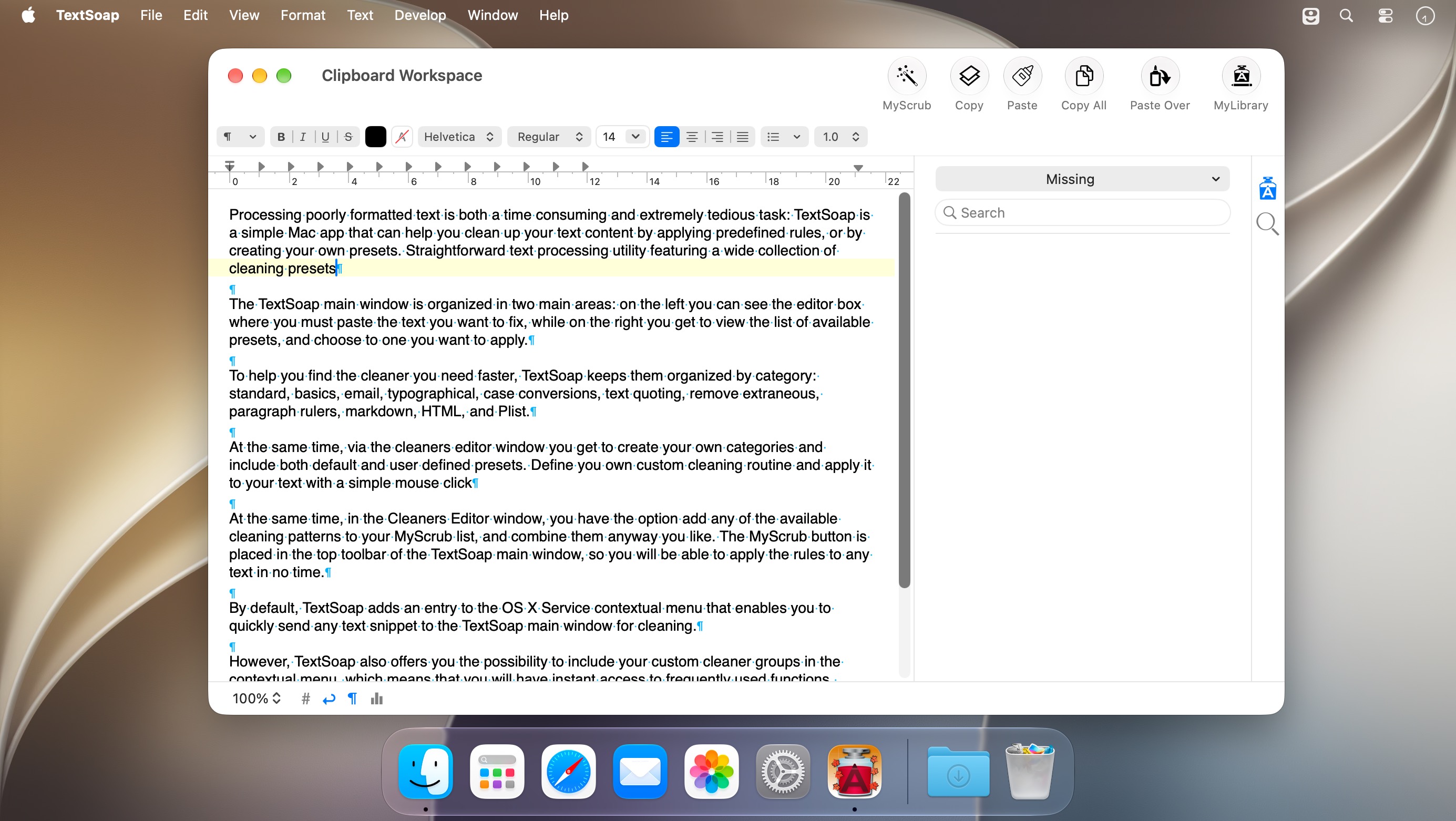
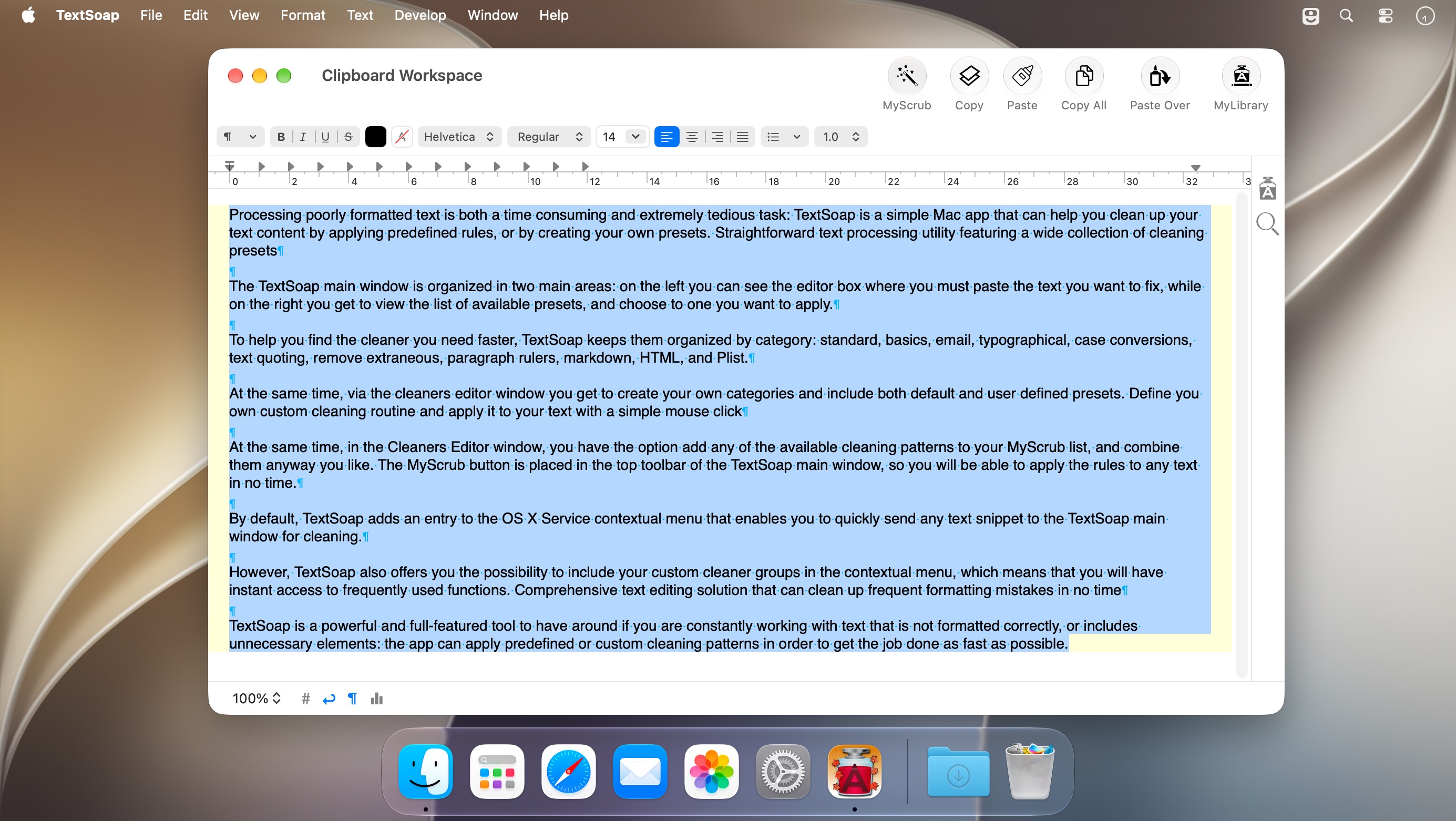
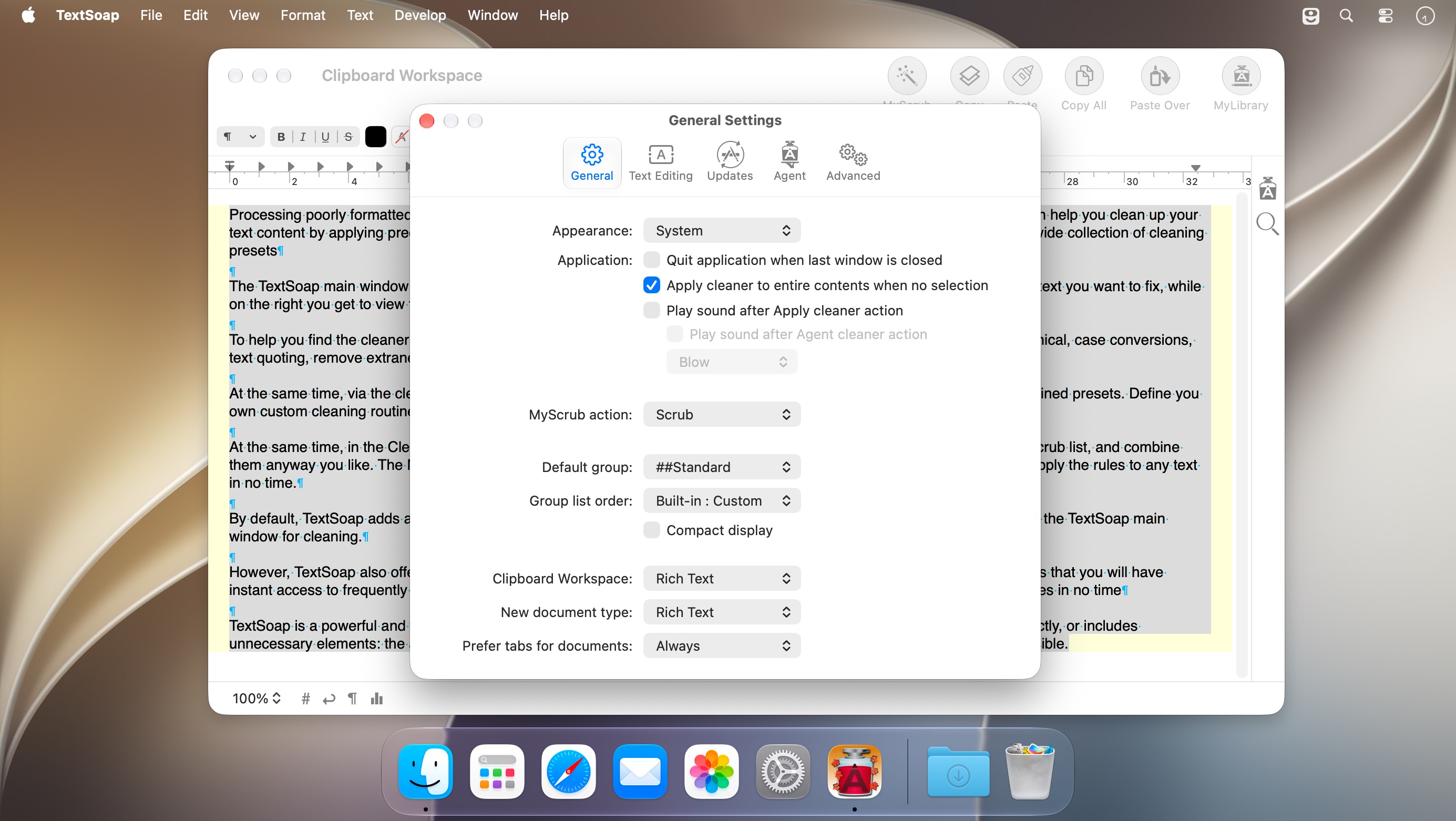
You copy an email into a document and it lands with messed up carriage returns and characters you never wanted. Fixing that line by line gets old fast. TextSoap cleans it up for you, and with TextSoap Menu you can do it without leaving the app you're working in.
- More than 100 built-in cleaners. Some solve the problem on their own, others work as building blocks for your own cleaning setup.
- Turn on TextSoap Menu in preferences and it works in most apps that support standard copy and paste.
- When the built-in cleaners don't quite fit, the custom cleaner editor lets you build your own workflow as an action-based outline.
- The For Each Line action treats every line as its own piece of text, so line-by-line jobs no longer need tricky regular expressions.
- Sorting lines goes well past A to Z. Match case, skip whitespace, sort numbers as values, or use a regular expression with a result template.
- Lists handle repetitive find and replace. Put your data in a table and TextSoap runs the action once for each row.
- Cleaners and groups you build can be shared in a single library file, and you can import ones other people made.
Version 9.7.6:
New:
- Improved support for macOS 27.
- Added support for newer models of iPhone, Mac, and macOS in “Capitalize Apple Names” cleaner.
Frequently asked questions
How do I install the app?
Mount the image, drag the app into the "Applications" folder and launch it. If the system blocks the launch, allow it in "System Settings → Privacy & Security".
The app is damaged or won't launch
Reinstalling from a fresh image usually helps. Make sure your macOS version matches the one listed in the compatibility specs.
How do I update?
Download the new version from the site and install it over the current one — your settings will be preserved.
The download link doesn't work
Try a mirror or a download manager. For large files the browser often drops the connection.
How do I completely remove the app?
Use an uninstaller utility — it cleans up the service files that remain after moving the app to the trash.



Choose a download source
TextSoap 9.7.6 · 25.96 MB
Previous versions
TextSoap 9.7.6
Previous versions are available to registered users.