PlistEdit Pro 1.10.0
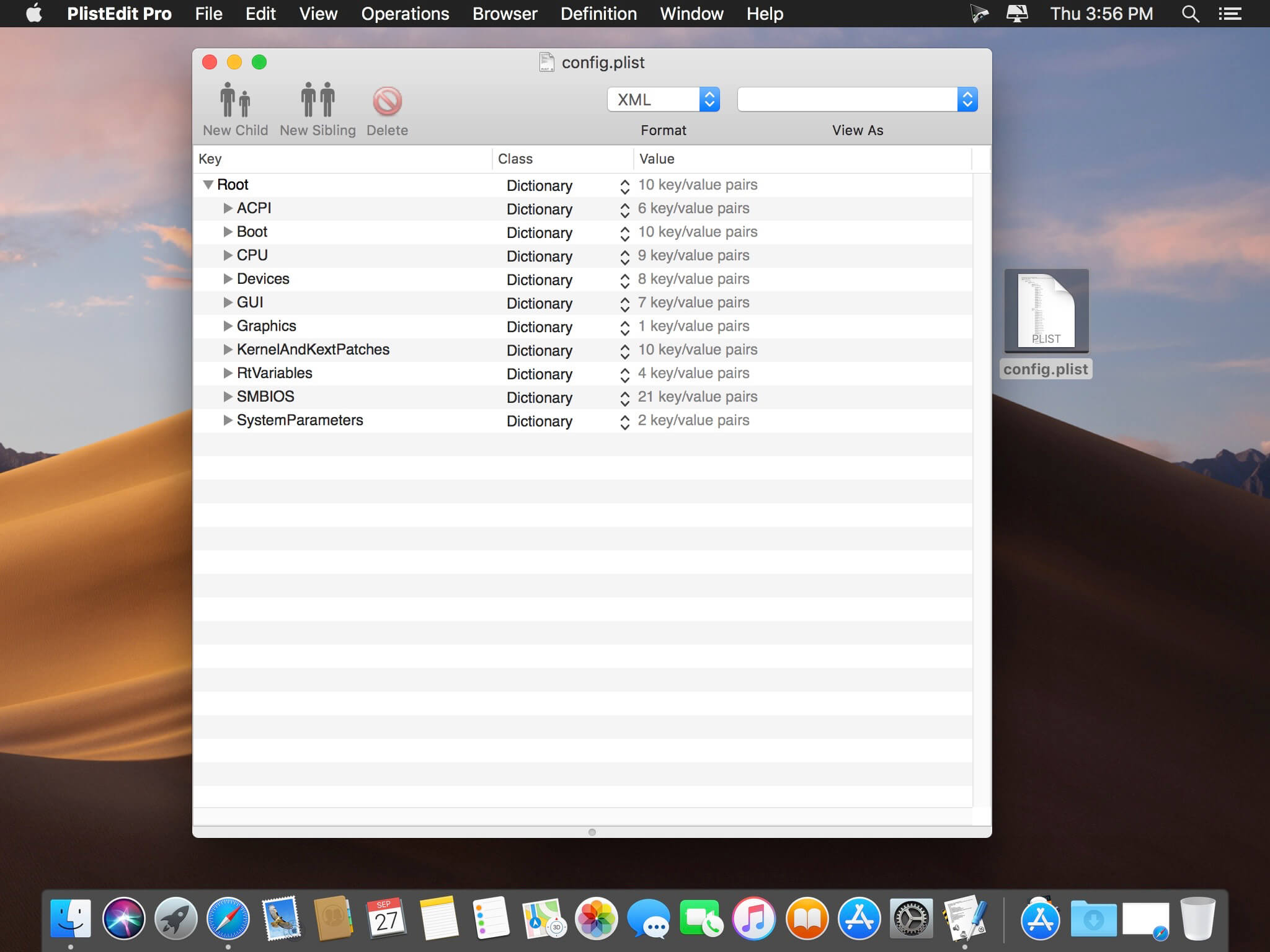
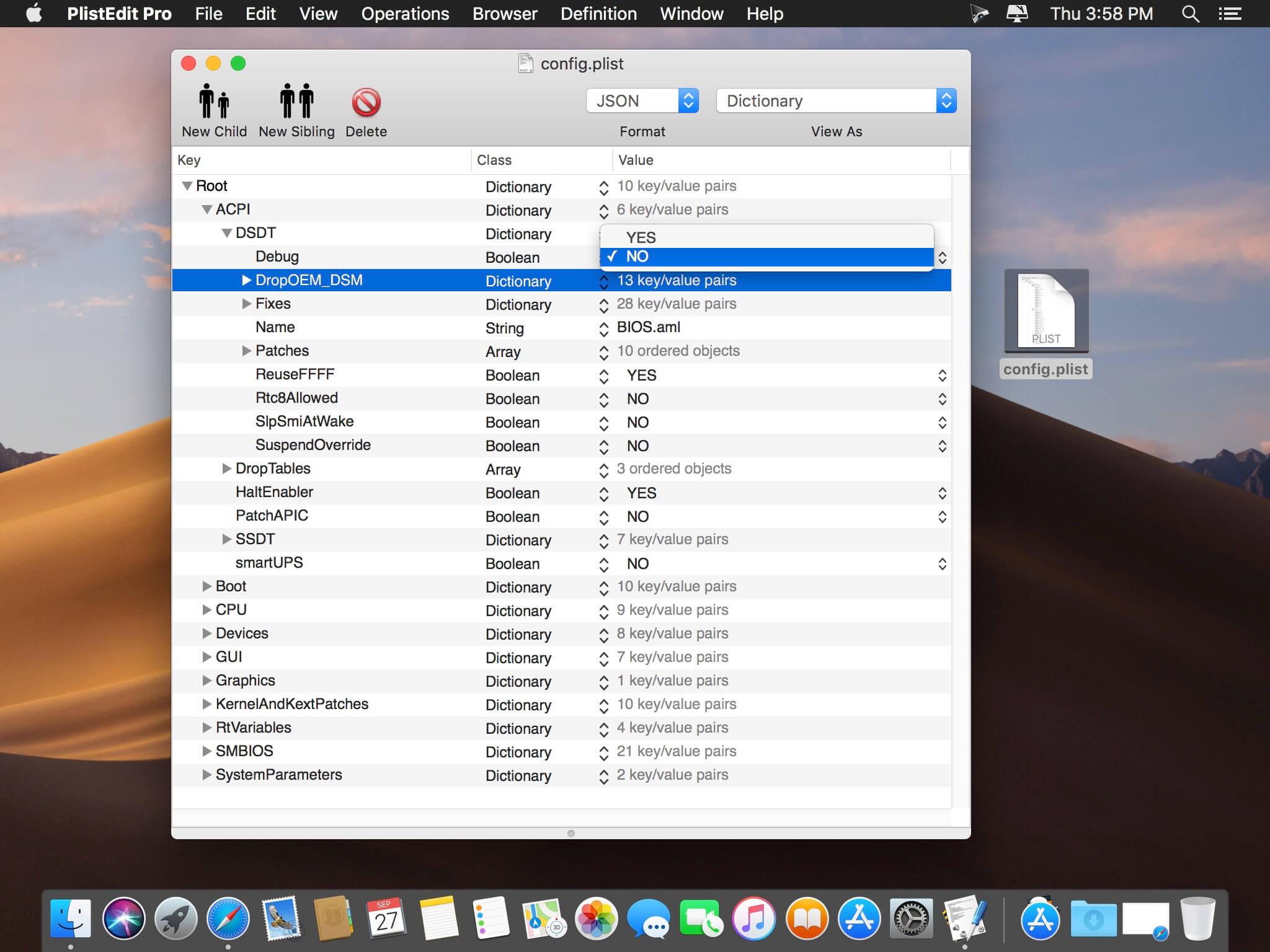
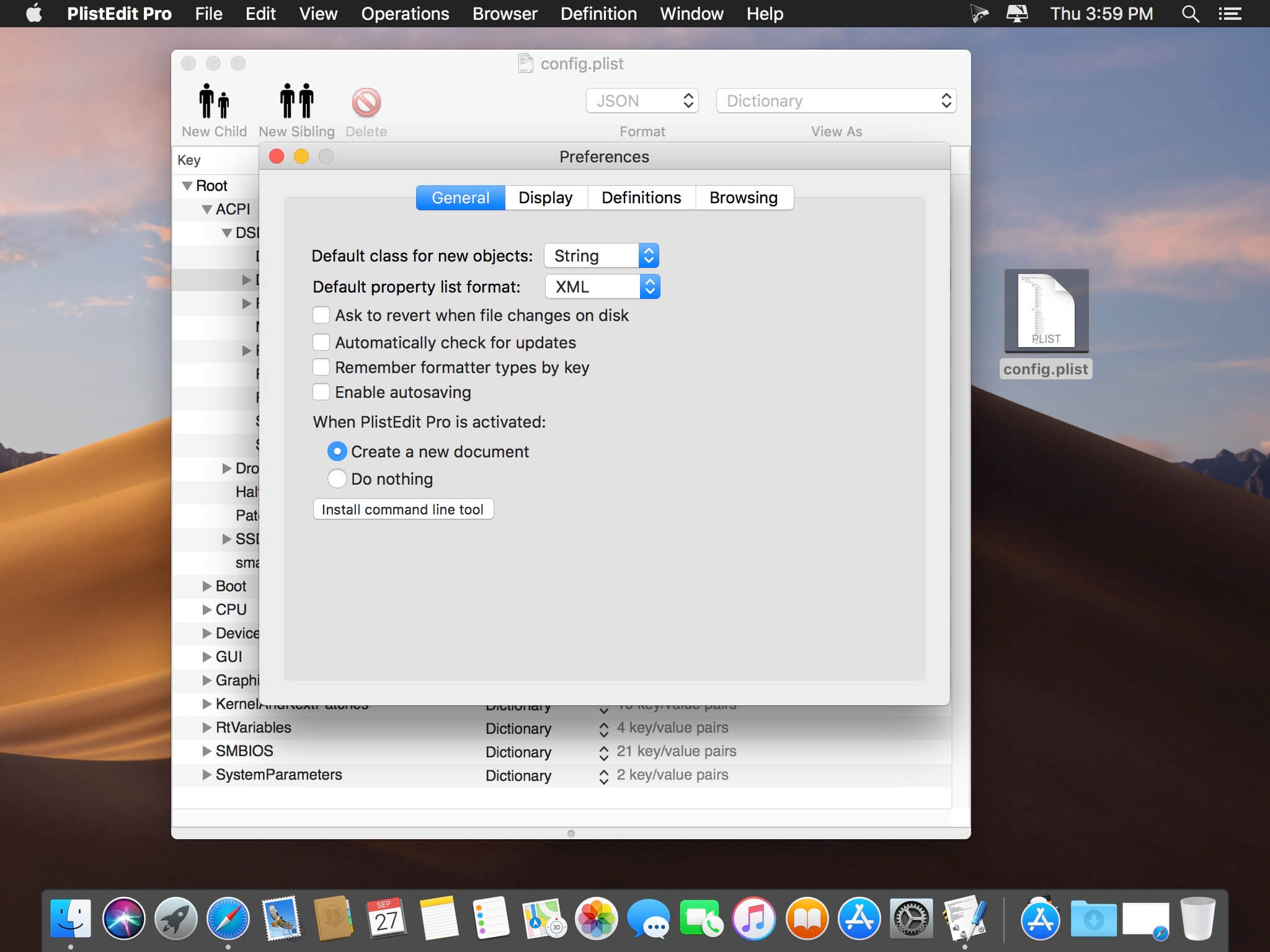
PlistEdit Pro is the most advanced property list and JSON editor written for macOS.
Mac and iOS developers must edit a variety of property list and JSON files while developing their applications. PlistEdit Pro makes editing these files easier by providing an intutive and powerful interface. In addition to being able to copy and paste or drag and drop property list data around, PlistEdit Pro also offers powerful find and replace functionality, as well as structure definitions which provide easy access to commonly used keys in various standard property list files.
Power users can also benefit from PlistEdit Pro's preferences browser, which allows easy access to property lists used by macOS to store settings on your system. Browse through your preferences, or search an entire folder of plist files at once for a particular key or value. PlistEdit Pro also enables automation of tasks involving property lists, via its Applescript support and its pledit command line tool.
Feature List
What a Drag
Sick of fiddling with XML and JSON? PlistEdit Pro offers full copy + paste and drag and drop plist editing.
Oops
Features unlimited undo support.
Playing Favorites
Assign keyboard shortcuts to open your favorite property list files.
Under the Hood
See how your property list looks both in an outline and as raw XML or JSON text.
Key Features
Full keyboard navigation: edit your property lists without ever having to touch the mouse.
Preferential Treatment
Easily tweak your preferences files using the built-in preference browser.
The Search is On
Easily find and modify property list keys and values using the built-in find panel.
By the Script
Automate your development tasks using PlistEdit Pro and Applescript.
Version 1.10.0
- Updated user interface elements for macOS Tahoe
- The minimum system requirement for PlistEdit Pro is now macOS 14
- In the prefs browser, moved the options checkboxes up to a menu in the toolbar
- The 'Ask to revert when file changes on disk' option now displays as a small popover instead of a modal dialog.
Frequently asked questions
How do I install the app?
Mount the image, drag the app into the "Applications" folder and launch it. If the system blocks the launch, allow it in "System Settings → Privacy & Security".
The app is damaged or won't launch
Reinstalling from a fresh image usually helps. Make sure your macOS version matches the one listed in the compatibility specs.
How do I update?
Download the new version from the site and install it over the current one — your settings will be preserved.
The download link doesn't work
Try a mirror or a download manager. For large files the browser often drops the connection.
How do I completely remove the app?
Use an uninstaller utility — it cleans up the service files that remain after moving the app to the trash.





Choose a download source
PlistEdit Pro 1.10.0 · 11.27 MB
Previous versions
PlistEdit Pro 1.10.0
Previous versions are available to registered users.