
Clean Text 7.9
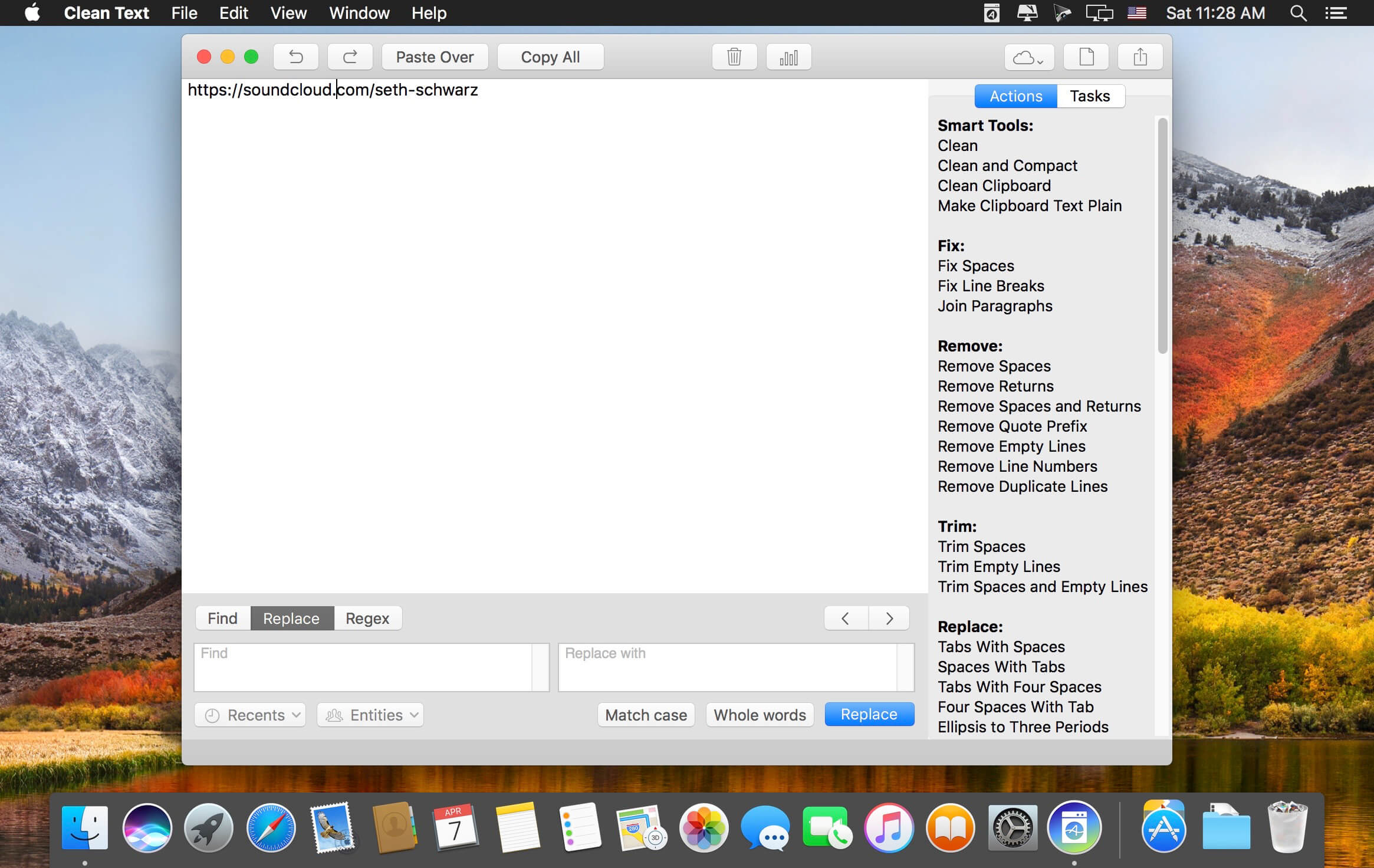
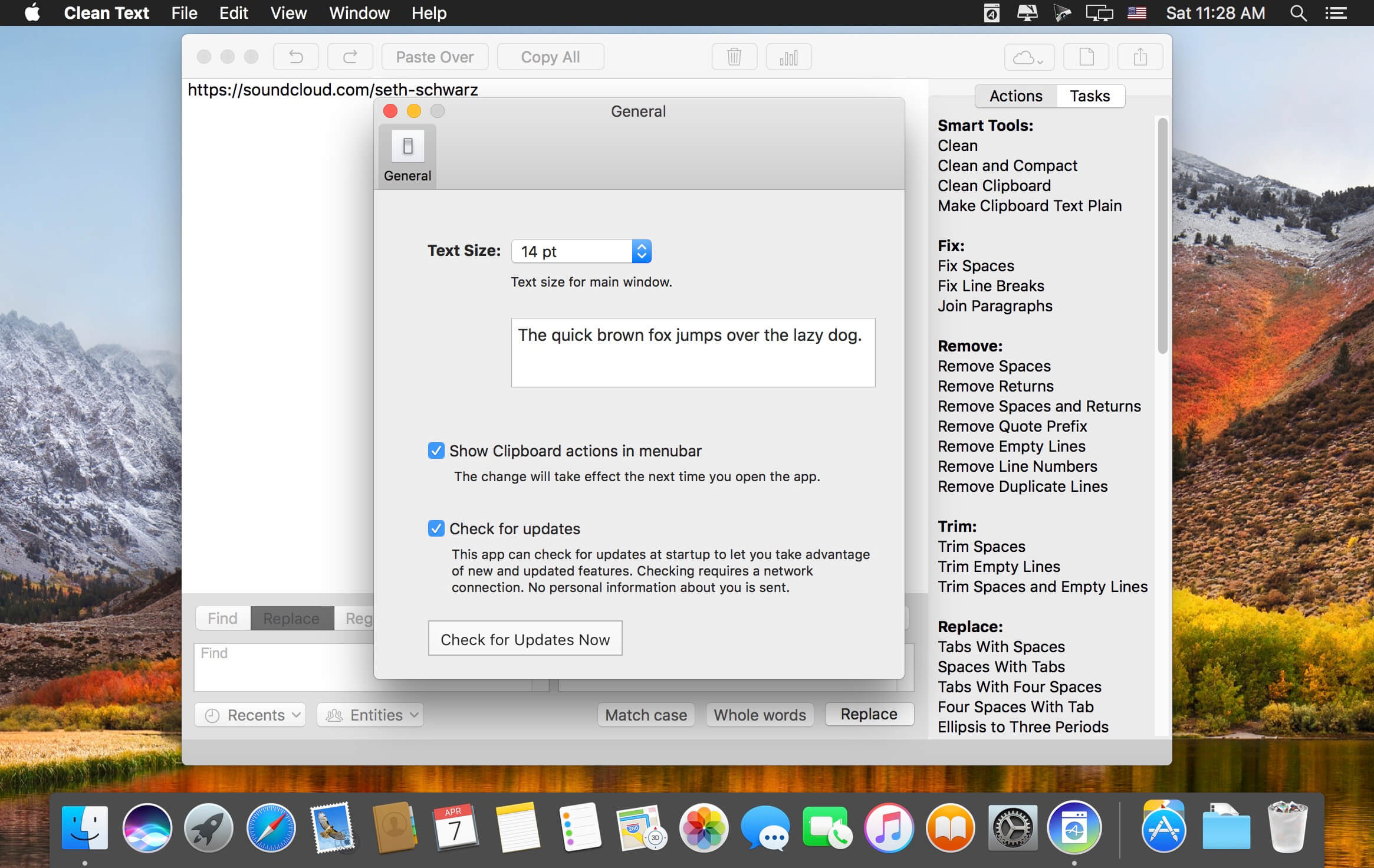
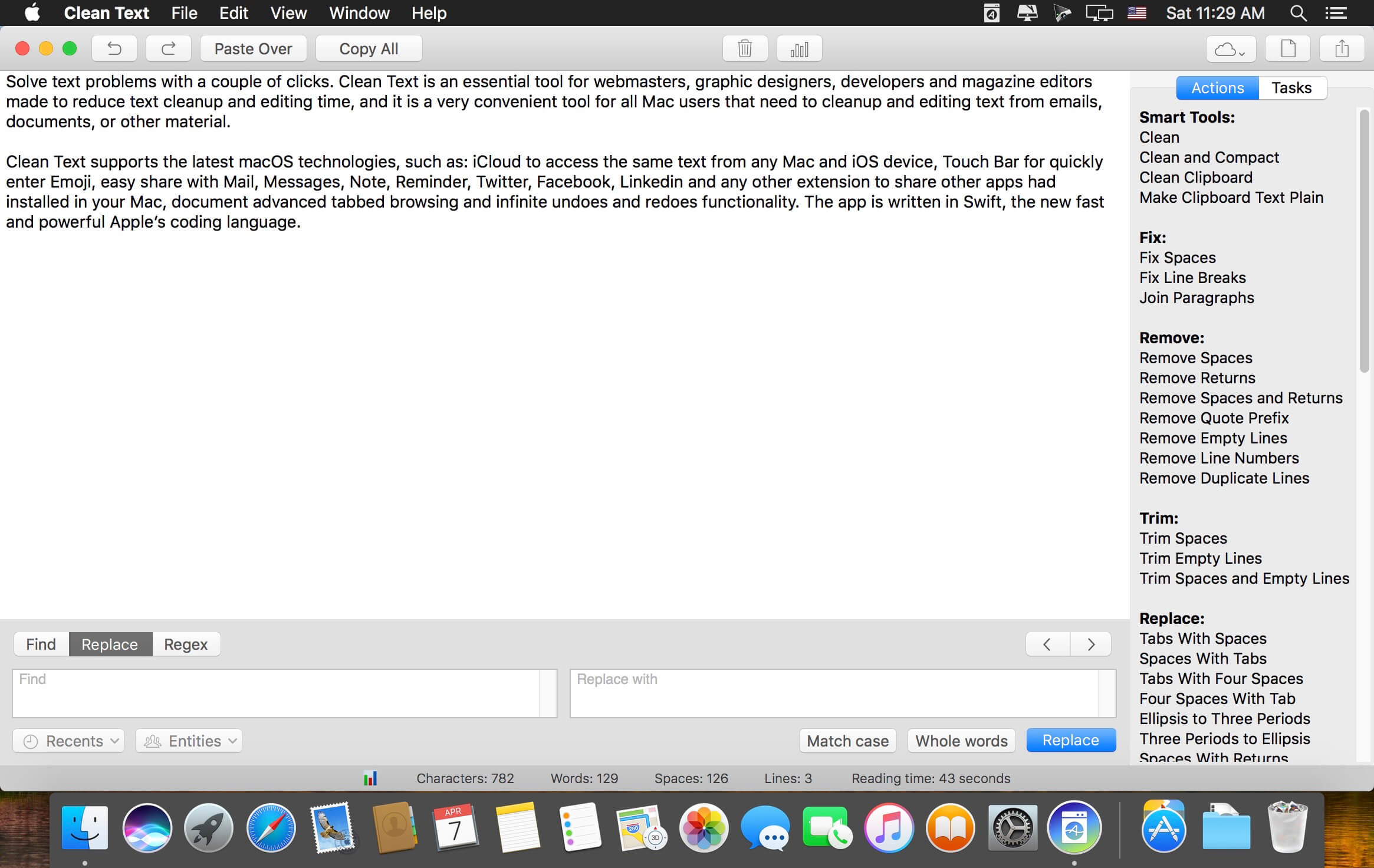
Solve text problems with a couple of clicks. Clean Text is an essential tool for webmasters, graphic designers, developers and magazine editors made to reduce text cleanup and editing time, and it is a very convenient tool for all Mac users that need to cleanup and editing text from emails, documents, or other material.
Clean Text supports the latest macOS technologies, such as: iCloud to access the same text from any Mac and iOS device, Touch Bar for quickly enter Emoji, easy share with Mail, Messages, Note, Reminder, Twitter, Facebook, Linkedin and any other extension to share other apps had installed in your Mac, document advanced tabbed browsing and infinite undoes and redoes functionality. The app is written in Swift, the new fast and powerful Apple’s coding language.
Version 7.9
- New "Copy Highlighted" menu item. A functionality that allows you to copy to the clipboard all the text highlighted by a search (useful in RegEx searches).
- Now the "Copy All", "Paste Over" and "Clear All" features have their corresponding menu items in the menu bar.
- Various code optimizations
Frequently asked questions
How do I install the app?
Mount the image, drag the app into the "Applications" folder and launch it. If the system blocks the launch, allow it in "System Settings → Privacy & Security".
The app is damaged or won't launch
Reinstalling from a fresh image usually helps. Make sure your macOS version matches the one listed in the compatibility specs.
How do I update?
Download the new version from the site and install it over the current one — your settings will be preserved.
The download link doesn't work
Try a mirror or a download manager. For large files the browser often drops the connection.
How do I completely remove the app?
Use an uninstaller utility — it cleans up the service files that remain after moving the app to the trash.
VersionClean Text 7.9
DeveloperApimac
CompatibilityOS X 10.11 or later, 64-bit processor
LanguageEnglish
IncludesK'ed by TNT




Information
Visitors in the group Guests cannot leave comments on this publication.
Choose a download source
Clean Text 7.9 · 7.59 MB
Previous versions
Clean Text 7.9
Previous versions are available to registered users.