
Hazel 6.1.2
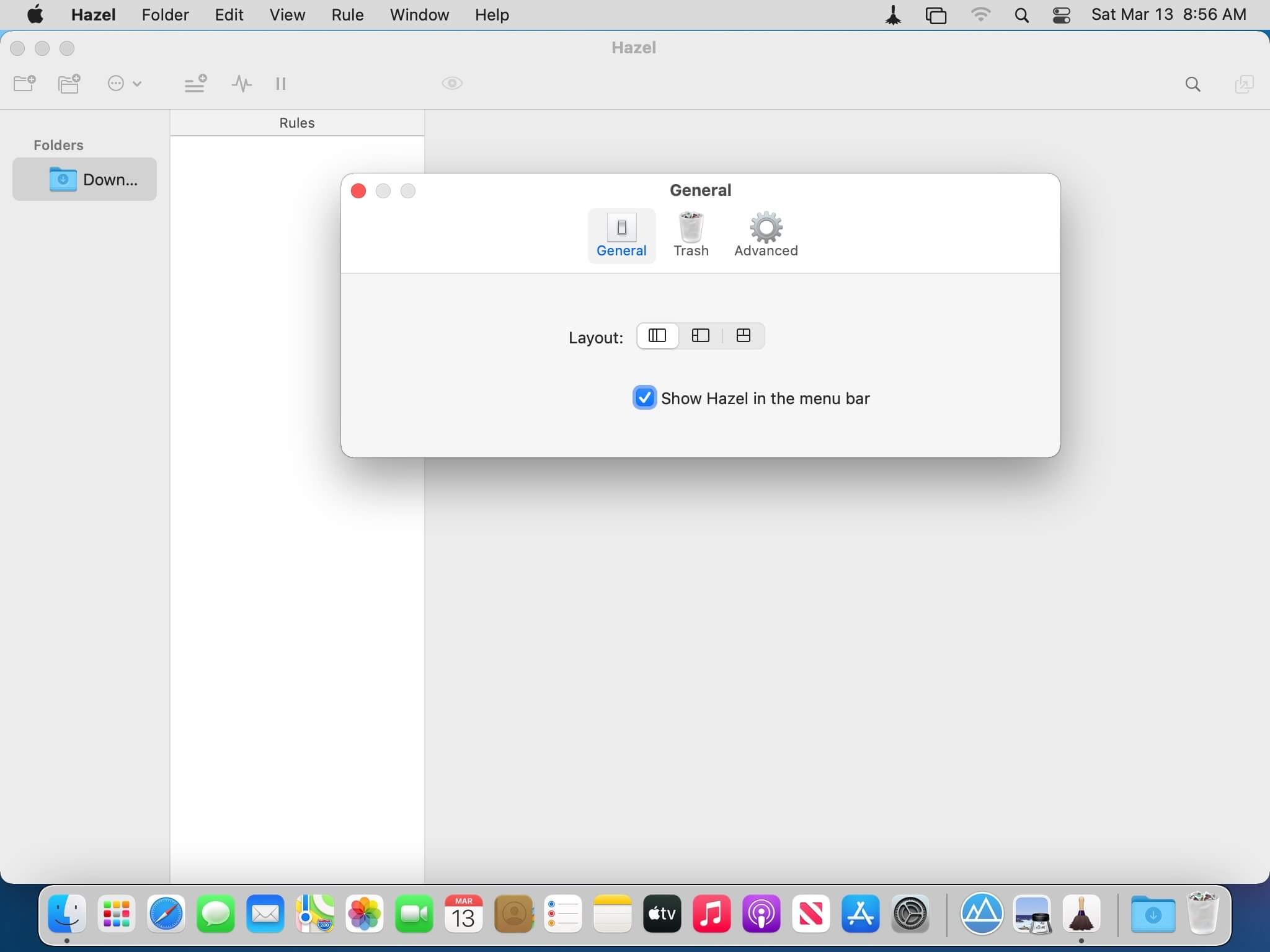
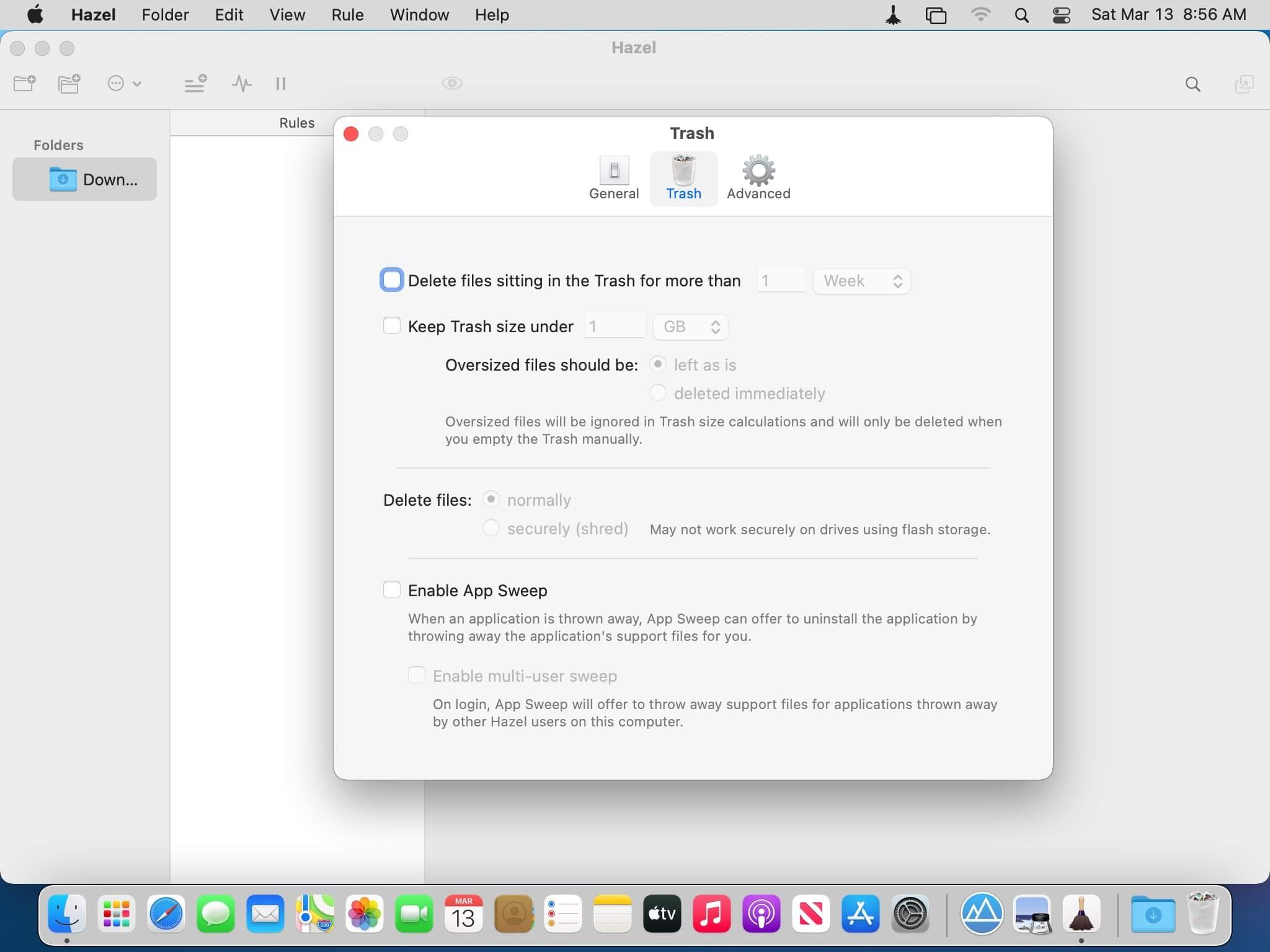
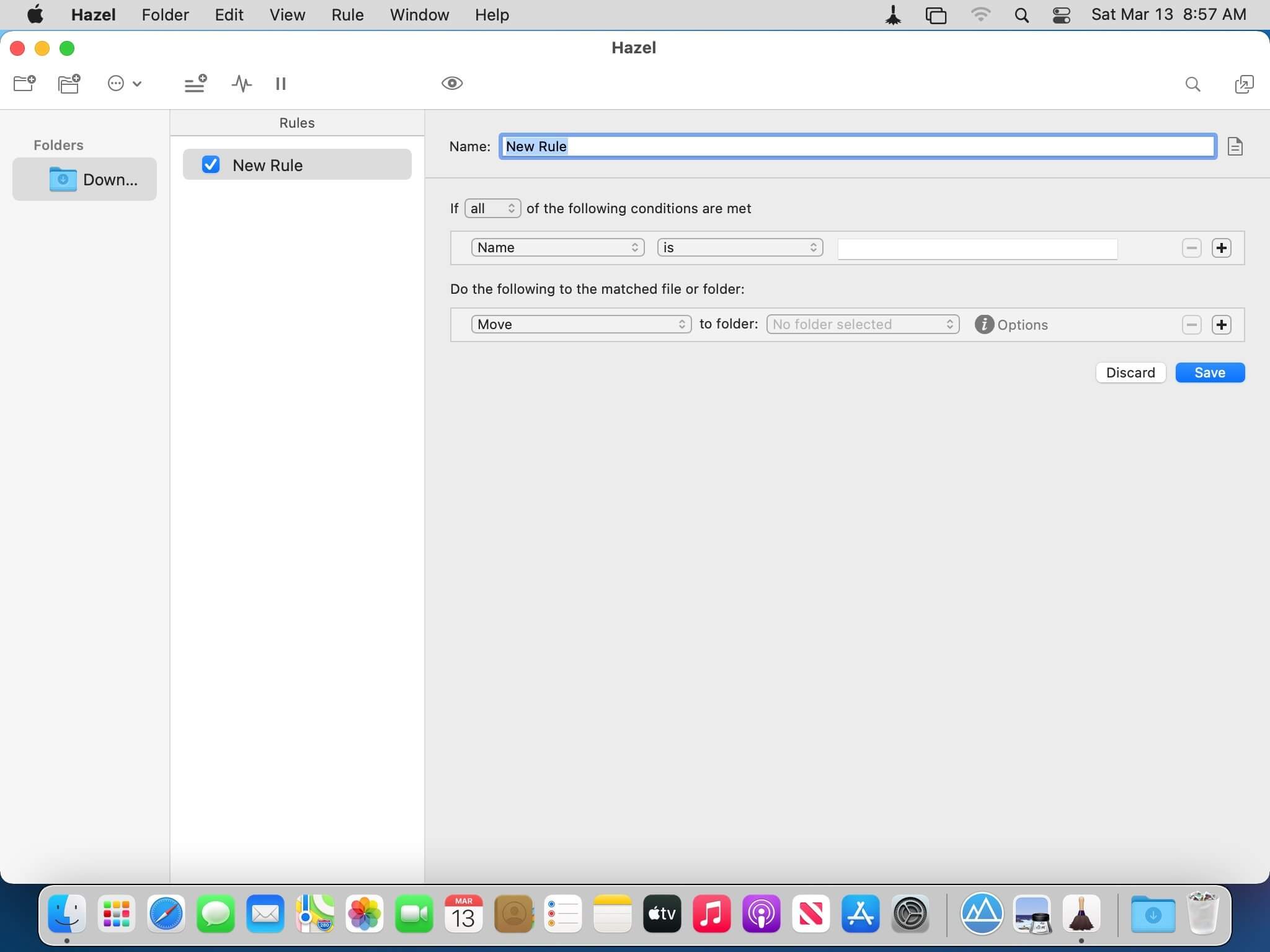
Hazel is your personal housekeeper, organizing and cleaning folders based on rules you define. Hazel can also manage your trash and uninstall your applications.
Organize your files using a familiar rule interface. Filter on the file's name, type, date, the site or email address it came from and more. And do more than just file. You can set color labels, Spotlight keywords and comments and even archive files. Hazel also cleans, sporting options to clean out incomplete and duplicate downloads. All this is done automatically in the background allowing you to focus on your real work.
In addition, Hazel can manage your Trash for you, relieving you of having to empty it yourself.
Version 6.1:
New Features:
- Glass look for Tahoe.
- Added menu icons on Tahoe.
- New folder options to tell Hazel how do deal with cloud-only files.
Interface changes:
- Worked around Apple bug which would cause Hazel's icon to be shown for external drives in Finder's sidebar. May still cause problems for items at the top level of drive if they are in the sidebar, in which case it is recommended that Hazel's Finder extension be disabled in System Settings.
- Preview is now done in the background so as to not lock up UI.
- Fixed lack of scrollbar when bringing up text replacement popover.
- Popups in actions that are used to select a file/folder should now all have a "Show in Finder" option.
- Years in date formats now default to 4 digits.
- Fixed width of folder pane becoming too wide and unable to be resized down.
- Fixed rule rows' +/- buttons not laying out properly when window is wide.
- Fixed crash in rule status.
- Numerous tweaks/fixes/workarounds for Tahoe.
Core changes:
- Fixed getting wrong version of OCR text in cases where rules in the same ruleset use different OCR options.
- Fixed rare case where preview may show different results than when actually run.
- Misc fixes.
Frequently asked questions
How do I install the app?
Mount the image, drag the app into the "Applications" folder and launch it. If the system blocks the launch, allow it in "System Settings → Privacy & Security".
The app is damaged or won't launch
Reinstalling from a fresh image usually helps. Make sure your macOS version matches the one listed in the compatibility specs.
How do I update?
Download the new version from the site and install it over the current one — your settings will be preserved.
The download link doesn't work
Try a mirror or a download manager. For large files the browser often drops the connection.
How do I completely remove the app?
Use an uninstaller utility — it cleans up the service files that remain after moving the app to the trash.





Choose a download source
Hazel 6.1.2 · 26.86 MB
Previous versions
Hazel 6.1.2
Previous versions are available to registered users.
Comments 1