MonitorControl 4.3.3
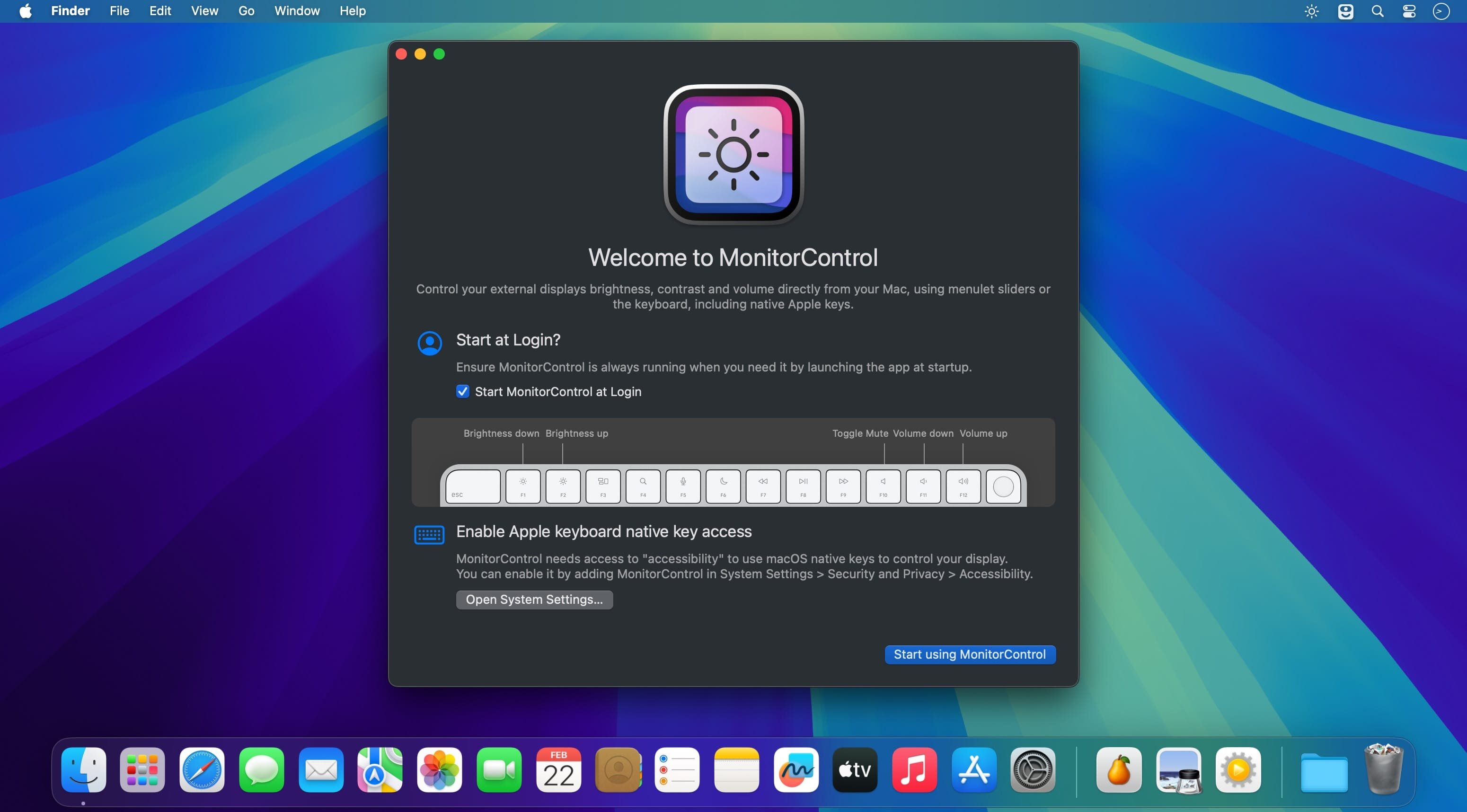
Whether you're using a Mac mini or Mac Pro, or you've just connected an external display to your iMac or MacBook for additional screen space, being able to control their brightness using the dedicated keys on your Apple keyboard would be awesome. Unfortunately, this isn't normally possible with third-party monitors.
MonitorControl is an open-source app that could provide a solution in this scenario. It supports a wide range of monitors, provided they can be controlled via DDC, and it also allows you to manage their contrast and volume, all from the menu bar or with your keyboard.
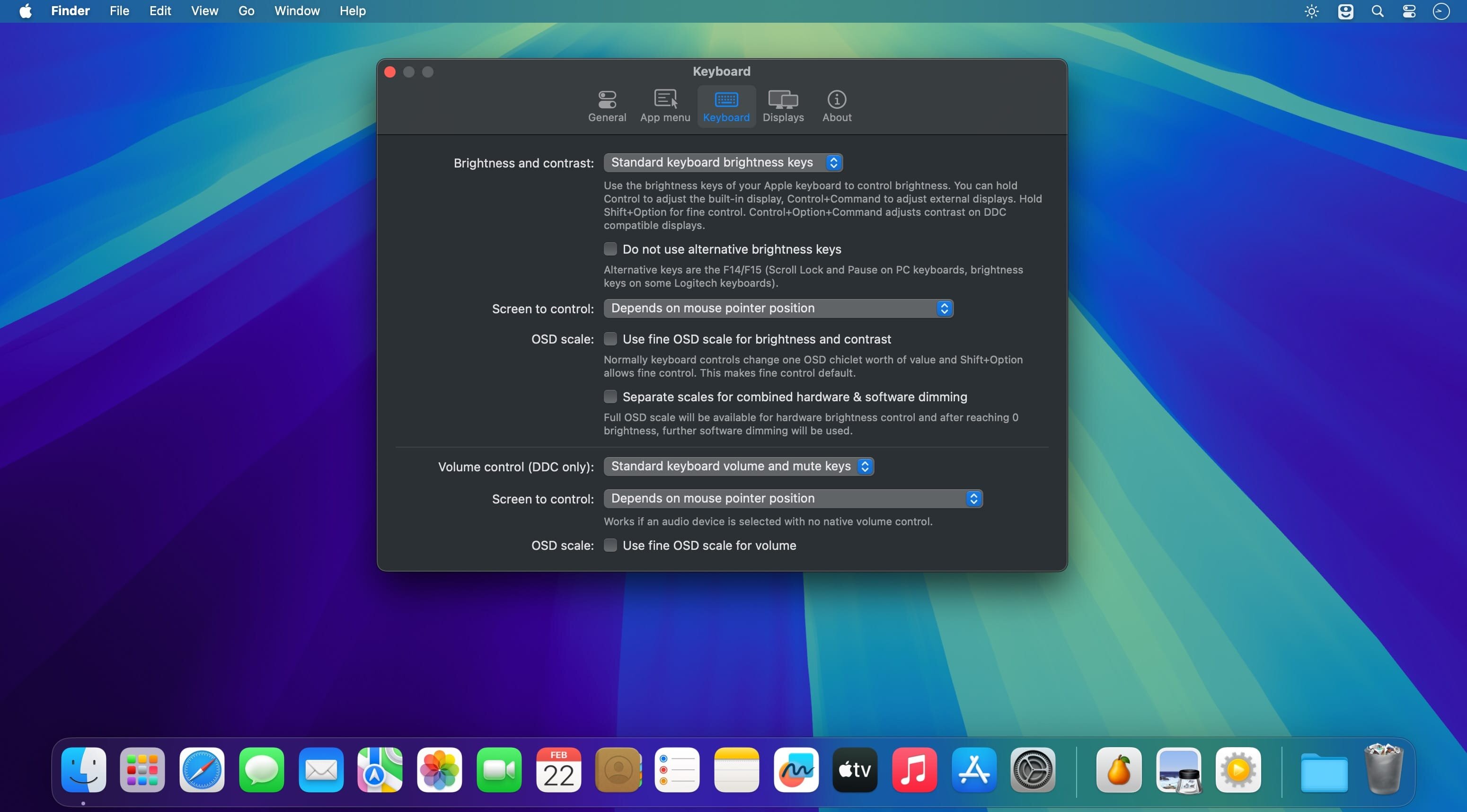
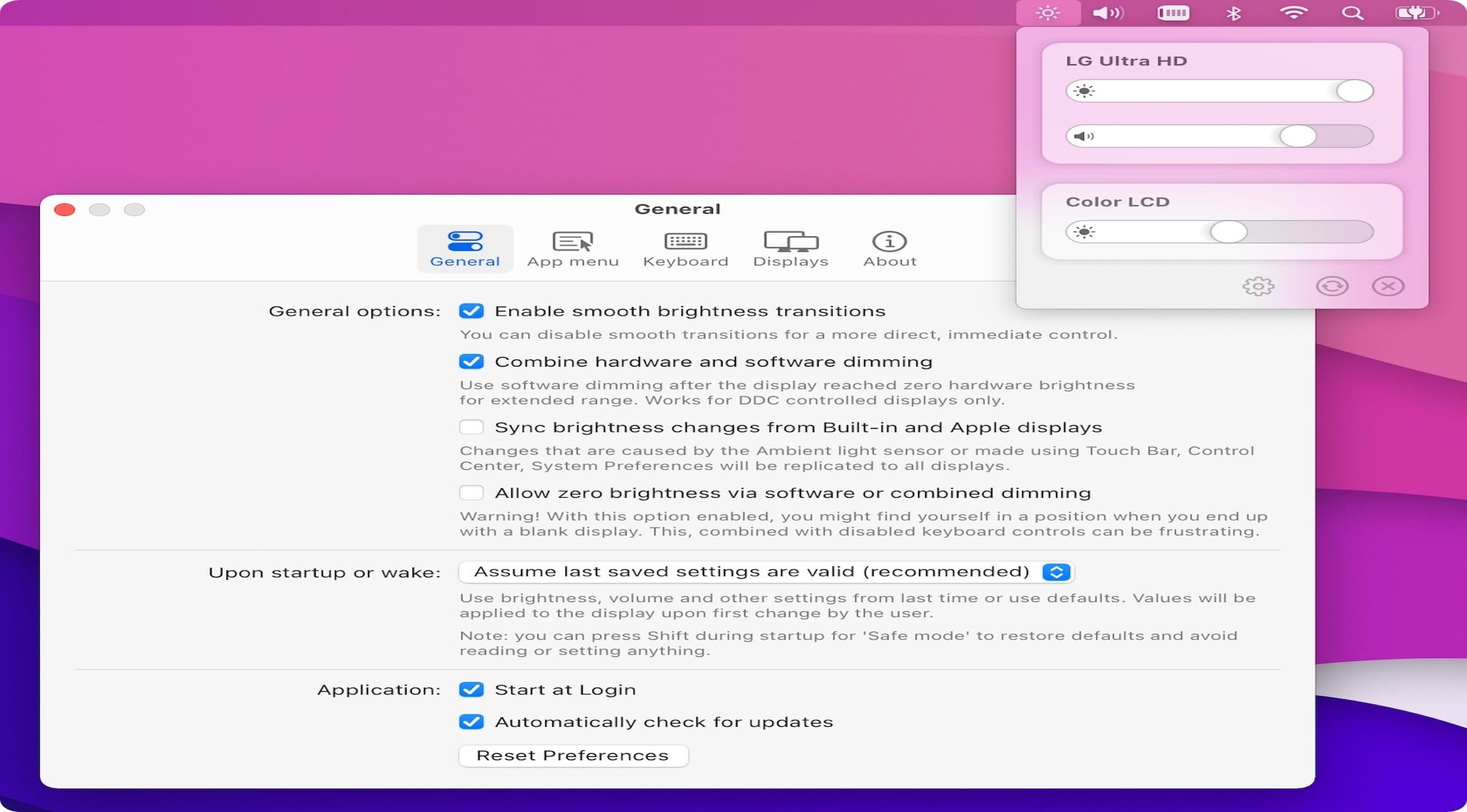
Once you've installed the app, you should find its icon in the menu bar. If your external display is supported, you will see it here, along with sliders for brightness, contrast, and volume. These can be used if you don't have an Apple keyboard, but the native OSD will only be displayed when using the designated keys.
From the app's preferences, you can specify which of your monitors should be controlled (in case you have more than one), hide the contrast slider, and even adjust some advanced settings for each display. You can change the polling mode, enable a longer delay, or disable the OSD entirely.
Version 4.3.3
- Fixed: "Dead pixel(s)" at the left bottom of the external screen appears when app is running - @waydabber
- Fixed: App menu in the menu bar is showing icons when text is selected — and vice versa - @waydabber
- Fixed: Menu Bar Panel overflowing in Spanish - @waydabber
- Renamed all occurenses of Preferences to Settings + update to the latest version of sindresorhus/Settings - @waydabber
Frequently asked questions
How do I install the app?
Mount the image, drag the app into the "Applications" folder and launch it. If the system blocks the launch, allow it in "System Settings → Privacy & Security".
The app is damaged or won't launch
Reinstalling from a fresh image usually helps. Make sure your macOS version matches the one listed in the compatibility specs.
How do I update?
Download the new version from the site and install it over the current one — your settings will be preserved.
The download link doesn't work
Try a mirror or a download manager. For large files the browser often drops the connection.
How do I completely remove the app?
Use an uninstaller utility — it cleans up the service files that remain after moving the app to the trash.

Choose a download source
MonitorControl 4.3.3 · 19.83 MB