
AweCleaner Professional 5.6
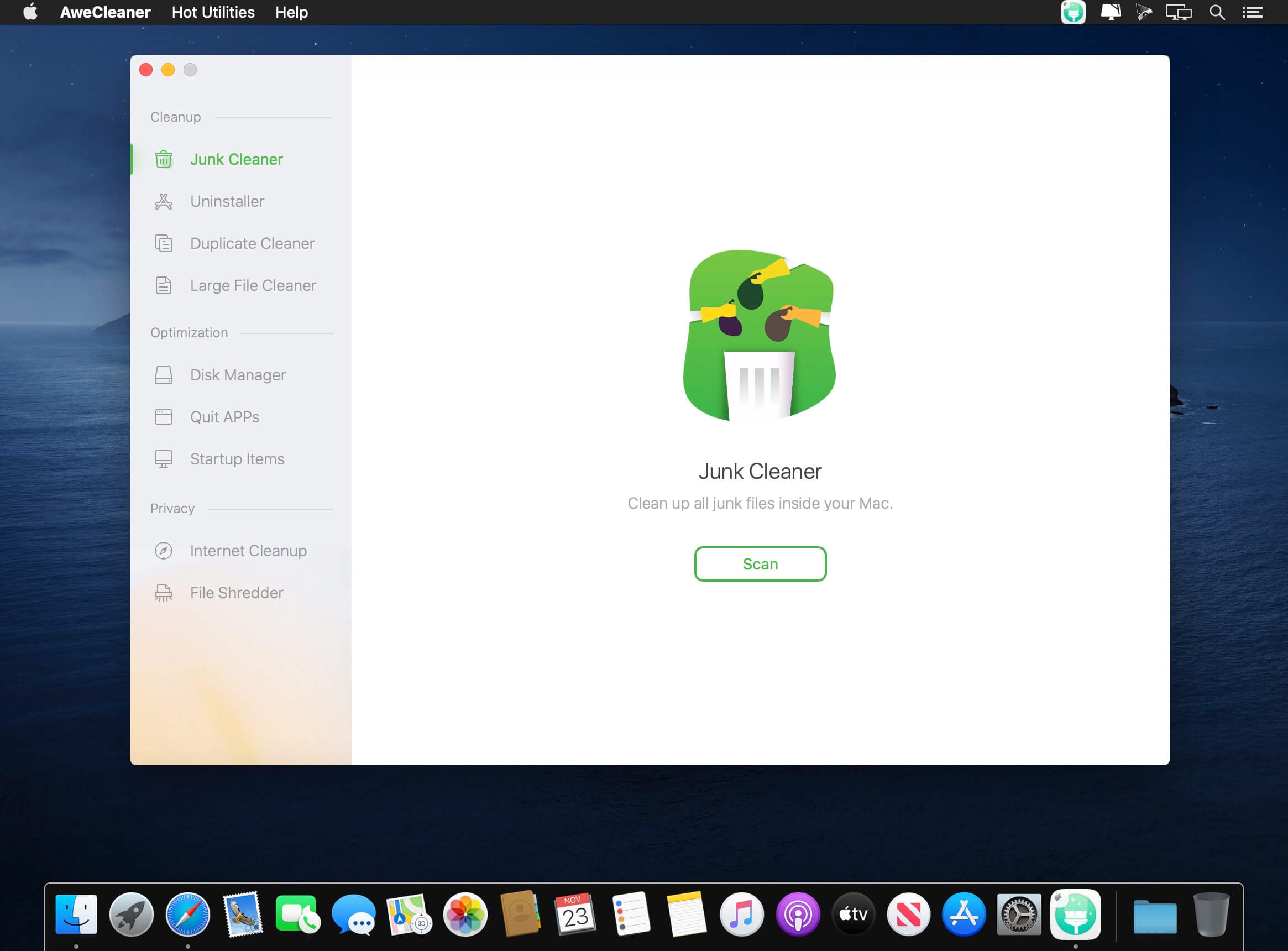

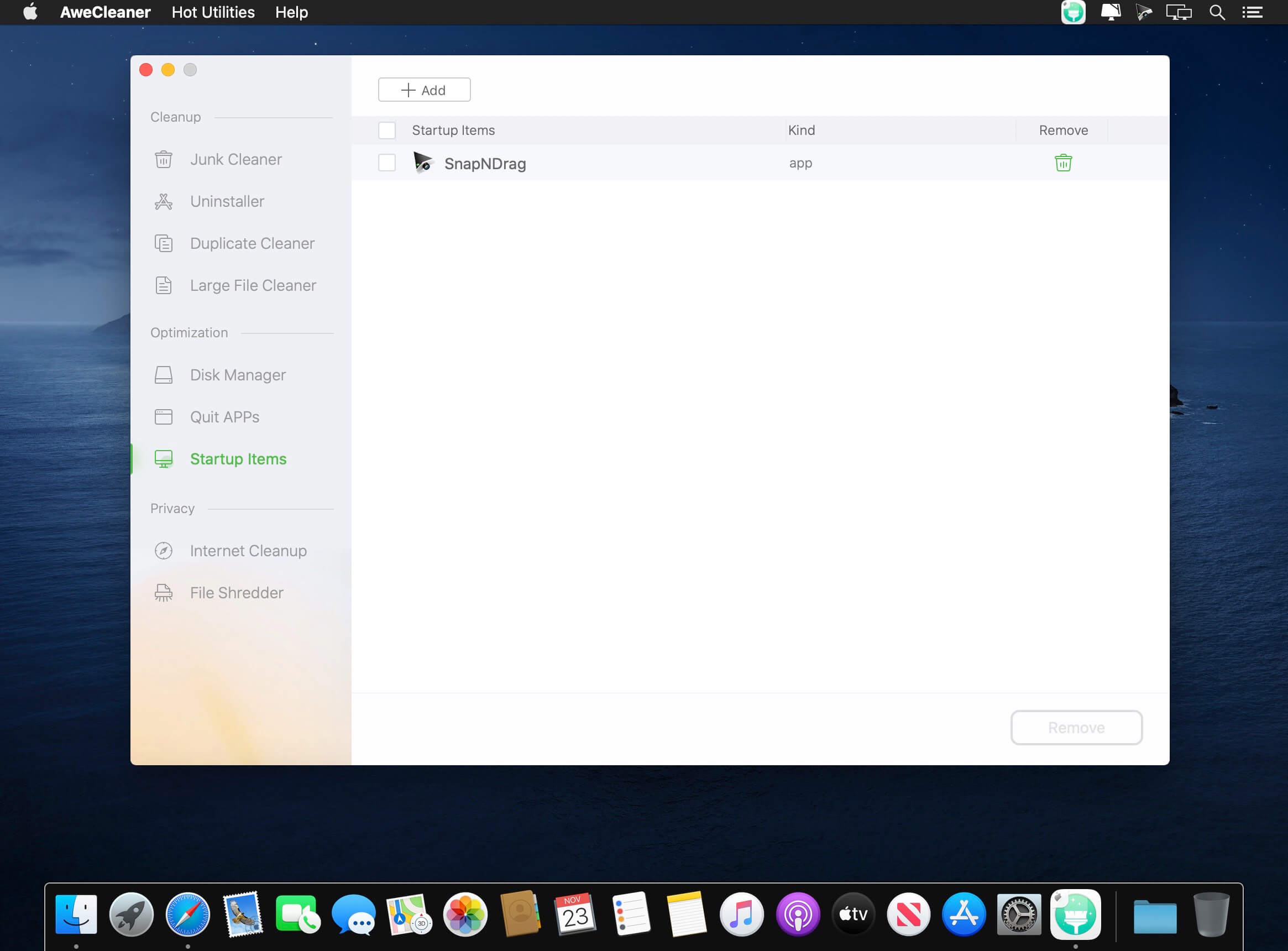
AweCleaner is an all-in-one Mac cleaner which not only can help Mac users to easily and quickly clean up all junk files, but it also can uninstall applications, find/remove large files, find/remove duplicate files, free up memory, manage hard disks, etc. This comprehensive cleaning software also can help in cleaning up internet traces by permanently shredding data. It is very easy-to-use; the interface is clean and simple.
Features
- Mac Cleaner - AweCleaner can deeply scan your Mac system and find all junk files, such as app junk, system junk, iTunes junk, trash bin junk, etc. You can remove all junk files from your Mac by only 1-click.
- Mac Uninstaller - AweCleaner can help Mac users uninstall unwanted apps, plug-ins, one by one or in batches. It also will remove all leftovers of uninstalled applications to get more free disk space.
- Duplicate Finder - The smart duplicate finder will help Mac users easily find and remove duplicate files on Mac.
- Large-File Finder - AweCleaner also can find large files on Mac. Users can easily and securely delete useless large files on Mac.
- File Shredder - AweCleaner can help Mac users permanently shred files and folders on Mac, beyond the scope of data recovery.
- Other powerful tools - managing disk, managing startup items, cleaning up internet privacy, etc.
Version 5.5:
- Release notes were unavailable when this listing was updated.
Frequently asked questions
How do I install the app?
Mount the image, drag the app into the "Applications" folder and launch it. If the system blocks the launch, allow it in "System Settings → Privacy & Security".
The app is damaged or won't launch
Reinstalling from a fresh image usually helps. Make sure your macOS version matches the one listed in the compatibility specs.
How do I update?
Download the new version from the site and install it over the current one — your settings will be preserved.
The download link doesn't work
Try a mirror or a download manager. For large files the browser often drops the connection.
How do I completely remove the app?
Use an uninstaller utility — it cleans up the service files that remain after moving the app to the trash.





Choose a download source
AweCleaner Professional 5.6 · 8.32 MB