
Trash Without 1.4.1
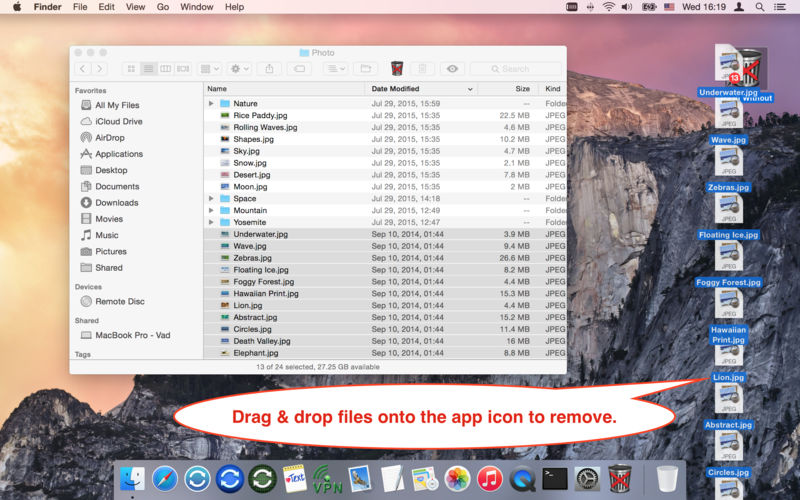
The "Trash Without" allows you delete files (also a group of files/folders) without using the Trash on your hard disk, USB, memory card.
Are you tired of cleaning the Trash of a single large file that you don't exactly need?
Do you need to free up disk space urgently, but you have the files in the Trash, which may not have been deleted?
The "Trash Without" is the fastest and easiest way to delete files/folders without using the Trash.
You can choose one of three ways to delete files/folders without using the Trash:
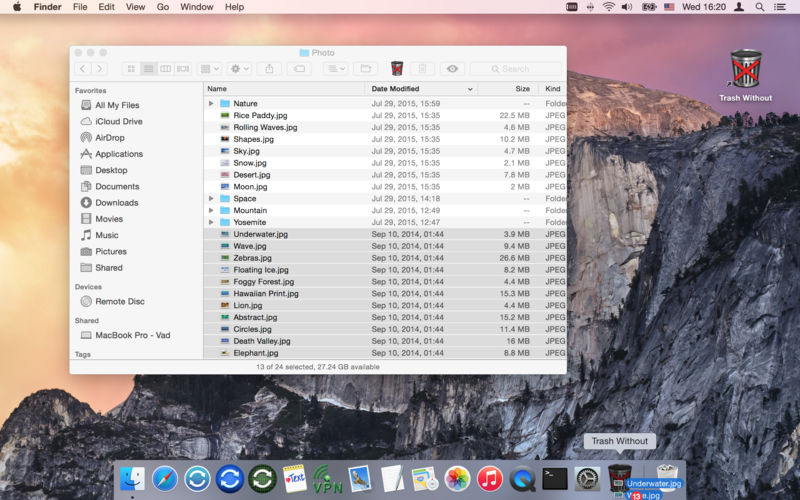
- Drag & drop files to the application icon in the Dock. Application doesn't necessarily launch.
- Drag & drop files to the application icon in the Toolbar. Application doesn't necessarily launch.
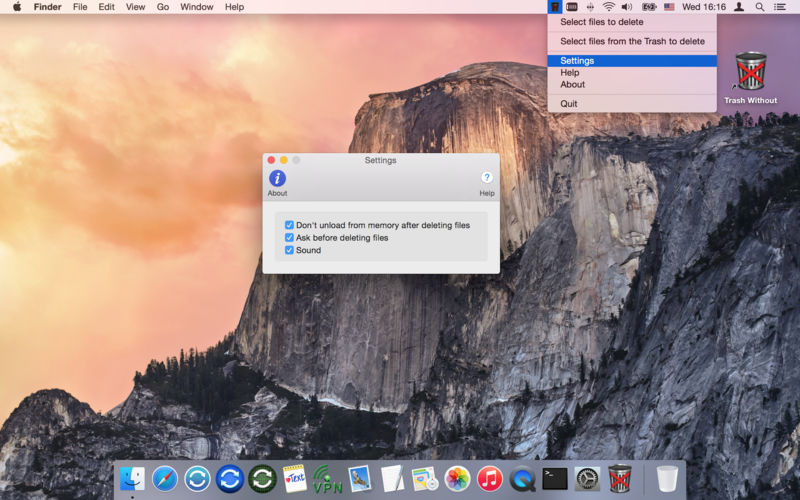
- Select files for deletion using the dialog box.
Version 1.4.1
- Improved compatibility with macOS 10.13 (User Settings)
- General improvements.
Frequently asked questions
How do I install the app?
Mount the image, drag the app into the "Applications" folder and launch it. If the system blocks the launch, allow it in "System Settings → Privacy & Security".
The app is damaged or won't launch
Reinstalling from a fresh image usually helps. Make sure your macOS version matches the one listed in the compatibility specs.
How do I update?
Download the new version from the site and install it over the current one — your settings will be preserved.
The download link doesn't work
Try a mirror or a download manager. For large files the browser often drops the connection.
How do I completely remove the app?
Use an uninstaller utility — it cleans up the service files that remain after moving the app to the trash.
VersionTrash Without 1.4.1
DeveloperVADIM ZYBIN © GreenWorldSoft
CompatibilityOS X 10.7 or later, 64-bit processor
LanguageEnglish
IncludesK'ed by TNT

Information
Visitors in the group Guests cannot leave comments on this publication.
Choose a download source
Trash Without 1.4.1 · 2.27 MB