
DxO ViewPoint 4.15.0.294
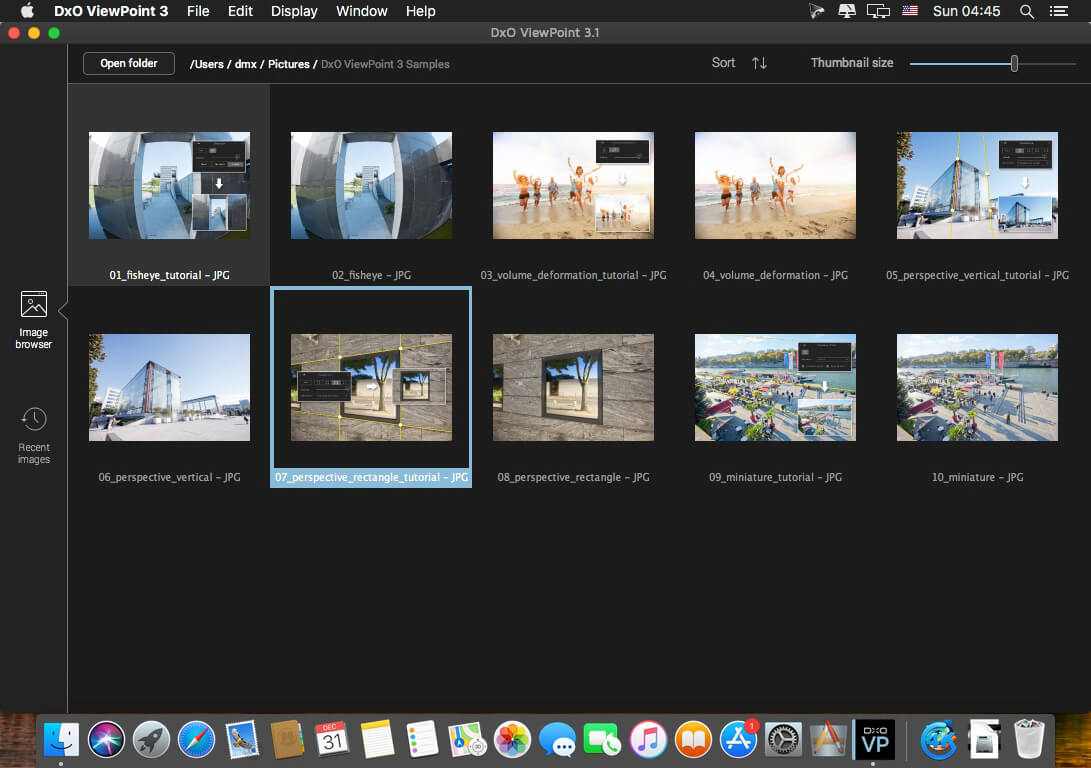
The perfect complement for your wide-angle lens
DxO ViewPoint automatically fixes skewed perspectives and restores subjects on the edges of the frame to their natural shape with just one click.
Fix skewed perspectives
Manually use anchor points or the software's automatic feature to correct skewed perspectives in wide-angle photos, from the simplest to the most complex.
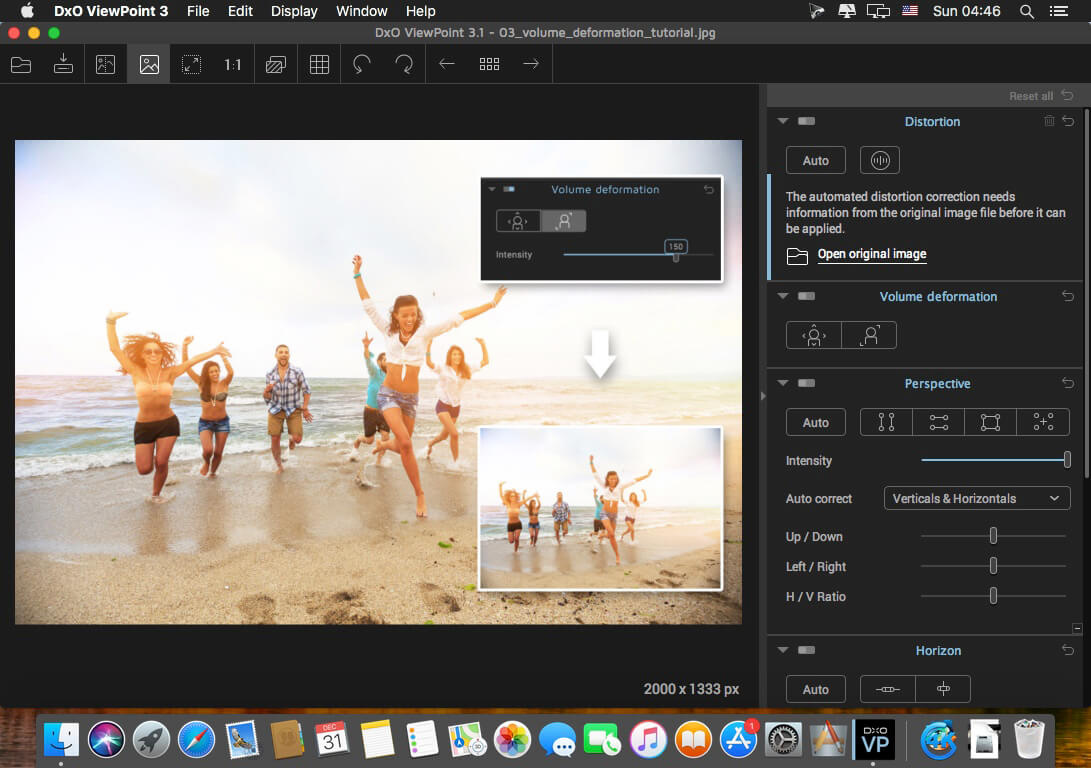
Restore proportions
For natural-looking shapes, automatically correct the volume deformation of faces, bodies, and objects at the edges photos taken with a wide-angle lens.
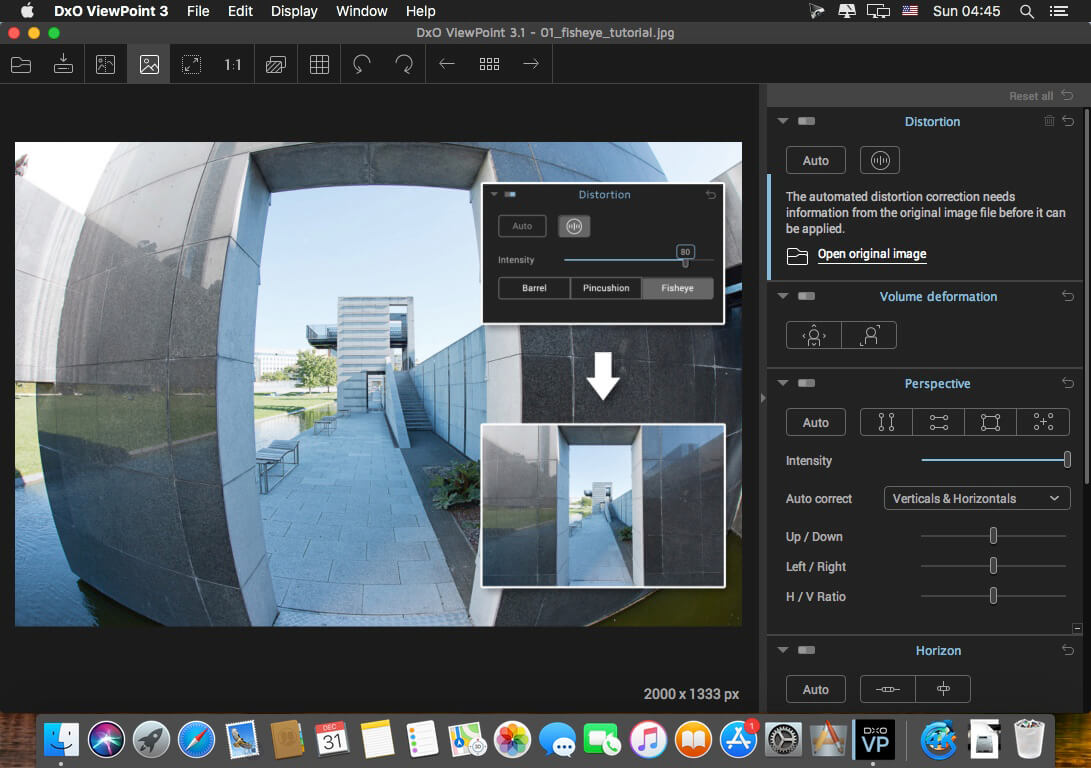
Neutralize distortion
With DxO's Optics Module database, the only one of its kind in the world, DxO ViewPoint can correct any type of distortion, including barrel, pincushion, and even fisheye effects.
Straighten the horizon
Rebalance landscape photos by automatically straightening a slanted horizon lin
Version 4.14.0.288:
- Release notes were unavailable when this listing was updated.
Frequently asked questions
How do I install the app?
Mount the image, drag the app into the "Applications" folder and launch it. If the system blocks the launch, allow it in "System Settings → Privacy & Security".
The app is damaged or won't launch
Reinstalling from a fresh image usually helps. Make sure your macOS version matches the one listed in the compatibility specs.
How do I update?
Download the new version from the site and install it over the current one — your settings will be preserved.
The download link doesn't work
Try a mirror or a download manager. For large files the browser often drops the connection.
How do I completely remove the app?
Use an uninstaller utility — it cleans up the service files that remain after moving the app to the trash.




Choose a download source
DxO ViewPoint 4.15.0.294 · 1013.27 MB
Previous versions
DxO ViewPoint 4.15.0.294
Previous versions are available to registered users.
Comments 1