
VirtualHostX 8.7.16
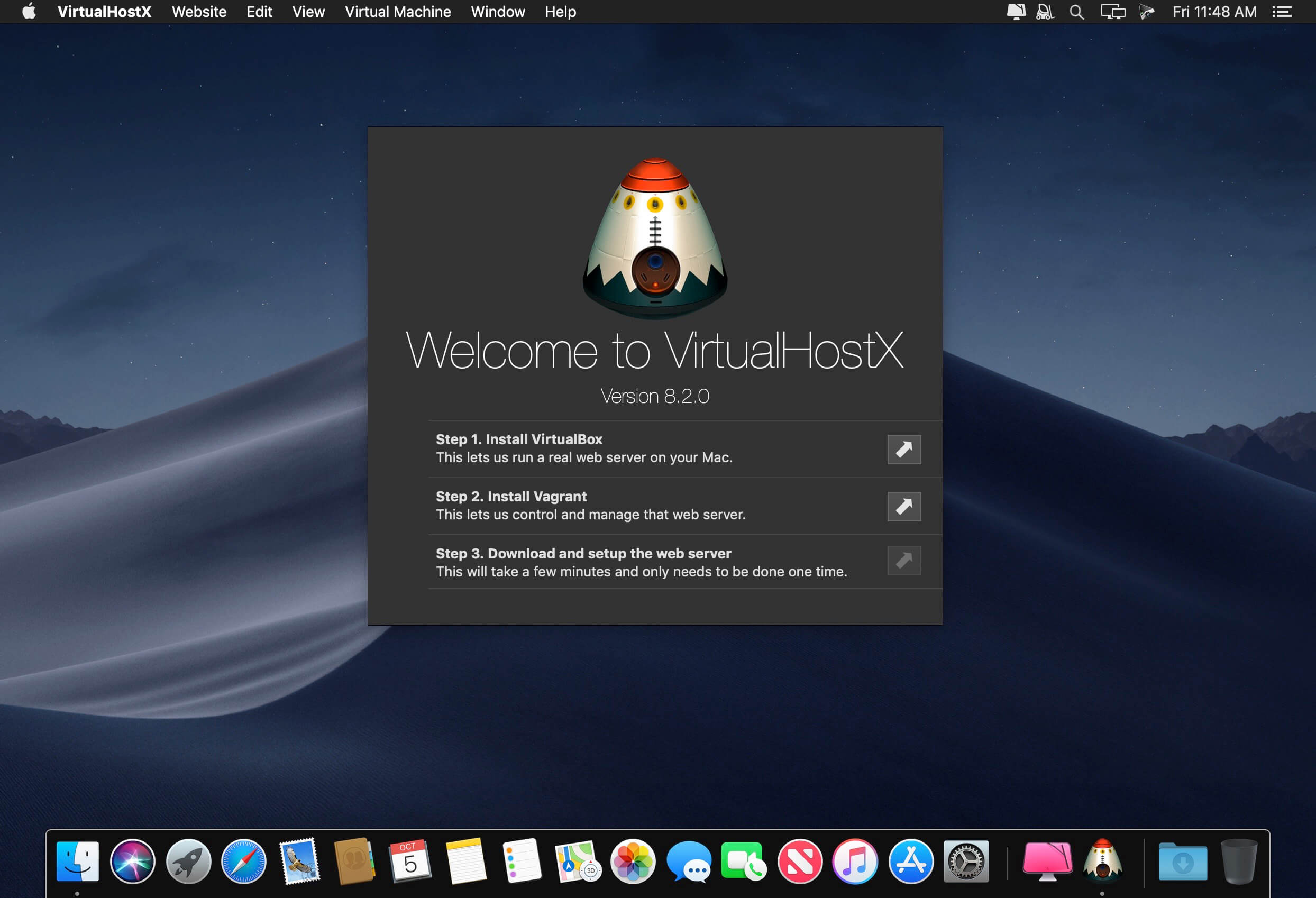
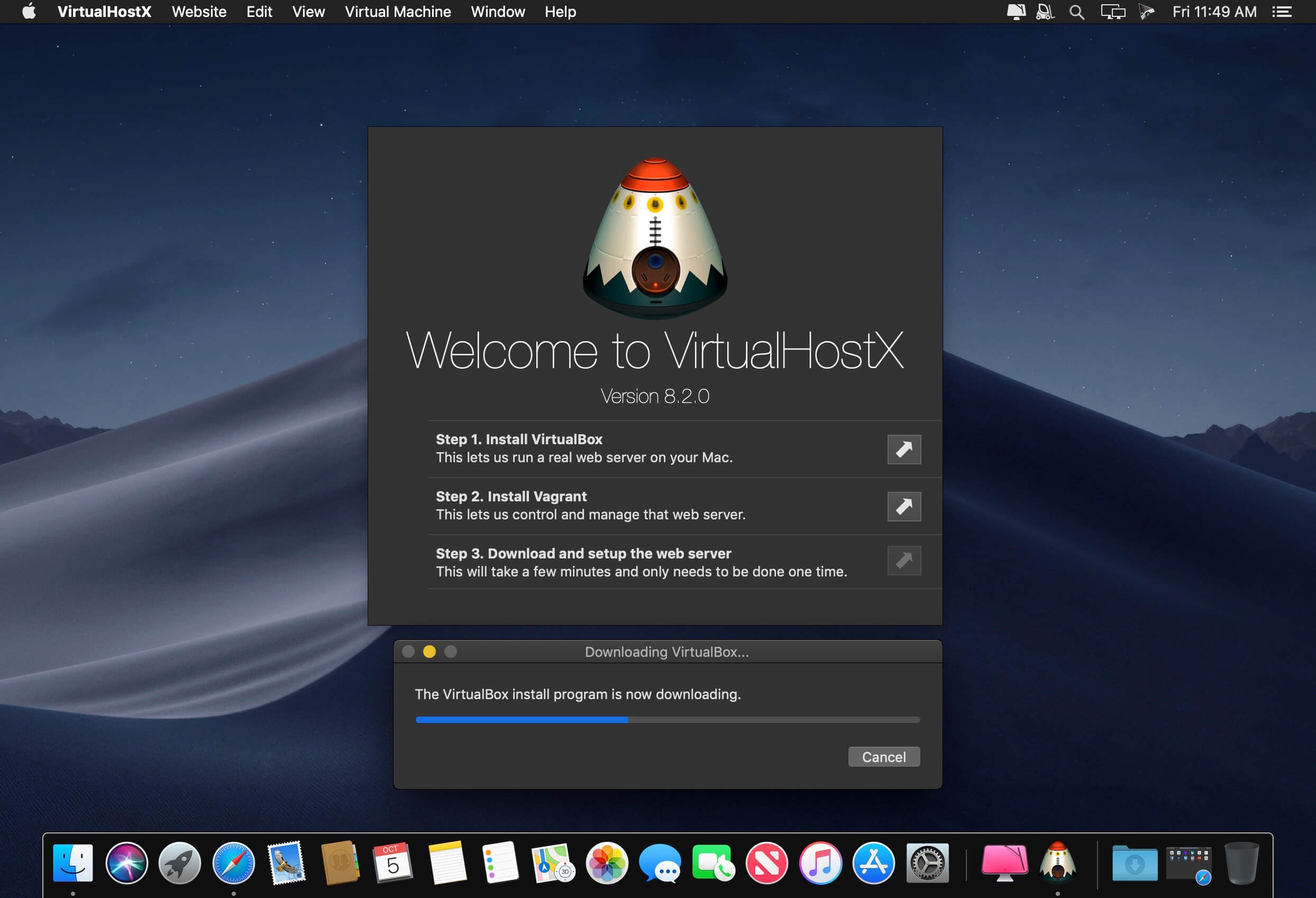
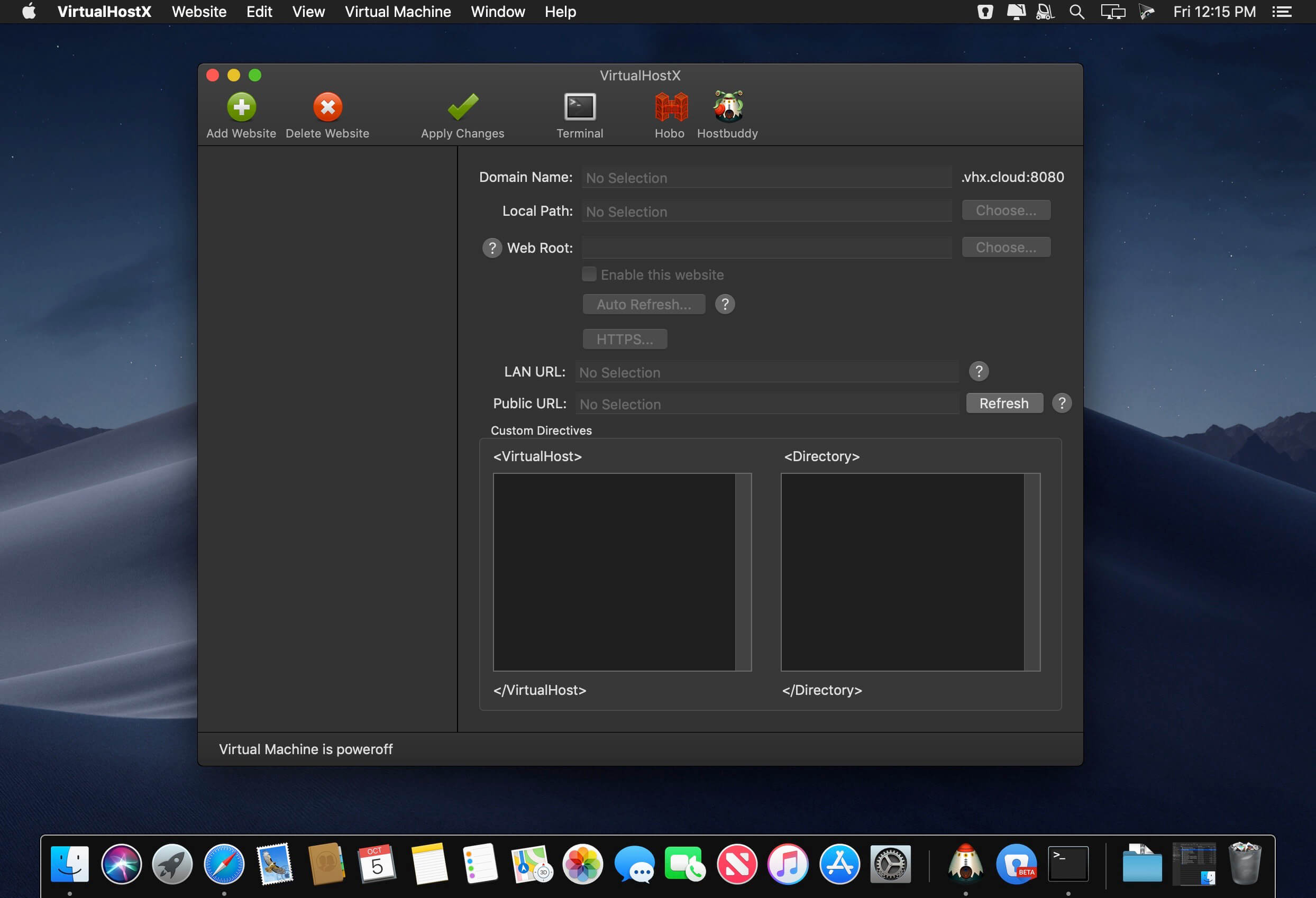
VirtualHostX is the easiest way to host and share multiple websites on your Mac. It's the perfect solution for web designers working on more than one project at a time. With VirtualHostX you can easily create and manage unlimited Apache websites with just a few clicks.
Version 8.7
- Ready for macOS Mojave
- Support for Dark Mode
- Safely backup your website's files and databases for safekeeping, and then restore them onto a different computer.
- Use our iOS app to view your websites on your mobile devices
- One-click installs of your favorite web apps
- Built on-top of the power of Vagrant and VirtualBox.
- Comes with its own self-contained Apache web server.
- No more administrator password prompts.
- Apple's software updates cannot break your settings.
- Automatically refresh your web browser when you make changes to your website.
- Every website is available over HTTP and secure HTTPS.
- Read what our customers are saying about us.
- Read what people are saying on Twitter.
Frequently asked questions
How do I install the app?
Mount the image, drag the app into the "Applications" folder and launch it. If the system blocks the launch, allow it in "System Settings → Privacy & Security".
The app is damaged or won't launch
Reinstalling from a fresh image usually helps. Make sure your macOS version matches the one listed in the compatibility specs.
How do I update?
Download the new version from the site and install it over the current one — your settings will be preserved.
The download link doesn't work
Try a mirror or a download manager. For large files the browser often drops the connection.
How do I completely remove the app?
Use an uninstaller utility — it cleans up the service files that remain after moving the app to the trash.
VersionVirtualHostX 8.7.16
DeveloperClick On Ideas LLC
CompatibilityOS X 10.10 or later, 64-bit processor
LanguageEnglish
IncludesK'ed by TNT





Choose a download source
VirtualHostX 8.7.16 · 31.74 MB
Previous versions
VirtualHostX 8.7.16
Previous versions are available to registered users.
Comments 1