
Adobe Muse CC 2018 v2018.1

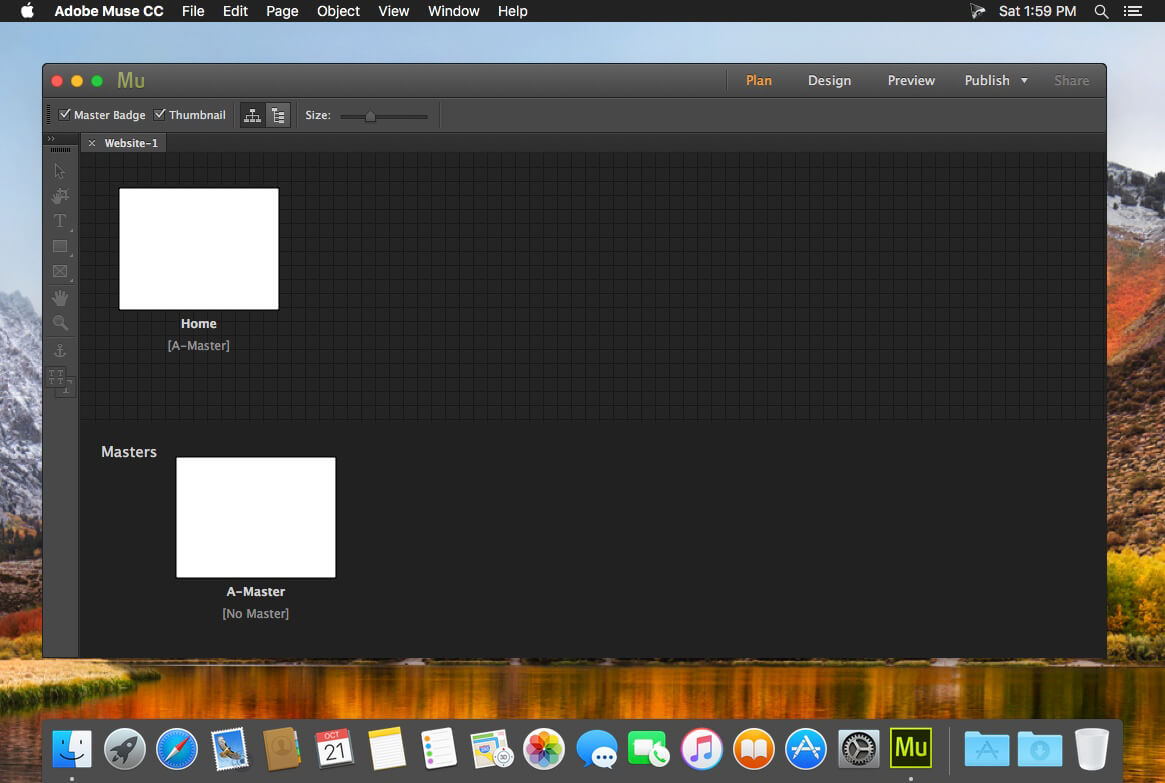
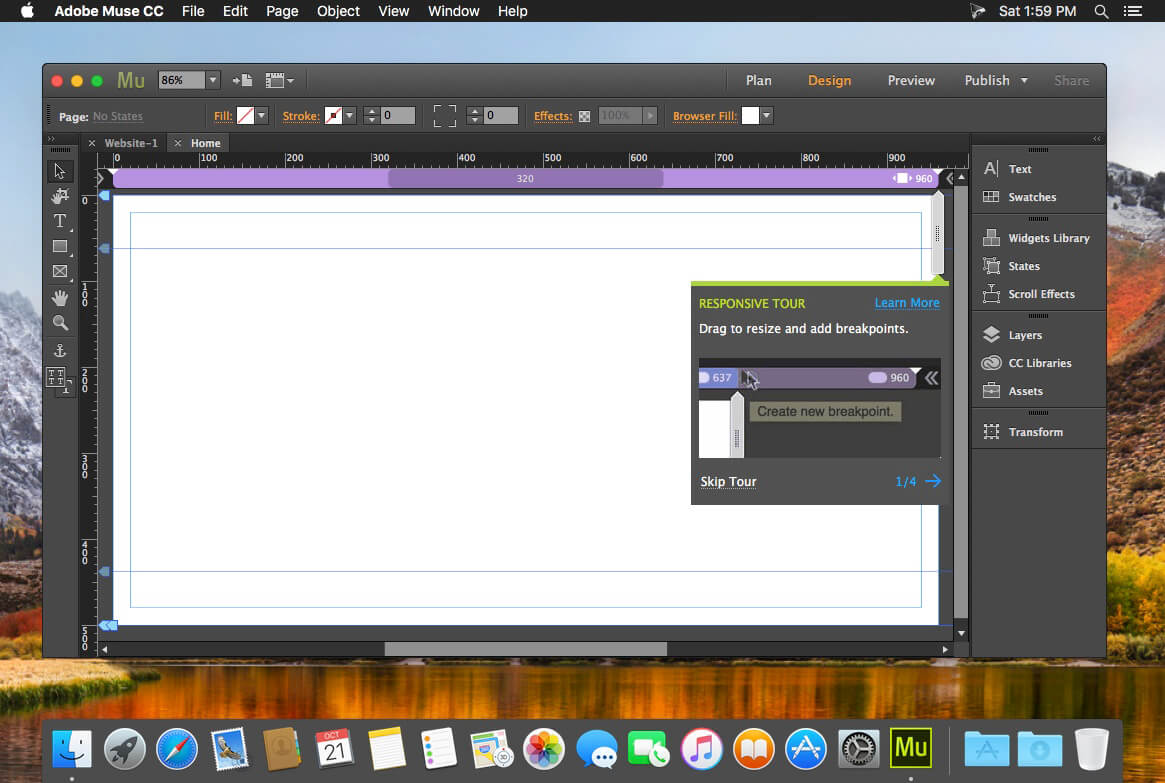
Adobe Muse 2018 enables designers to create websites as easily as creating a layout for print. Design and publish original HTML pages using the latest Web standards, and without writing code. Now in beta, Muse makes it a snap to produce unique, professional-looking websites.
Features
- Plan your project - Easy-to-use sitemaps, master pages, and a host of flexible, site-wide tools make it fast and intuitive to get your site planned out and ready for design.
- Design your pages - Combine imagery, graphics and text with complete control, flexibility and power (almost as if you were using Adobe InDesign).
- Add interactivity - Drag-and-drop fully customizable widgets like navigation menus and slide shows, embed HTML code snippets to include things like Google Maps, enable tool tips, rollovers, and much more.
- Publish your site - Preview your site with Muse to see how it looks and test how it works. Then convert to a live website using Adobe for hosting, or export the HTML for hosting with a provider of your choice.
Version 2018.1.0:
Copy style attributes between elements
Copy style attributes between elements
- With Adobe Muse CC 2018.1, you can copy right-click and copy the style attributes of one element and then simply right-click another element and select Paste Attributes. You can also selectively copy and paste attributes as well using this feature.
- This release patches issues reported in the October 2017 release, and other errors that caused the app to crash.
Frequently asked questions
How do I install the app?
Mount the image, drag the app into the "Applications" folder and launch it. If the system blocks the launch, allow it in "System Settings → Privacy & Security".
The app is damaged or won't launch
Reinstalling from a fresh image usually helps. Make sure your macOS version matches the one listed in the compatibility specs.
How do I update?
Download the new version from the site and install it over the current one — your settings will be preserved.
The download link doesn't work
Try a mirror or a download manager. For large files the browser often drops the connection.
How do I completely remove the app?
Use an uninstaller utility — it cleans up the service files that remain after moving the app to the trash.
VersionAdobe Muse CC 2018 v2018.1.0.266
DeveloperAdobe Systems
CompatibilityOS X 10.11 or later, 64-bit processor
LanguageMultilangual
IncludesK



Choose a download source
Adobe Muse CC 2018 v2018.1 · 939.07 MB
Comments 2