
Hostbuddy 2.2.5 fix
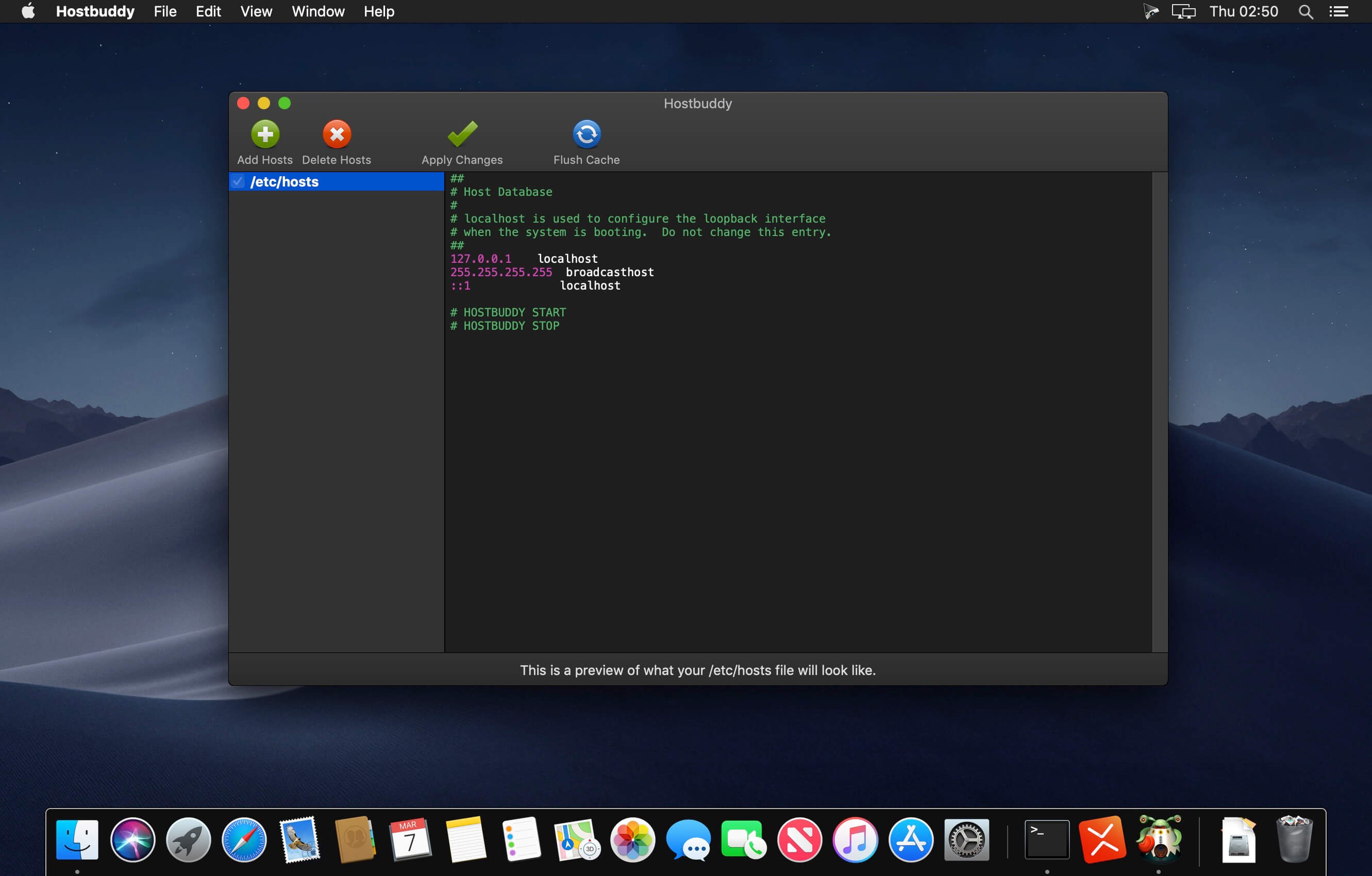
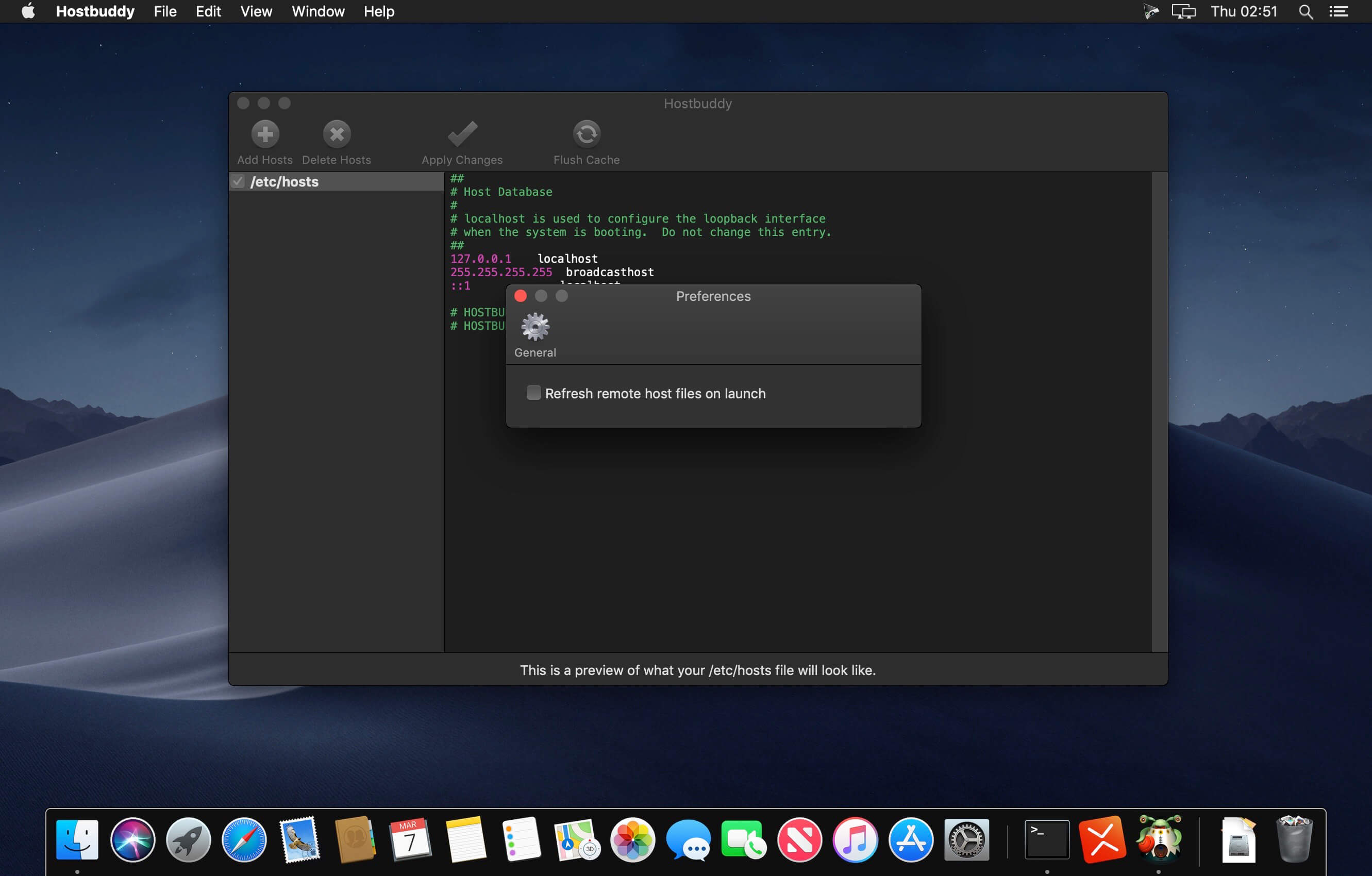
Hostbuddy is the easiest way to manage and update the /etc/hosts file on your Mac. Add new entries and turn on and off existing ones with one click. It's perfect for switching between staging and production servers or just for testing out your new website before it goes live.
What it Does
- Quickly add host entries without using the command line
- Turn on/off host groups with one click
- Won't overwrite your existing /etc/hosts file
- Compatible with VirtualHostX
- Automatically flushes your DNS cache
New in Version 2.0
- Compatiable with macOS 10.14 Mojave
- Dark Mode
- Remotely hosted host files
- Compatible with VirtualHostX
Frequently asked questions
How do I install the app?
Mount the image, drag the app into the "Applications" folder and launch it. If the system blocks the launch, allow it in "System Settings → Privacy & Security".
The app is damaged or won't launch
Reinstalling from a fresh image usually helps. Make sure your macOS version matches the one listed in the compatibility specs.
How do I update?
Download the new version from the site and install it over the current one — your settings will be preserved.
The download link doesn't work
Try a mirror or a download manager. For large files the browser often drops the connection.
How do I completely remove the app?
Use an uninstaller utility — it cleans up the service files that remain after moving the app to the trash.





Choose a download source
Hostbuddy 2.2.5 fix · 12.93 MB
Previous versions
Hostbuddy 2.2.5 fix
Previous versions are available to registered users.