
Sandvox 2.10.6
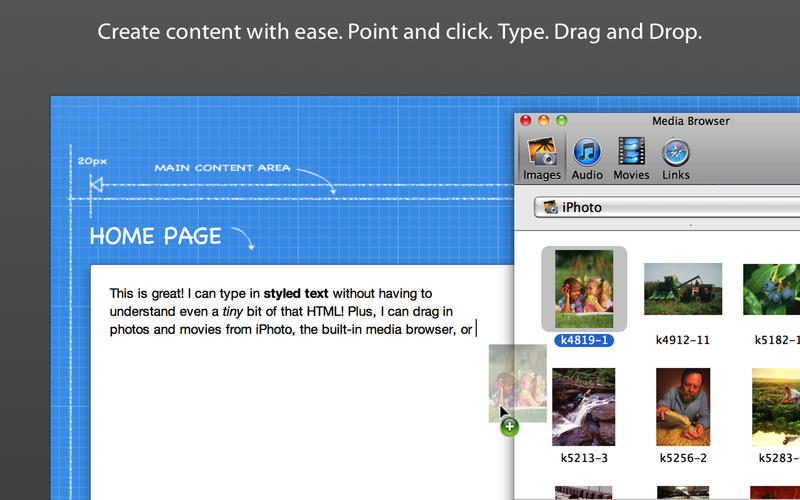
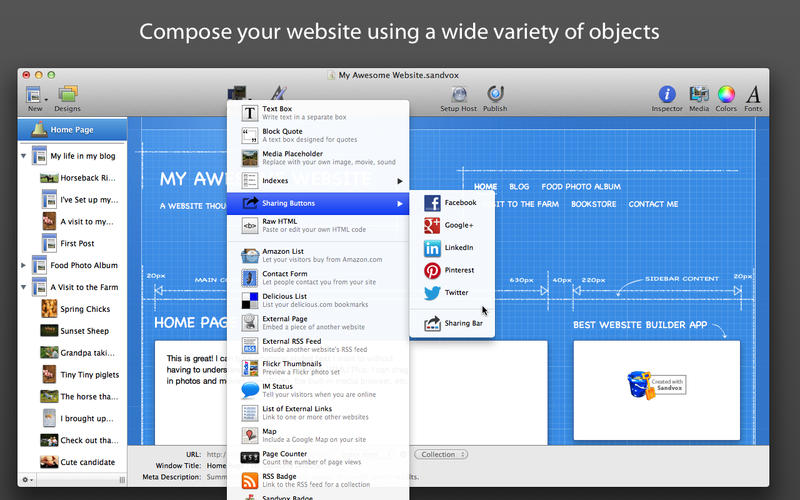
Sandvox is for Mac users who want to create a professional looking website quickly and easily. With Sandvox, you don't need to be a Web genius to build a stylish, feature-rich, standards-compliant website that's functional and user friendly. Sandvox's drag and drop interface lets you watch your website take shape and come to life as you build it. And, once finished, you can upload your site to your favorite host.
Whether you're a new website creator or a seasoned professional, you can make use of Sandvox to build the website of your dreams. New users can build a professional looking website in minutes and professional users can build an advanced, multimedia-rich site in no time at all.
WHAT’S NEW
Version 2.10.6:
- Remove "send from karelia.com" from contact form since this is now a required behavior
- Show certain FTP connection errors in the window, not just log them
Screenshots

Frequently asked questions
How do I install the app?
Mount the image, drag the app into the "Applications" folder and launch it. If the system blocks the launch, allow it in "System Settings → Privacy & Security".
The app is damaged or won't launch
Reinstalling from a fresh image usually helps. Make sure your macOS version matches the one listed in the compatibility specs.
How do I update?
Download the new version from the site and install it over the current one — your settings will be preserved.
The download link doesn't work
Try a mirror or a download manager. For large files the browser often drops the connection.
How do I completely remove the app?
Use an uninstaller utility — it cleans up the service files that remain after moving the app to the trash.
VersionSandvox 2.10.6
DeveloperKarelia Software LLC
CompatibilityOS X 10.6 or later, 64-bit processor
LanguageEnglish
IncludesPre-K'ed





Information
Visitors in the group Guests cannot leave comments on this publication.
Choose a download source
Sandvox 2.10.6 · 85.29 MB