
Yummy FTP Alias 2.2.7
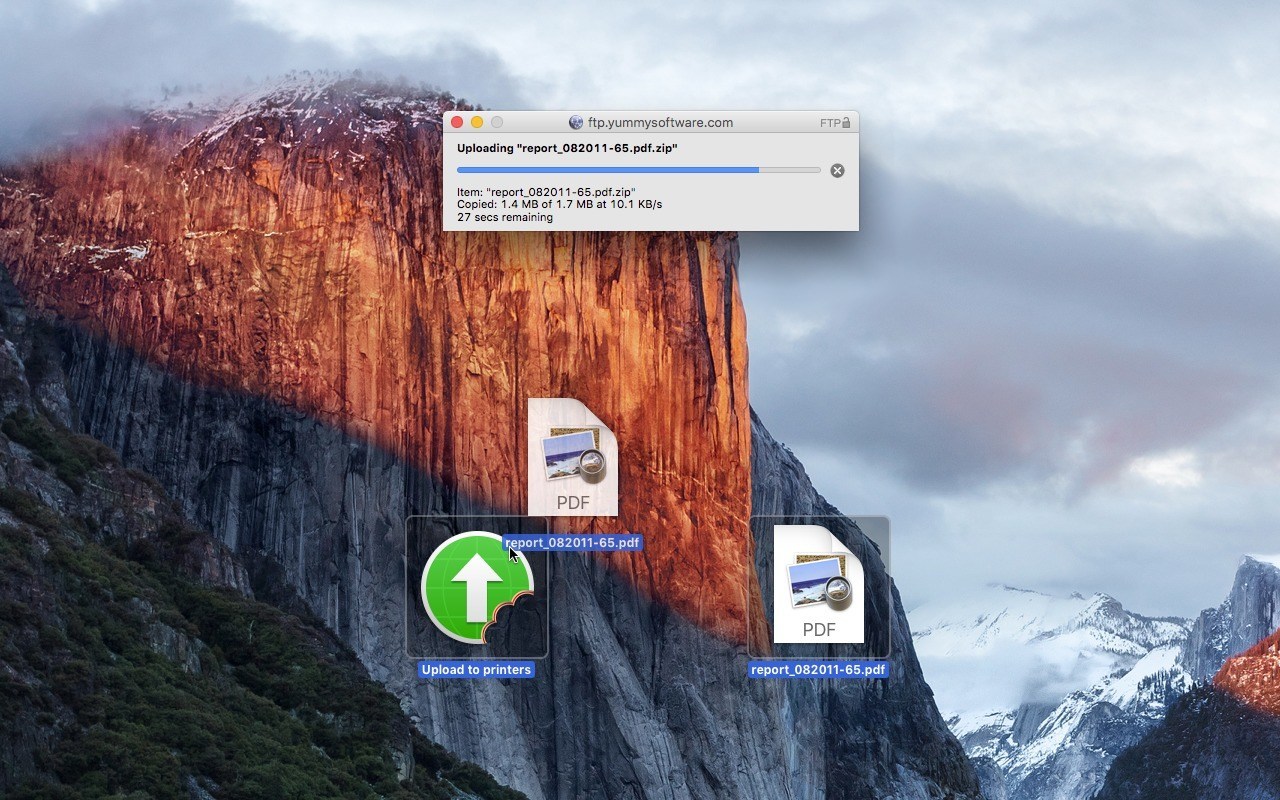
Yummy FTP Alias brings quick and easy drag-and-drop FTP to your Desktop - drag your files onto an FTP Alias icon in the Finder or Dock to upload them to your FTP/S + SFTP + WebDAV/S server!
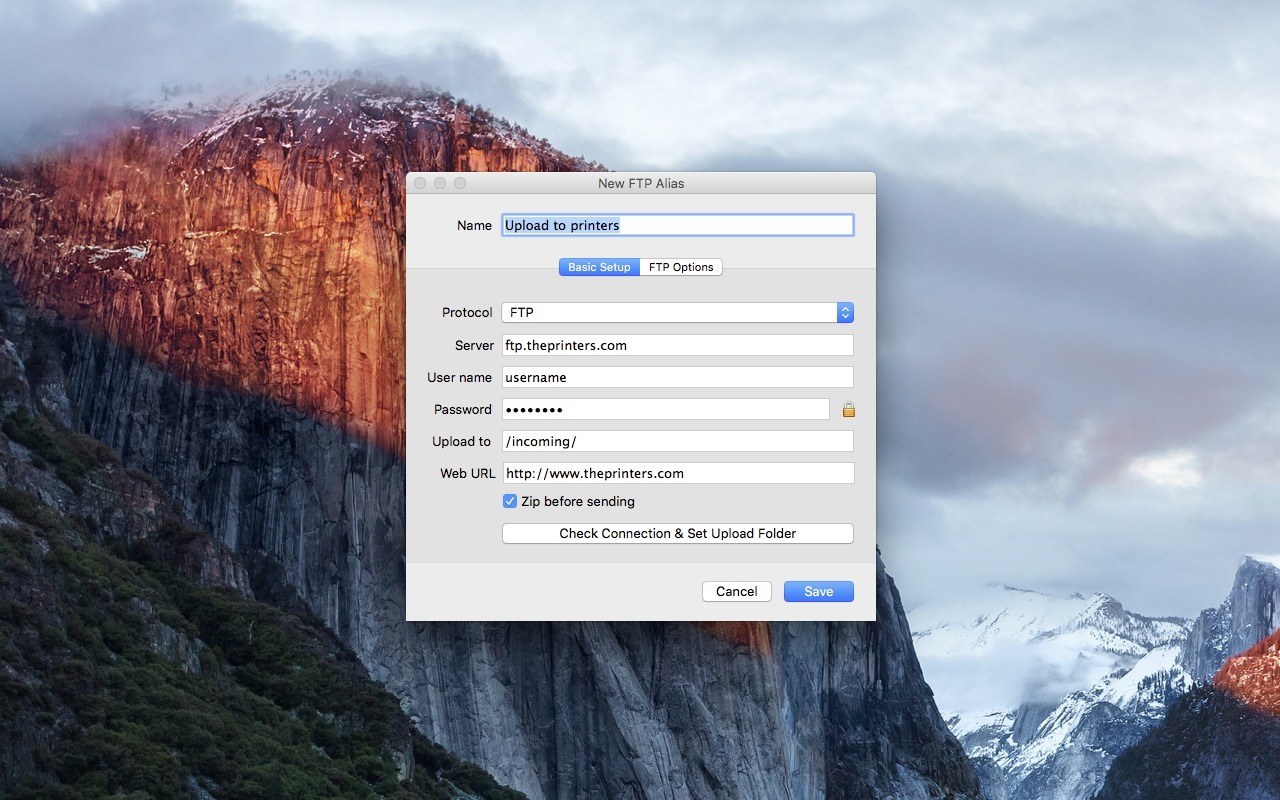
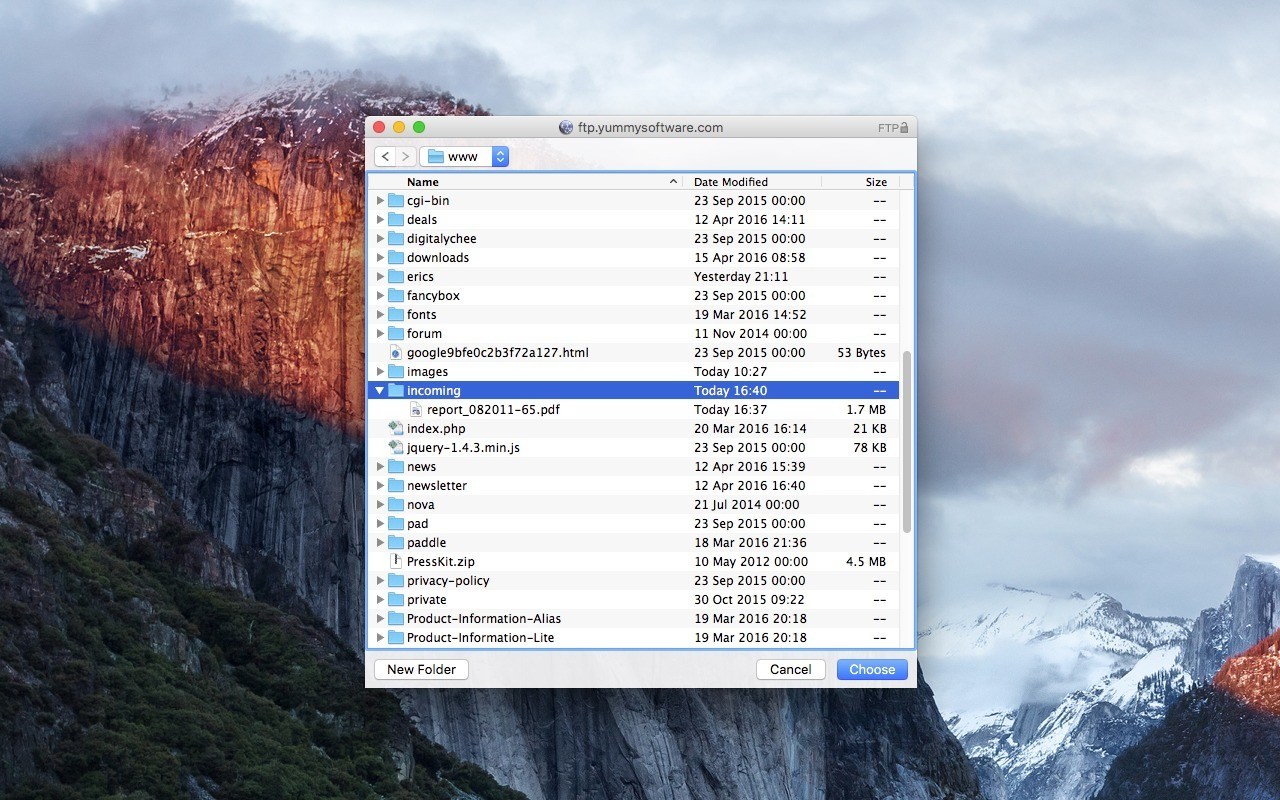
Easy setup - just navigate to your server destination directory, then select Save. The generated FTP Alias can then be placed on your Desktop, Dock, or anywhere else, for quick and easy uploading just using drag-and-drop. It even automatically copies the uploaded URL to the clipboard!
And of course, since transfers are powered by the file transfer engine of the highly regarded Yummy FTP Pro app, all the speed and reliability you'd expect is provided.
- Drag-and-drop uploads from the Finder or Dock
- FTP/S + SFTP + WebDAV/S supported
- Easy setup
- Integrated remote-folder browser
- URL copying of uploaded items
- Automatic retry/resume
- Bandwidth management
- Growl support
WHAT’S NEW
Version 2.2.7:
- Fixed an issue with garbled Bookmark names in notifications
- Fixed incompatibity with Wing FTP Server symlinks
- Localisation fixes
Screenshots
Frequently asked questions
How do I install the app?
Mount the image, drag the app into the "Applications" folder and launch it. If the system blocks the launch, allow it in "System Settings → Privacy & Security".
The app is damaged or won't launch
Reinstalling from a fresh image usually helps. Make sure your macOS version matches the one listed in the compatibility specs.
How do I update?
Download the new version from the site and install it over the current one — your settings will be preserved.
The download link doesn't work
Try a mirror or a download manager. For large files the browser often drops the connection.
How do I completely remove the app?
Use an uninstaller utility — it cleans up the service files that remain after moving the app to the trash.
VersionYummy FTP Alias 2.2.7
DeveloperYummy Software
CompatibilityOS X 10.6.6 or later
LanguageEnglish
IncludesK





Information
Visitors in the group Guests cannot leave comments on this publication.
Choose a download source
Yummy FTP Alias 2.2.7 · 5.76 MB