
App for Gmail 1.1
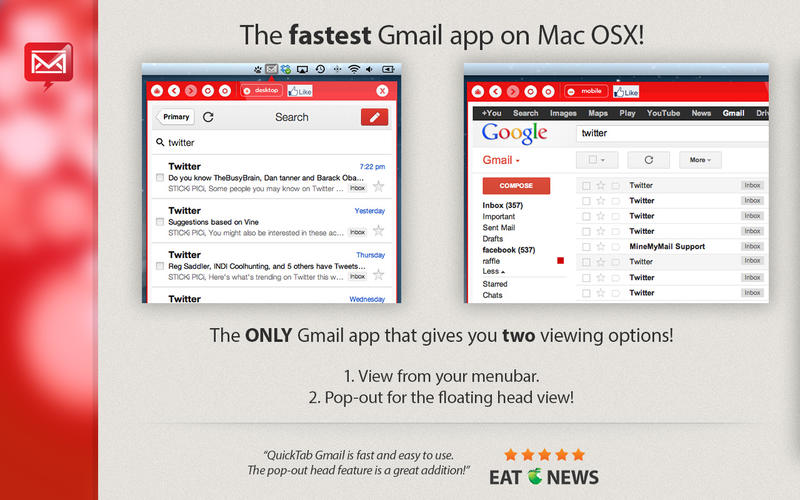
The ONLY Gmail app that gives you two viewing options!
- View from your menubar.
- Pop-out for the new, movable floating head view!
With QuickTab, Gmail has never been more convenient on your Mac! Innovative features and a focus on efficiency allows you to use Gmail like never before! All for free! Try QuickTab now, and you won't regret it!
FEATURES
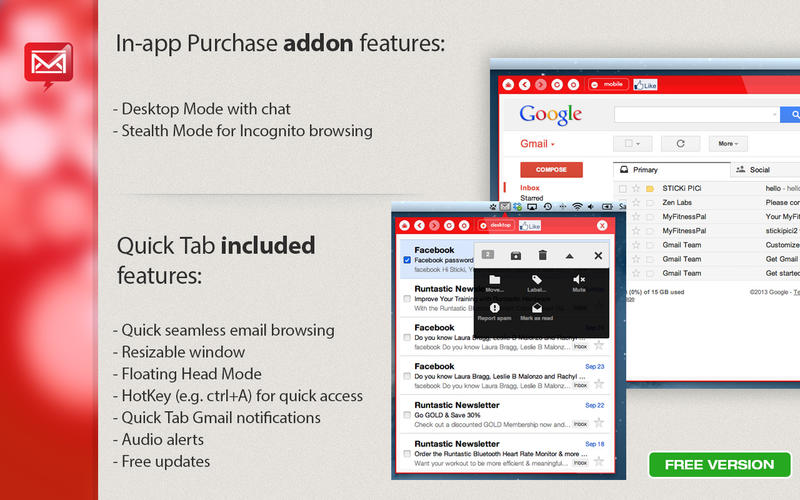
- Menubar Mode
- Floating Head Mode
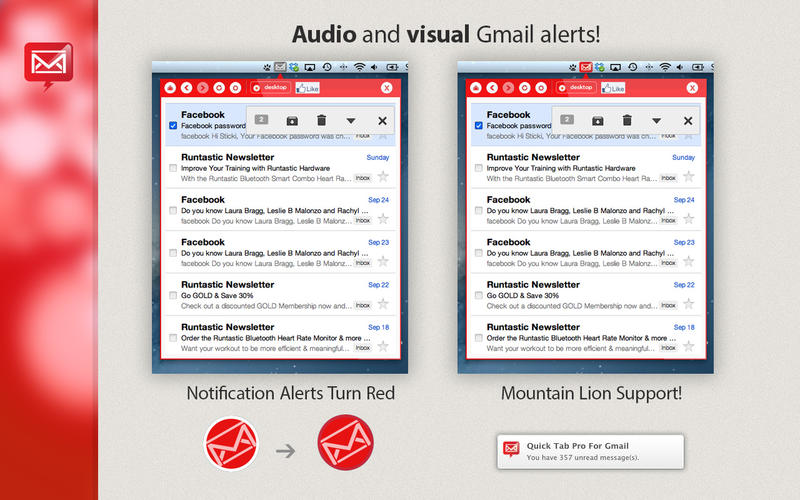
- Audio and Visual Alerts in both modes
- Pop-up notifications
- Quickly and conveniently read and write emails
- Fully resizable window.
- Full touch gesture support.
- Set your HotKey (e.g. ctrl+A) for QUICK access!
- Fastest Tab app! Optimized for performance.
- Clean and seamless user experience.
- Stealth Mode for incognito browsing - Adjust window transparency (in-app purchase)
WHAT’S NEW
Version 1.1
- optimization
- few new goodies just for you! :)
Screenshots
Frequently asked questions
How do I install the app?
Mount the image, drag the app into the "Applications" folder and launch it. If the system blocks the launch, allow it in "System Settings → Privacy & Security".
The app is damaged or won't launch
Reinstalling from a fresh image usually helps. Make sure your macOS version matches the one listed in the compatibility specs.
How do I update?
Download the new version from the site and install it over the current one — your settings will be preserved.
The download link doesn't work
Try a mirror or a download manager. For large files the browser often drops the connection.
How do I completely remove the app?
Use an uninstaller utility — it cleans up the service files that remain after moving the app to the trash.
VersionApp for Gmail 1.1
DeveloperFresh Squeezed Apps, LLC
CompatibilityOS X 10.7 or later, 64-bit processor
LanguageEnglish
IncludesPre-K'ed




Information
Visitors in the group Guests cannot leave comments on this publication.
Choose a download source
App for Gmail 1.1 · 2.84 MB